

Hello, and welcome to you dear Web Developer!
This repository, which is a mini version of the project you will work on, serves as playground for you to pratically test your skills.
Before getting started, please hit the Use this template button to create a new repository on which you commit and push your code regularly for your tasks. Once you are done, please mail us the link to your repository.
If you encounter a problem or have any questions, feel free to send an email to trabdlkarim@cyroxsoftech.com
The already built up code frame in this repo is a very basic dental app with limited functionalities. Your task is to pick it up and develop new features on top of it. You cannot change the existing code structure however you can add any external or third party packages if needed.
Before running this project, make sure have these installed on your local machine:
- PHP 8.2+
- MySQL 8.0+
- Composer 2.7+
Your first task is to clone this repository, set the project up, and run it project on your local machine. Follow these steps to complete the task:
Step 0: Create a new MySQL database
You should know that this project is a multitenant application. It uses stancl/tenancy Laravel package to be tenant aware. As such, you need first to create a MySQL user with the right privileges to create multiple databases. Secondly, create a new database belonging to the newly created user. That database will serve as the app central database.
Once you are done with the user and database creation, update the .env file located at the root directory of the project. If the file does'nt exist, create one from .env.example file.
The env variables to be updated are:
DB_CONNECTION=mysql
DB_HOST=127.0.0.1
DB_PORT=3306
DB_DATABASE=<YOUR_DATABASE_NAME>
DB_USERNAME=<YOUR_DATABASE_USER> # Must be a user who can create multiple databases.
DB_PASSWORD=<YOUR_DATABASE_PASSWORD>
Now open the project root directory in the terminal, and continue to the next step to run the commands.
Step 1: Install dependencies with composer
composer installStep 2: Run migrations
php artisan migrateStep 3: Seed the database
php artisan db:seedStep 4: Run the app
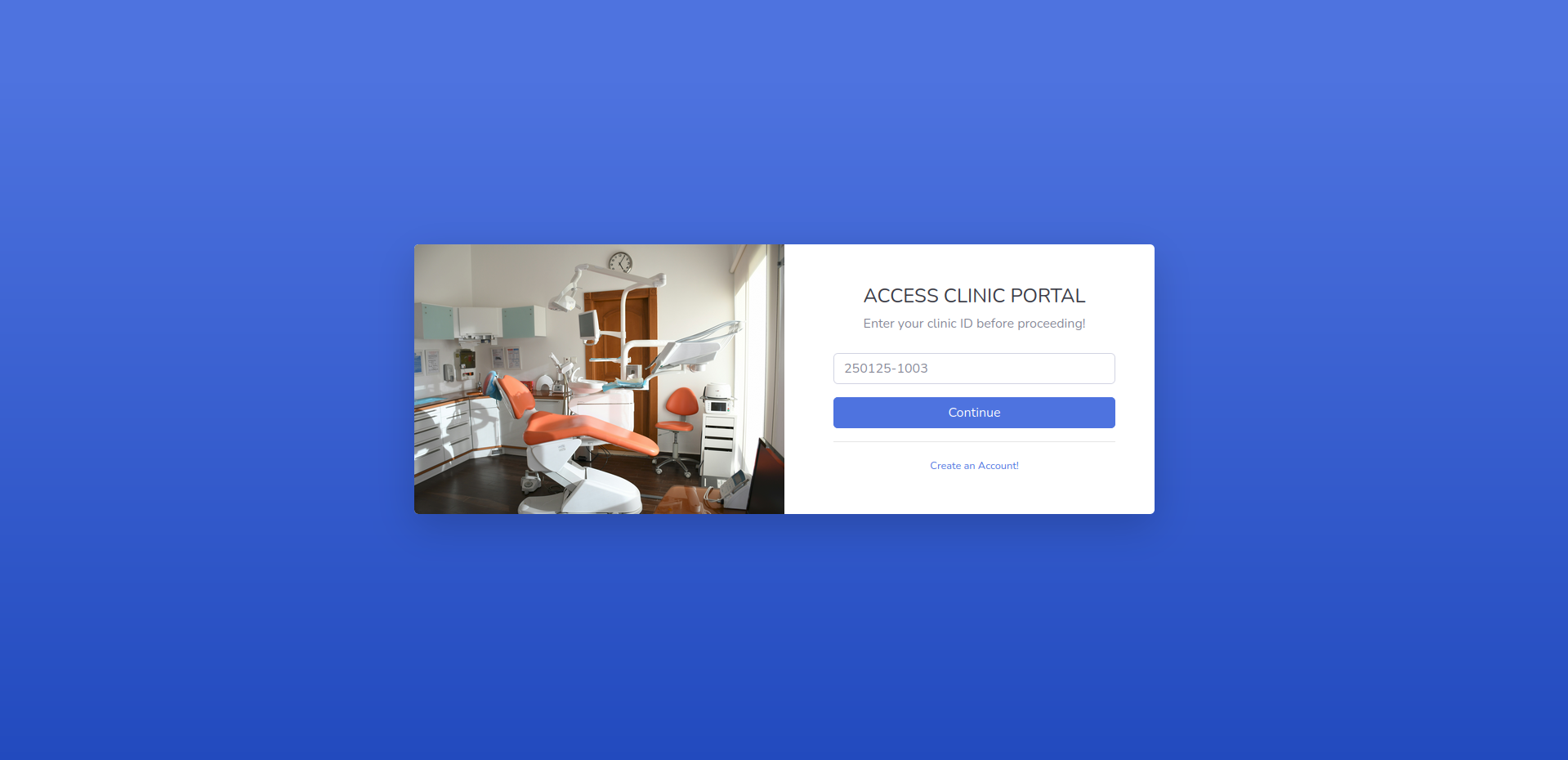
php artisan serveNow visit http://127.0.0.1:8000 to check that everything is working just fine.
Navigate to http://127.0.0.1:8000/portal/clinics/1/login
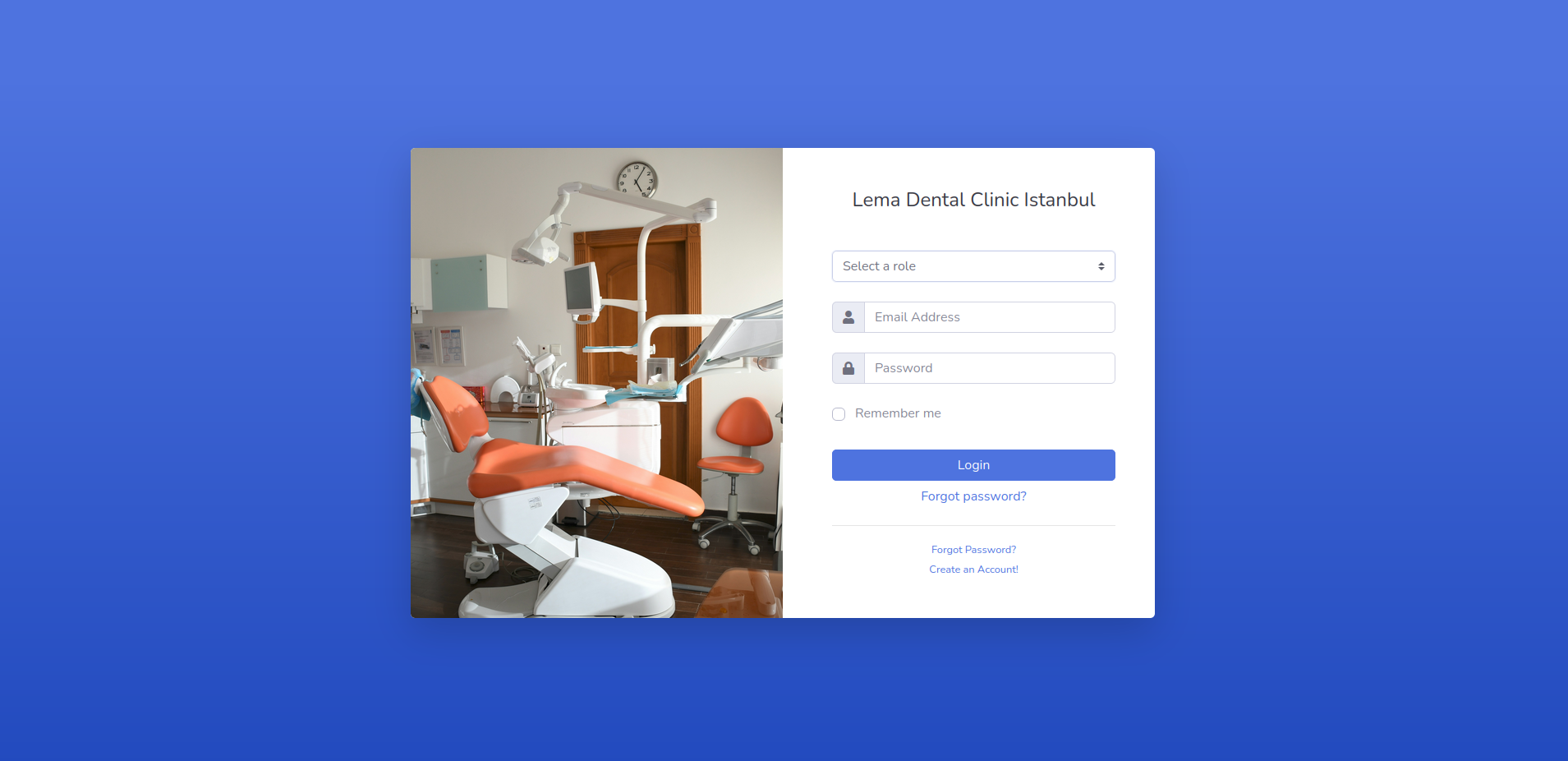
Try to login by selecting the User role and using the user credentials below:
E-mail: user@dentalcrm.intranet
Password: Pass123456
You should be able to log in successfully.
Now after logging out, try to log in again but this time select the Dentist role and use the dentist credentials below:
E-mail: dentist@dentalcrm.intranet
Password: Pass123456
As you can see, currently it's impossible to log in as a dentist. This is your second task. It consists of resolving this issue to allow dentists to authenticate themselves. To do so, you need to add a new authentication guard for dentists.
Congratulations, you succeeded the previous step! Now you are able to log in as a Dentist. But if you click on the Patients link on the right sidebar, you notice it does not work.
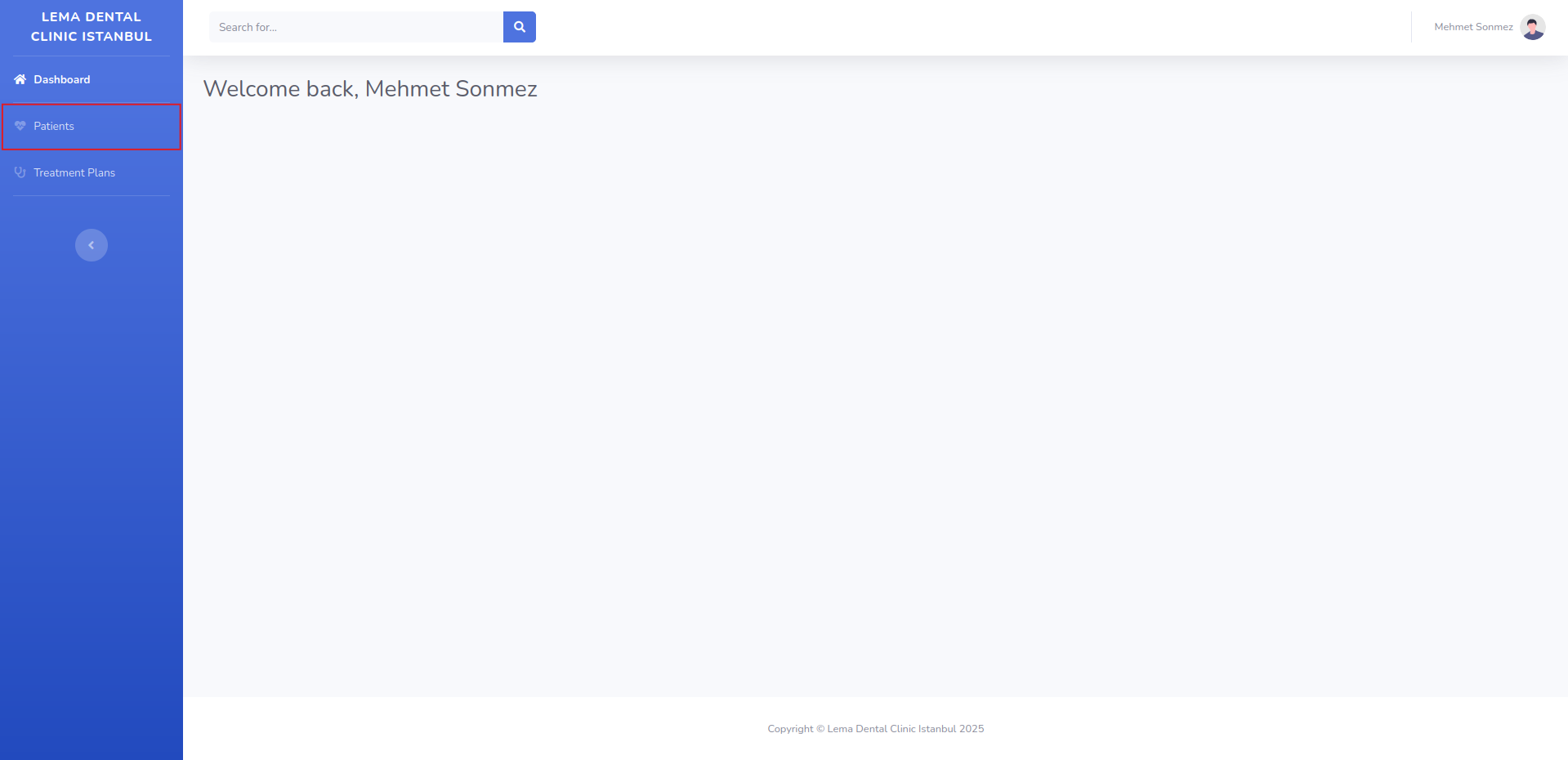
So, your task is to make it works. After clicking, it should list the currently logged in dentist patients in a table.
For that, you'll need to implement a new route action called getPatients() in App\Http\Controllers\Account\DentistController controller that will be responsible of listing the authenticated dentist patients. Then register your new route in routes/tenant.php file, and dont forget to give it a name.
Finally, update the Patients link with the new route in resources/views/partials/sidebar.blade.php file.
If your implementation is right, after clicking on the Patients link, a new page should appear with a list of patients.