Android Notepad app
NB: Do not use a pin you have used anywhere else important. The storing/retrieval of the pin is not secure and is merely there to prevent the average snooper.
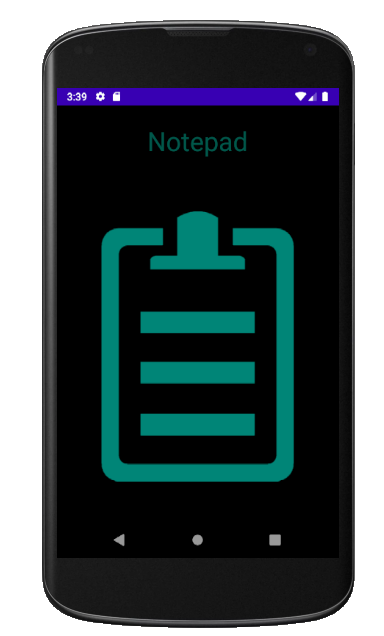
Upon welcome completion
- If the user is new they are taken to the registration page.
- Otherwise they are taken to the login page.
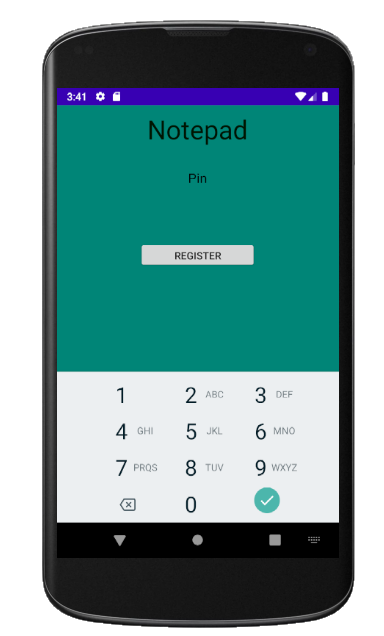
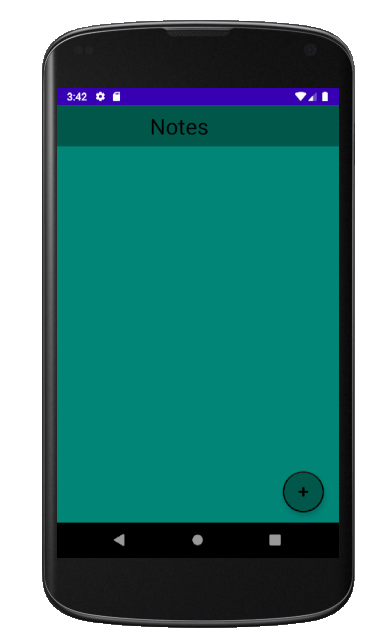
Upon registration, taken to the list of notes. (Currently none)
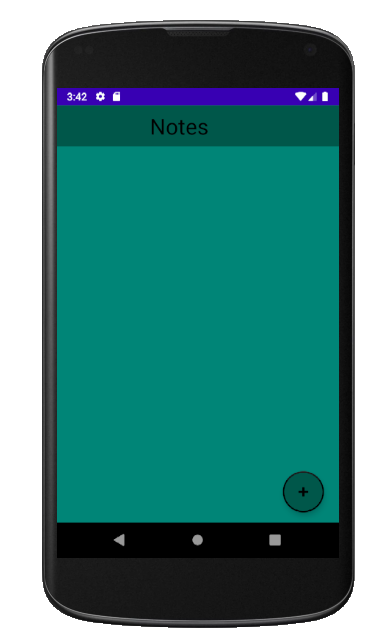
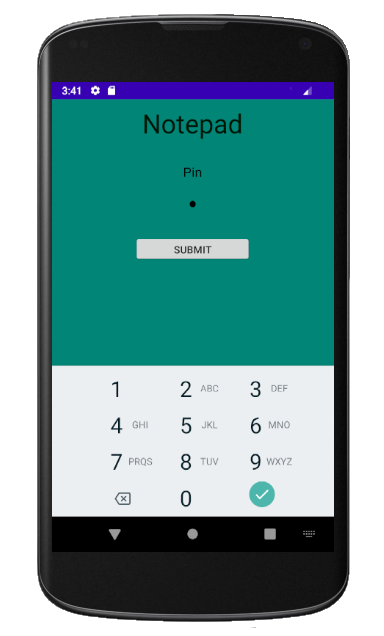
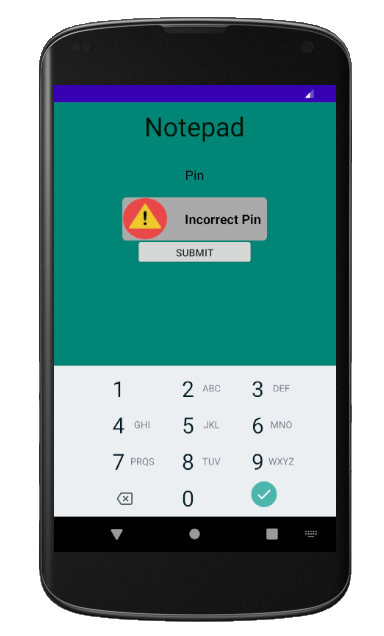
Wrong pin entered.
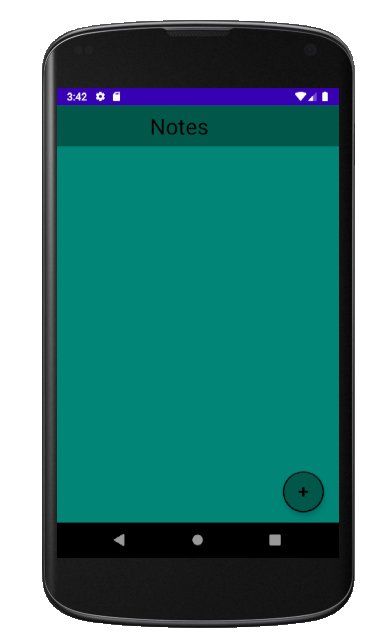
Upon correct pin submitted, taken to the list of notes. (Currently none)
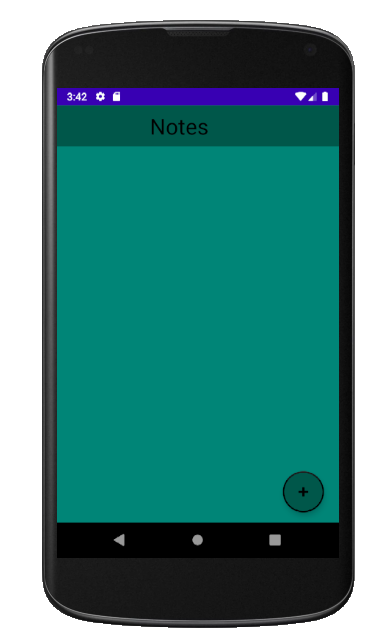
Add note Clicked. Enter note details.
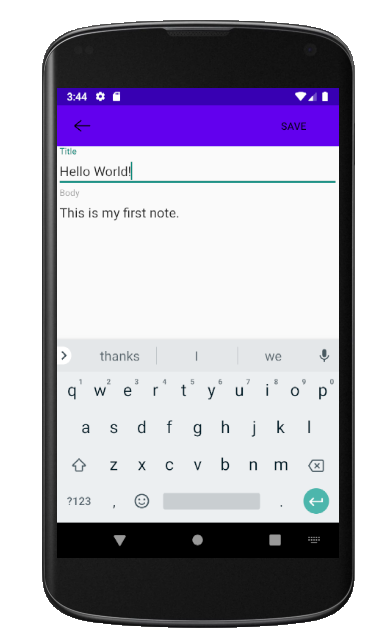
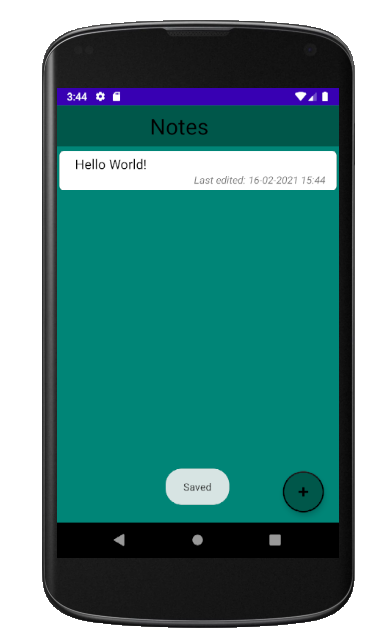
Save clicked.
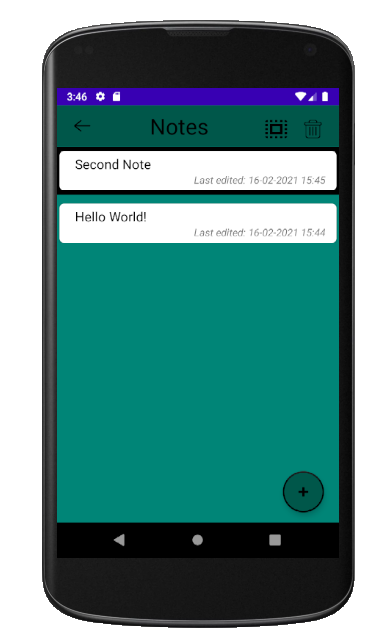
Skipped adding second note. Long click on specific note to select it. Note with black border selected.
Click select all. All notes selected.
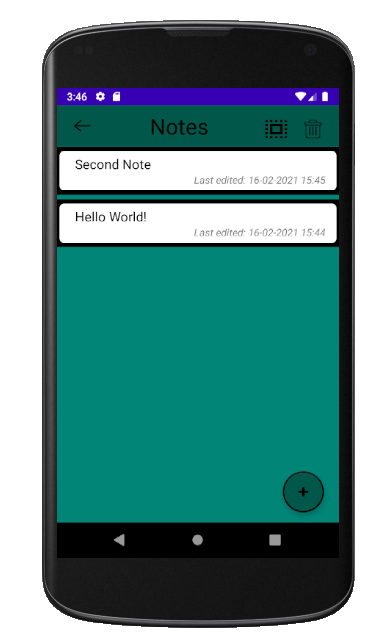
Delete (rubbish can) clicked. All selected notes deleted. Does not require all notes to be selected.