
Video Comments is a Dapplet (an Augmentation Application) that allows you to add stickers to videos on the web, link them to a specific place and timeline, and attach text comments.
-
Open the Google Chrome browser
-
Download the latest release of Dapplet Browser Extension
-
Open chrome://extensions
-
Switch the Developer mode on and press F5 to refresh the page

-
Drag and drop the downloaded file into the extensions page. The extension will install automatically
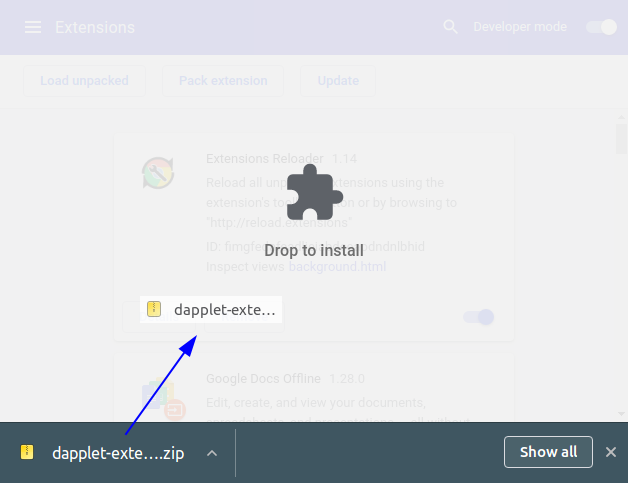
If you are using Ubuntu or possibly another Linux OS the Dapplets extension can disappear from the Chrome Extensions after restarting the PC. To avoid this unzip the archive and use the
Load unpackedbutton to add the extension.
