Repository navigation
Camera Batch Angles
Open Batch angles and choose a framing. Each valid selected cell generates one independent prompt. Selection order and other framings are retained per profile.
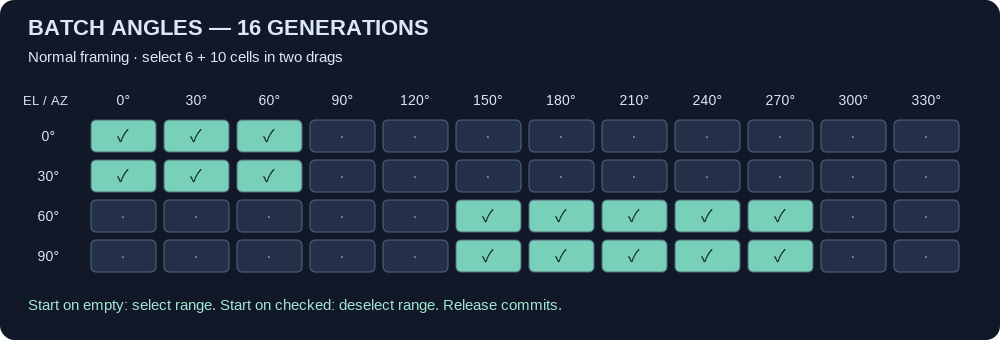
Click a cell or press and drag from any cell to the opposite corner. Starting on an unchecked cell selects the whole inclusive region; starting on a checked cell deselects it. Disabled poses are skipped. Checkmarks preview the range as you drag, without a drawn selection box. Release commits; reversing/shrinking restores cells outside the current region. Cancel restores the original selection.
New selections jump both previews and the live prompt to the last newly added pose in drag order. Deselecting never moves the active pose or changes the prompt. Clear batch instead empties the active profile and resets the camera.
With a nonempty batch, Orbit Batch View replaces normal orbit controls with translucent camera glyphs fixed around the reference. Multiple framings at one position share a glyph with a count. Dragging either viewer rotates both inspection views without changing selected poses or prompts. Lock orbit resets the orbit inspection to its schematic home and locks its rotation; Camera Look can rotate independently. Unlock relinks them. Wheel zoom remains independent.
Add current adds the active angle; Select all shown adds valid cells for the current framing. Empty batch returns one current prompt.