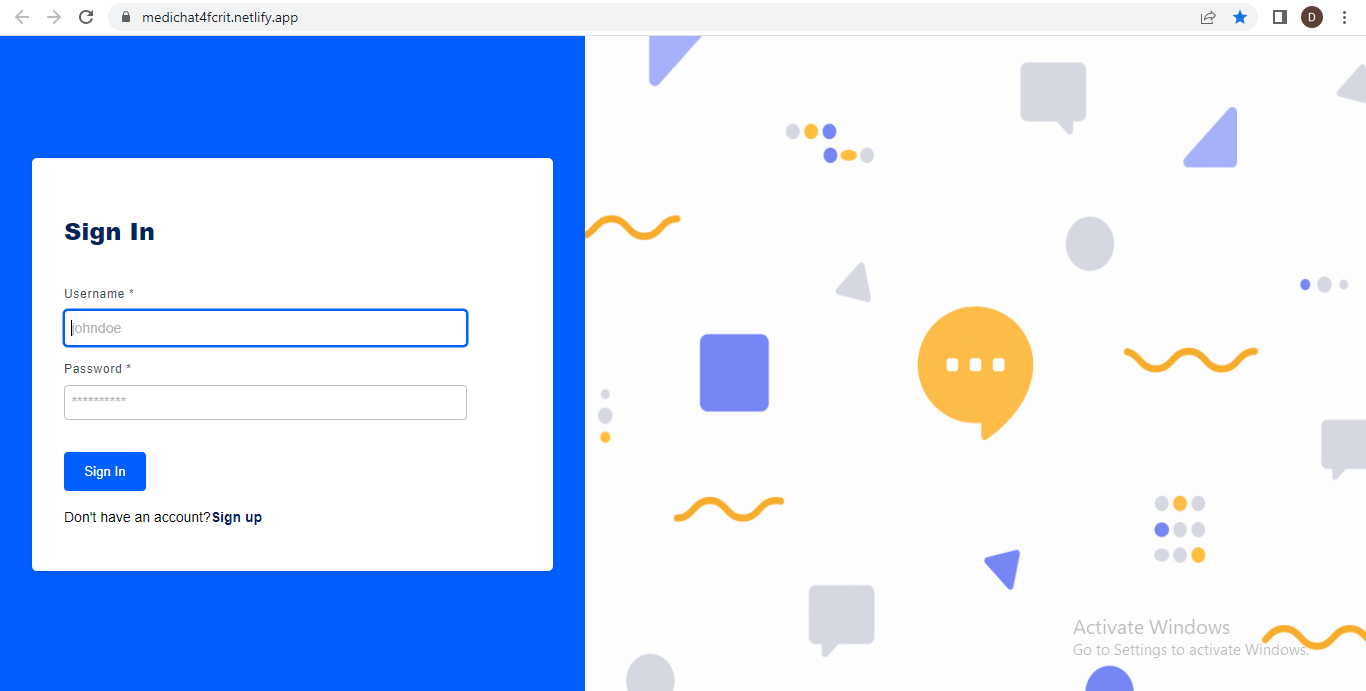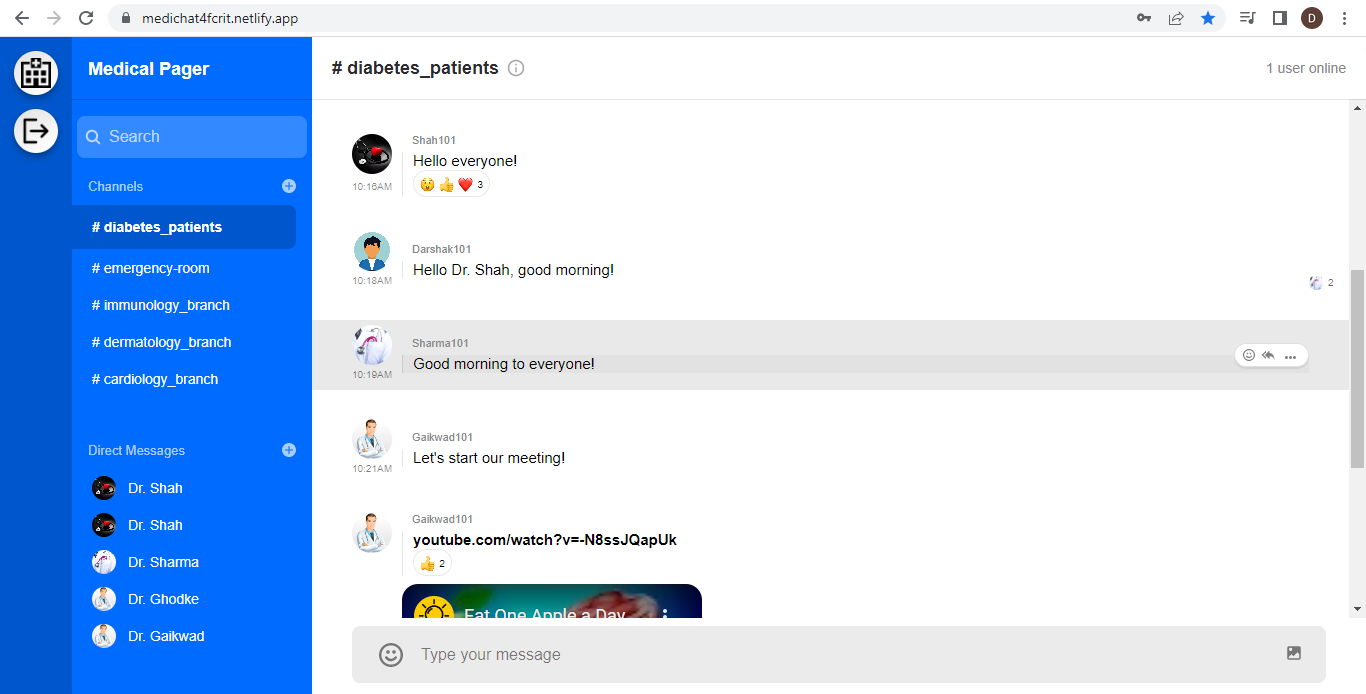
- Make sure Git and NodeJS is installed
- Yarn is faster than Npm. So use Yarn.
- Create .env file in both client and server folder. server/.env
- Create an account in Stream
- Create a new app. You can name it whatever you want.
- On app dashboard, you can copy your keys and paste in server/.env and client/.env.
NOTE: Both STREAM_API_KEY and REACT_APP_STREAM_API_KEY_SECRET are same
- To use messaging functionality, Create an account in Twilio
- On app dashboard, copy keys and paste them in .env file in server folder.
- To get Messaging service sid, go to Messaging/Services through dashboard sidebar.
- Create a messaging service in case it doesn't exists
- Then, click on messaging service you created and you will be able to see its properties as shown below. Copy Messaging Service SID
- Open terminal in root directory and
cd server - Type and Run
yarn install - Run
yarn run devto start back end server - Now, in browser go to this URL http://localhost:5000/
- Now, nodejs server is configured and started. Next, we need to setup Client side server.
- Open a new Terminal by using split terminal feature in vs code and cd into client then run
yarn install - Once packages are installed, type and run
yarn start - Now client side server will be started and you can start using this app 👍