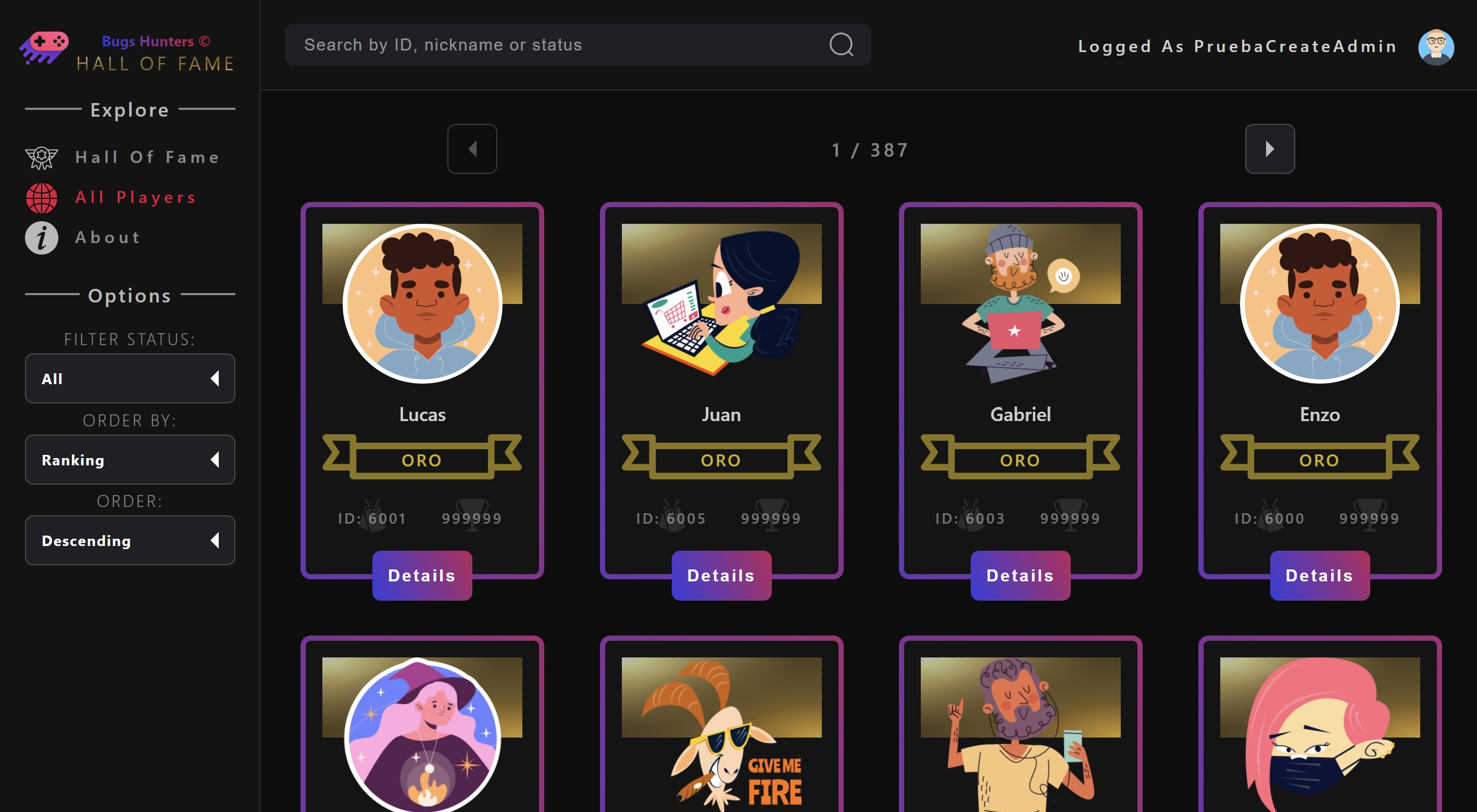
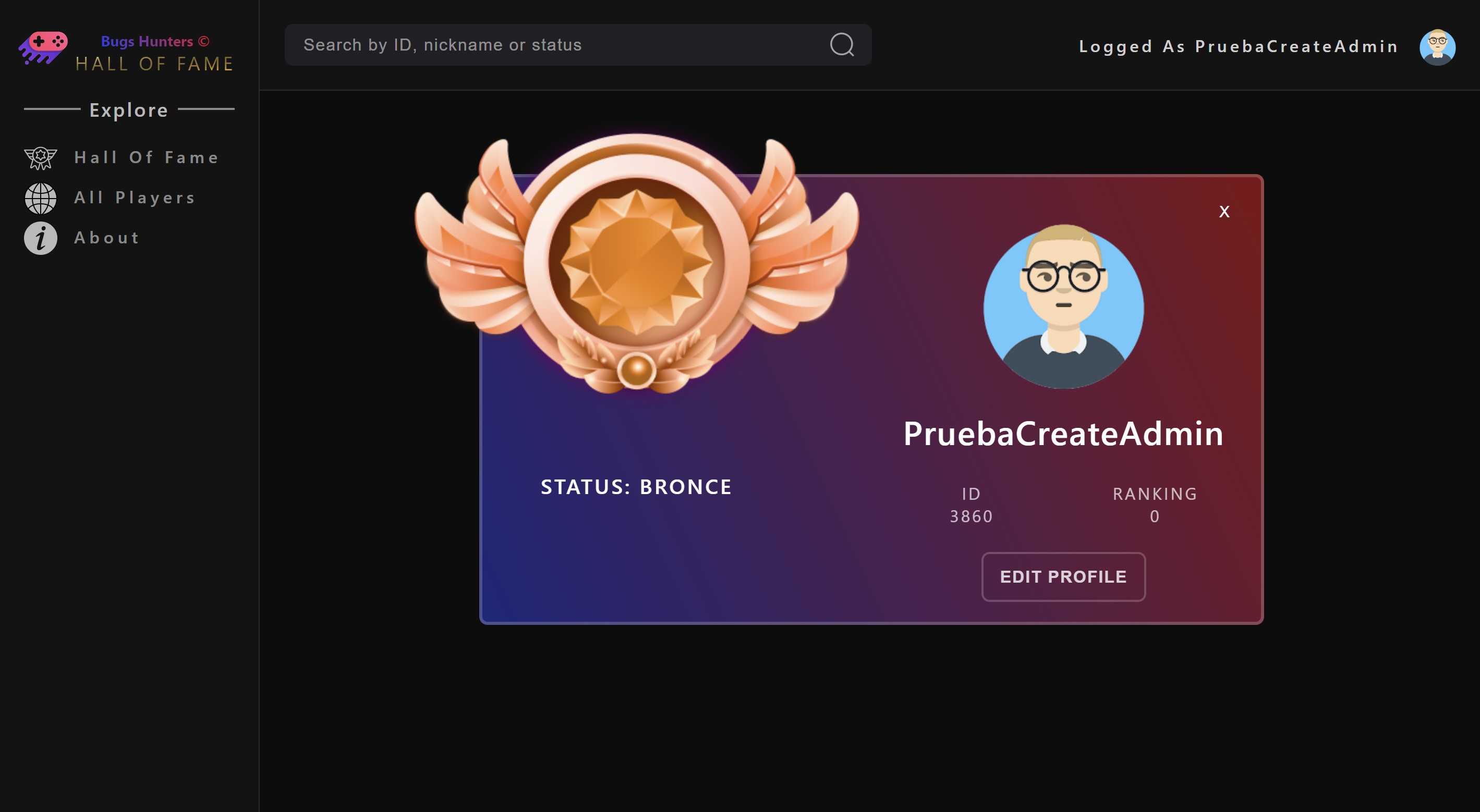
Bugs Hunters is an App where you can access to see all the players, see the ranking of the best players, create a player and more, Bugs Hunters it is an RPG game where a group of players assumes the role of programmers of the new metaverse where they must destroy bugs, which in said virtual reality take the form of giant insects that devour space itself. As players progress, destroying more bugs and overcoming the challenges that will be imposed on them in the metaverse, they will earn more points, which will allow them to improve their equipment and increase their ranking.
- Build a React - Express - Postgres App
- Implement services in AWS cloud.
- Test implementation both in the Front (Cypress) and in the back (Jest).
- Use Scrum agile methodology.
- HTML, CSS, Javascript, React, Redux, Cloudinary, SASS
- Test: Cypress
- Deploy: AWS(EC2 - ngnix)
- Responsive Design
- Node.js, Express, Sequelize, JWT
- Test: Jest
- Deploy: AWS(EC2 - RDS) - PM2
- PostgreSQL - AWS(RDS)
- Visual Studio Code
IMPORTANT: Necesary version of node and NPM
- Node: 16.15.1 or higher
- NPM: 8.11.0 or higher
The boilerPlate has two folders: api and client.
You can find the first folder MataBugs-client in this repo (https://github.com/dev-back55/MataBugs-client) and the second folder in the same repo like MataBugs-api in this same github.
Inside api you must have to create a file called: .env
that has the following form:
DB_USER=postgres
DB_PASSWORD=12345
DB_HOST=localhost
DB_DIALECT=postgres
PORT=3000
CLIENT_URL=http://15.229.74.105:3000
You have to replace DB_USER and DB_PASSWORD with your own credentials to connect to postgres database. This file will be ignored by github, as it contains sensitive information (the credentials).
In Auth Config you must generated your own SendGrid credential to use this functionalities.
- Go to your postgres database manager and create a new database called
halloffame, this is the name of the database to which we will connect.
- Open the project console
- Inside
MataBugs-apifolder, run the command line,npm install - Inside
MataBugs-clientfolder, run the command line,npm install
- Inside
- Open the project console
- Inside
MataBugs-apifolder, run the command line,npm start - Inside
MataBugs-apifolder, run the command line,node dataBaseTemporal.jsto create standard users with theirs avatars in local environments - Inside
MataBugs-clientfolder, run the command line,npm startand then (go to http://localhost:3000/).
- Inside
-
You can find in
api/src/index.jsconn.sync({ force: false }), switch it between " true " ( if you want reset database in each loaded ) or " false "( if you dont want reset database in each loaded )
-
Inside
MataBugs-apifolder, run the command line,npm run test 'Number of test'(Ej.: npm run test 01) to run each api's test. Run individual API test to ensure successful verification. -
Inside
MataBugs-clientfolder, run the command line,npm run testto run each client's test. This test will open a new browser window where you need to select which test you want to test. This test check the localhost App with api deployed. It is possible to execute the tests on the deployed app by changing the base url inMataBugs-client/cypress.config.js.
Live Front End Proyect Bugs Hunters: http://15.229.74.105
- You can create a standard user to see all funcionality or use this user like admin to see admin funcionality:
- email: gabrielpitrella@gmail.com
- password: 123456
Live Back End Proyect Bugs Hunters: http://15.229.74.105:3000
-
Federico Romero
- Linkedin: https://www.linkedin.com/in/federico-romero-fullstack
- Github: https://github.com/RomeroFederico
- email: romerof14@gmail.com
-
Enzo Sanchez
- Linkedin: https://www.linkedin.com/in/enzo-sanchez-733b85165/
- Github: https://github.com/Enzos97
- email: enz997.ing.ind@gmail.com
-
Lucas Battaglia
-
Horacio Abitu
- Linkedin: https://www.linkedin.com/in/horacioabitu/
- Github: https://github.com/dev-back55
- email: ahabitu@gmail.com
-
Gabriel Pitrella
- Linkedin: https://www.linkedin.com/in/gabrielpitrella
- Github: https://github.com/gpitrella
- email: gabrielpitrella@gmail.com
-
Charging Page
-
Home Page
-
Search Player Page
-
Details Player Page
-
Create Player Page
-
About Page
-
Login Page