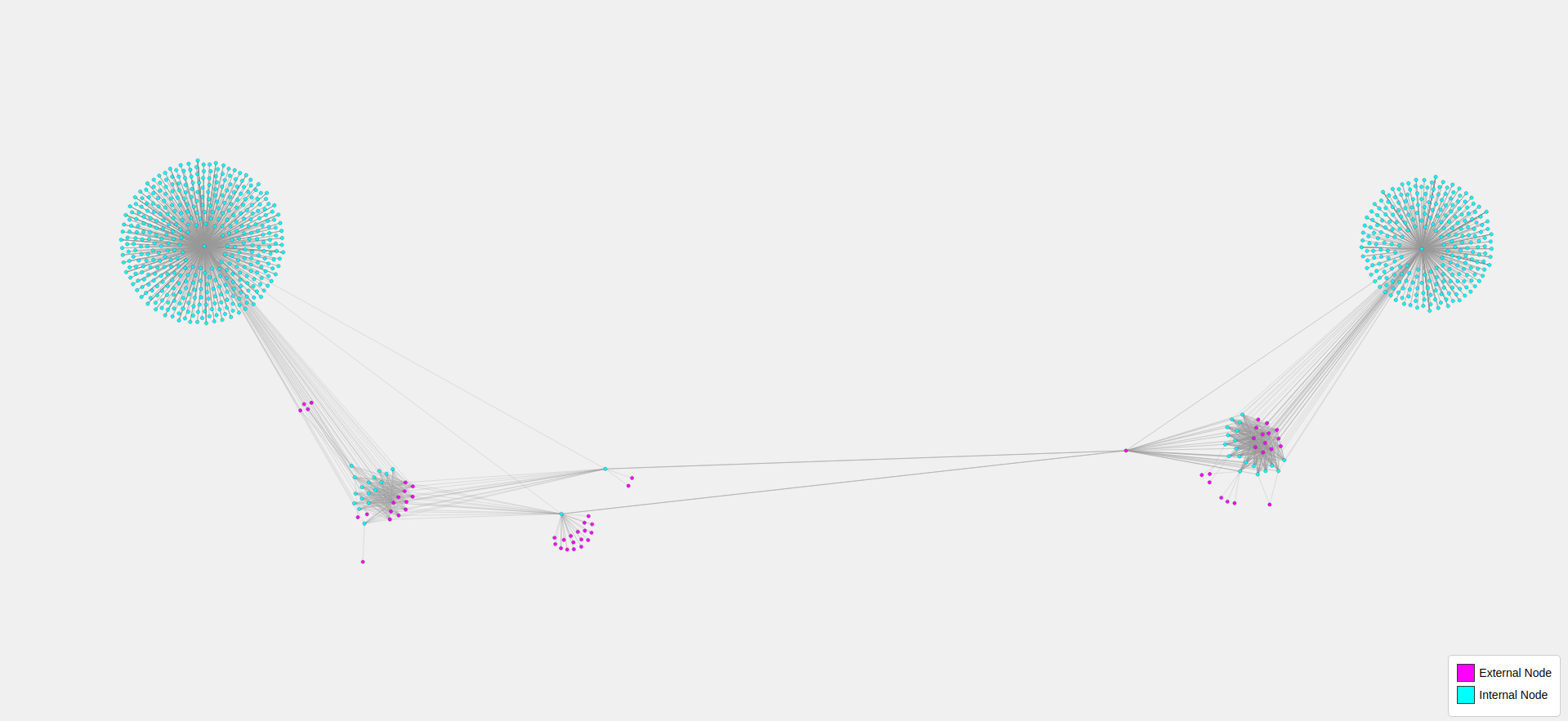
Crawls websites to collect and structure internal and external link relationships into a JSON file, which a D3.js frontend then visualizes as an interactive, color-coded network graph with zoom, drag and hover features.
The Python backend script crawls starting websites, recursively visiting internal links up to a specified maximum and collecting both internal and external hyperlinks. Internal links are tracked per base domain, while external links are stored along with the internal pages referencing them. Once crawling is complete, the collected link relationships are saved into a structured links.json file.
Whereas the JavaScript frontend portion uses D3.js to load the links.json file and render an interactive network graph in the browser. Each URL becomes a node, with internal pages colored aqua and external links colored magenta. The graph supports zooming, dragging nodes, hover highlighting of connected nodes and tooltip display of URLs.
Below are the required software programs and instructions for installing and using this application on a Linux machine.
-
Install the above programs
-
Open a terminal
-
Clone this repository using
gitby running the following command:git clone git@github.com:devbret/shared-external-links.git -
Navigate to the repo's directory by running:
cd shared-external-links -
Create a virtual environment with this command:
python3 -m venv venv -
Activate your virtual environment using:
source venv/bin/activate -
Install the needed dependencies for running the script:
pip install -r requirements.txt -
Edit the
app.pyfilestart_urlsvariable (on line 61), these are the websites you would like to visit and visualize- Also edit the
app.pyfilemax_linksvariable (on line 10) which specifies how many pages or links you would like to crawl per website
- Also edit the
-
Run the Python script with the command:
python3 app.py -
To view the website's connectome using the
index.htmlfrontend file you will need to run the following command in a terminal:python3 -m http.server -
Access the visualization in a browser by visiting:
http://localhost:8000 -
To exit the virtual environment, type this command in the terminal:
deactivate
This project repo is intended to demonstrate an ability to do the following:
-
Crawl websites to collect and categorize internal and external links, storing their relationships in a structured JSON format
-
Visualize link structure as an interactive D3.js network graph, thereby allowing users to explore connections and open linked pages directly
If you have any questions or would like to collaborate, please reach out either on GitHub or via my website.