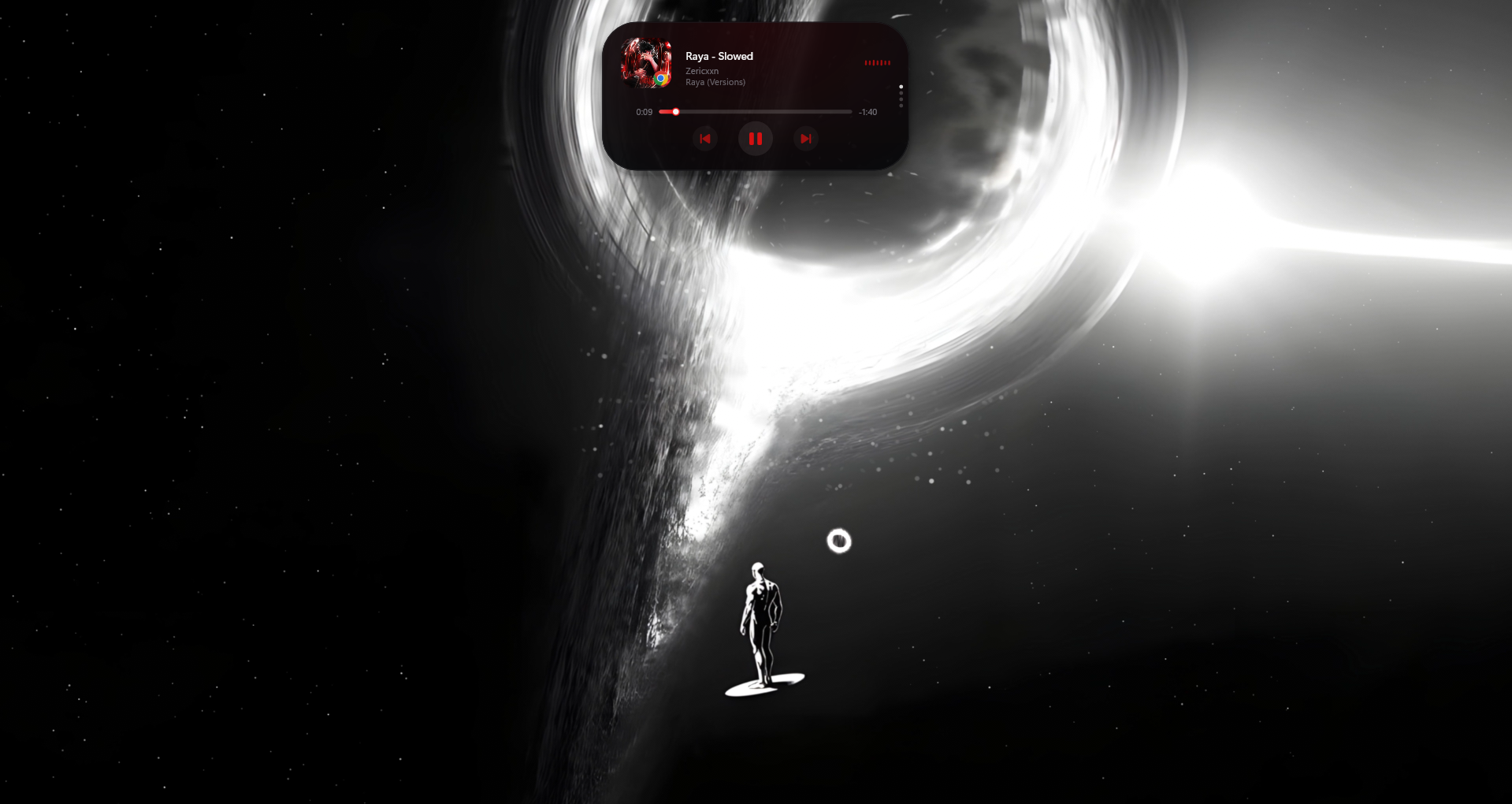
A smooth, interactive overlay for your desktop, inspired by Apple's Dynamic Island. It brings a sleek media widget, notifications, and system alerts to Windows without slowing down your PC.
| Media Player | Calendar | Weather | Game Overlay | Idle View |
|---|---|---|---|---|
 |
 |
 |
 |
 |
| Camera Detected | Microphone Detected |
|---|---|
 |
 |
🚀 New Features (Added in Latest Update):
- 📺 Full-Screen Autohide: Smart autohide ensures the island stays completely out of your way during full-screen apps, videos, and gaming.
- 🙈 Instant Hide/Unhide: Toggle the island visibility instantly with a customizable shortcut (Default:
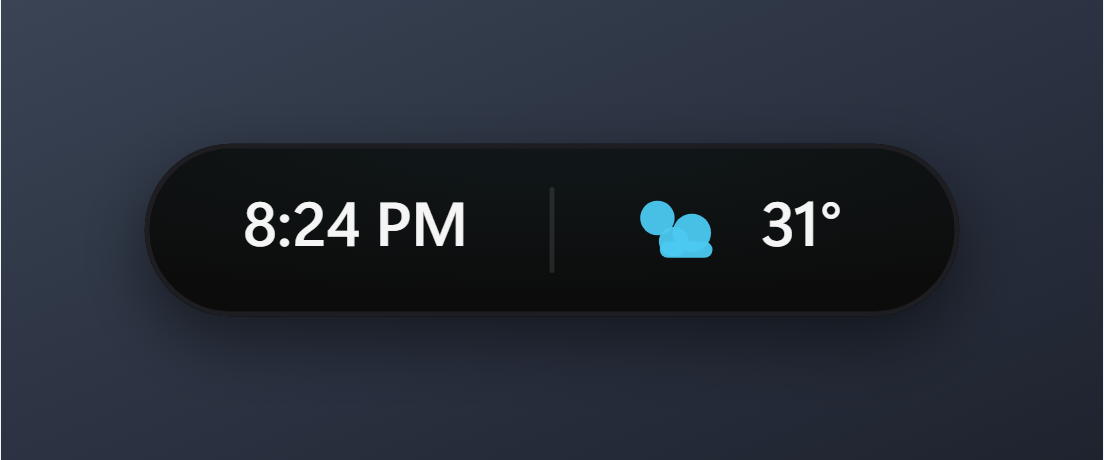
Ctrl+Alt+D). It consumes almost no CPU while hidden! - 🕒 Expandable Hover Clock: Hover over the island to instantly expand a sleek clock displaying the current time and date.
- ⏱️ Built-in Focus Timer: Stay productive by launching a focus timer anytime simply by right-clicking the island.
- 📶 Bluetooth Integration: Get rich notifications showing the connected device's name, battery level, and logo whenever a Bluetooth device connects or disconnects.
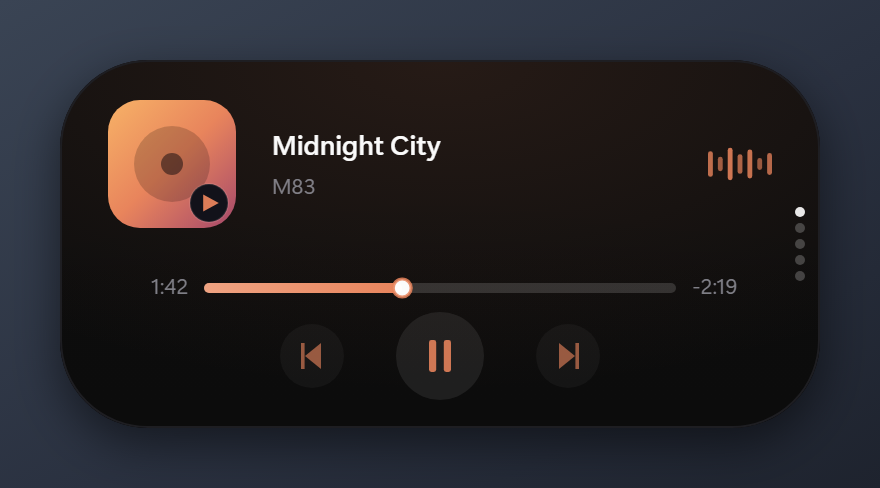
- 🎵 Smooth Media Controls: Fully overhauled media controls directly from the island. No more lag or bugs—just fluid, instant playback control alongside live album art.
- 🖼️ Image Clipboard Thumbnails: Instantly preview a thumbnail of any image you copy to your clipboard. It's highly optimized and adds zero load to your system.
- 🔕 Do Not Disturb Integration: Respects Windows notification panel Do Not Disturb mode and displays a status alert when toggled.
Core Features:
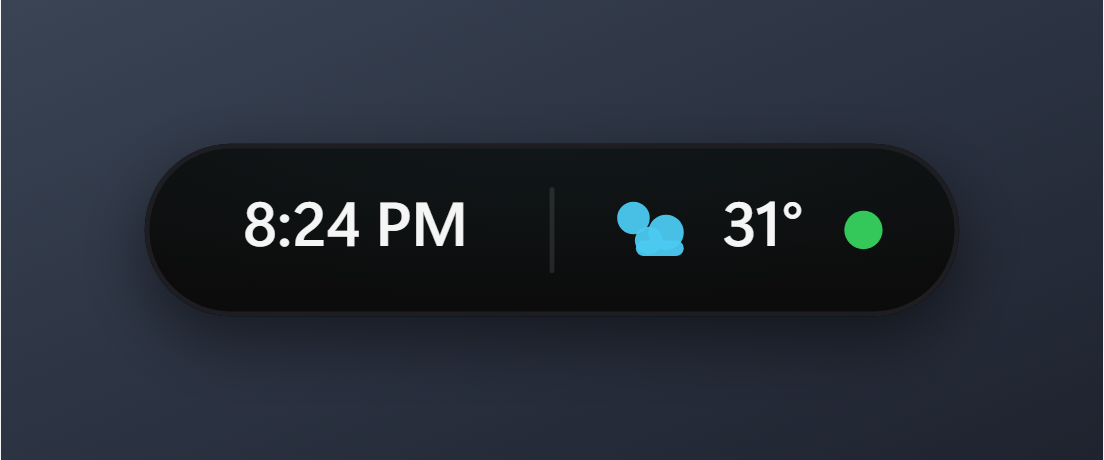
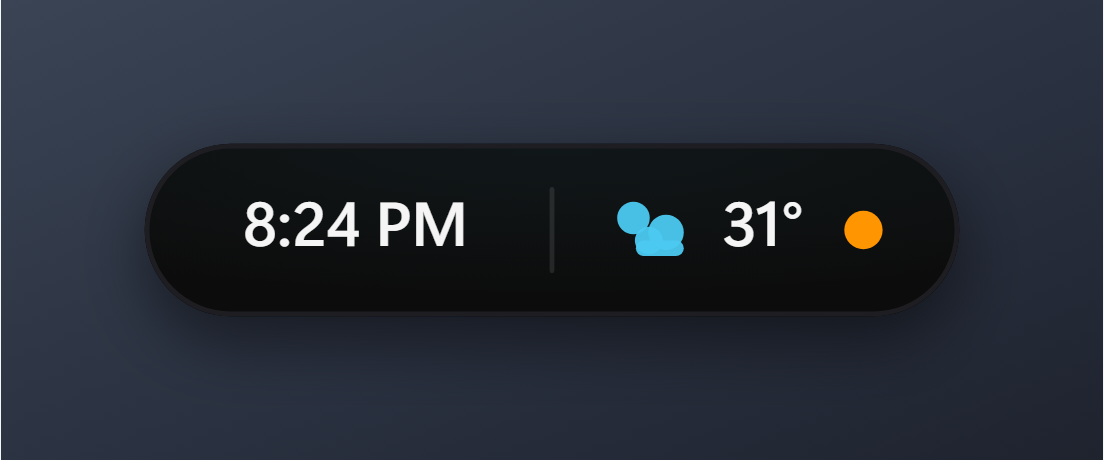
- 🟢 Privacy Dots: See an orange dot when your mic is on and a green dot for your camera.
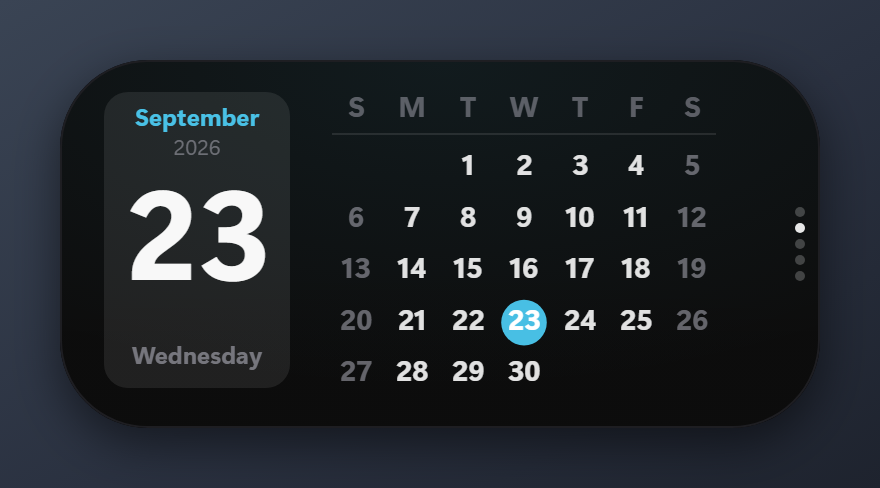
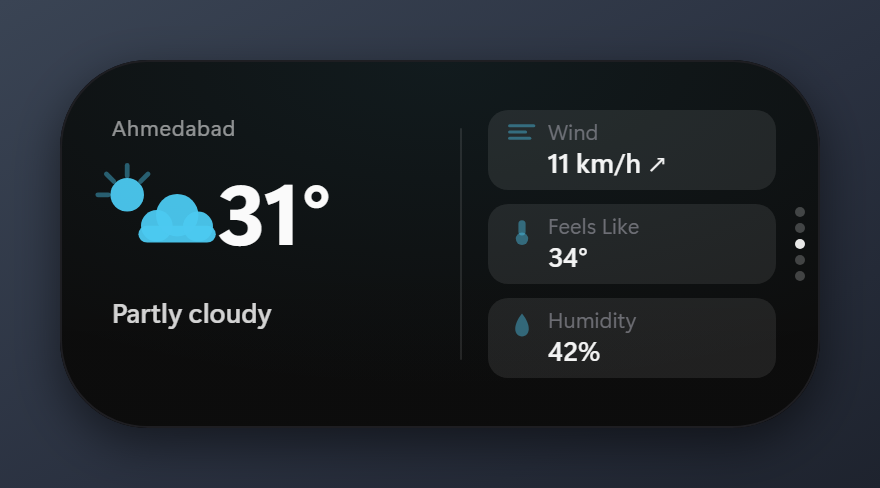
- 📅 Dashboards: Scroll your mouse wheel to easily switch between Media, Calendar, and live Weather (via wttr.in).
- 🔒 Key Alerts: Get quick visual popups when you hit Caps Lock or Num Lock.
- 🔋 Battery & Power: Fluid animations when you plug in, unplug, or hit low battery.
- 🔌 USB Status: Visual alerts whenever you plug in a USB drive.
- 🎢 360Hz+ Fluid Animations: Ultra-smooth spring physics with support for high refresh rate monitors (up to 360Hz/500Hz+) with zero idle CPU drain.
- 🖥️ Windows 11 Style: Swap to a modern Windows 11 Fluent style.
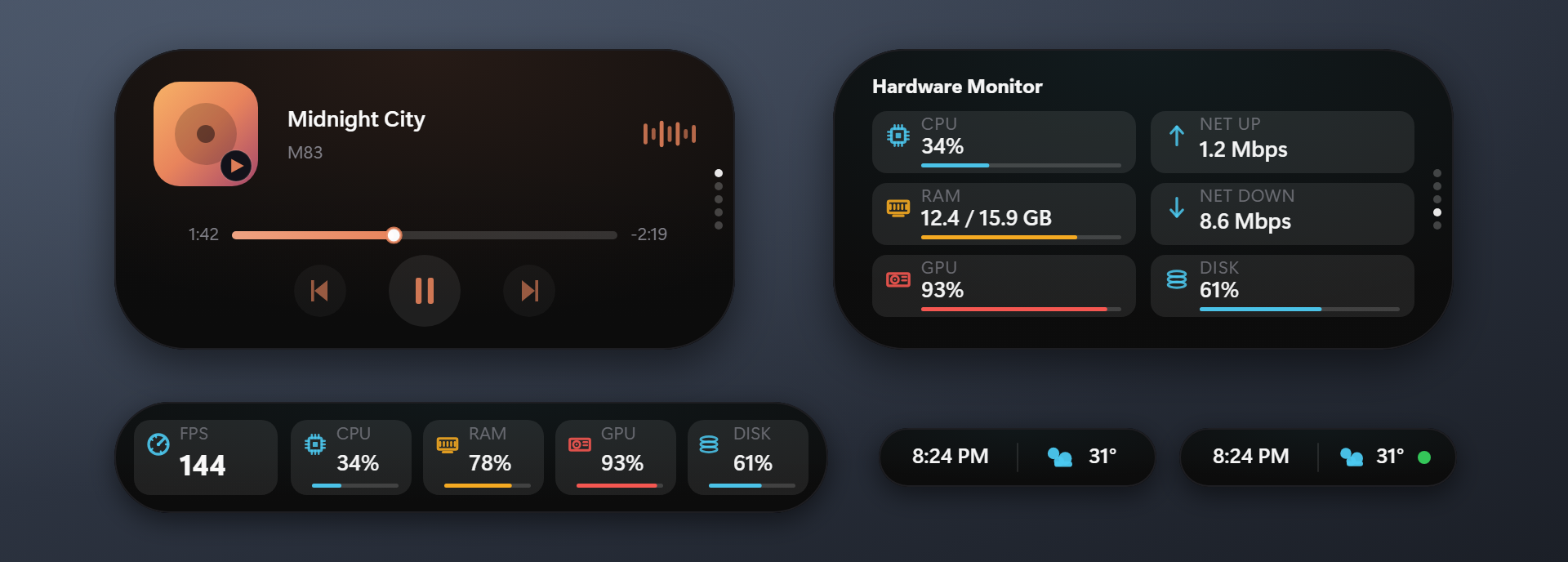
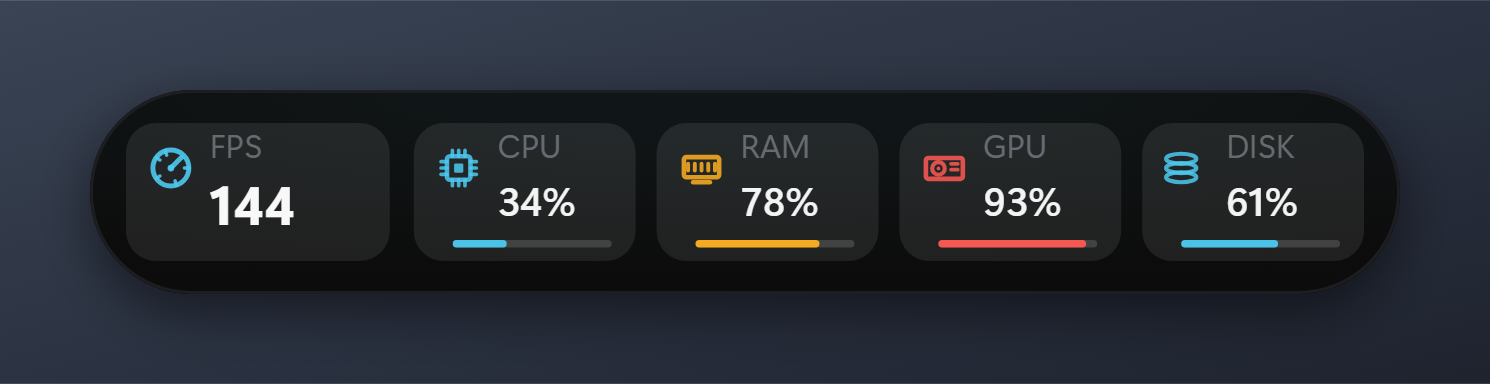
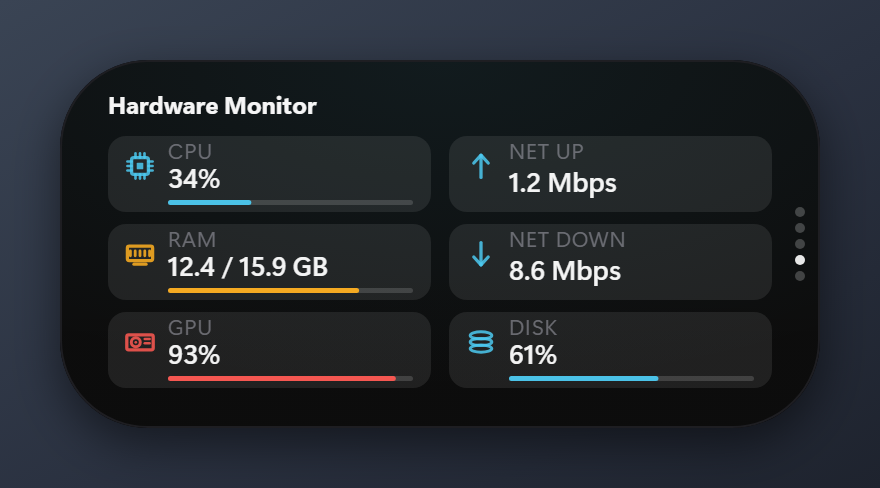
- 📊 Game Overlay: Real-time FPS, CPU, GPU, and RAM stats built right in.
- 📋 Text & Notifications: Instantly preview your text clipboard history or see your latest Windows notifications.
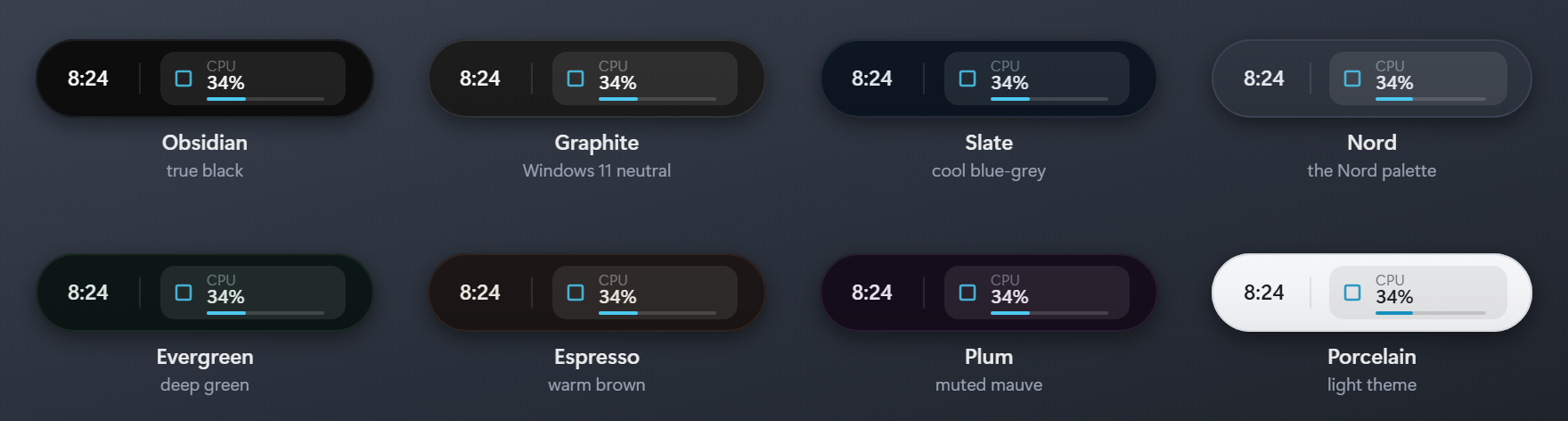
- 🎨 Themes & Fonts: Eight curated themes — Obsidian, Graphite, Slate, Nord, Evergreen, Espresso, Plum, and a light Porcelain — switchable from the right-click Theme submenu, or customize your own palette and use custom font families.
Tweak the mod easily from the Windhawk settings panel:
- Position: Place it Top Center, Top Left, Top Right, Bottom Center, Bottom Left, or Bottom Right, with optional separate vertical offsets for the collapsed and expanded states.
- Scale & Fonts: Adjust the size scale, scale all island text independently from 70% to 160%, and specify any custom font family with automatic system fallbacks.
- Shortcuts: Customize your keyboard shortcuts, including the instant hide/unhide toggle (Default:
Ctrl+Alt+D). - Style: Choose the classic iPhone Pill look, macOS Notch, or modern Windows 11 style.
- Themes & Colors: Choose built-in presets (with matching borders), set custom palette colors, or let album art dynamically tint the island. Hex colors accept an alpha channel (
#RRGGBBAA) for a translucent island with crisp text. - Depth & Material: Toggle the layered depth shading, the specular glass edge, and the soft drop shadow, and dial the album-art accent bloom from 0 to 200%.
- Backdrop Material: Turn on real Windows blur or frosted acrylic behind the island, then set how much of it shows through. Requires Windows 10 1803 or newer; on older builds the island just stays opaque.
- Language: Pick from 12 languages, or let the island follow your Windows display language.
- Clock & Date: Choose 12- or 24-hour time, show seconds, promote the date above the time, and set a custom date pattern — CJK forms like
yyyy年MM月dd日work as typed. - File Tray: Enable the shelf, then drag files onto the island to park them. Click a row to open it; right-click the island to clear it. Files are only referenced, never copied or moved.
- Media Exclusions: Name apps or sites that should never make the island expand on a track change, so short-form video feeds stop popping it open.
- Game Overlay: Choose which of FPS, CPU, GPU, RAM and disk to show, and switch to a compact strip that fits the taskbar.
- Refresh Rate & Animations: Match your display's refresh rate (up to 360Hz/500Hz+), select physics styles (Smooth, Default, Bouncy, Snappy), and fine-tune animation speeds.
- Modules & Visibility: Configure media, dashboards, privacy dots, system flyouts, auto-hide idle behavior, and shortcuts.
- Process Inclusion (for Notifications): To use the notification module, you must add
explorer.exeto the process inclusion list under the Advanced tab of the mod settings in Windhawk, then restart the mod. - Notification Permission (for Notifications): Windows must also allow apps to read your notifications. Turn on Settings → Privacy & security → Notifications → "Let apps access your notifications". If this is off, Windows denies the listener and no notification will reach the island no matter how the mod is configured. When notifications still don't show, check the mod's log in Windhawk for a "permission not granted" line.
Important
The right-click menu is per-session, not persistent configuration.
Theme, shape style (Pill / Notch / Windows 11) and pin open are re-applied from your Windhawk settings every time the mod restarts, so a reboot, a mod update, or disabling and re-enabling the mod will discard whatever you picked from the menu. Set anything you want to keep in the Mod Settings tab instead.
Transparency and Expand-on-hover chosen from the menu do survive a restart, but the settings tab remains the reliable place to configure them.
Found a bug? Have a cool feature idea? We want to hear from you! Please drop an issue on our GitHub Repository. Your feedback keeps this mod alive.
- Sarthak Singh (sarthakaksh): Major feature overhaul including the right-click focus timer, hover clock, robust media controls, zero-CPU instant hide shortcut, Bluetooth battery integration, image clipboard thumbnails, and full-screen autohide fixes.
- ciizerr: Massive thanks for fixing UI alignments, smoothing out the dashboard sizing, and polishing the calendar and weather tabs.
- ChrisSch-dev @GitHub: Added album title support, word wrapping for weather descriptions, sleep resume fixes, and various performance/movement stability improvements.
- thevioletto @GitHub: Added custom font support, Windows Do Not Disturb integration and status alerts, improved album art color extraction, reorganized settings into logical categories, and fixed various UI, media, and theme edge cases.
We love community contributions! If you want to add a feature or fix a bug, please follow these strict rules to ensure high-quality updates:
- Fork & Branch: Fork the repository and create your feature branch.
- Respect Existing Features: Do not outright remove or break other people's features unless you have a critical, fully explained reason in your PR. You are highly encouraged to refine and improve existing features, but destructive changes without discussion will not be accepted.
- Credit Yourself: After completing your feature, add your name and a short summary of your contribution to the Credits section in both
README.mdand the top comment block ofdynamic-island-for-windows.wh.cpp! - Submit a PR: Push to your fork and submit a Pull Request.
Built with C++23 and deeply integrated with Windows for maximum performance:
- Direct2D & High Refresh Rate Pacing: Hardware-accelerated rendering with intelligent 1ms timer resolution and zero-spin frame pacing for buttery smooth animations up to 360Hz/500Hz+.
- Zero Lag: Rate-limited polling and efficient system hooks mean it uses almost 0% CPU in the background.
This project uses the MIT License. Feel free to build on it!