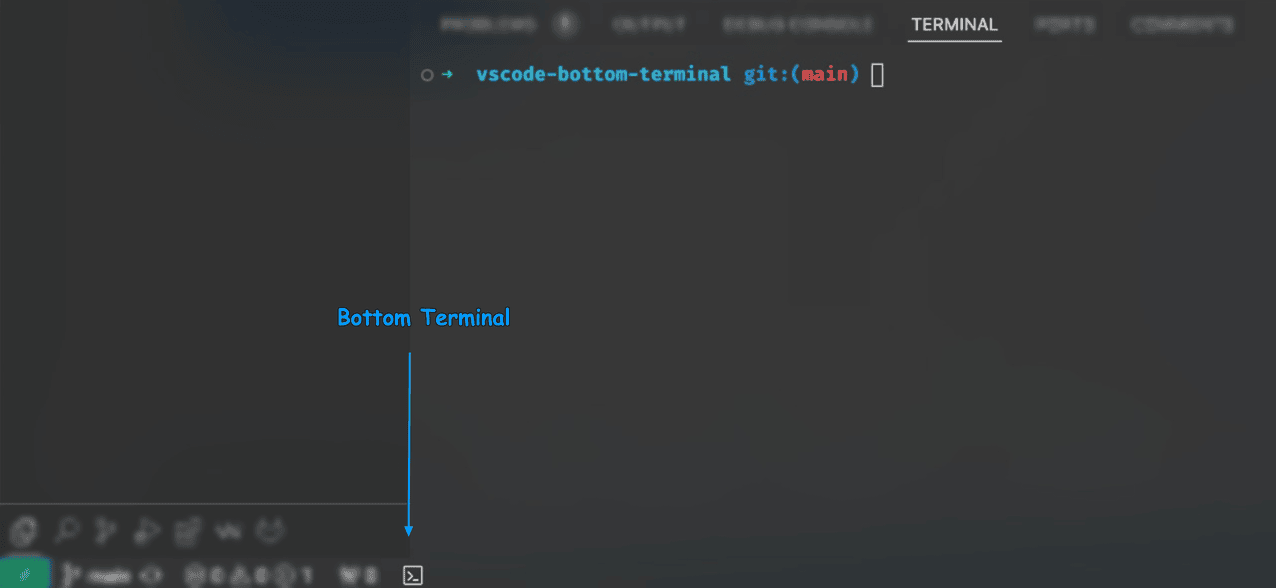
A simple yet powerful VS Code extension that adds a Terminal button to your bottom status bar — making your development experience faster and smoother.
- 📌 One-click access to the terminal from the bottom status bar
- ⚙️ Lightweight and non-intrusive
- 🧑💻 Ideal for developers who rely on the terminal during development
Make your workflow more efficient by placing the terminal exactly where you need it!

- Open Visual Studio Code
- Go to the Extensions view (
Ctrl+Shift+X) - Search for
Bottom Terminal - Click Install
- Enjoy faster access to your terminal from the bottom bar!
This extension is a fork of fuadpashayev/vscode-ext-bottom-terminal
Original Author: fuadpashayev
Kudos to the original work that inspired this version! 🎉
Have suggestions or issues? Feel free to open an issue or submit a pull request!
Bring the terminal closer to your fingertips and code with comfort! 💻⚡