Concentration card game built in Swift.
I used, Model View Controller as the design pattern for this app. The folder structure follows the same pattern. Three views exist in the game: Game Board, User History, and New Game. The Game Board is where the game play occurs. Each move is saved to the game state object. After succesfully clearing all the cards off the board, your score will be saved and displayed on the User History view. If that was to easy, you can change the difficulty to Advanced on the New Game view.
“Model–view–controller (MVC) is a software design pattern commonly used for developing user interfaces that divide the related program logic into three interconnected elements. This is done to separate internal representations of information from the ways information is presented to and accepted from the user."
- For quick customization, clone this repository and swap out the images in the Assets folder. Change the background, front and back of the cards, and the app icon!
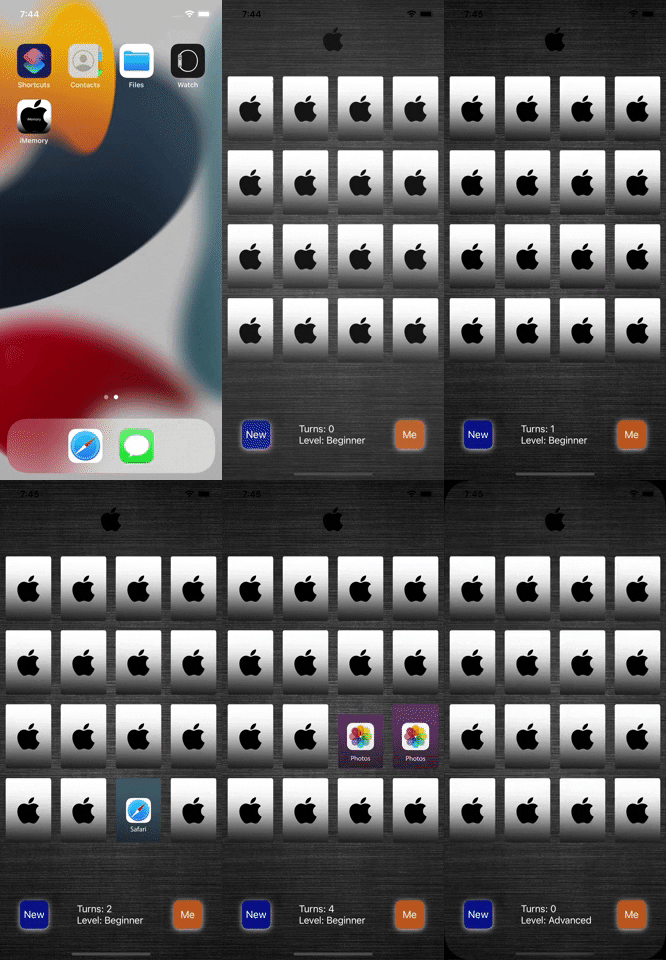
To reach the final round of interviews with Apple, just like many other places, you have to complete a code challenge. This was my code challenge and the requirements were as follows:
- Standard memory card game, sometimes known as concentration
- We want a built application, in Xcode that runs on iPhone X.
- No Storyboard.
- Don’t care on language preference
- Display your score (number of moves it took you to complete the game)
- Start a new game (user should be able to select N which also defines the complexity for the game)
- The game state should persist
- Profile view that shows a history table of all your past game scores
- Code should include mock function to send state to a server (obviously there is no server but the function would get as far as needed until the “send data” spot)