
A quick and easy POSIX-compliant utility for unix based operating systems, to recursively change permissions of directories, and/or files
Installation • Updating • Features • Contributing
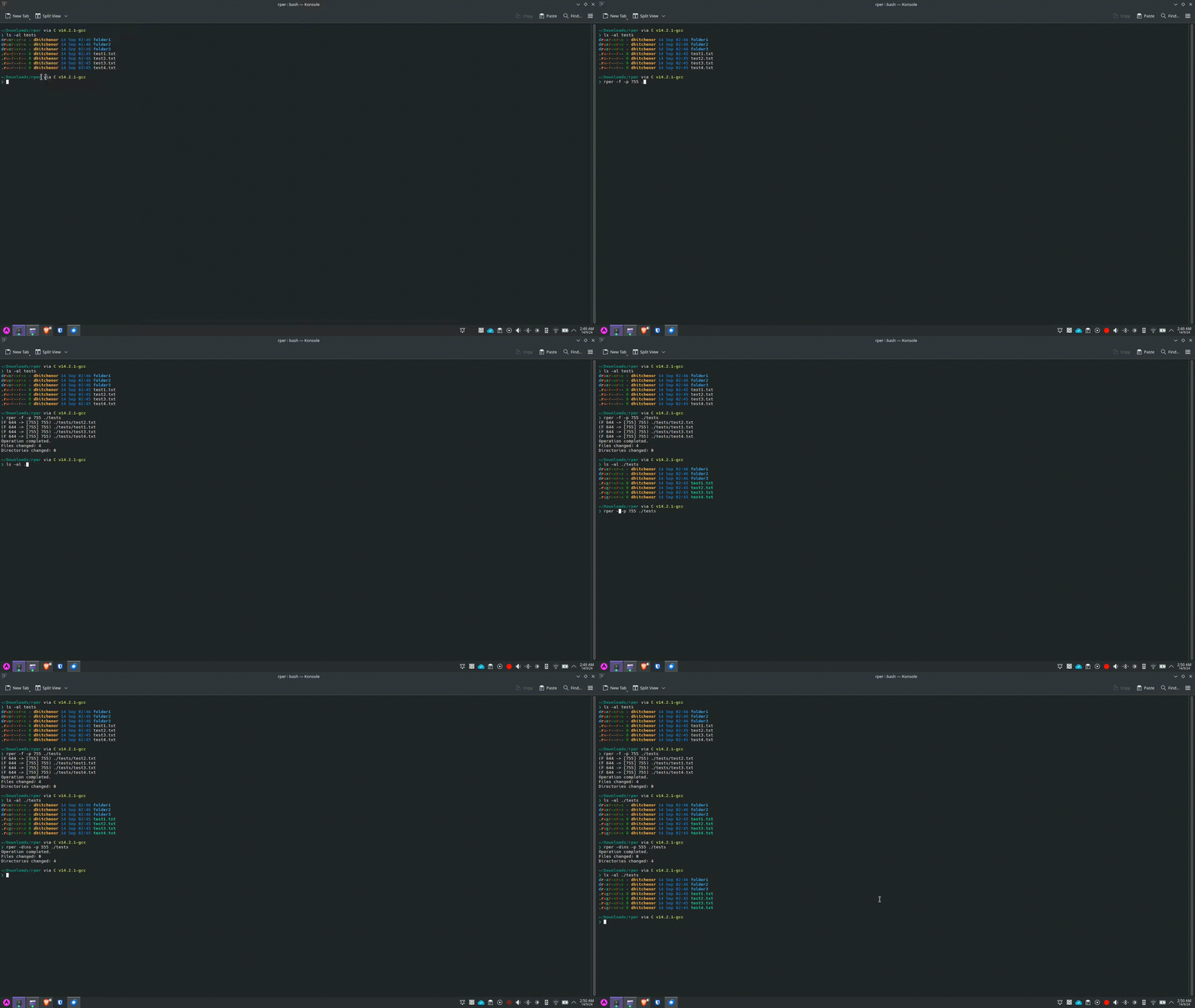
- Ensure you have gcc installed on your unix-based system (or your favourite C compiler).
- Download or clone the repository with
git clone https://github.com/dhitchenor/rper - Unzip, and/or change into the appropriate directory
- build using the command:
gcc -o rper rper.c- You should now have a built utility (binary) in the current folder called rper
- the provided binary was created using the following command:
gcc -o rper rper_0.2.c -Wall -Wextra -Werror -Wformat -Wformat-security -Wconversion -Wsign-conversion -D_FORTIFY_SOURCE=2 -fstack-protector-strong -fPIE -pie -Wl,-z,relro,-z,now -O2
- Move the utility into your operating systems bin directory, eg. /usr/local/bin/
- example command (assuming you are currently in the same directory as the built utility):
sudo mv rper /usr/local/bin/ - an alternative is to symlink the binary; for example
ln -s ./rper/rper /usr/bin/rper
Important
If you don't wish to incorporate the binary into your system, you will need to be in the directory that contains the utility to use it, and you will need to run the utility similiarly to the following command:
./rper -p 644 /some/other/directory
Updating is just a matter of replacing the built utility/binary with an updated binary
Tip
Use whereis rper to find where any previous versions of rper are installed,
then overwrite the old binary using the instructions above as a guide
files (-f):
- makes the desired permissions changes to files only
- retained as the default flag if the directories flag (-d) is not used
directories (-d):
- makes the desired permissions changes to directories only
- can be used with the files flag (-f), if you wish to change directories and files to identical permissions (might not be what you want, use caution)
inclusive (-i):
- includes the specified directory (directory argument) when making permission changes
- can only be used with the directories flag (-d), has no effect when used with the files flag (-f)
non-recursive (-n):
- only makes changes to the files/directories within the specified directory (directory argument).. essentially the basic use of the chmod command
quiet (-s):
- suppresses normal output, but still displays any error output
silenced (-S):
- suppresses all output, including errors
verbose (-v):
- displays all output; both directory and file changes are provided in output
follow symlinks (-L):
- follows symlinks
- does not error when symlink is found
error on symlink (-k):
- does not follow symlinks, does not continue if symlink found
- error produced when symlnk found
permissions (-p):
- uses an octal formatted argument (eg. 755 or 0644) as the desired changed permissions.
- allows the use of () as a wildcard, eg 64 will change the user (left-most), and others (right-most) permissions, but not the group(center) permission
help (-h | -H):
- displays help for the user
about (-a):
- displays information about rper
Tip
Start an issue or file a PR; make sure any code changes are well commented.
rper To-do:
- process the leading number in a 4 digit octal value, instead of stripping
- rwx notation output (flag -c); allows use of rwx notation, instead of numerical
values. i.e
rper -p rwxr-xr-x ./change/this/to/sevenfivefive/permissions