基于 Vue 3 纯前端 的在线文档预览解决方案,支持 Word(doc, docx)、Excel(xls, xlsx)、PDF、OFD 等多种文档格式的在线预览, 直接通过url传参。主要依赖vue-office, 下载dist目录部署到和后端同域就行。
-
页面效果图见
appimg目录 -
-
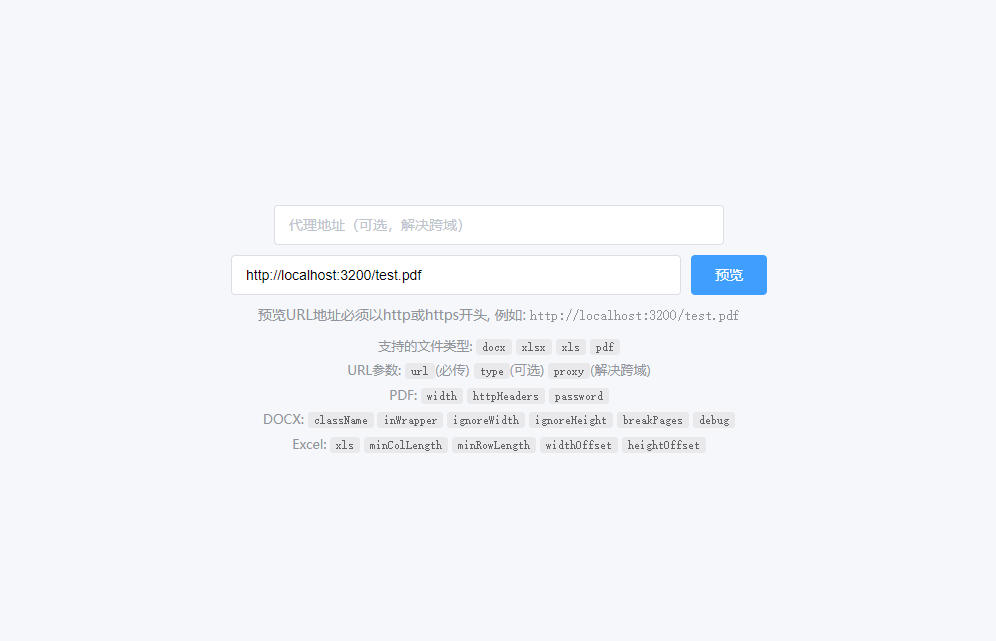
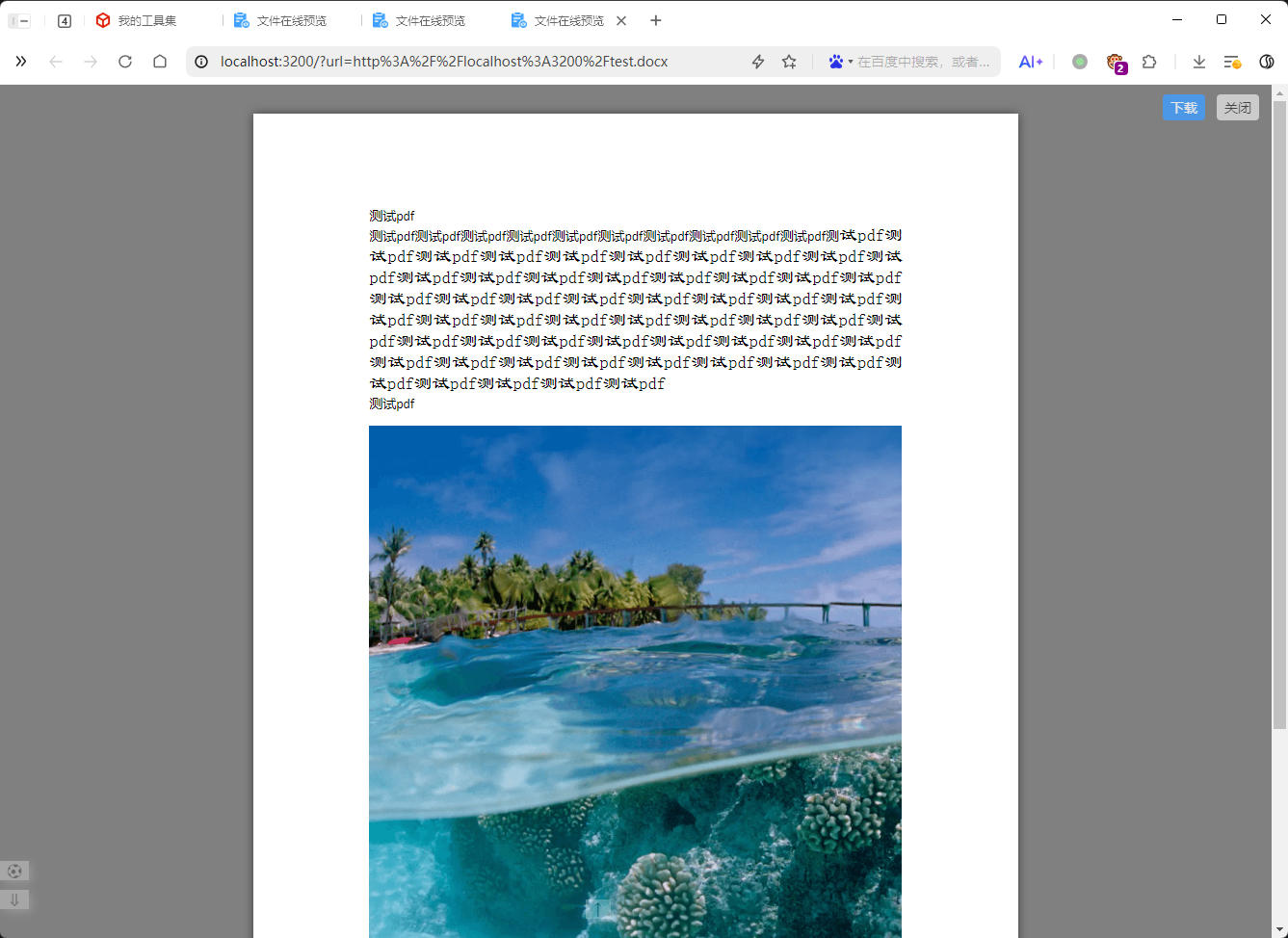
- Word 文档:
.docx,.doc - Excel 表格:
.xlsx,.xls - PDF 文档:
.pdf, 使用请解压lib/cmaps.zip到lib/cmaps - OFD 文档:
.ofd
npm install
npm run dev访问页面时通过 URL 参数传递文件地址:
http://localhost:5173/?url=https://example.com/test.pdf
直接访问页面,在输入框中输入文件 URL 地址,点击"预览"按钮。
| 参数名 | 类型 | 必填 | 说明 |
|---|---|---|---|
url |
string | 是 | 文件地址(必须以 http 或 https 开头) |
type |
string | 否 | 文件类型(不传时自动识别) |
proxy |
string | 否 | 代理地址(用于解决跨域问题) |
options |
string | 否 | 渲染选项对象(JSON 字符串,需 URL encode 编码) |
fetchOptions |
string | 否 | fetch 请求配置对象(JSON 字符串,需 URL encode 编码), 自定义请求头、认证信息, 例如 {"headers": {"Authorization": "Bearer your-token"}, "method": "POST"} |
| 参数名 | 类型 | 说明 |
|---|---|---|
width |
number | 预览宽度 |
httpHeaders |
object | 请求头(JSON 字符串) |
password |
string | 加密密码 |
| 参数名 | 类型 | 默认值 | 说明 |
|---|---|---|---|
className |
string | 'docx' | 样式类名前缀 |
inWrapper |
boolean | true | 启用文档包装器 |
ignoreWidth |
boolean | false | 忽略页面宽度 |
ignoreHeight |
boolean | false | 忽略页面高度 |
ignoreFonts |
boolean | false | 忽略字体 |
breakPages |
boolean | true | 启用分页 |
ignoreLastRenderedPageBreak |
boolean | false | 忽略最后渲染的分页符 |
experimental |
boolean | false | 实验性功能 |
trimXmlDeclaration |
boolean | true | 移除 XML 声明 |
useBase64URL |
boolean | false | 使用 Base64 URL |
useMathMLPolyfill |
boolean | false | 使用 MathML 填充 |
showChanges |
boolean | false | 显示更改 |
debug |
boolean | false | 调试模式 |
| 参数名 | 类型 | 默认值 | 说明 |
|---|---|---|---|
xls |
boolean | false | 是否为 xls 格式 |
minColLength |
number | 26 | 最少渲染列数 |
minRowLength |
number | 200 | 最少渲染行数 |
widthOffset |
number | 10 | 宽度偏移量 |
heightOffset |
number | 10 | 高度偏移量 |
http://localhost:5173/?url=https://example.com/document.pdf
http://localhost:5173/?url=https://example.com/data.xlsx&minColLength=30&minRowLength=500
http://localhost:5173/?url=https://example.com/file.pdf&proxy=https://your-proxy.com/api/proxy?url=
http://localhost:5173/?url=https://example.com/protected.pdf&password=123456
- 跨域问题: 如果文件服务器不允许跨域访问,可以使用
proxy参数指定代理地址 - 文件格式: 确保文件 URL 可以直接访问,且文件格式正确
- 浏览器兼容: 建议使用现代浏览器(Chrome、Firefox、Edge、Safari)
- 文件大小: 大文件可能需要较长加载时间,请耐心等待
# 打包所有库
npm run buildlib

# 只打包单个库
npm run buildlib excel
npm run buildlib pdf
npm run buildlib ofd

# 使用 --lib 参数
npm run buildlib --lib=excel
npm run buildlib --lib pdf

# 打包多个库(用逗号分隔)
npm run buildlib --lib=excel,pdf
npm run buildlib --lib excel,ofd