- Firebase
- Flutter
- WebRTC
- Google Cloud Platform
- TensorFlow
We used Firebase as backend, Flutter as Frontend, and Google Cloud Platform as Cloud. Firebase is responsible for storing and retrieving the data used by the Flutter app. The Flutter app is the primary component of our architecture. It is responsible for rendering the user interface and handling user interactions. The app consists of a set of screens and widgets that display information to the user and allow them to interact with the data stored in Firebase. And we used Google Cloud Platform to change speech to text, which will be used in future features. We are considering about feature that helpee can talk about their questions before helper helps them with Speech to Text API. Overall, our team has chosen the above products and platforms because they are reliable, easy to use, and provide excellent integration with each other, making it easier to develop and deploy high-quality mobile applications with a scalable structure.
This project uses the MVVM (Model-View-ViewModel) architecture pattern for Flutter. 'model' folder for model, 'screens' folder is for view, 'view_model' folder for viewModel. In 'screens', we divided as helpee and helper folders.
Our architecture follows the MVVM pattern, which helps to separate the concerns of our application into three distinct components, Model, View, and ViewModel. The Model component is responsible for representing the data stored in Firebase. The View component is responsible for displaying the data to the user. The ViewModel component handles logic such as matching logic, login and data store logic and etc. Also, it communicates between the Model and View.
- easy sign-in/sign-up
- easy reservation for matching with helper
- observer role for privacy issues
- easy screen share with webRTC technology

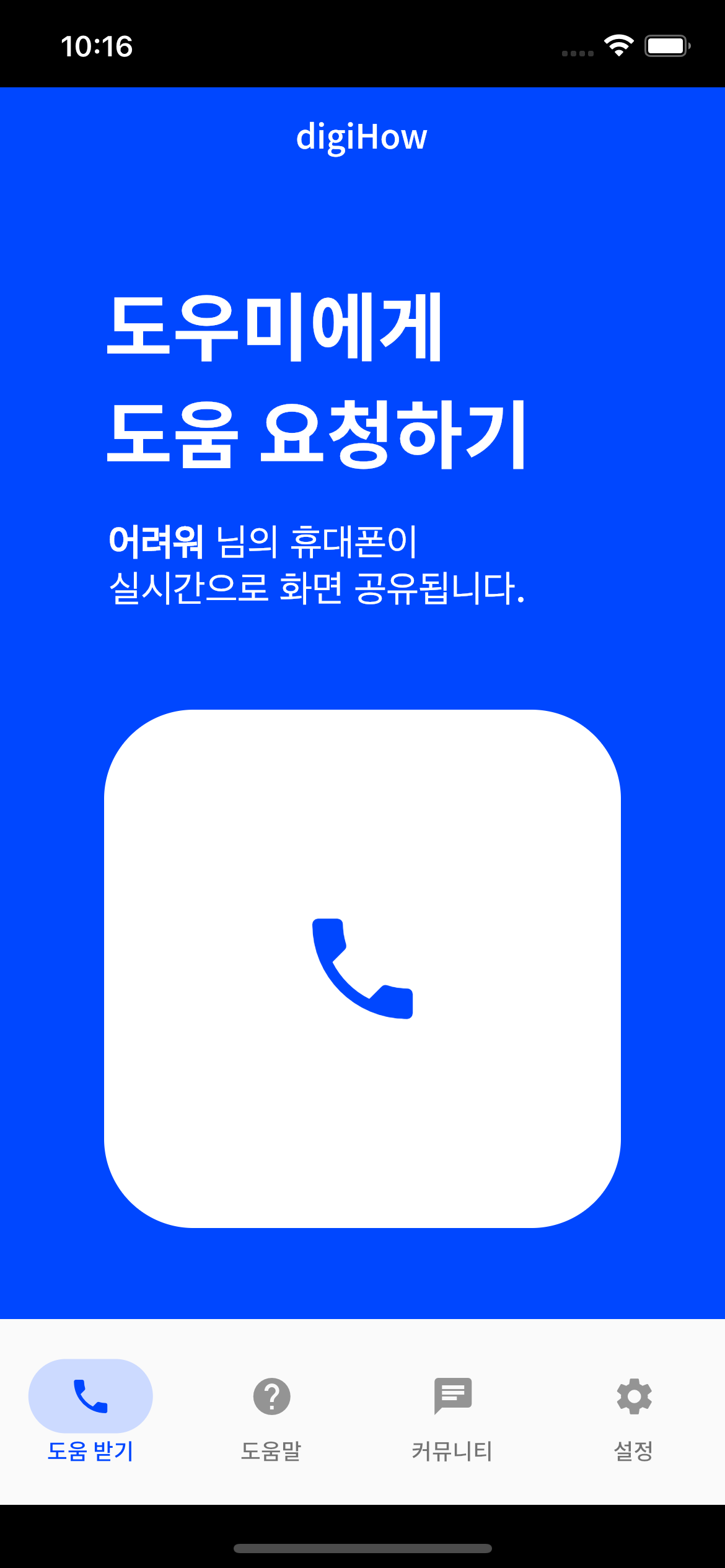
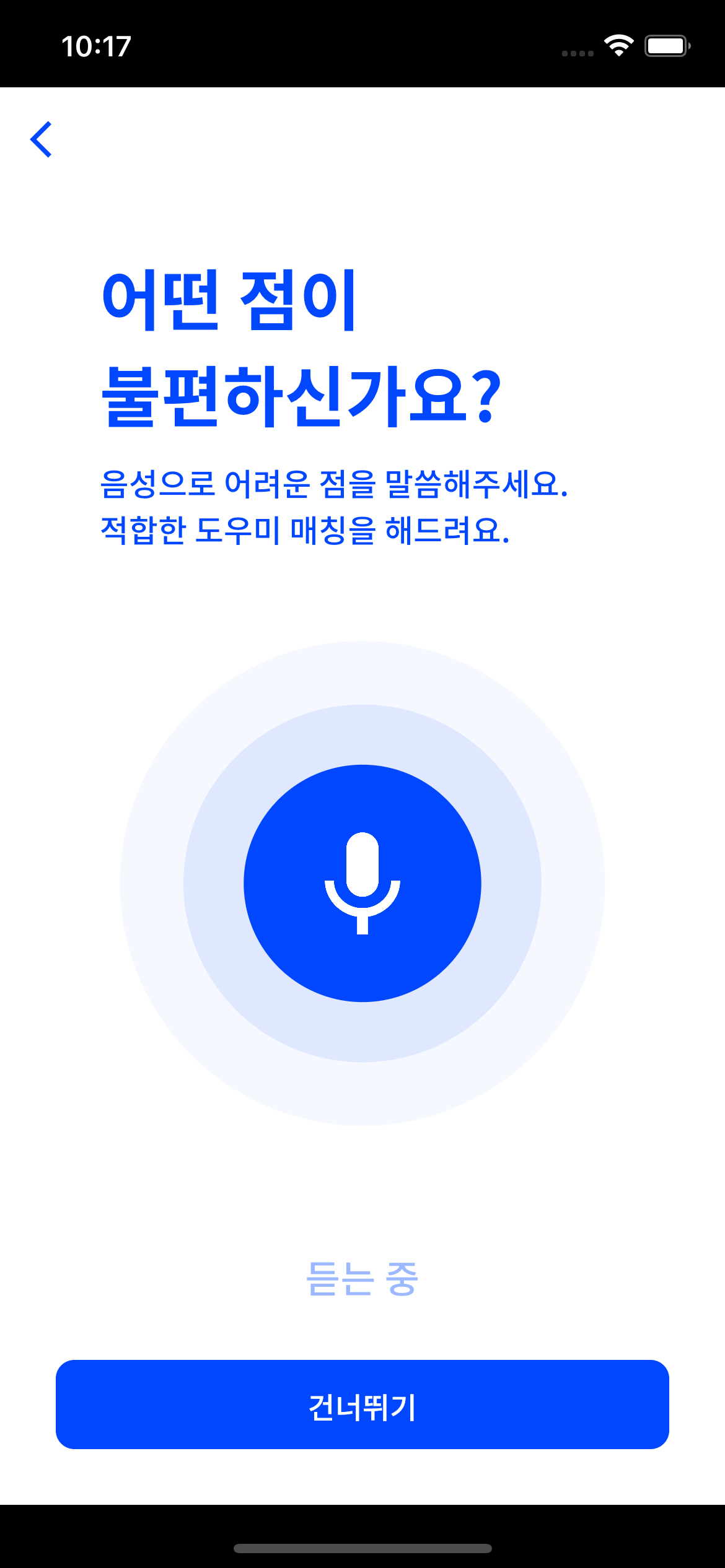

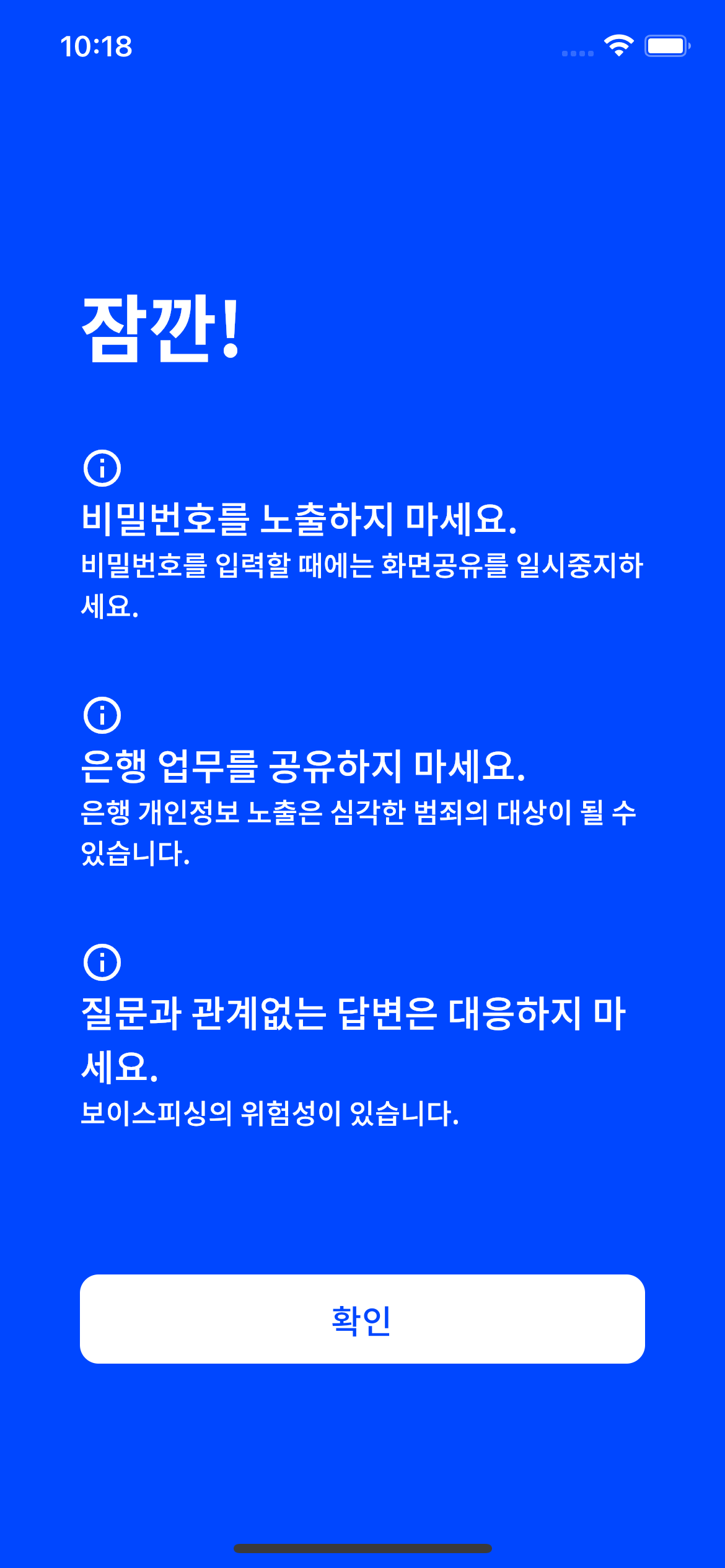
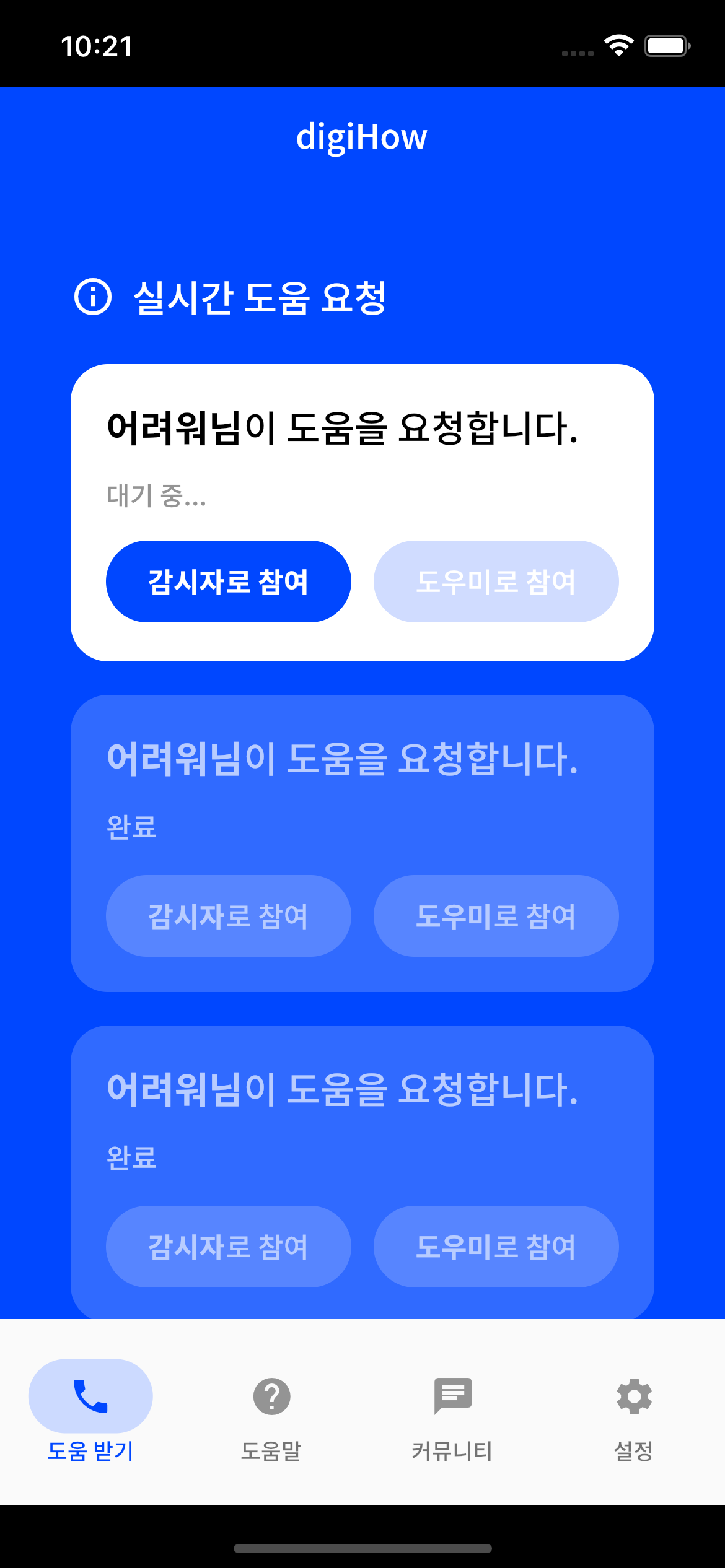
flutter pub get
flutter run
We support this application on Android and IOS platform. But for now, only android real device can share their screen. Other emulators and real devices can watch other's shared screen.
We uploaded firebase_option file for demo. For real product, we use production options.