- I applied the auto-update from 4.6.1 to 4.7.0, clicked to restart.
- Docker closed and never reopened.
- I ran
docker ps from the command line:
-bash: docker: command not found
- I manually navigate to Applications to launch:

Expected behavior
The update would succeed
Actual behavior
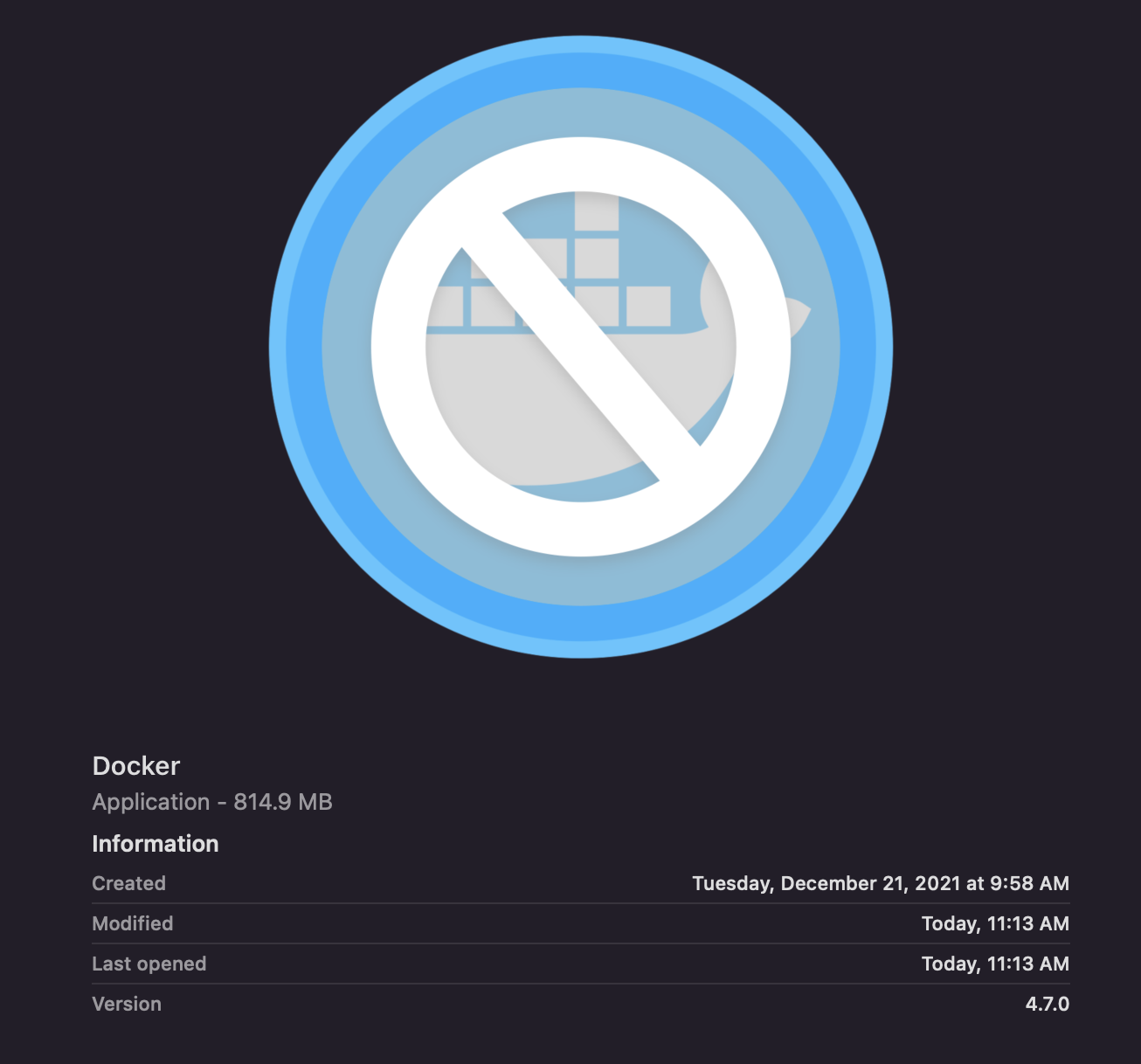
The update uninstalled the old version but encountered some sort of issue when downloading the update, resulting in a corrupted file about 50% of the size it should have been (also note the wacky "Created" date):
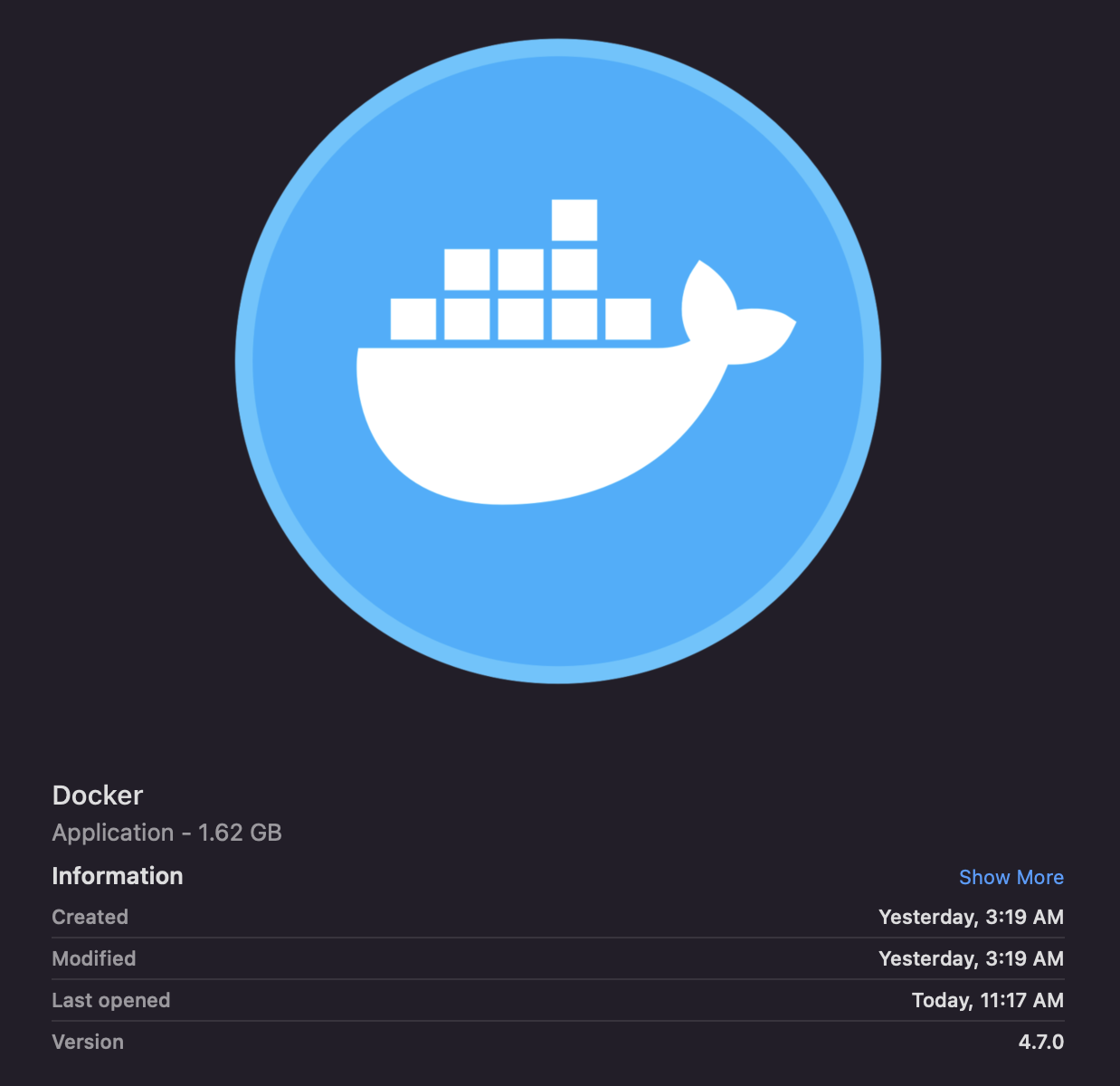
After manually downloading the update, the correct file size is shown:
There were no obvious network disruptions during the update. But even if there were, Docker Desktop should be smart enough to detect these conditions before uninstalling the old version so the user at least has a working previous version on their system and can retry the download/update process.
Does this mean that Docker doesn't even validate the integrity of the downloaded update before installing software that requires a admin password to install?

docker psfrom the command line:Expected behavior
The update would succeed
Actual behavior
The update uninstalled the old version but encountered some sort of issue when downloading the update, resulting in a corrupted file about 50% of the size it should have been (also note the wacky "Created" date):
After manually downloading the update, the correct file size is shown:
There were no obvious network disruptions during the update. But even if there were, Docker Desktop should be smart enough to detect these conditions before uninstalling the old version so the user at least has a working previous version on their system and can retry the download/update process.
Does this mean that Docker doesn't even validate the integrity of the downloaded update before installing software that requires a admin password to install?