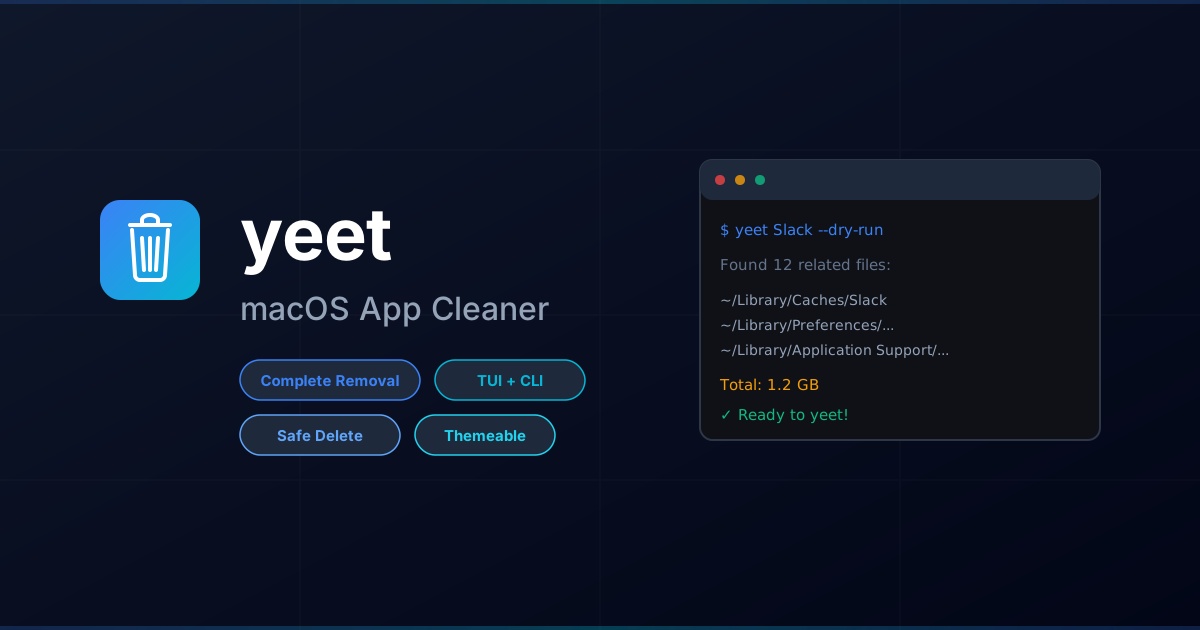


A TUI/CLI tool to completely remove macOS applications and all their related files — like AppCleaner, but in your terminal.
- Complete removal: Finds and removes app bundles, preferences, caches, containers, logs, and more
- Beautiful TUI: Interactive terminal interface with keyboard navigation
- CLI mode: Script-friendly command-line interface for automation
- Safe by default: Moves files to Trash (recoverable) unless
--permanentis specified - Dry run: Preview what would be deleted before committing
See ARCHITECTURE.md for detailed information about the project structure, data flow, and module responsibilities.
- macOS
- Python 3.10+
# Using pip
pip install .

# Or with pipx (recommended)
pipx install .

# For development
pip install -e .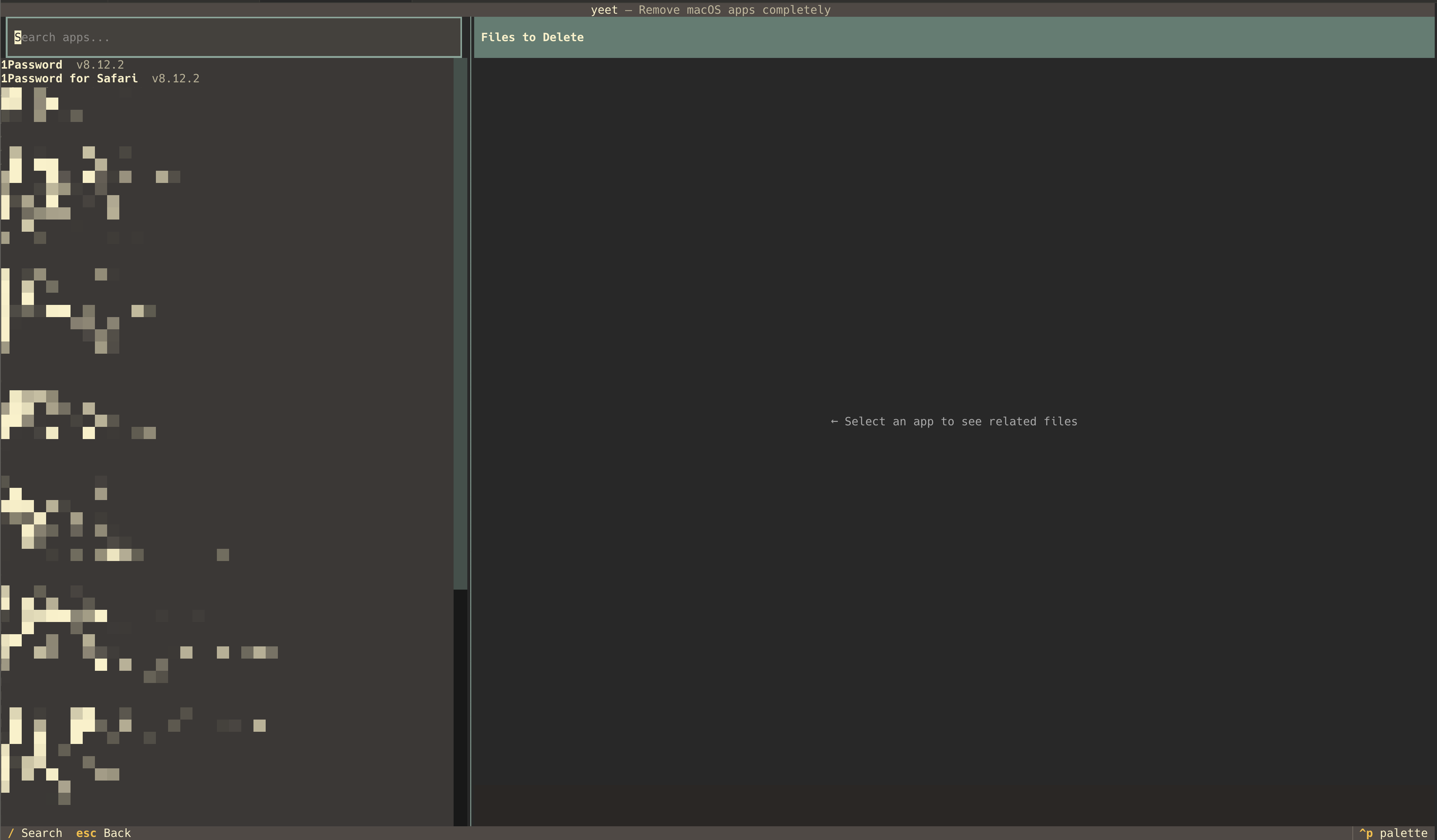
Launch the interactive interface:
yeet- Use
/to search apps - Navigate with arrow keys or
j/k - Press
Enterto select an app - Press
Spaceto toggle files - Press
dto delete selected files - Press
qto quit
# List all installed applications
yeet --list

# Show files related to an app (dry run)
yeet Slack --dry-run

# Delete an app and all related files
yeet Slack --delete

# Delete without confirmation
yeet Slack --delete --yes

# Permanently delete (skip Trash)
yeet Slack --delete --permanentyeet searches these locations for files matching the app name or bundle identifier:
User Library (~/Library/):
- Application Support
- Caches
- Preferences (
.plistfiles) - Logs
- Containers
- Group Containers
- Saved Application State
- LaunchAgents
- Cookies
- WebKit
- HTTPStorages
- Application Scripts
System Library (/Library/):
- Application Support
- Caches
- Preferences
- LaunchAgents
- LaunchDaemons
- Logs
| Key | Action |
|---|---|
/ |
Focus search |
↑/↓ or j/k |
Navigate |
Enter |
Select app |
Space |
Toggle file |
a |
Select all files |
n |
Select no files |
d |
Delete selected |
Escape |
Go back / Clear |
q |
Quit |
Create a config file to customize yeet:
yeet --initThis creates ~/.config/yeet/config.toml:
[appearance]
# Available themes: default, dracula, nord, catppuccin, gruvbox, light
theme = "dracula"

[behavior]
confirm_delete = true
default_permanent = false
include_system_apps = false
See available themes:
yeet --themes- Trash by default: Files are moved to Trash and can be recovered
- Confirmation: Prompts before deletion (use
--yesto skip) - Running apps: Warns if the app is running and offers to quit it
- Sudo files: System-level files that require admin access are marked and skipped by default
MIT