dotnet installers cannot be started elevated on windows #9665


Description

When trying to launch any of the dotnet installers from an elevated windows cmd or powershell, simply nothing happens. I have oberved the behaviour on multiple windows 10 PCs. It simply does not open any windows and does nothing:
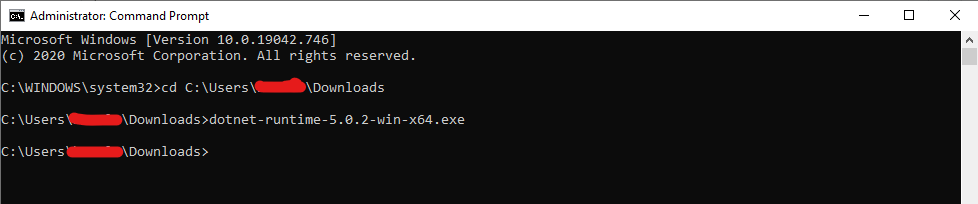
The only way to install them is by running them as a normal user and then clicking the install button.

This creates some problems, because it's not possible to install the runtime through automation scenarios like "Windows Software Center".
I have observed similar installer behaviour with other packages like Visual C++:
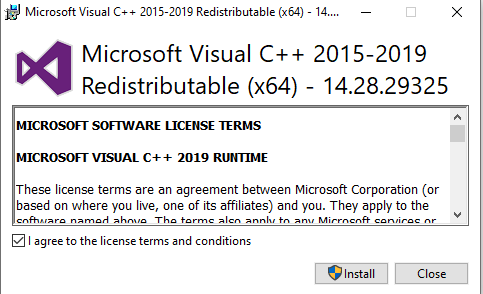
It this by design? Why? Is this even the right place to log this issue?
Metadata
Metadata
Assignees
Labels
No labels