System Information (please complete the following information):
Model Builder Version: 16.1.0.2026303
- Visual Studio Version: 16.7.0 Preview 2 [30107.82.master]
Describe the bug
- In the Training setup summary section, the labels are bolded. Also, the vertical spacing is too much.
- In the event that a User cancels an ongoing training, the 'canceled' state is missing an icon.
- The label "Data set" is incorrect.
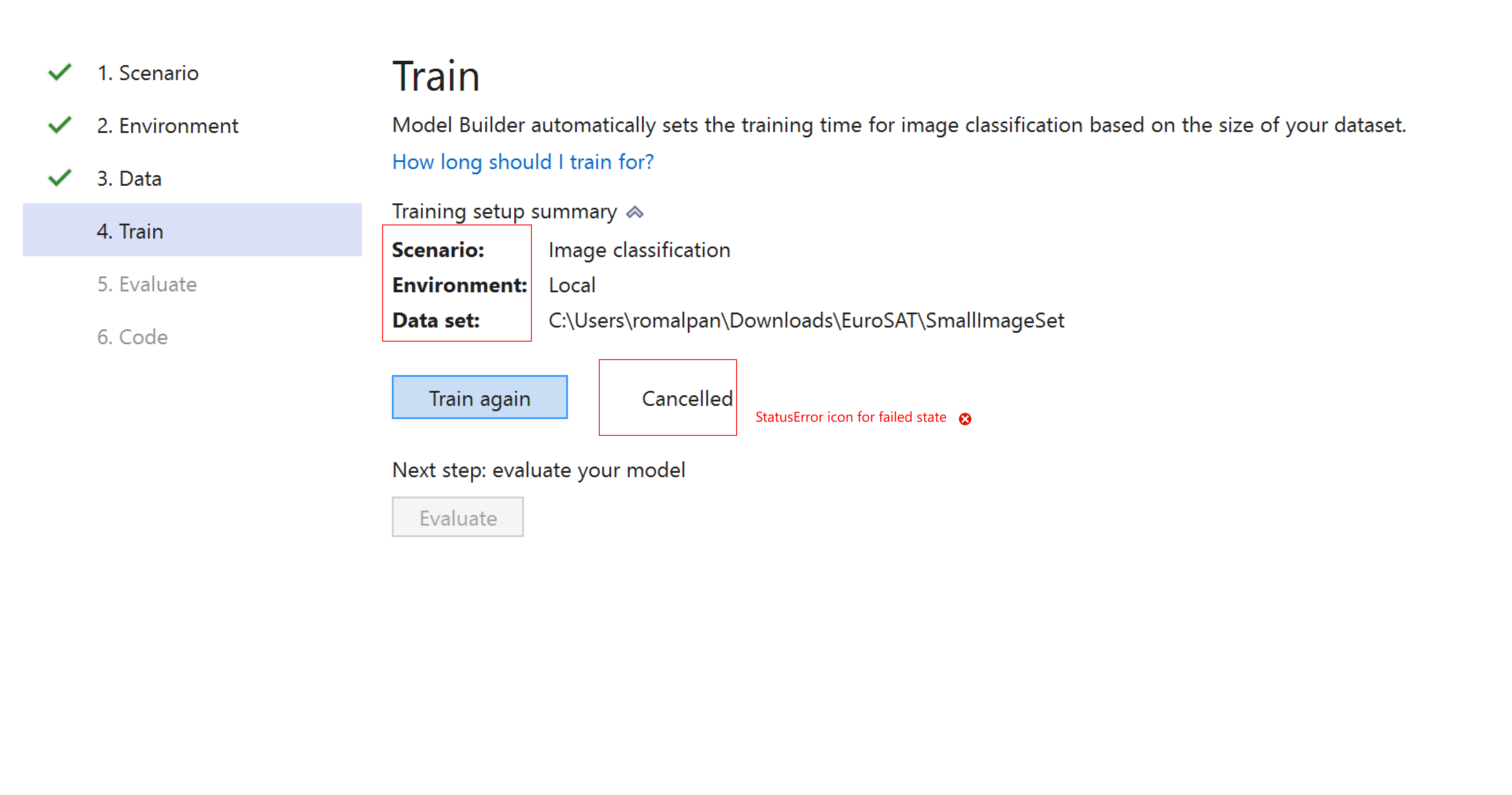
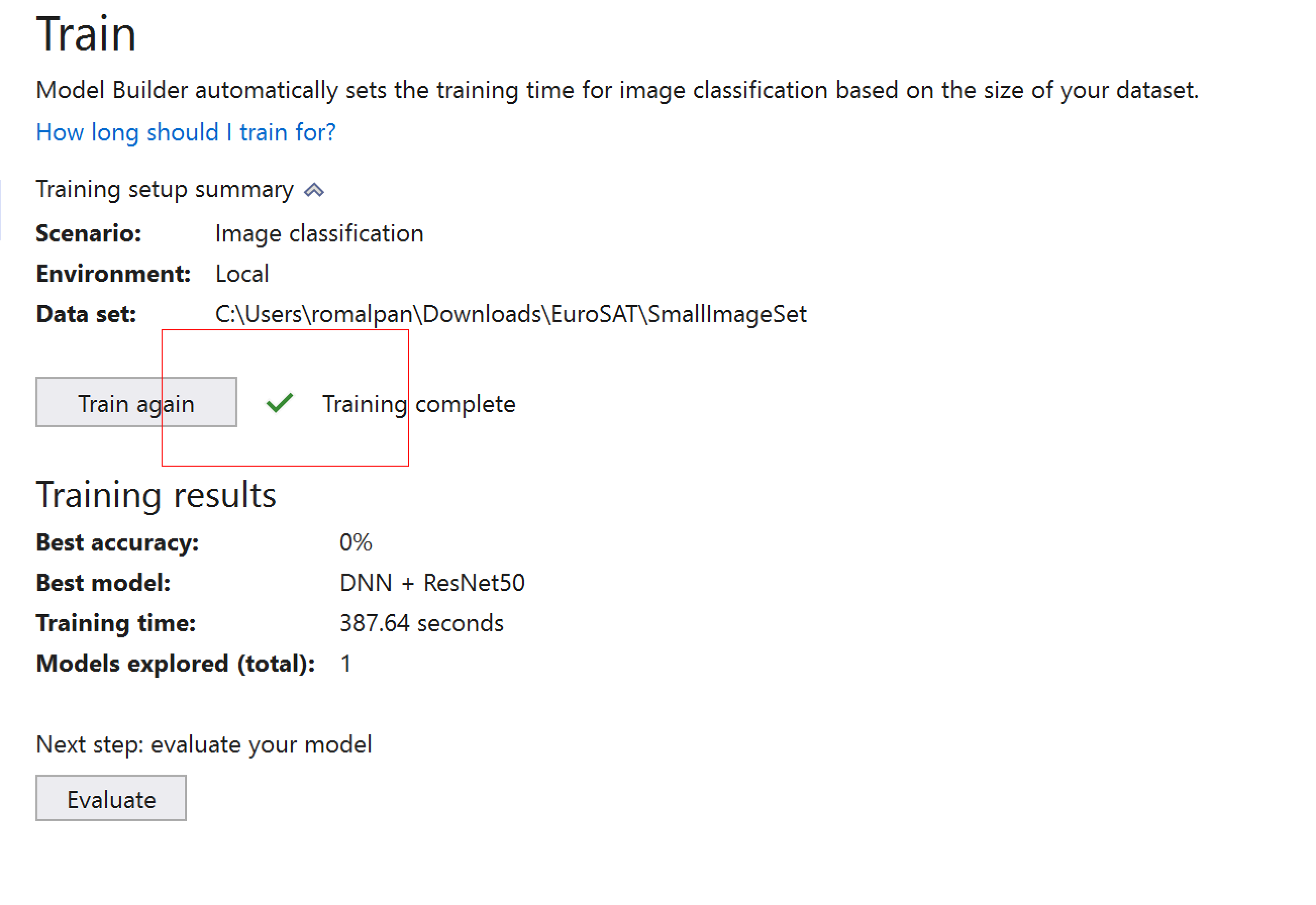
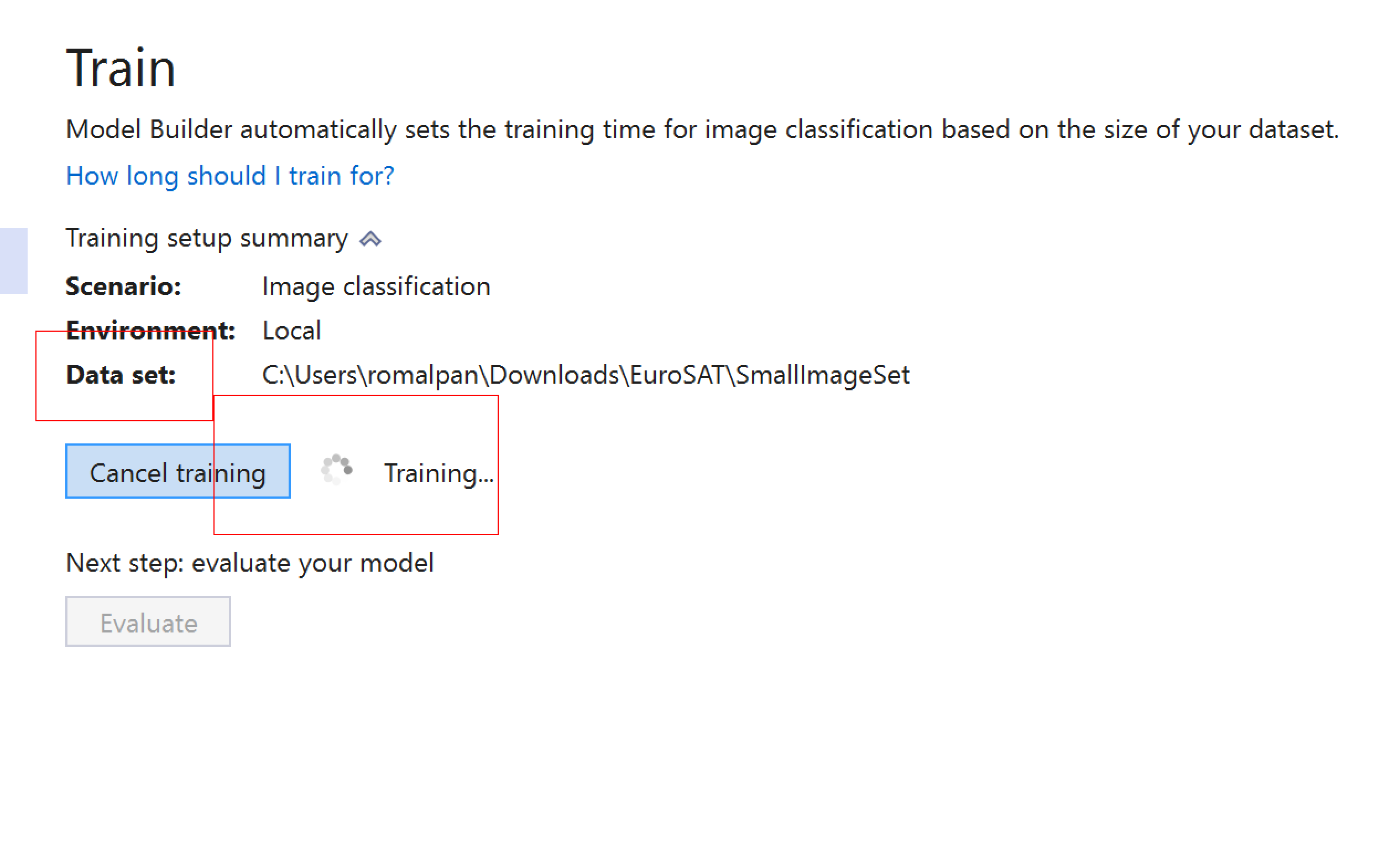
- The spacing between the "Train" button, the status icon (completed, training, canceled), and the status message ("Training...", "Training complete", "Canceled") is incorrect.
To Reproduce
Steps to reproduce the behavior:
- Go to Model Builder UI
- Click on Image Classification
- Go all the way to Train page
- Expand the summary section
- Start training, cancel training, complete training to see all three states.
Expected behavior
Screenshots
If applicable, add screenshots to help explain your problem.
Additional context
Add any other context about the problem here.

System Information (please complete the following information):
Model Builder Version: 16.1.0.2026303
Describe the bug
To Reproduce
Steps to reproduce the behavior:
Expected behavior
Screenshots
If applicable, add screenshots to help explain your problem.
Additional context
Add any other context about the problem here.