Issue with .NET Core Debugger #2777

Description

Environment data
VS Code version:1.30.1
C# Extension version:1.17.1
Steps to reproduce
when I open a C# script inside unity visual studio code opens and I immediately get the error that The .NET CLI tools cannot be located and .NET Core debugging will not be enabled. I have the newest version of .NET Core SDK installed version 2.2.101. I originally attempted to used Visual Studio Code instead of the full Visual Studio Community like I normally use because I was having a similar issue with the full Visual Studio. I was getting an error that the proper .NET framework couldn't be located so I finally resolved that by installing the developer version of .NET framework 4.7.1 with SDK and targeting pack even though I already had 4.7.2 installed I required the older version which resolved the error message everytime I opened a script in unity but then i still didn't have intellisense autocomplete or suggestions for the majority of my code which i have always had in the past. (BTW this is on a new PC with a new install of everything and Windows 10 is fully updated as I have checked multiple times.) Im running out of options other then leaving microsoft behind completely to try another IDE like jetbrains rider or something else to see if i can resolve the issue that way but Im thinking even with a different IDE i will still need the .net framework to work properly which i believe thats where my issue lays. any assistance would be super helpful. Thanks so much in advance.


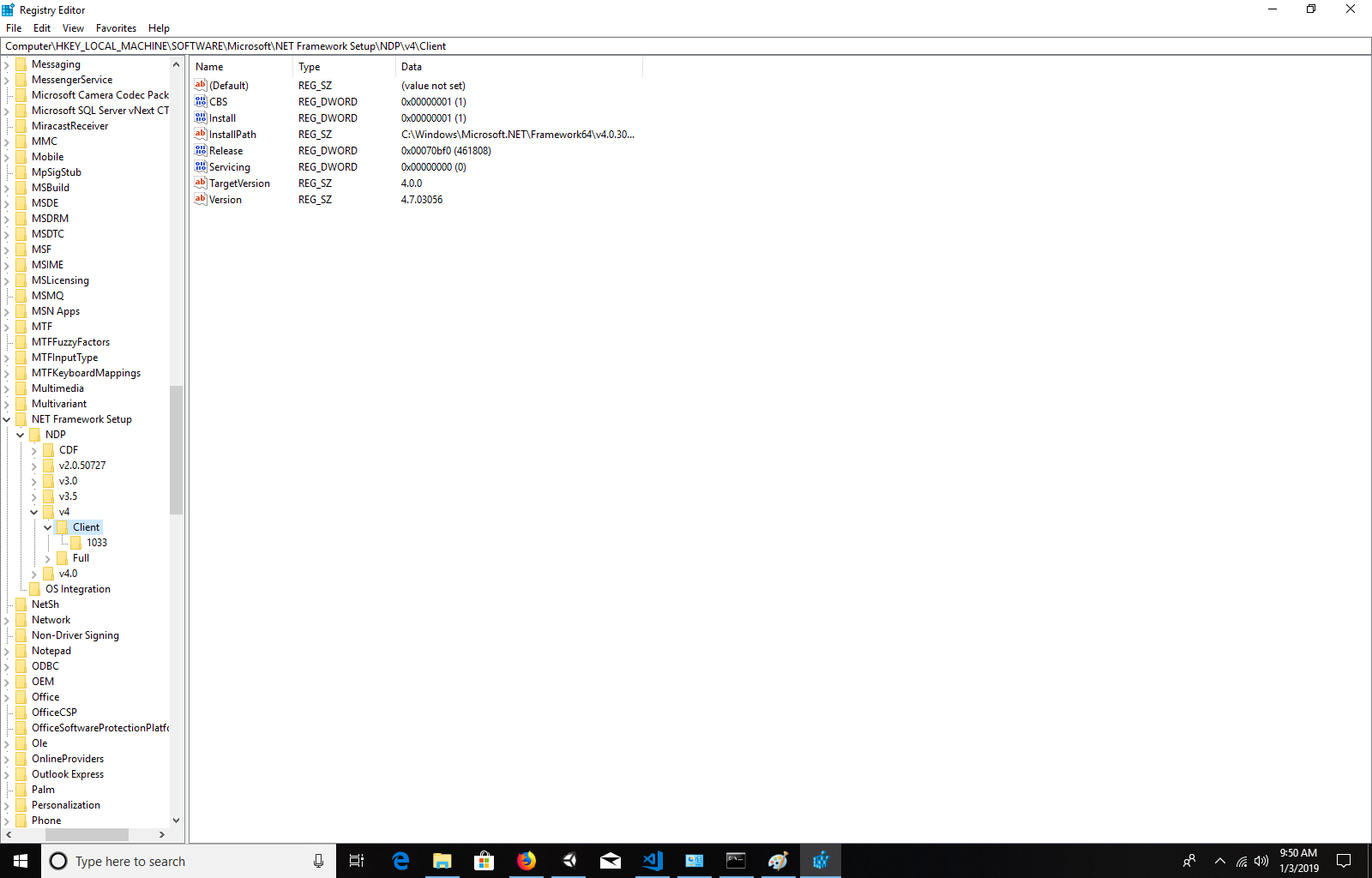
if any further info is required just lemme know.