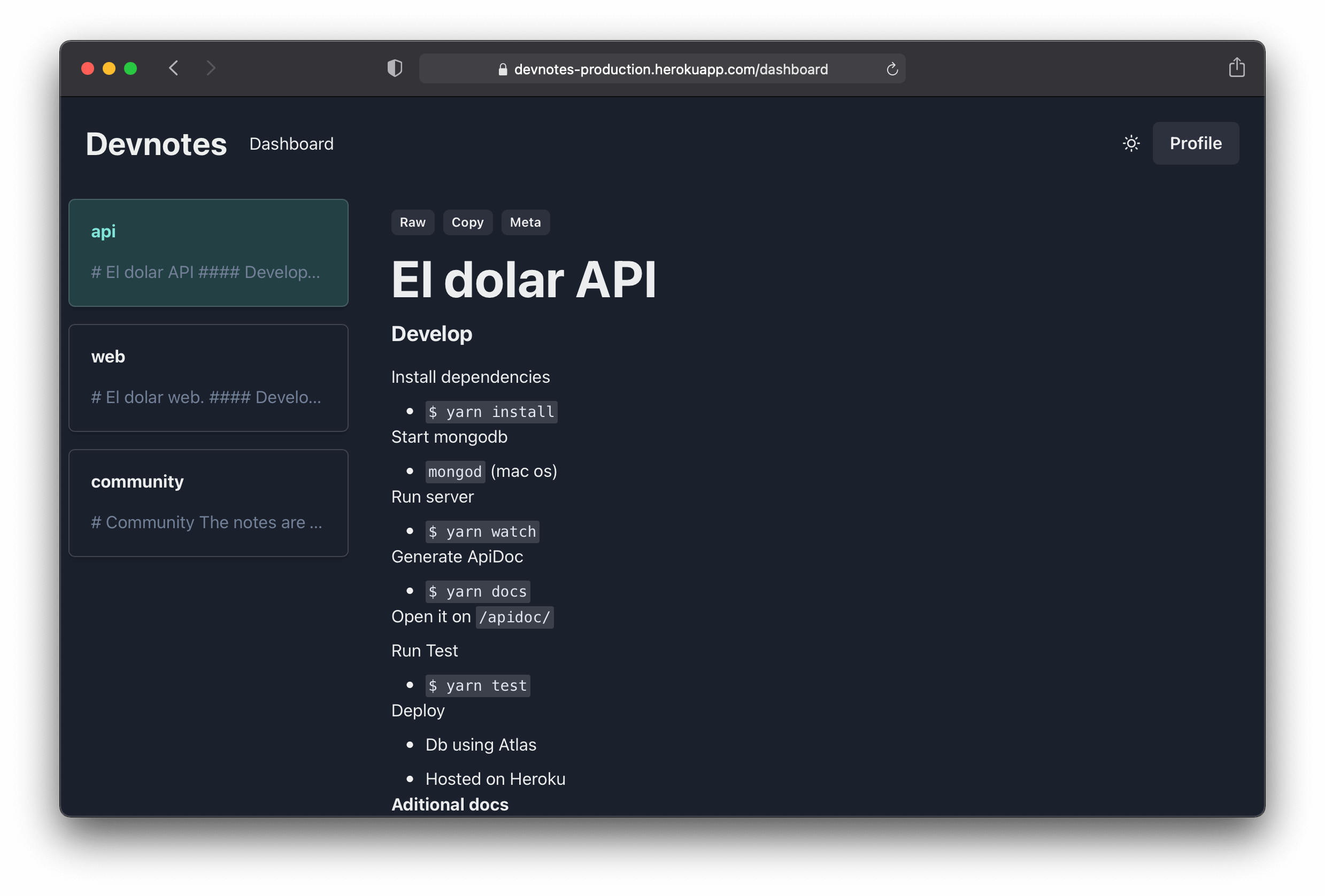
Every time I dive into a project, I create a folder and a file devnotes/notes.md at the root of the project, where I keep notes like credentials, remainder, chunks of code and more. Finally, I ignore the folder (gitignore) to avoid push it.
As I continue doing this process manually, why not create a CLI tool that creates this structure for me 🤷♀️. Born Devnotes CLI
Sometimes I have the same project on different laptops. Why not push the "notes.md" to a kind of cloud 🤷♀️. Born Devnotes.
I've tried Apple Notes, Google Keep, and so on, but I've noticed that keeping the notes along with my project (codebase), it's 💯 faster and easier to use, it's as simple as open the notes.md file with your text editor.
Also, using it as .md gives me highlight code and easy to export as HTML if I need to read, 💯 better than plain text.
- Installing using brew (recommended)
brew install edudepetris/homebrew-brew/devnotes- Installing using NPM
npm install -g devnotes- From any project's root folder
cd devnotes.github.io/ # example using this repo.
devnotes init- You can push your
notes.mdcontent to devnotes cloud (it requires an account before)
devnotes login
devnotes push
check the full list of commands here

- Open the sign up page.