This is the official repository of SafePort, the user-friendly port scanner. Code for the beta version of this project can be found at this repo: https://github.com/sharpnachos/comp330sp19p3
SafePort has also had the honor of winning the Loyola Computer Science Department's end-of-semester project competiton.
The link to read the article can be found here: https://blog.cs.luc.edu/post/184602773801/spring-2019-cs-project-presentations
SafePort is a sleek, modern, easy-to-use port scanner that provides an accessible way for the ordinary person to test the security of their own devices. As opposed to less user-friendly port scanners like ZenMap, SafePort makes it easy for users to scan their device with a single click. SafePort sends TCP connection requests to the device's ports (via the user's personal IP address) and determines whether or not the device is at risk. Once a scan is completed, the user can view which of their ports are open and follow simple documentation for how to close those ports.
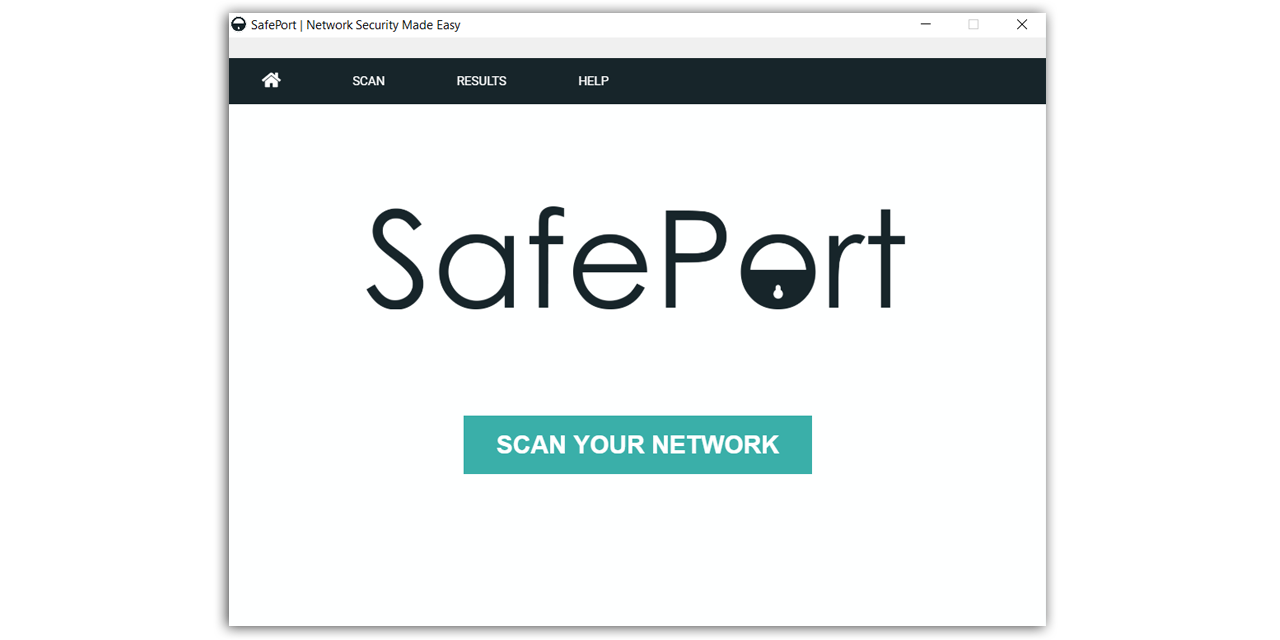
Please follow the setps below to ensure this application runs as needed in a development environment:
- Ensure Node.js is installed on your computer
- To check if it is installed, open cmd and type 'node -v' for your Node.js version and 'npm -v' for NPM
- To install Node.js, follow this link to the official web page: https://nodejs.org/en/
- Clone this repository into Visual Studio Code or any other IDE of your choice
- Open Git Bash and make sure you are in your local project directory
- Run the following line of code in your terminal to ensure there are no permissions errors while running this application:
- rm -rf node_modules && npm install
- Type the command "npm start' in the terminal to start Electron
- An Electron window should open up running the SafePort application
Smart Scan is a faster scan that only checks a list of 70 of the most commonly exploited ports. This is a good first scan to do as it provides important information very quickly; however, it might not catch all of your open ports.
Full Scan checks every single port on your device and lets you know which ones are open. This is a longer scan. For most devices, it takes about 5-10 minutes to complete. This will definitively show you every open port on your device.
Custom Scan is an advanced version of Full Scan that lets you scan foreign devices that you own (like web servers or any websites you own) instead of just scanning the device you are on. Depending on how much processing power your device has, you can also adjust the threading of the scan to be lower or higher. A lower thread rate makes the scan take longer, but it is easier on the device. Higher threading makes the scan go faster, but is harder on your device.
SafePort provides easy-to-follow documentation for users on how to close their open ports for Windows, Mac, and Linux as well as a user manual for further questions and information on the subject.
Front-end: HTML, CSS, and JavaScript
Back-end: Python 3
Data: JSON
SafePort uses Electron, a Node.js framework, for its launching, packaging, and graphical user interface.
The official website for Electron can be found here: https://electronjs.org/
SafePort utilizes mocking to ensure that its Python scripts run properly for port scans.