Because every item has a story
We all hold onto things that carry memories: a concert tee, a festival sticker, a ticket stub, or a small keepsake from a friend. These items remind us of our favorite moments, but they also start to pile up.
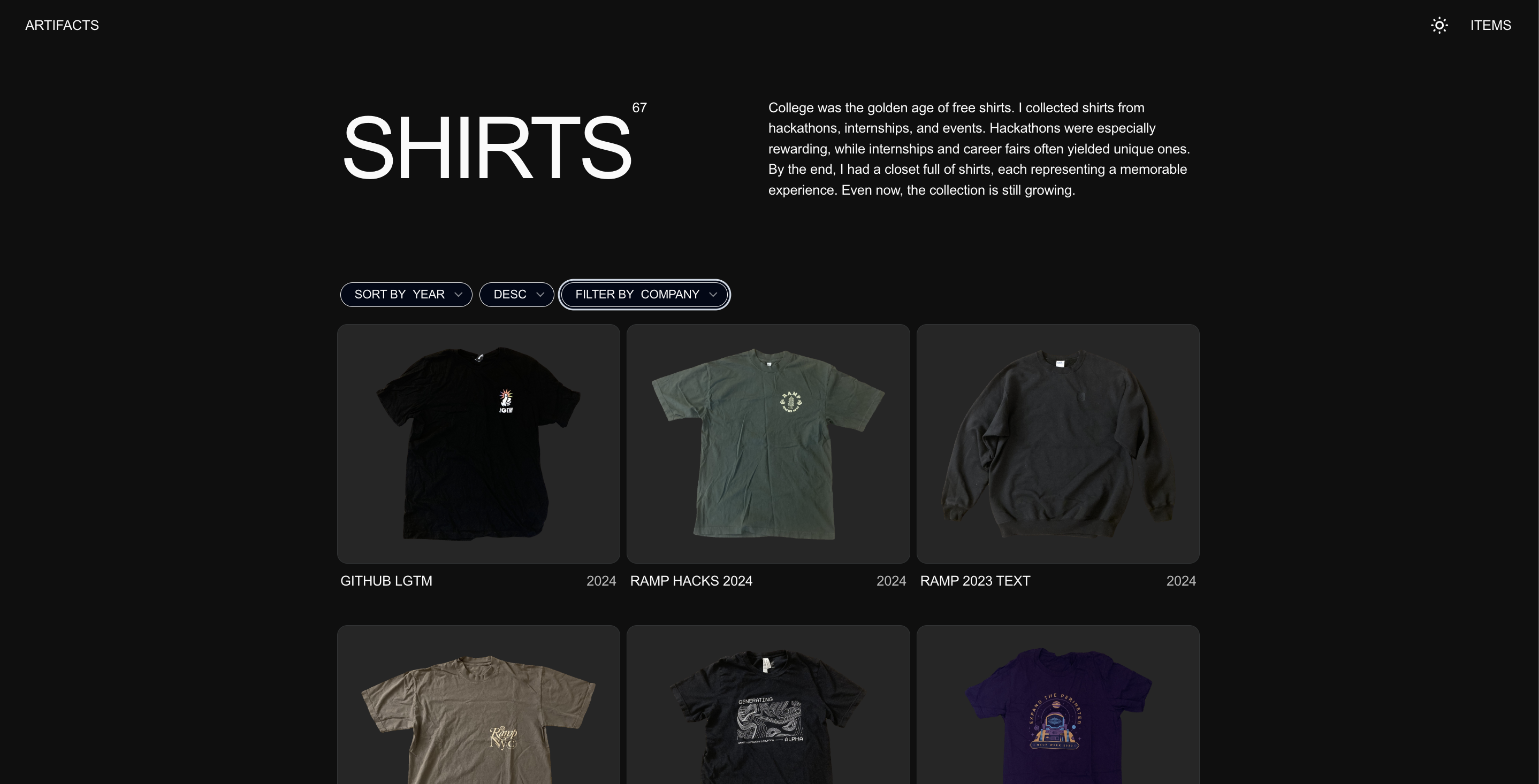
Artifacts uses a Github repository as your digital space to archive the story, memory, and meaning of the things you have been holding onto without needing to keep every item.
Here's an example of how you would use it to archive your free tshirts from college.
- In
/public, create a new folder/shirtswith two subfolders:/originalsand/output - Upload images of all your shirts into
/shirts/originals - Run this Jupyter notebook to segment out your artifact from each image. If your device can run ipynb files with GPU, you can do it locally. Otherwise, I recommend Kaggle since you get 30 free GPU hours per week. (If you have photos with multiple artifacts per photo, use this notebook instead)
- Once this is done, download the zip file output from Kaggle and upload all the segmented images to /shirts/output
- In
App.tsx, updateartifactNamesto use the name of your folder, in our case,shirts - In
generateData.js, updateartifactNameto use the name of your folder, in our case,shirts. Then, runnode generateData.js
The data.json files follow these formats:
interface Artifact {
  title: string;
  images: {
    front: string;  // path to image
    back?: string;  // optional back image
  };
  brand?: string;
  dateObtained: string;  // 'YYYY-MM-DD'
  organization: string[];
  tags: string[];
}