Gatekeeper is a secure password manager for the Flipper Zero that leverages the BadUSB (HID emulation) capabilities. It allows you to store your most-used credentials and "type" them into any computer, server, or terminal at the touch of a button.
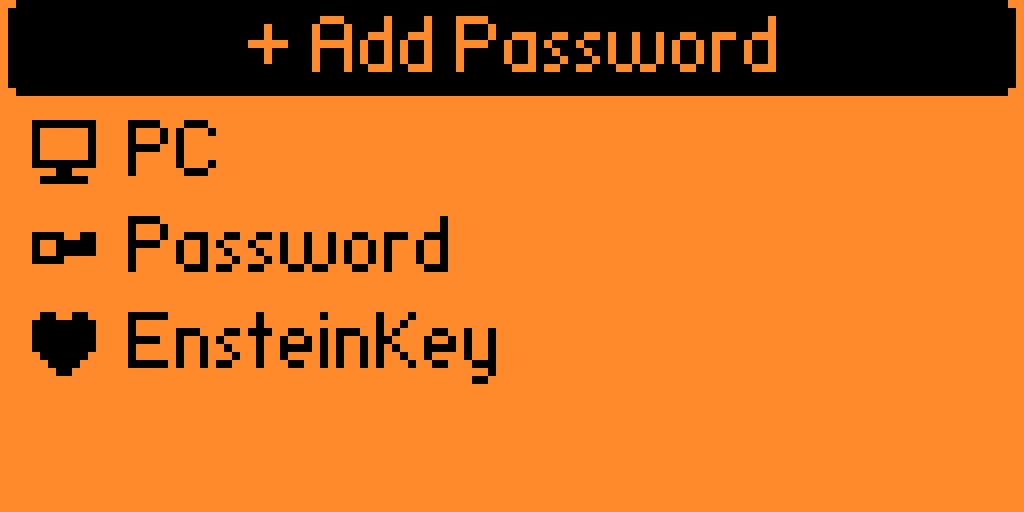
BadUSB Integration: Injects passwords instantly as a keyboard device.
Master Combo Security: Protects your data with a mandatory 4-click directional sequence (D-pad) required upon every launch.
Capacity: Store up to 30 unique passwords.
Customization:
- Label: A recognizable name for the credential.
- Payload: The actual string to be injected.
- Icon: A selectable visual icon for quick navigation.
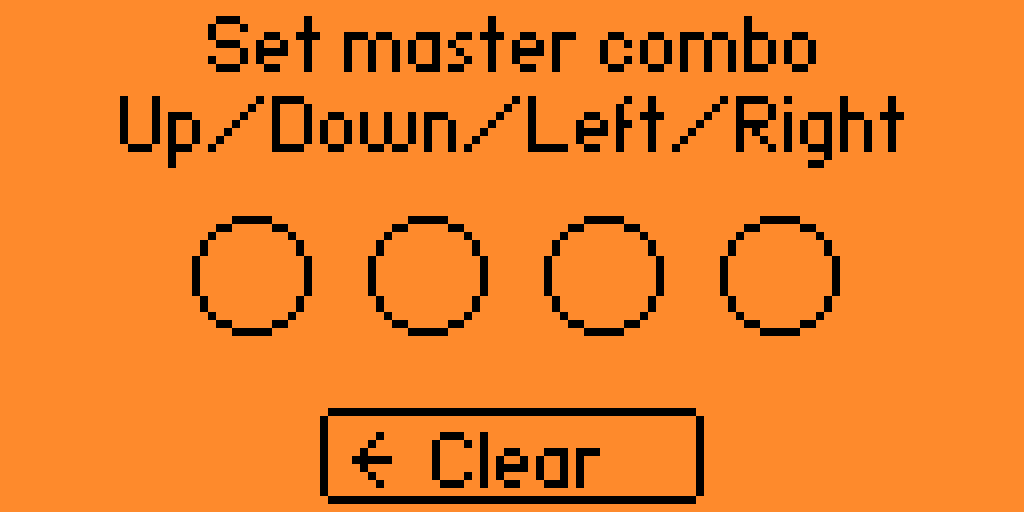
- When you open Gatekeeper for the first time, you will be prompted to set a Master Combo.
- Choose a sequence of 4 directional clicks (Up, Down, Left, Right).
- This combo is stored locally.
- Every subsequent launch will require this exact sequence to unlock your vault.
- Select "+" You will be prompted to enter a name, the password string, and pick an icon from the built-in library.
- Highlight a saved password and press OK. The Flipper Zero will act as a USB keyboard and type the string instantly.
- Ensure your Flipper Zero is running the latest firmware (Official, Momentum, or Unleashed).
- Copy the gatekeeper folder to your SD card under apps/tools/.
- Compile using fbt or launch directly if using a pre-compiled .fap.
Disclaimer: While Gatekeeper adds a layer of security via the Master Combo, remember that the Flipper Zero does not have a dedicated Secure Element for app-level encryption. Use this app for convenience, but avoid storing extremely sensitive "root" credentials or financial recovery phrases.

