Repository navigation
CyanNova 1.3.6 - Formerly ClawTweaks Library

Note
We are working on a Microsoft Store release of CyanNova.
Install
- MSI Claw Handheld (A1M, A2VM, EX): run Setup from the ClawTweaks 1.0.3 release. (CyanNova is bundled as optional feature with ClawTweaks)
- Windows PC/other handhelds: scroll down and run
CyanNovaLauncher_1.3.6_Setup.exe. (MS Store Release coming soon)
ClawTweaks Library is now "CyanNova"
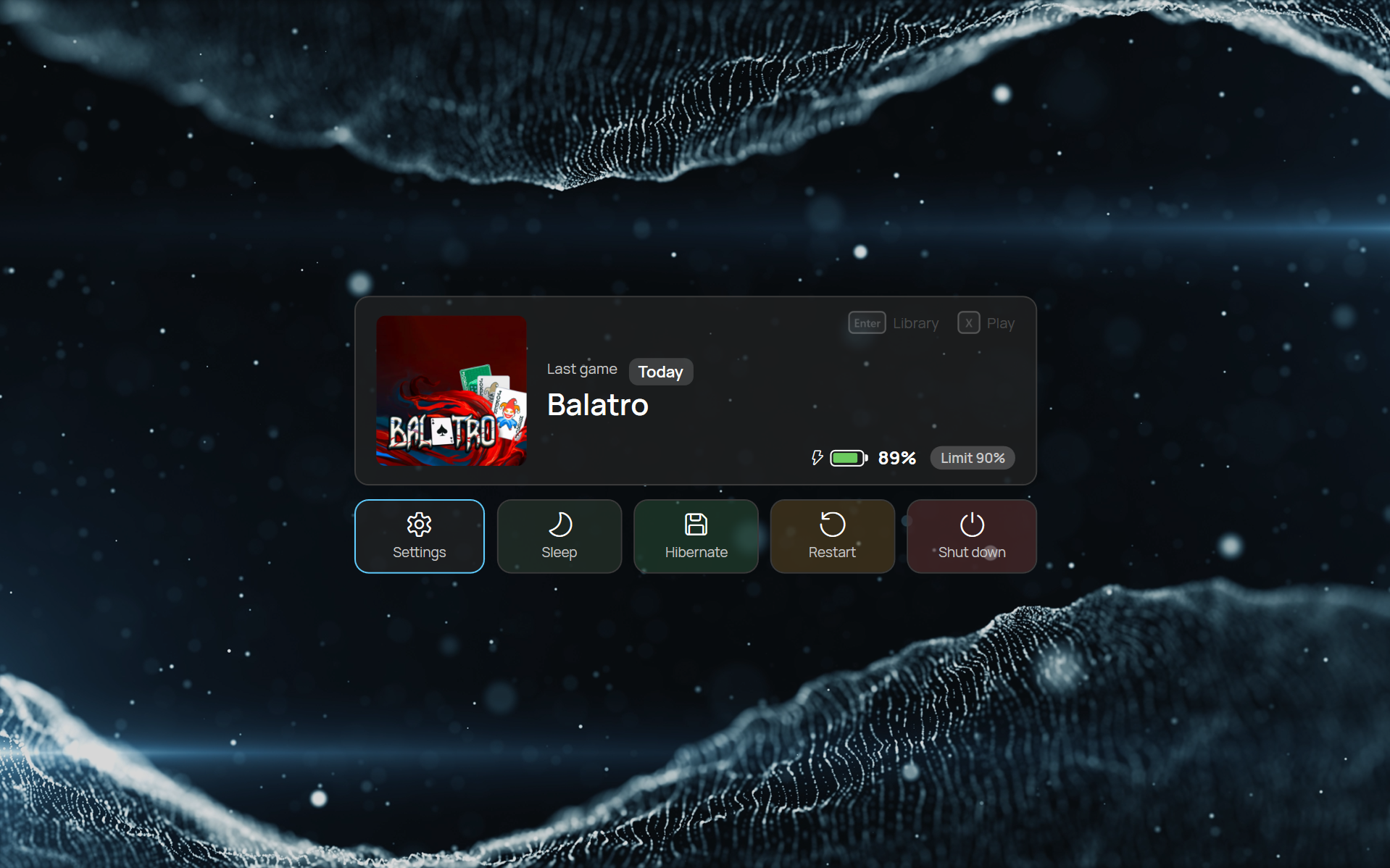
Lock screen
- Your last game, battery and charge limit at a glance
- Settings, sleep, hibernate, restart and shut down
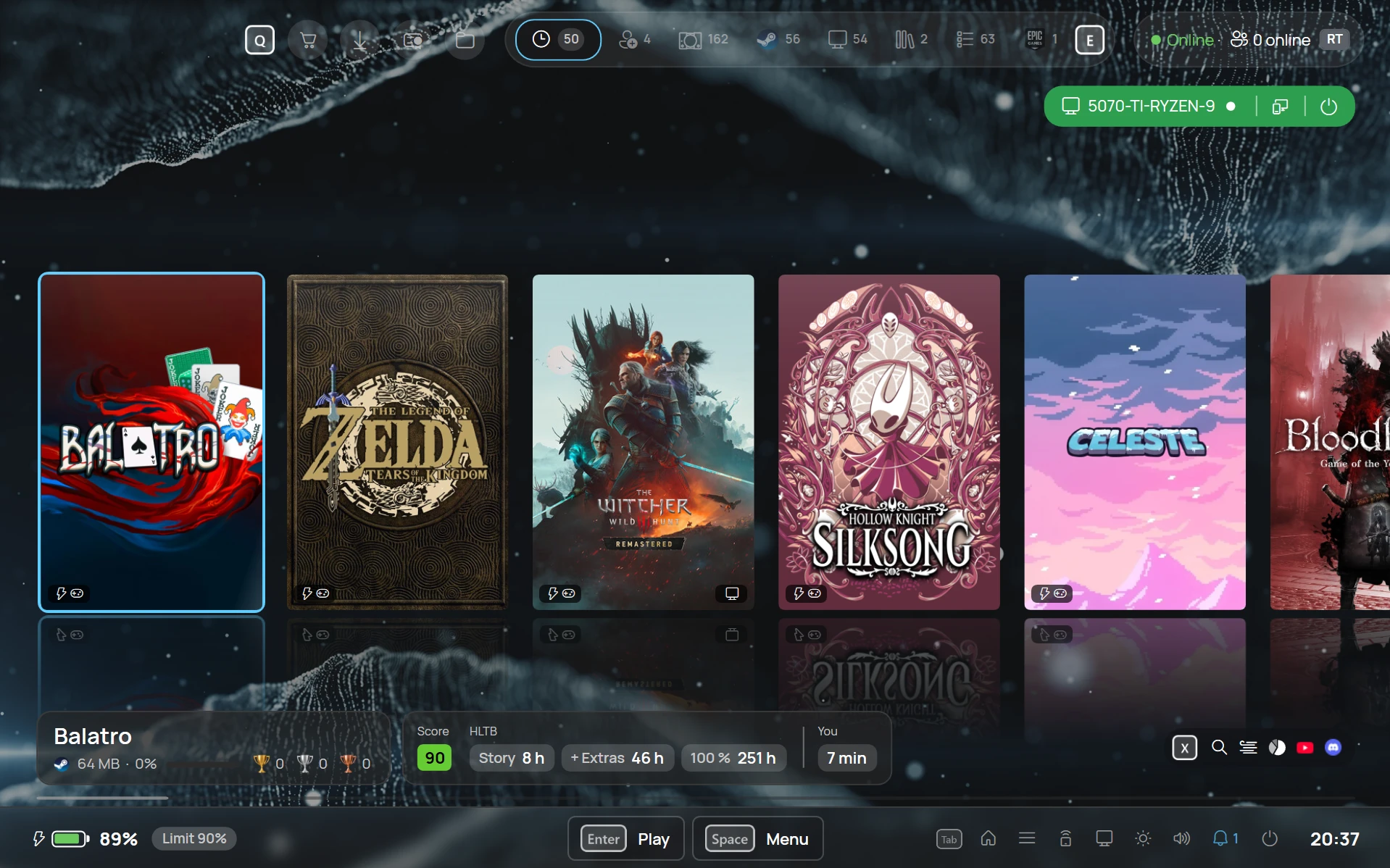
Live wallpaper
- Your own MP4 videos play muted and looped behind the library and on the lock screen
- Pick one from a gallery with still frames
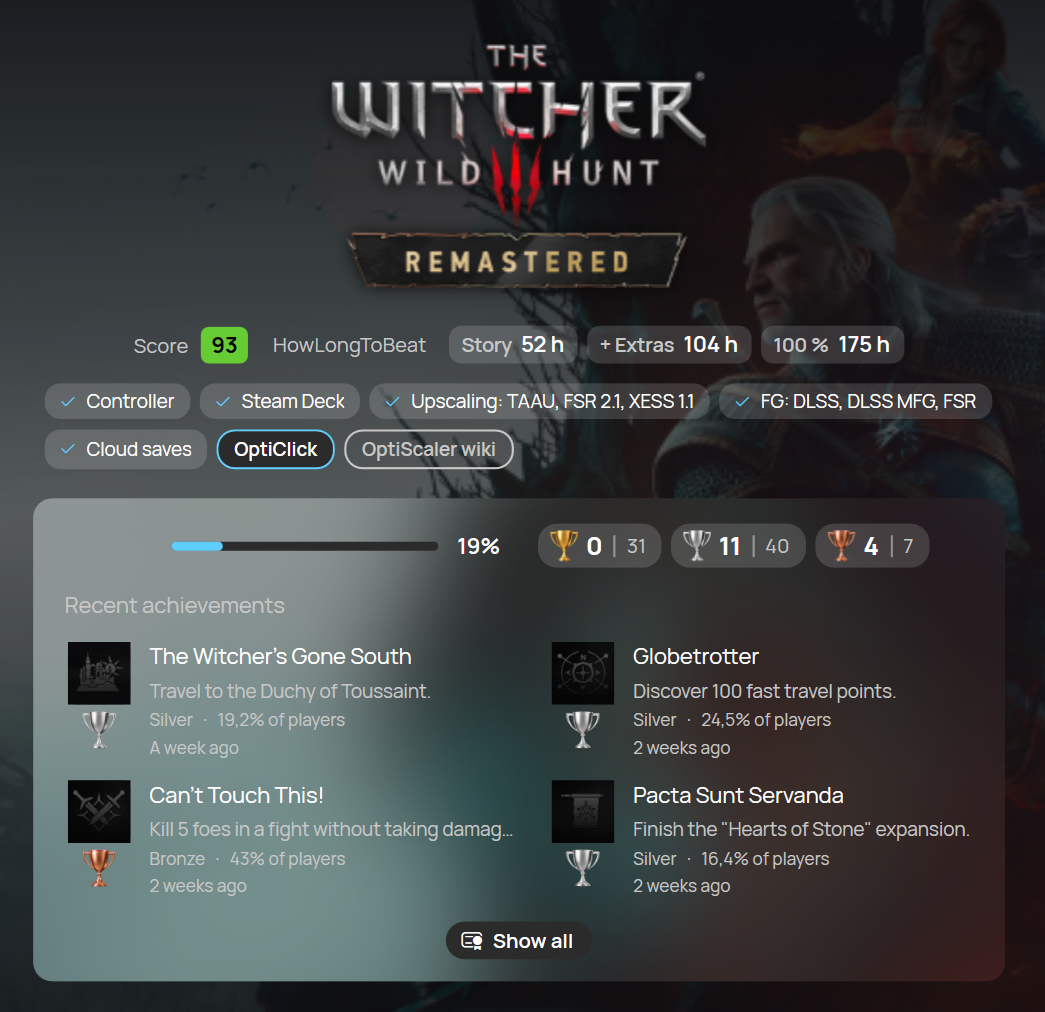
Achievements in gold, silver and bronze
- Ranked by rarity
- Recent achievements right on the game
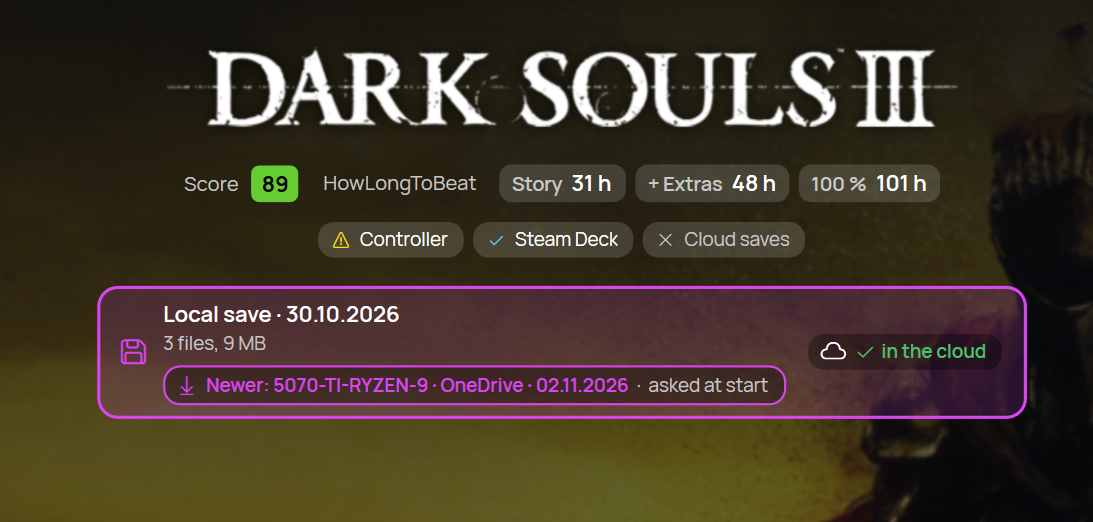
Local and cloud saves with Ludusavi
- For games without a built-in cloud sync, ROMs and PC ports
- Sync with your PC and get asked at game start when a newer save exists
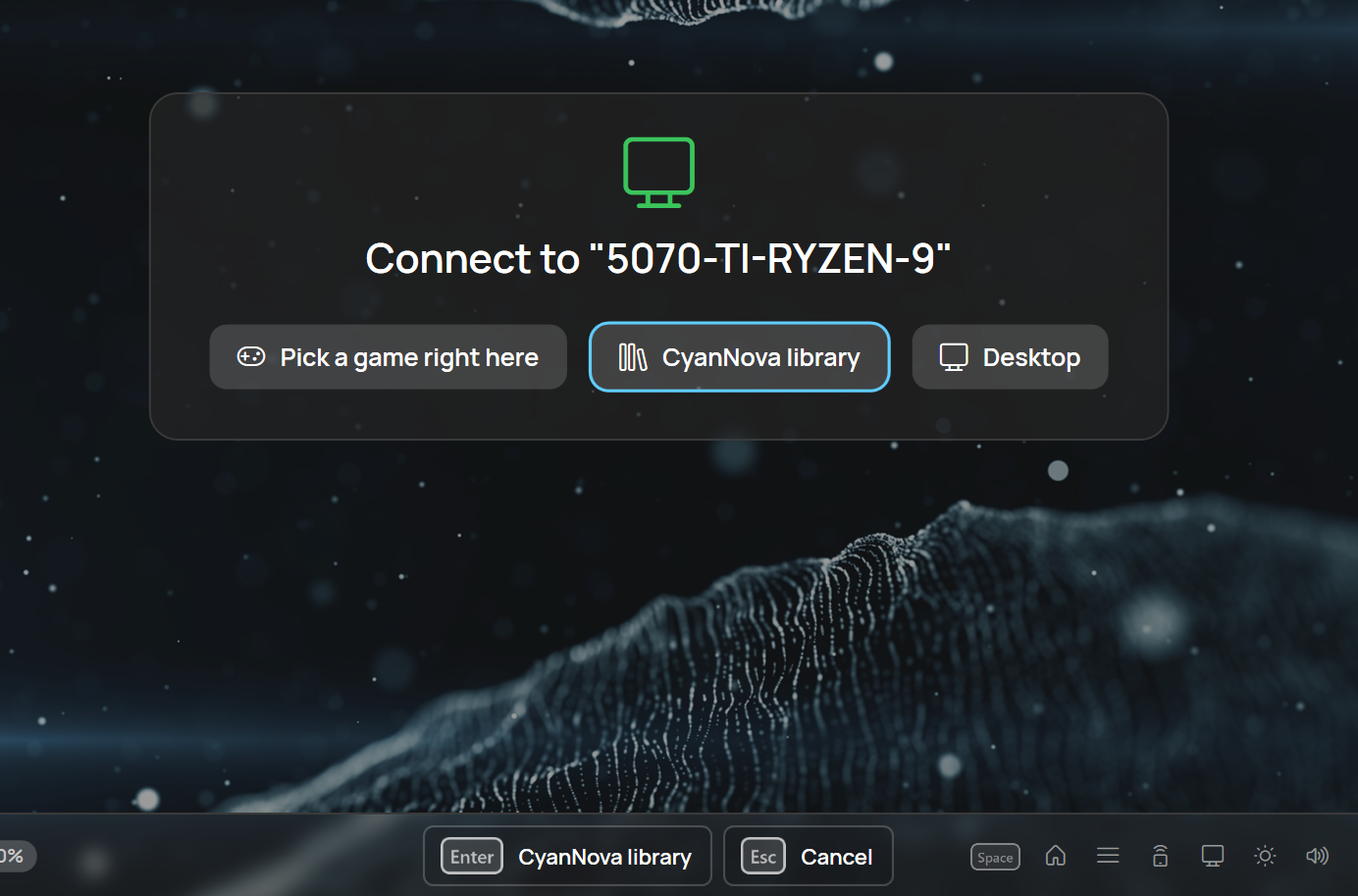
Connect to your PC
- Pick a game right here, open the CyanNova library or the desktop
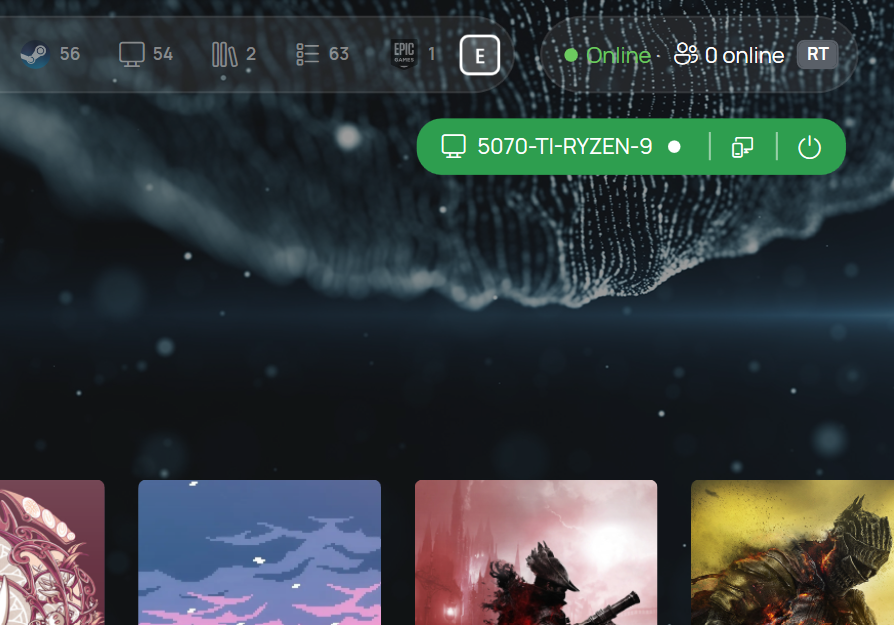
Start your PC from the library
- See its status and wake it from the top bar

Handheld or PC
- CyanNova knows when a game is on your PC too
- Choose a local or a streaming session
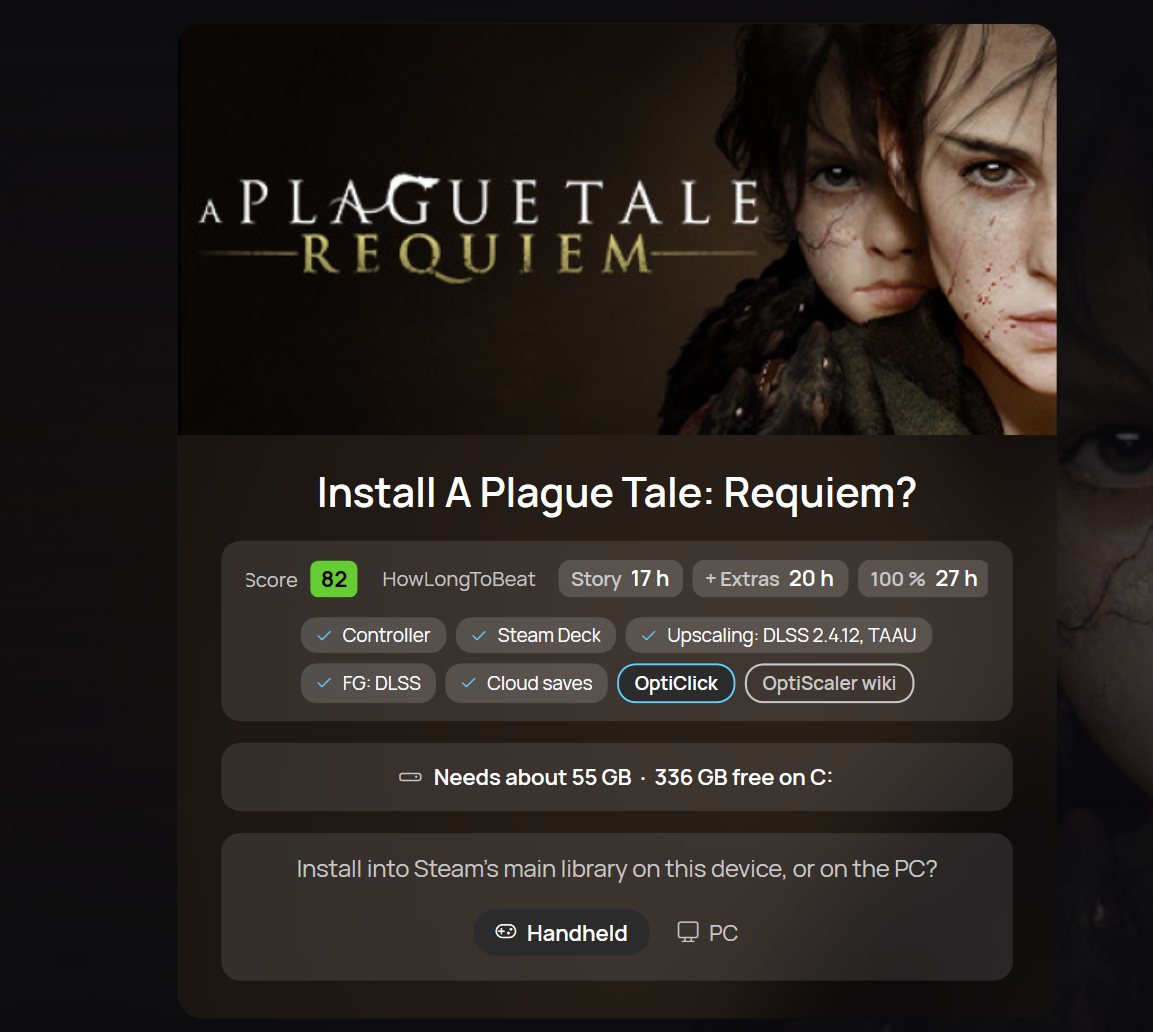
Install where you want
- Install a game on the handheld or on your PC
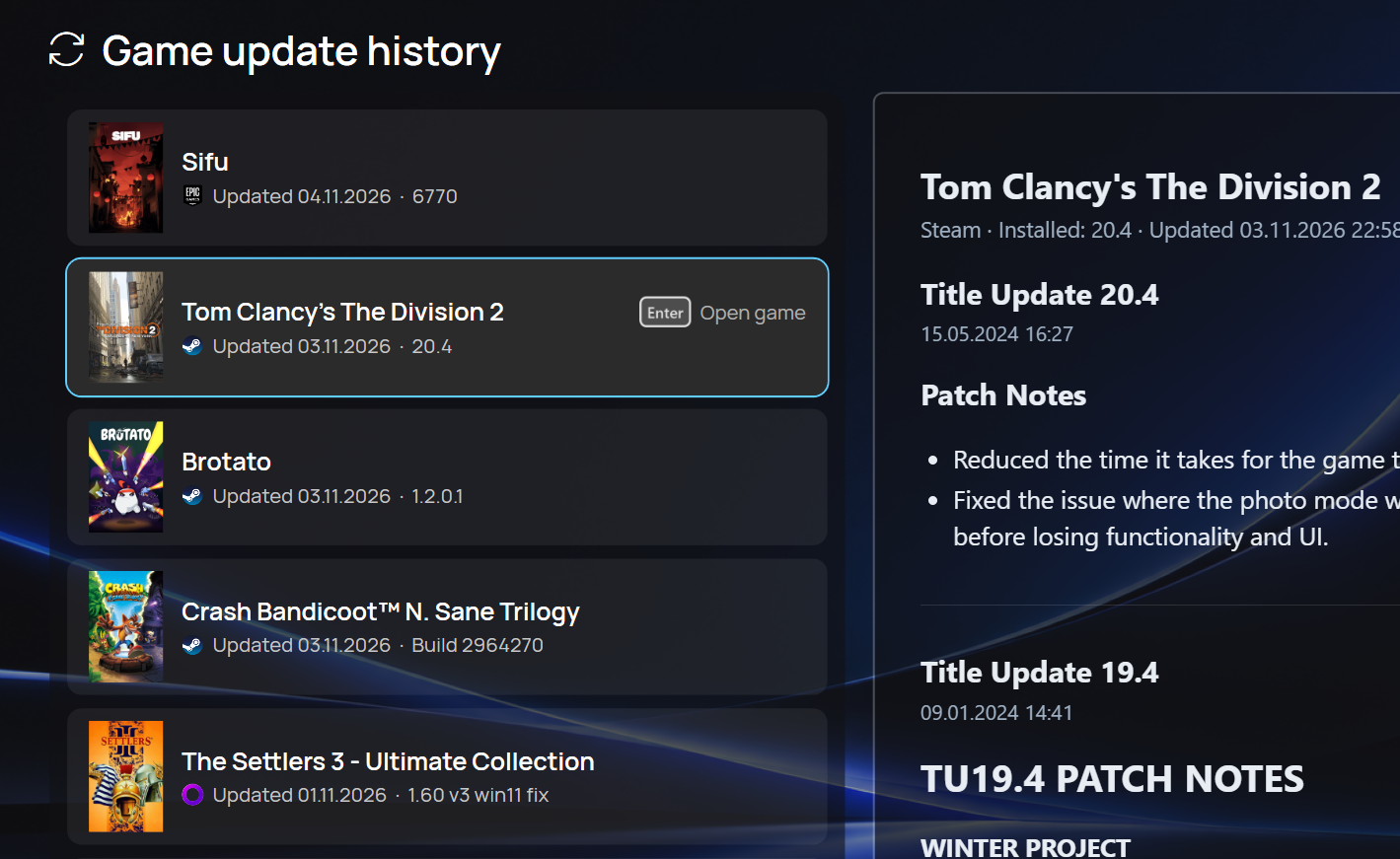
Game update history
- Recent game updates across stores, with patch notes