Deleting and Recovering
Apricity's deletion model is built around one promise: nothing is ever lost by accident. Every delete is snapshotted before it happens, and everything is one click from restore.
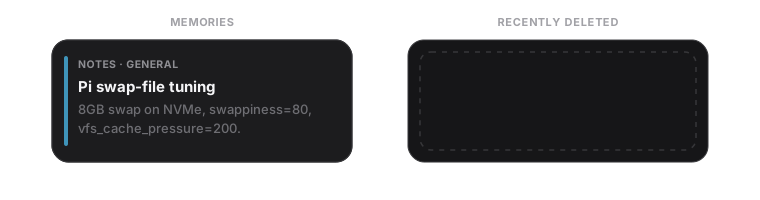
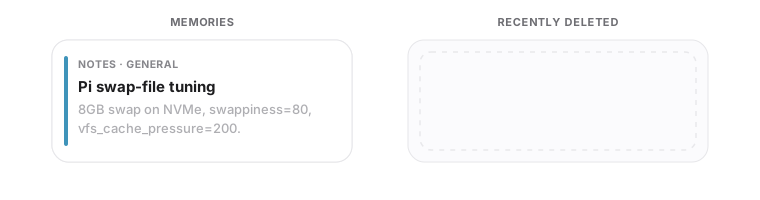
Apricity supports three scopes of deletion:
| Scope | Effect |
|---|---|
| Memory | removes a single drawer |
| Room | removes every memory in a room |
| Wing | removes an entire wing and all its rooms |
Tunnels can also be deleted (see Knowledge Graph & Tunnels).
- Open the memory in the Detail pane.
- Use the delete control in the panel chrome.
- Confirm in the dialog. Bulk scopes (room / wing) require an exact-string confirmation so you can't fat-finger them.
The card drains red and is removed from the list — but it isn't gone, it's snapshotted (see below).
Every delete appends a snapshot to a recoverable versions log. Open the 🗑 Trash in the top bar to see Recently deleted memories.
- Restore brings a memory back with one click. Restoration is optimistic — the memory reappears immediately and reverts if the server rejects it.
- Restored memories preserve their original author, source, and filed-at metadata (only a fresh internal id is assigned, because the storage layer drops the old id on delete).
- Delete all / purge permanently clears the trash log when you're sure.
What gets snapshotted: deletions (of memories, rooms, wings, and tunnels) are snapshotted. Routine edits are not kept as snapshots — Apricity's policy is that the versions log is for recovering deletions, not a full edit history. (Edits are still protected from accidental overwrite by ETag concurrency.)
If you'd rather not let the trash grow forever, enable Settings → Display → Auto-delete trashed memories. This is a server-side preference (it applies regardless of which browser you use), and it prunes snapshots past a retention window so the log stays tidy.
Deleted tunnels are snapshotted too, and appear in Recently deleted alongside memories. Restoring one brings it back exactly as stored — same endpoints, label, and any drawer bindings.
- Snapshot before destruction — every delete is recorded first.
- Confirmation values — bulk deletes and trash purges require typing an exact confirmation string.
-
No raw DB writes — deletes route through the
mempalacepackage, never direct SQLite edits.
More in Security & Safety.
Next: Knowledge Graph & Tunnels.