Feature Logs and Cache
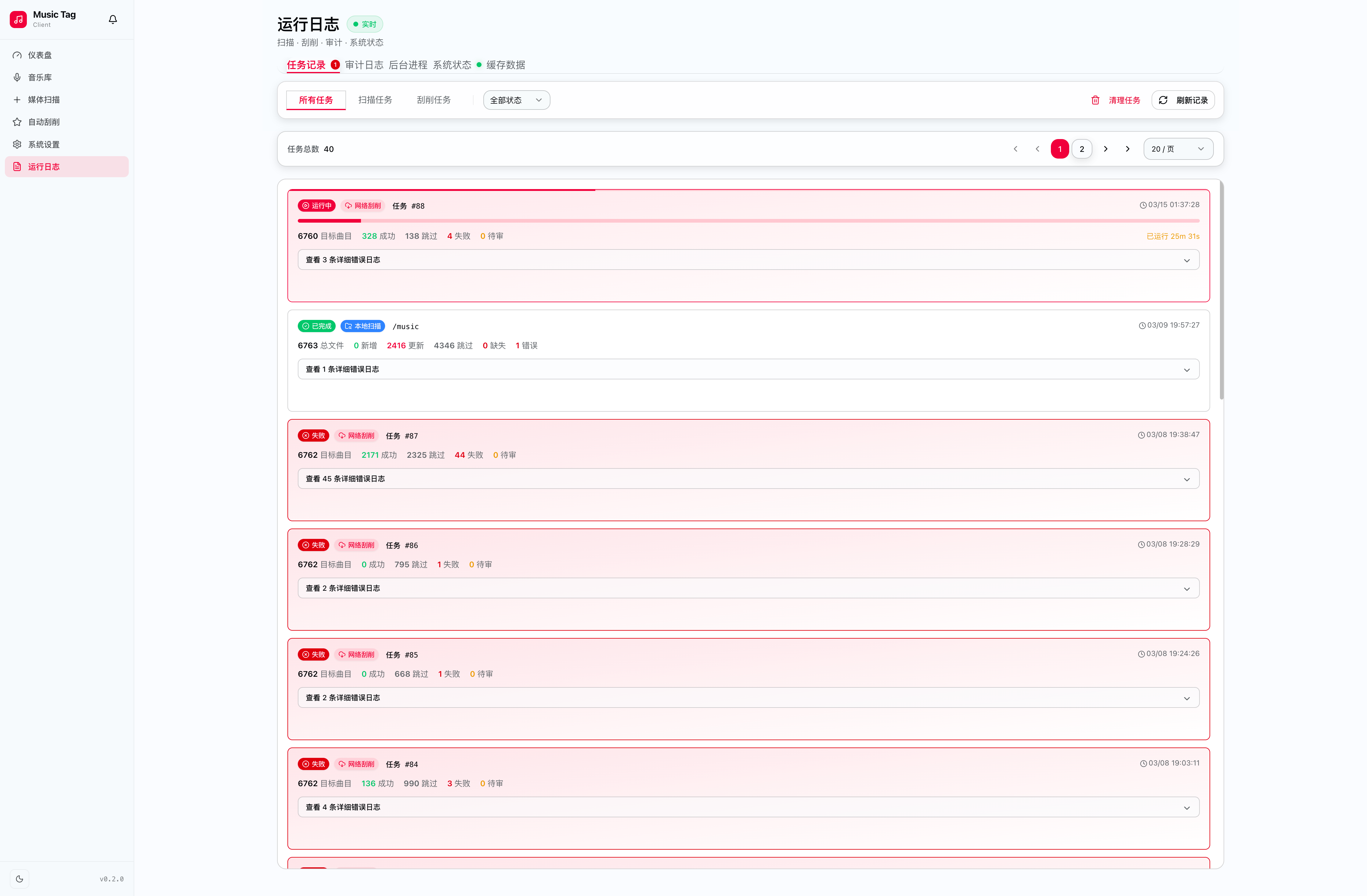
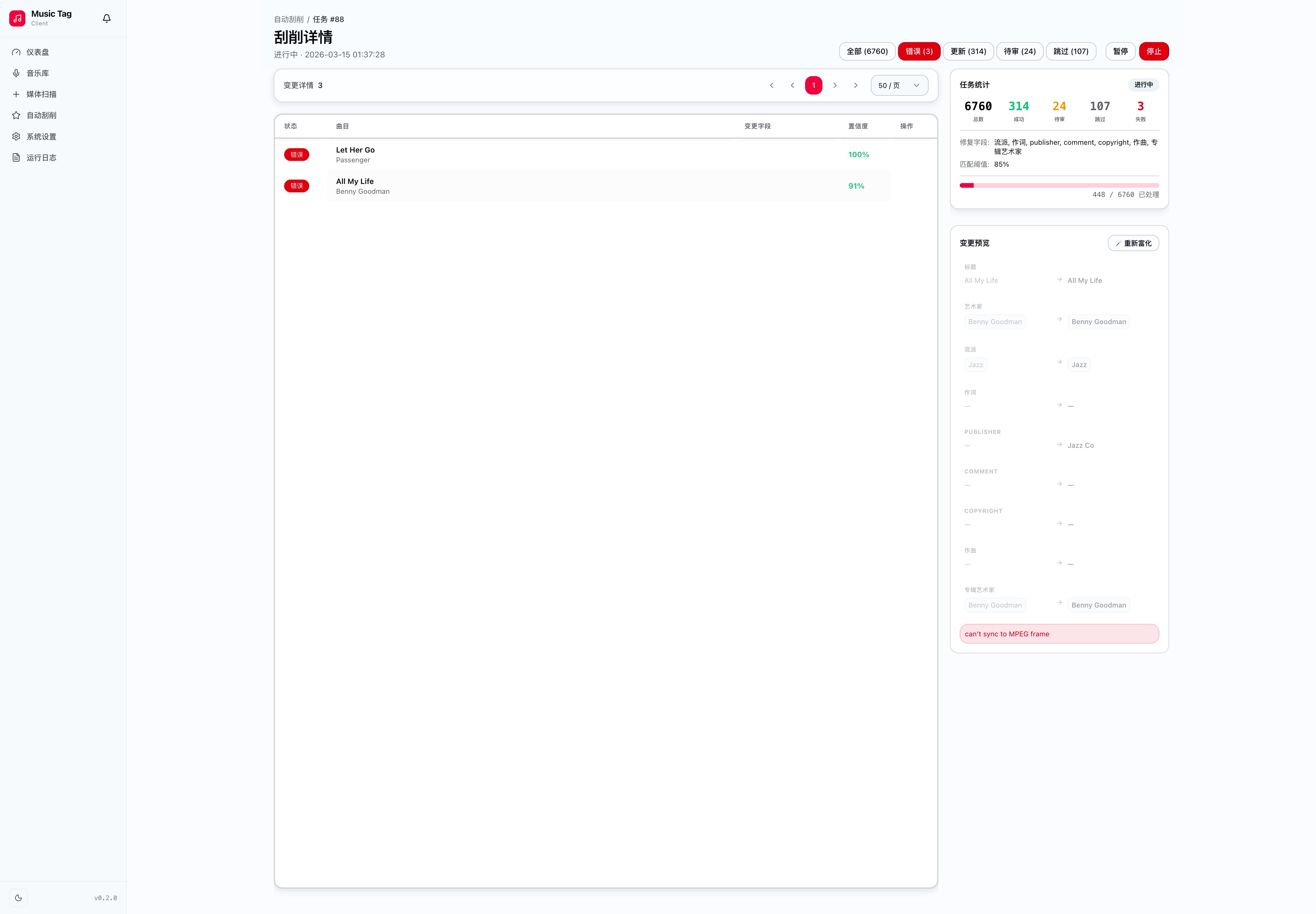
Every operation in Music Tagger is transparent and auditable through the structured log viewer and cache browser.
| Event Type | Examples |
|---|---|
| Scraping | Job start/finish, source responses, failures |
| Metadata Writes | Field changes, bulk updates, reverts |
| File Events | Scans, missing file detections, path repairs |
| System | Worker status, container health, config changes |
DEBUG › INFO › WARNING › ERROR — filterable in the UI.
| Operation Logs | Log Detail |
|---|---|
 |
 |
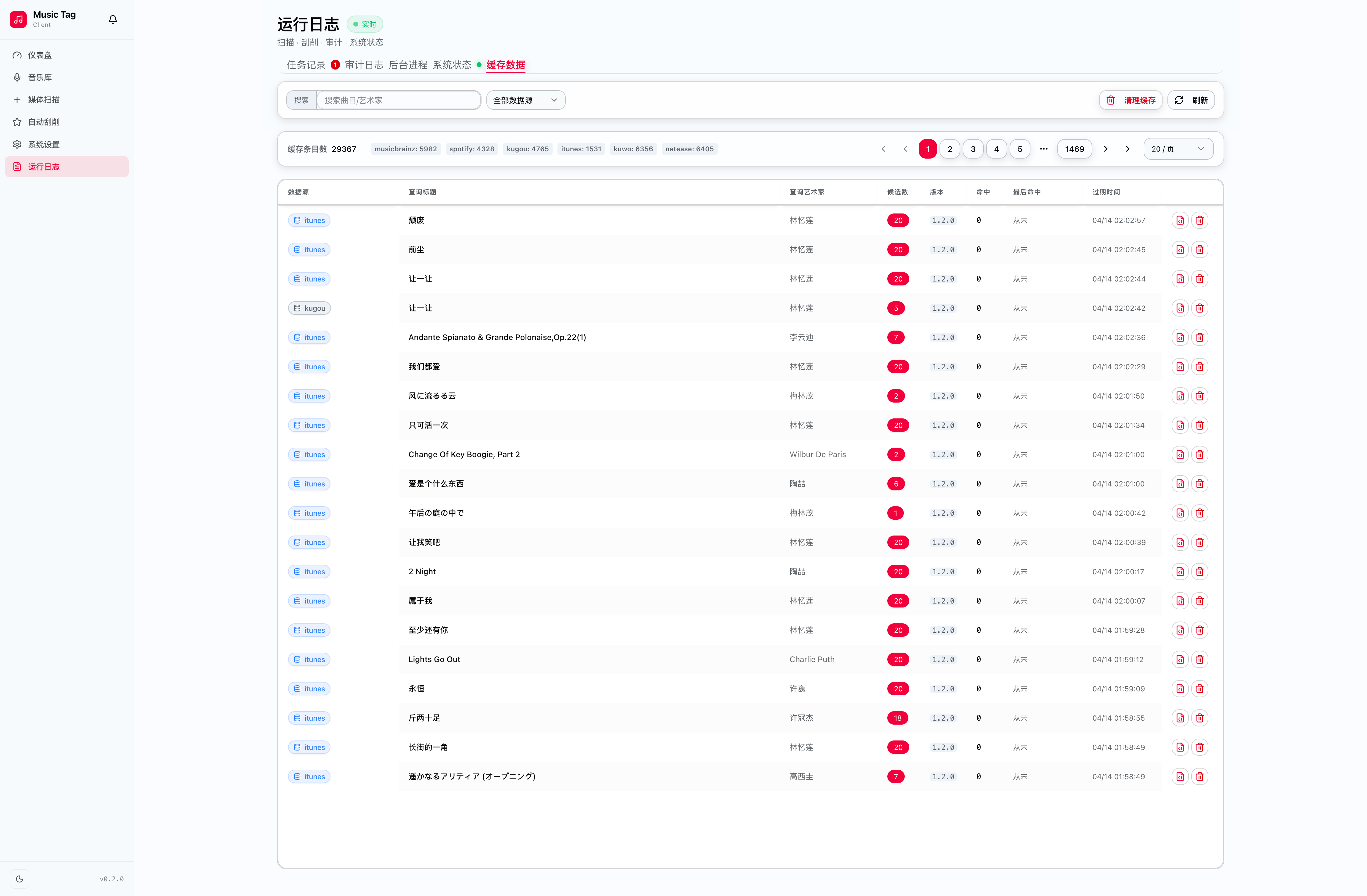
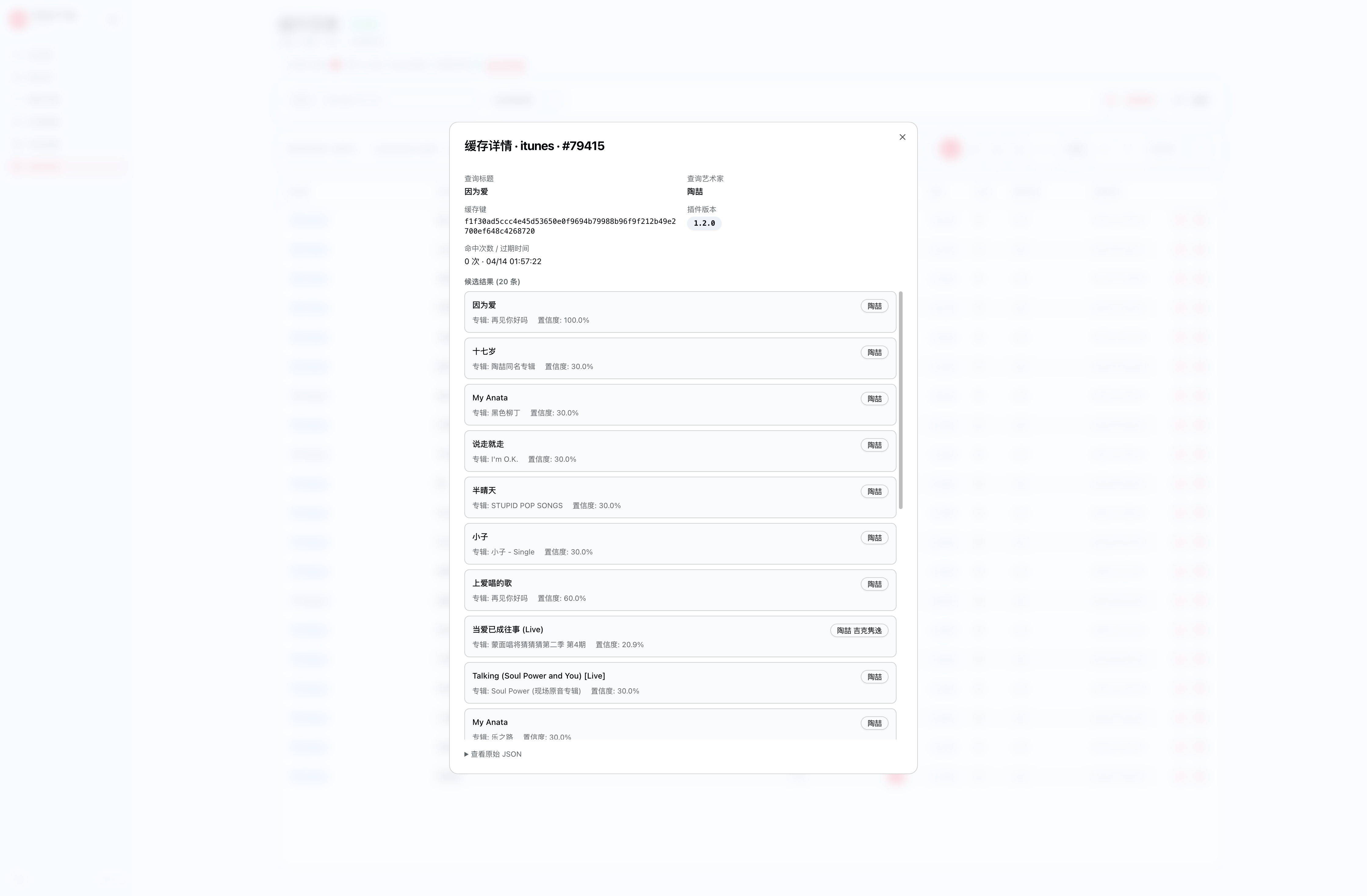
The cache browser gives you full visibility into what has been fetched from external metadata sources.
- Browse entries by source, track, or fetch date.
- Inspect raw responses for any cached result.
- Invalidate individually — force a single track to be re-fetched next run.
- Bulk clear — reset all cache for a specific source or time range.
Logs are stored in the database and pruned on a configurable schedule. Default retention is 30 days. Adjust via the LOG_RETENTION_DAYS environment variable.
📸 [Log retention settings screenshot — coming soon]