This repository was archived by the owner on Jun 11, 2023. It is now read-only.
Creating a new FCat Project
The first thing to do is to fire up XCode and in the menu choose : "File" -> "New Project". Then select "IOS" -> "Application" -> "Empty Application".
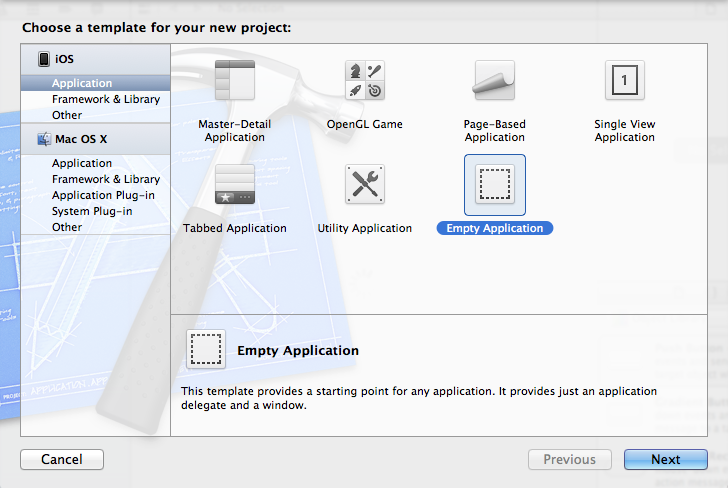
Click next, name it, and add core data if you need it.

Download the github project. Then add it to your XCode project by drag and dropping the source code :