Bug: Can't display content of Android devices #11942

Description

Description
Normally when connecting Android devices to PC, users could view files from internal storage (and installed SD card).
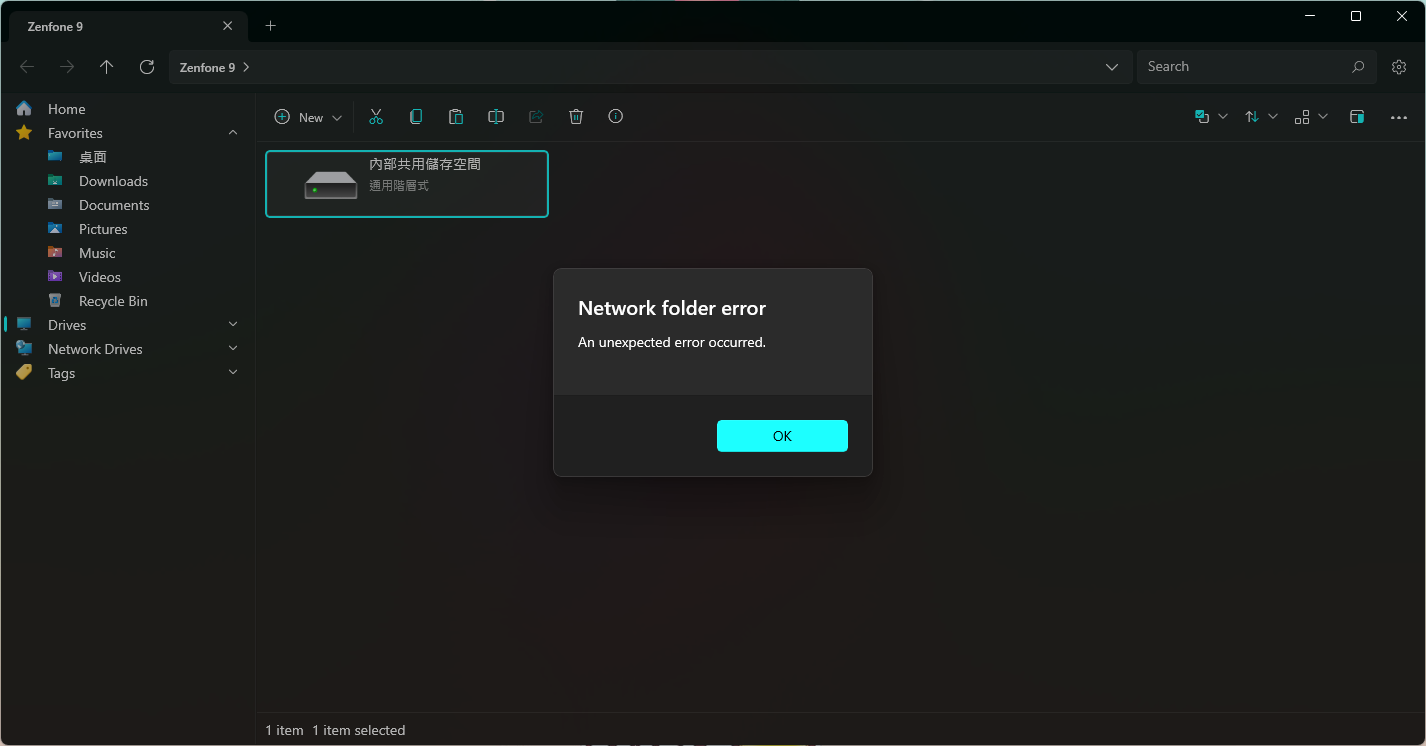
But when using Files, the app will display a strange error saying "Network folder error" ( more on the following part ).
Steps To Reproduce
The following tests are based on my personal phone, which is Asus ZenFone 9
- Connect an Android phone to PC, make sure choosing "File transfer" on the phone's USB preferences.
- Open Files and click on the phone, which will bring up available storage space to view.
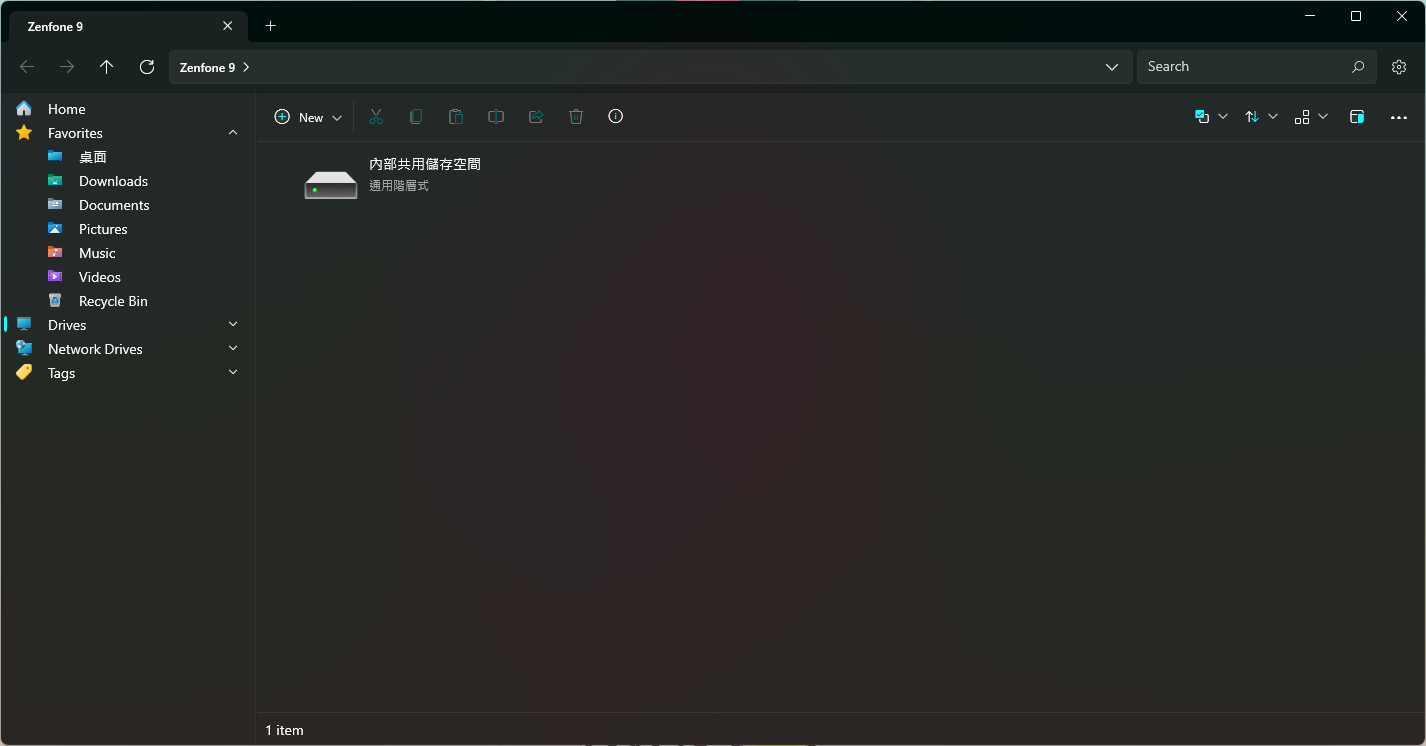
- Click any of the storage and see the error.
Requirements
Files should be able to view the content of the storage, just as Windows Explorer does.
Files Version
2.4.40.0
Windows Version
10.0.22621.1413