Context Menu is not in the window when using keyboard 'Menu' Button #2609

Description

Describe the bug
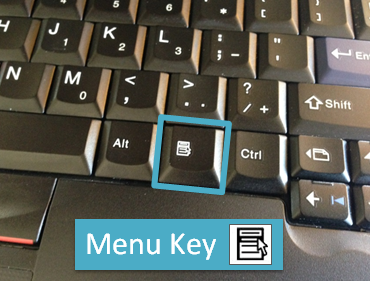
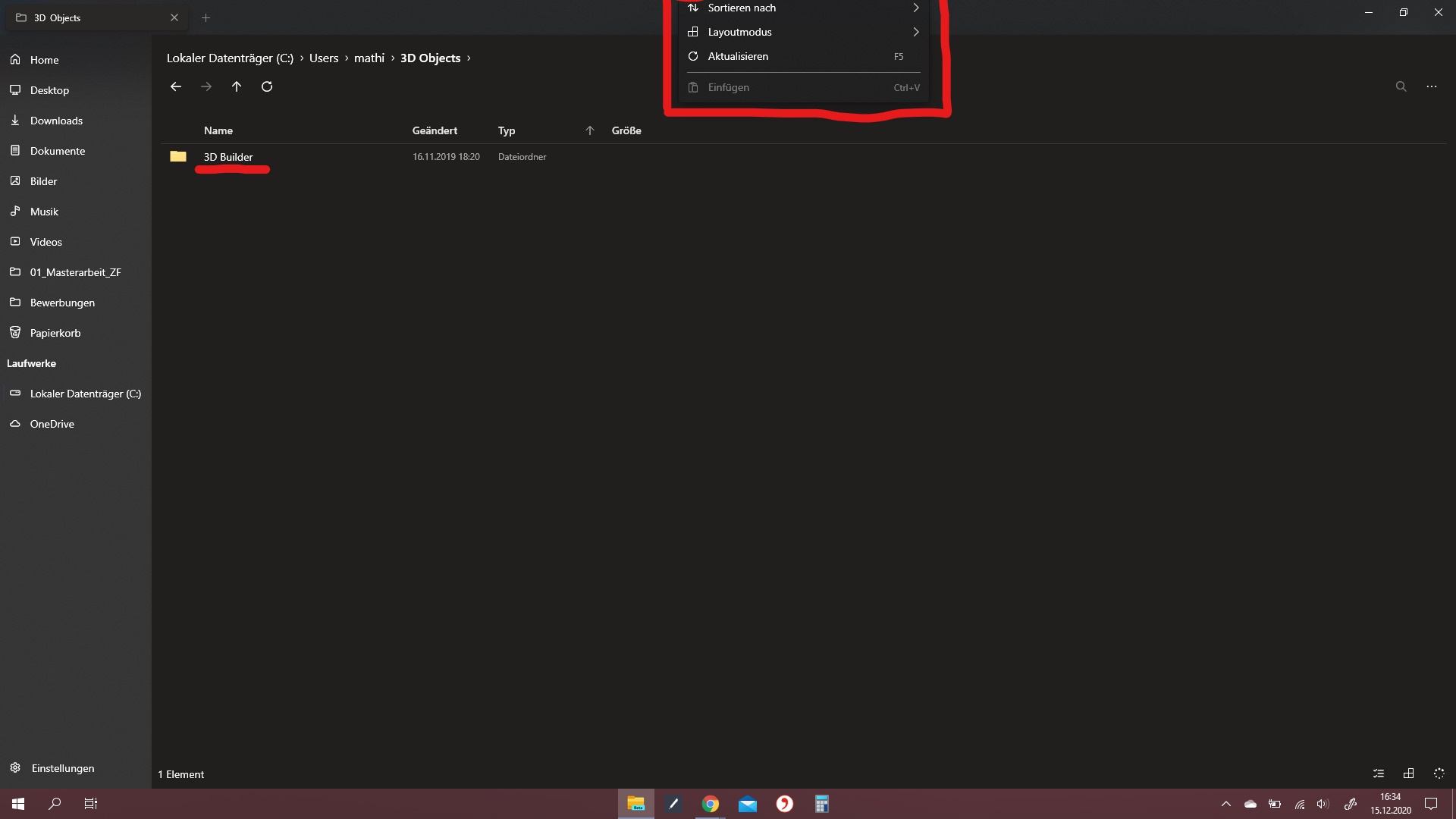
When trying to open the context menu (usually using right mouse click) with my keyboard menu button (see image 1), the menu appears at the top of the screen with the upper half cut off when it should appear starting at the selected element.
(Image 2)
To Reproduce
- Select a file or folder in the explorer
- Hit the 'Menu' button on your keyboard
- Menu appears at the wrong position
Expected behavior
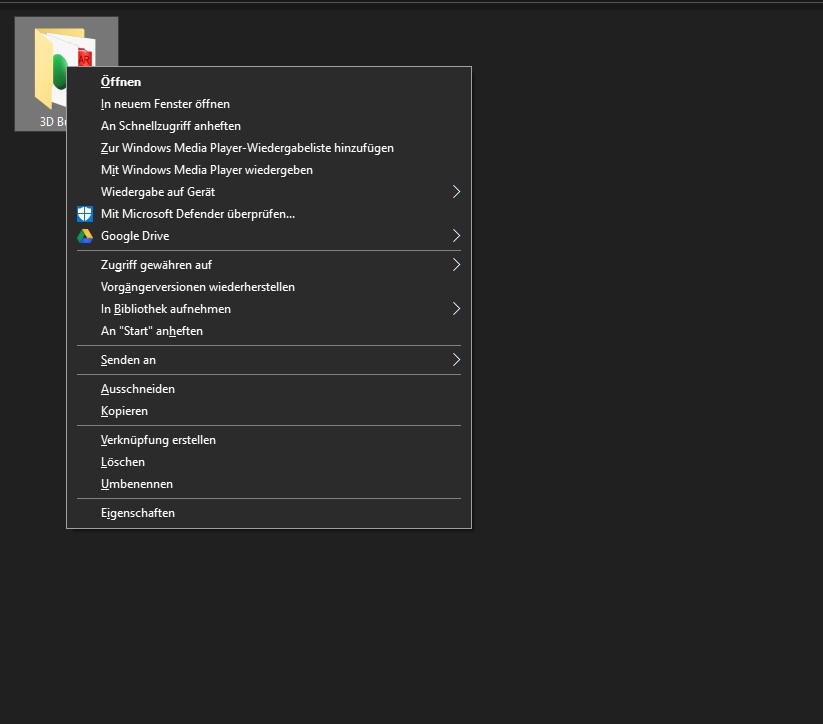
The context menu should appear starting at the selected element. (Image 3)
Screenshots
Desktop (please complete the following information):
- OS Version: [e.g. Windows 10 10.0.19042 Build 19042]
- App version: [v0.21.1.0]