


Initially, this project was bootstrapped with Create React App. Backend is coded in Python and frontend is coded in JavaScript and CSS, using React/Redux. This project also features Docker implementation.
View our Live Website Via Heroku.
View our Wiki for the project
Enter the following into terminal while within react-app dir
npm startRuns the app in the development mode.
Open http://localhost:3000 to view it in the browser.
The page will reload if you make edits.
You will also see any lint errors in the console.
Enter following into terminal while within project root
pipenv run flask runWe are going for an accurate clone of Discord.
- User Sign up
- username -- append a random number (#1234)

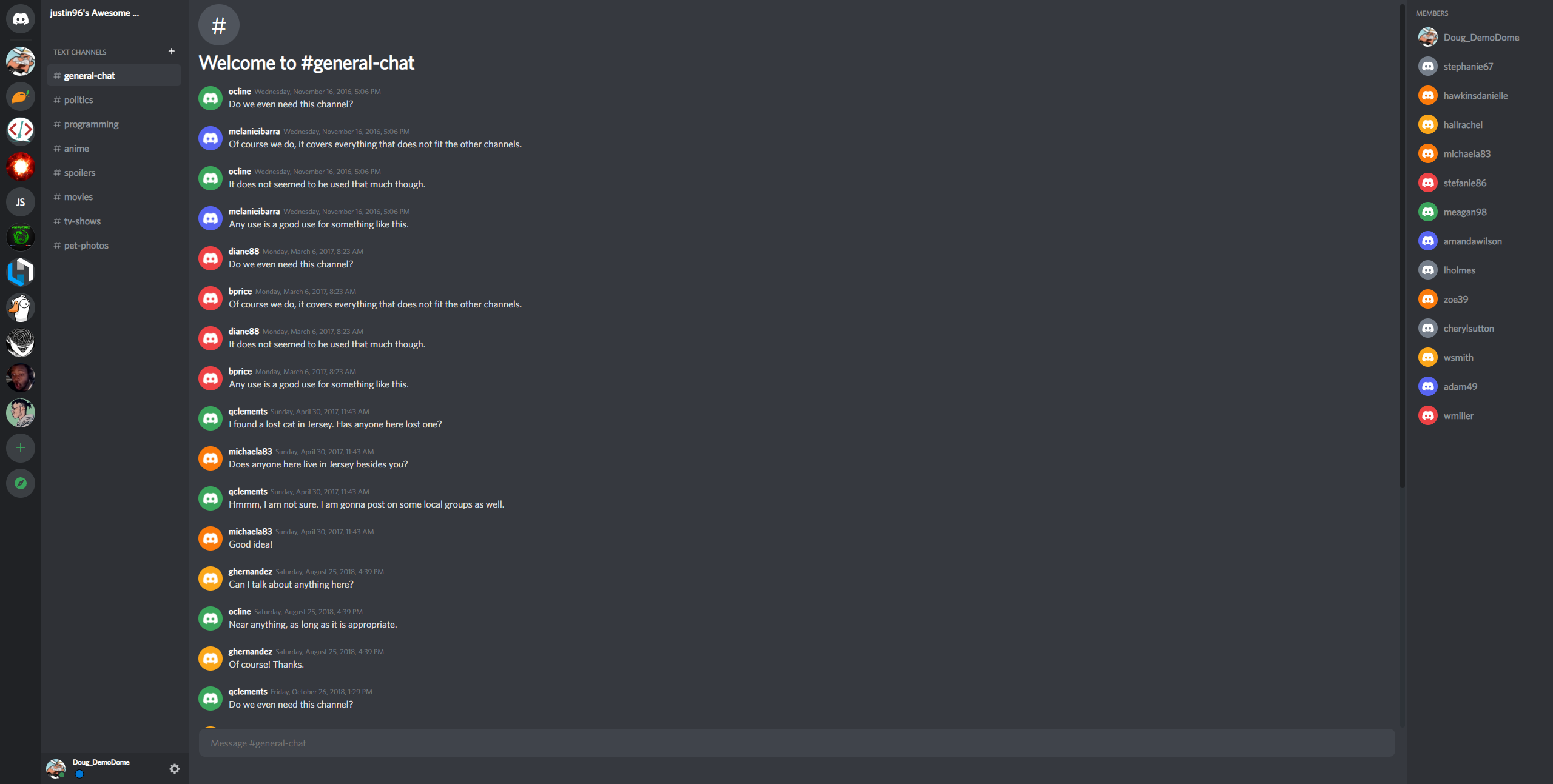
- Create Servers
- Servers are full CRUD

- Join Server Discovery
- Shows all servers that can be joined

- Create Channels Within Servers
- Channels are full CRUD

- Channel Messaging
- Server messaging with sockets
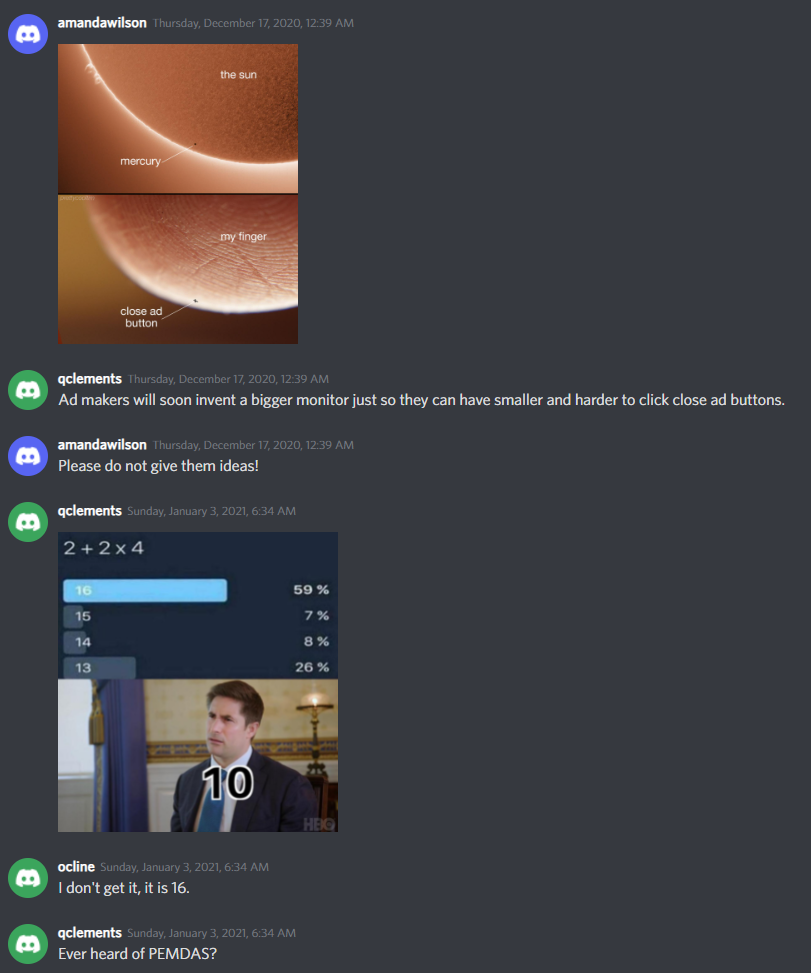
- Multiple format embedding
- Private Messaging
- between 2 users

- Friends List
- invite to add friends
- accept invite to add friends
- view friends list

You can join any server from the discovery page.
Any user can create a new server with the + button at the bottom of their server list.
If you own the server, you can create a channel with the + button to the right of the Text Channel text.
Any user can send a message with the message box at the bottom of any channel message list.
Messages automatically embed many types of links when sent.
Click on a user’s avatar so you can see the Add Friend button. They will be given the choice to accept from their friends list.