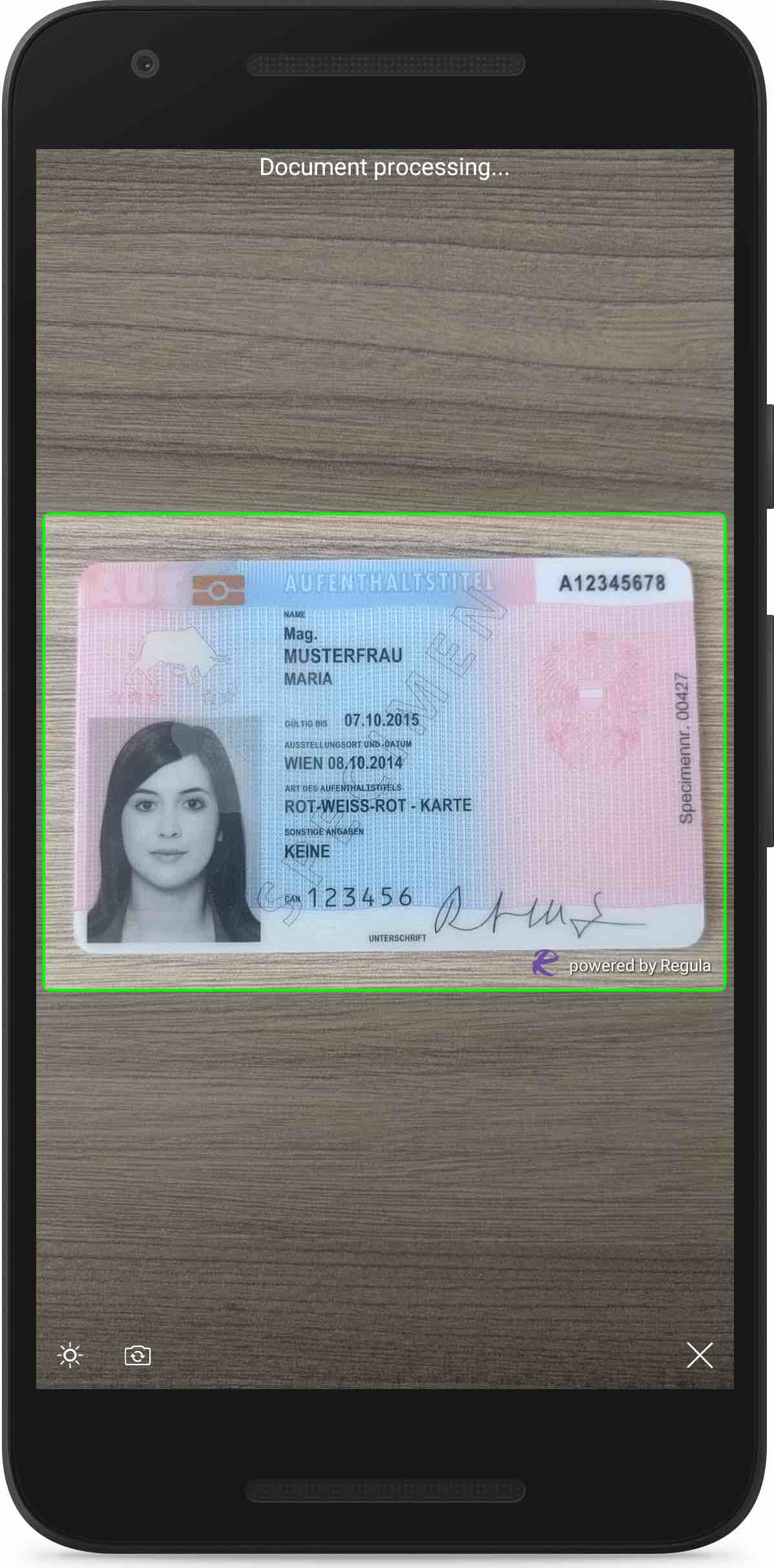
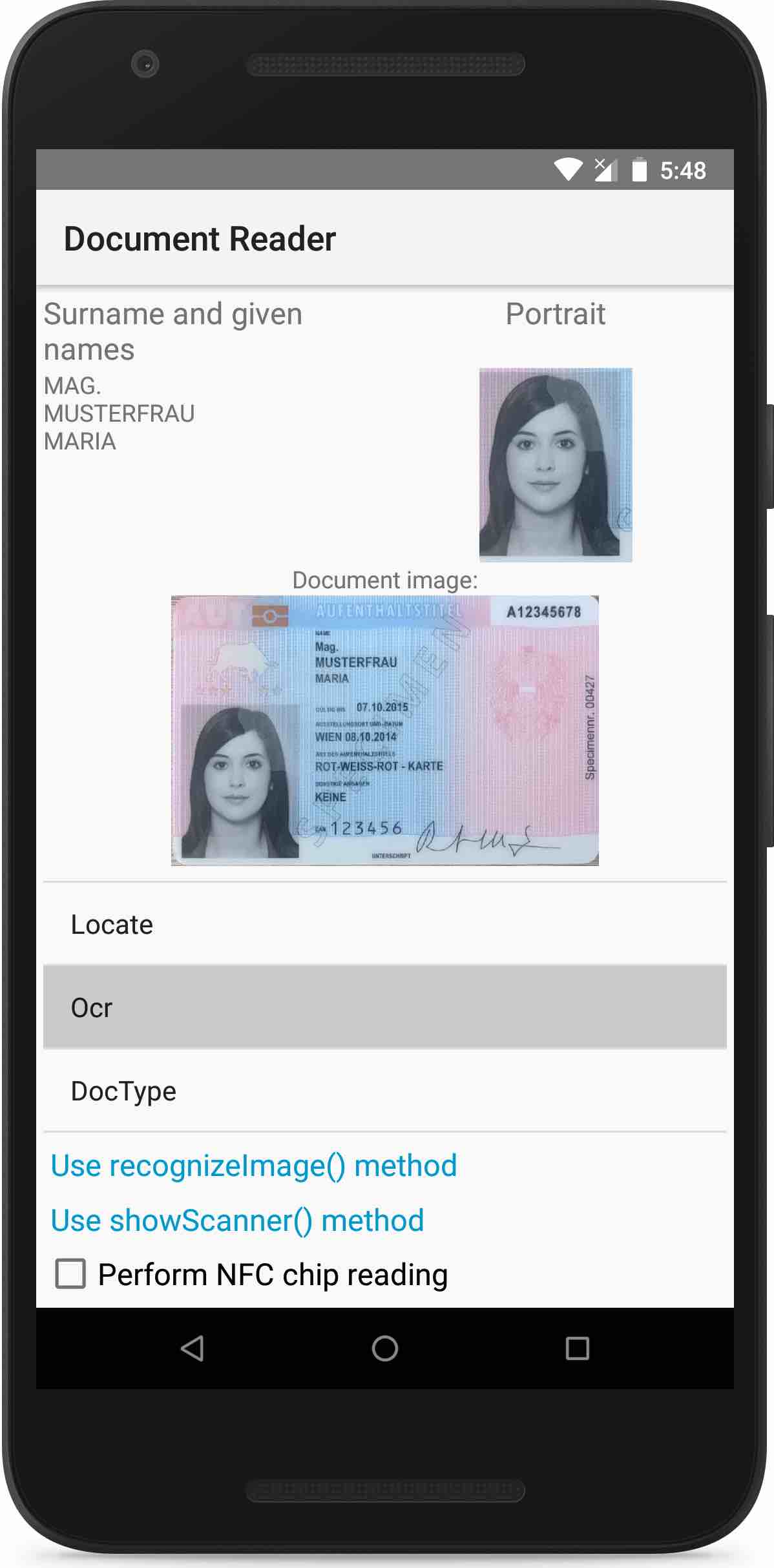
Regula Document Reader SDK allows you to read various kinds of identification documents, passports, driving licenses, ID cards, etc. All processing is performed completely offline on your device. No any data leaving your device.
You can use native camera to scan the documents or image from gallery for extract all data from it.
We have provided a simple application that demonstrates the API calls you can use to interact with the Document Reader Library.

- How to build the demo application
- Troubleshooting license issues
- Documentation
- Additional information
- Visit licensing.regulaforensics.com to get a trial license (
regula.licensefile). The license creation wizard will guide you through the necessary steps. - Download or clone the current repository using the command
git clone https://github.com/regulaforensics/DocumentReader-Android.git. - Repository structure and steps to build the projects:
-
Advancedfolder contains the advanced sample project with almost all available features. To build it, do the following steps:- Go to the
Advancedfolder. There you will find the project written in Kotlin. - Copy the license file to the project:
Advanced/DocumentReader-Kotlin/app/src/main/res/raw/. - Open the project in an IDE.
- Change the application ID to the one you have specified during the registration at licensing.regulaforensics.com.
- Run the project.
- Go to the
-
Basicfolder contains the basic sample project with only main features. To build it, do the following steps:- Go to the
Basicfolder. There you will two projects: one is written in Kotlin, another in Java. - Copy the license file to the project:
Basic/DocumentReader-sample/app/src/main/res/raw/orBasic/DocumentReader-sample_kotlin/app/src/main/res/raw/. - Open the project in an IDE.
- Change the application ID to the one you have specified during the registration at licensing.regulaforensics.com.
- Run the project.
- Go to the
-
If you have issues with license verification when running the application, please verify that next is true:
- The OS, which you use, is specified in the license (Android).
- The application ID, which you use, is specified in the license.
- The license is valid (not expired).
- The date and time on the device, where you run the application, are valid.
- You use the latest release version of the Document Reader SDK.
- You placed the license into the project.
The documentation on the SDK can be found here.
If you have any technical questions or suggestions, feel free to contact us or create an issue here.
To use our SDK in your own app you have to purchase a commercial license.