An error message is not displayed in the "Description" field if it is empty #228


Description

Description:
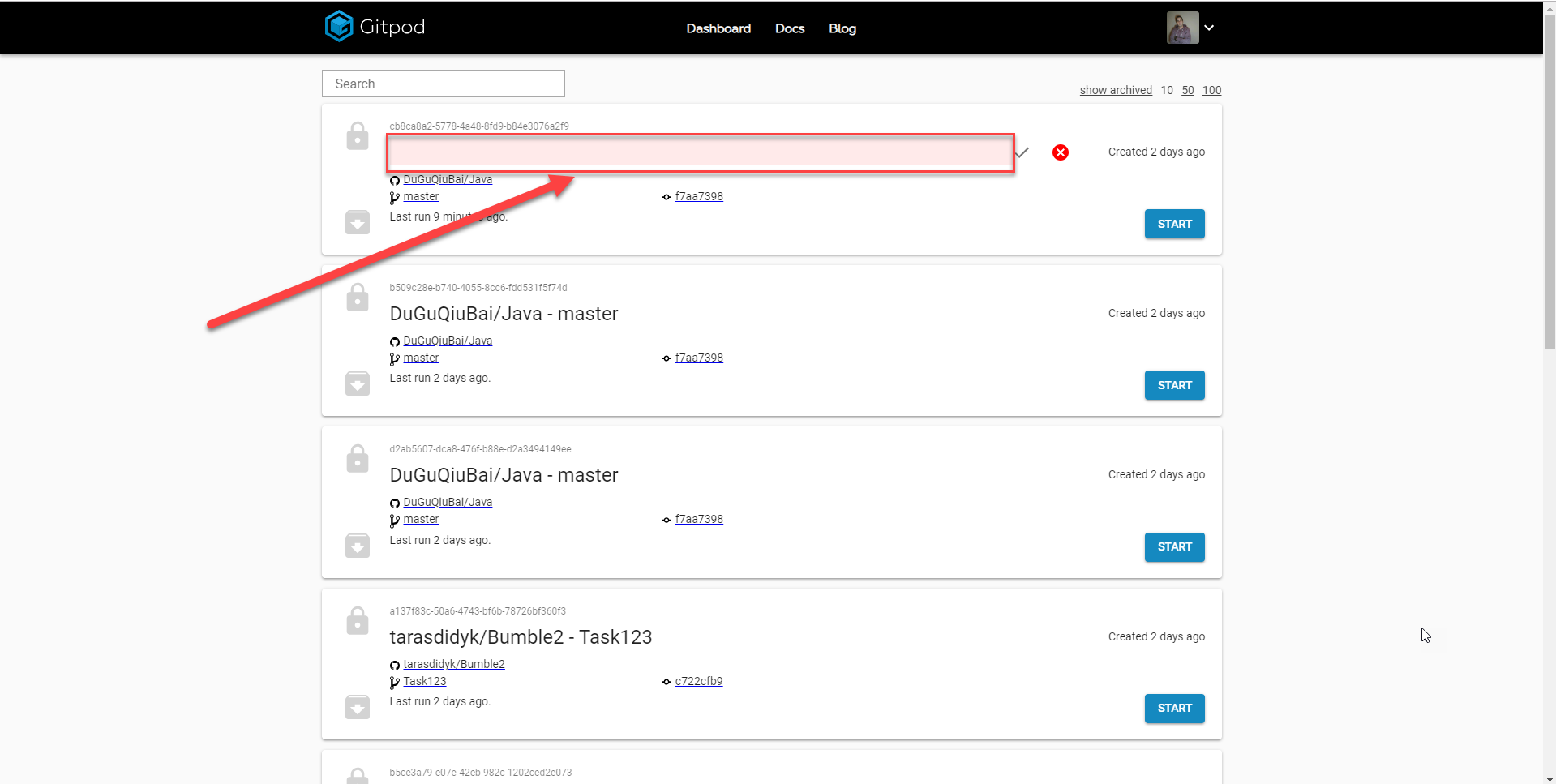
An error message is not displayed in the "Description" field if it is empty
Steps To Reproduce:
- Login to the site
- Open the Dashboard
- Click the "Edit description" button
- Leave the "Edit description" field empty
- Click the "Save" button
- Pay attention to the "Edit description" field
Actual result:
An error message is not displayed in the "Description" field if it is empty
Expected result:
An error message is displayed in the "Description" field if it is empty
Additional Information:
Win 10 Google Chrome 71.0.3578.98