Hide 'Copy to clipboard' on non-code blocks and improvements to Getting Started section
#732
Conversation
This file contains hidden or bidirectional Unicode text that may be interpreted or compiled differently than what appears below. To review, open the file in an editor that reveals hidden Unicode characters.
Learn more about bidirectional Unicode characters


Sitewide there are multiple code blocks that do not contain
any code in them. But still a `Copy code to clipboard` button
is shown, this patch addresses this issue. It is a QOL improvement
that makes distinguishing code blocks visually easier.

To use this new feature, we need to start our code block like:
```{ .language_name .no-copy }
    ...
    ...
    ...
```

Where language_name is something that can vary (console in our case mostly).
The .no-copy attribute is what disables the function on that particular block.

Signed-off-by: black-dragon74 <niryadav@redhat.com>
This is a first of many patches that'll follow for subsequent sections sitewide
which moves OLD md syntax to NEW one and also address any other semantics that come
into notice.

Signed-off-by: black-dragon74 <niryadav@redhat.com>

Member
Author
|
CC: @aravindavk @kshithijiyer @Shwetha-Acharya Regards |
Member
Author
|
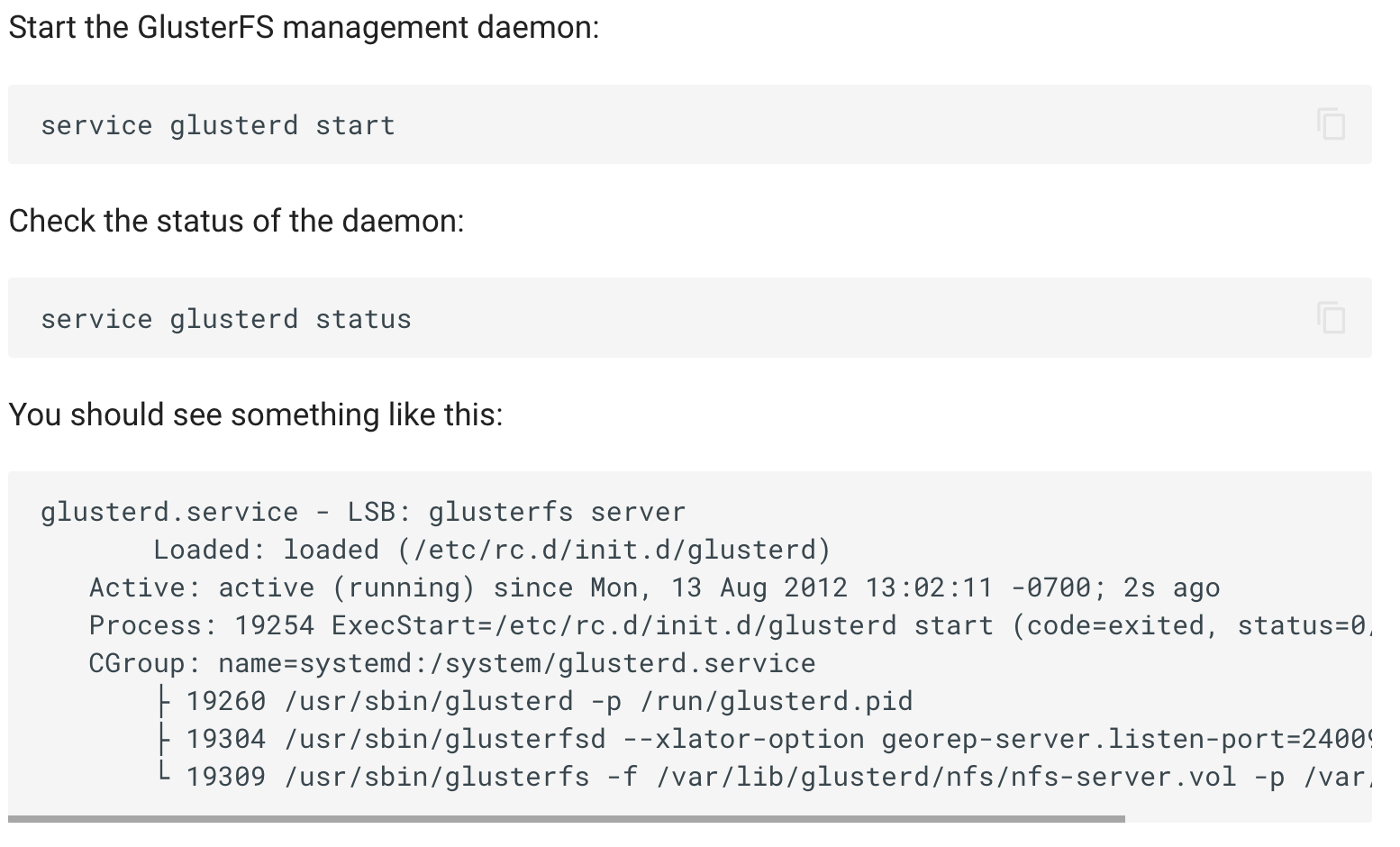
You can see how the copy code to clipboard is not visible in the last code block below:
Regards |
Signed-off-by: black-dragon74 <niryadav@redhat.com>
Signed-off-by: black-dragon74 <niryadav@redhat.com>

Shwetha-Acharya
approved these changes
May 13, 2022


Sign up for free
to join this conversation on GitHub.
Already have an account?
Sign in to comment
2 participants


Add this suggestion to a batch that can be applied as a single commit.
This suggestion is invalid because no changes were made to the code.
Suggestions cannot be applied while the pull request is closed.
Suggestions cannot be applied while viewing a subset of changes.
Only one suggestion per line can be applied in a batch.
Add this suggestion to a batch that can be applied as a single commit.
Applying suggestions on deleted lines is not supported.
You must change the existing code in this line in order to create a valid suggestion.
Outdated suggestions cannot be applied.
This suggestion has been applied or marked resolved.
Suggestions cannot be applied from pending reviews.
Suggestions cannot be applied on multi-line comments.
Suggestions cannot be applied while the pull request is queued to merge.
Suggestion cannot be applied right now. Please check back later.
[QOL] Hide 'Copy To Clipboard' button on non-code blocks
Site wide there are multiple code blocks that do not contain
any code in them. But still a
Copy code to clipboardbuttonis shown, this patch addresses this issue. It is a QOL improvement
that makes distinguishing code blocks visually and functionally easier.
To use this new feature, we need to start our code block like:
Where
language_nameis something that can vary (consolein our case mostly).The
.no-copyattribute is what disables the function on that particular block.This is a first of many patches that'll follow for subsequent sections site-wide
which moves OLD
mdsyntax to NEW one and also address any other semantics that comeinto notice.
Regards