This is a workshop for developers who want to write readable code consistently.
We'll cover 4 tools:
- Install this software
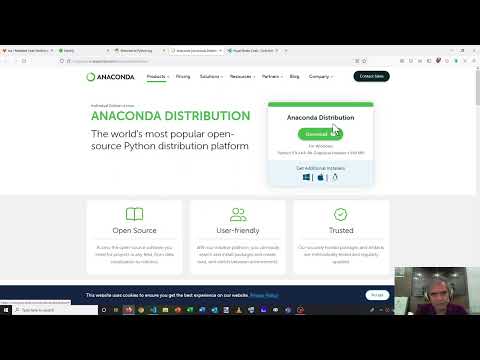
- NodeJS version 12+
- Python version 3.7+
- Visual Studio Code
- Install these Visual Studio Code plugins
- Watch these videos
- ESLint: https://youtu.be/qhuFviJn-es (9m)
- Flake8: https://youtu.be/TDUf93vqq3g (6m)
- Markdownlint: https://youtu.be/TDUf93vqq3g (5m)
- Gitlab CI: https://youtu.be/Jav4vbUrqII (8m)
In this exercise, you'll learn how to fix errors in your code.
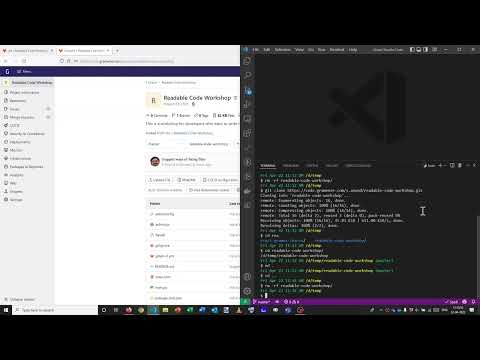
- Fork this repo into your namespace and clone your fork (Video)
- Run
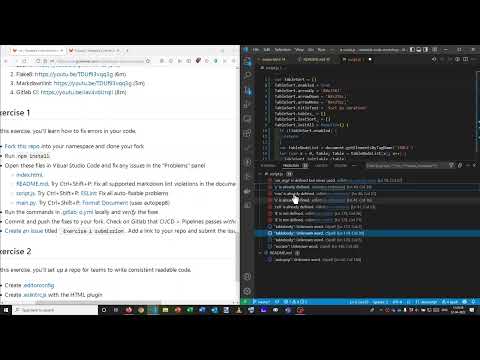
npm install - Open these files in Visual Studio Code and fix any issues in the "Problems" panel (Video)
- index.html.
- README.md. Try Ctrl+Shift+P: Fix all supported markdown lint violations in the document (markdownlint)
- script.js. Try Ctrl+Shift+P: ESLint: Fix all auto-fixable problems
- main.py. Try Ctrl+Shift+P: Format Document (uses autopep8)
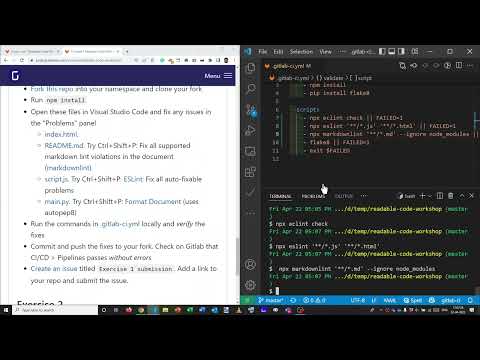
- Run the commands in .gitlab-ci.yml locally and verify the fixes (Video)
- Commit and push the fixes to your fork. Check on Gitlab that CI/CD > Pipelines passes without errors
- Create an issue titled
Exercise 1 submission. Add a link to your repo and submit the issue.
- Is Git replacing LF with CRLF on Windows?
- Are Python lint errors not visible on VS Code?
- Does VS Code report
import 'pandas' could not be resolved?
In this exercise, you'll set up a repo for teams to write consistent readable code.
- Create .editorconfig
- Create .eslintrc.js with the HTML plugin
- Create .flake8 or
setup.ini - Create .gitlab-ci.yml