
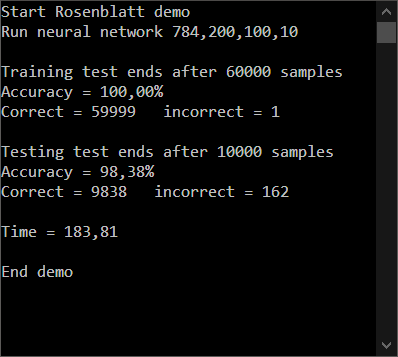
-
Load the directory goodgameProDemo\ and copy it to your C:\ drive.
-
Load the MNIST training and test data and extract them to C:\goodgameProDemo\ folder (http://yann.lecun.com/exdb/mnist/).
-
Open a Visual Studio console app copy the code and run it.
Neural network based on the "perceptron concept" and trained with goodgame|one
Hidden activation = ReLU
Output activation = maxout (instead of softmax for demo)
Optimizer = Rosenblatt was used
Minimal demo to load a level 0 trained neural network. This means a minimum of information is needed to load a neural network.
Level 0 = neural network + trained weights