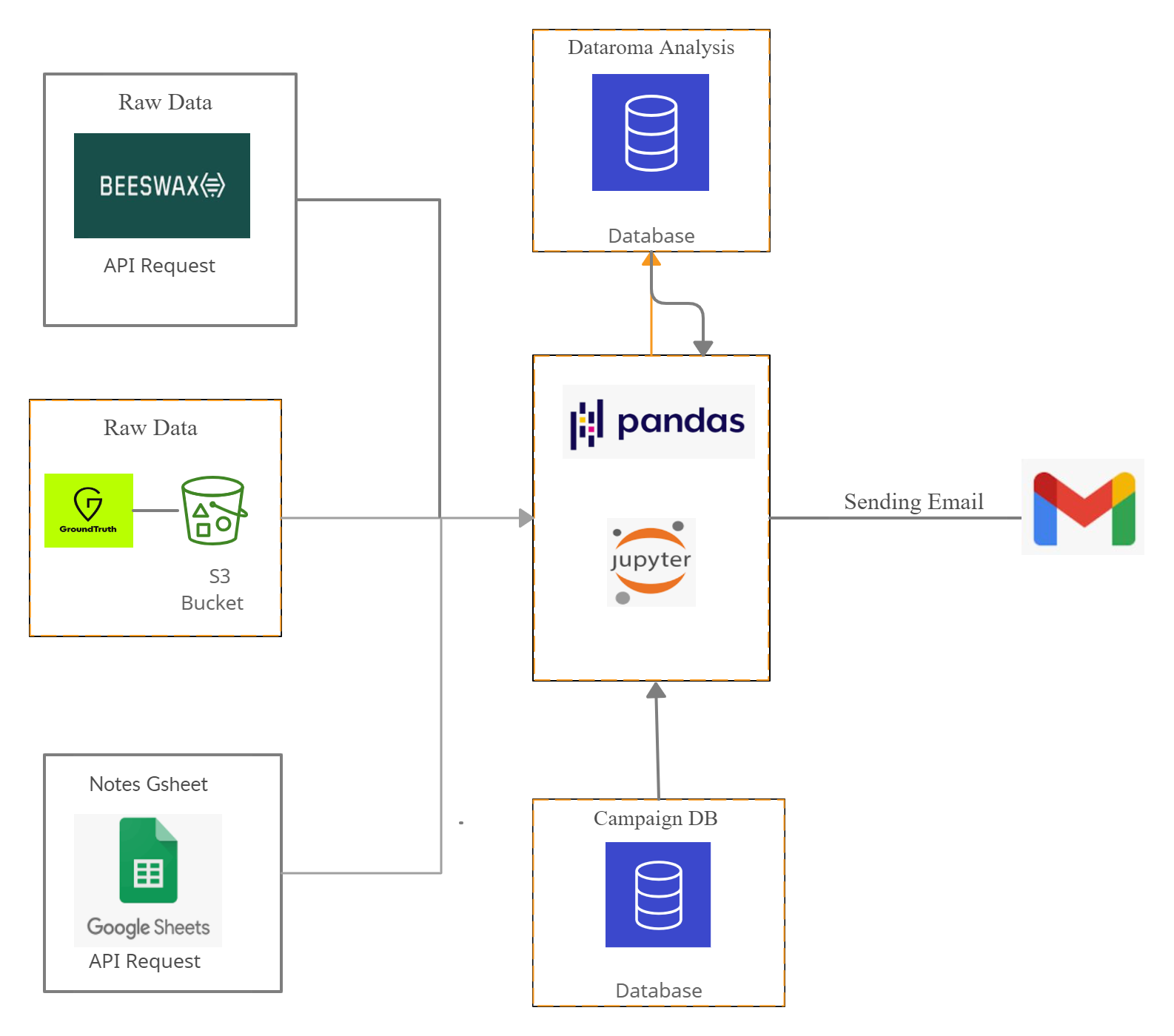
-
Download and Install Anaconda from the following link, We will be using Jupyter IDE for this process. Go to https://repo.anaconda.com/archive/Anaconda3-2020.11-Windows-x86_64.exe
-
Open anaconda prompt and paste the code one by one and hit enter, make sure you are connected to internet. pip install google_spreadsheet
pip install google-auth-oauthlib
pip install pandas
pip install pymysql
pip install sqlalchemy
pip install datetime
pip install requests
pip install gspread
pip install dropbox