This package will contain generated images from EPFL students for a cognitive psychology course.
Order for generate images is as follow. You can generate images immediatly but wait for your order to push the directory.
- Ferzaneh (You have already genereted. Just place images according to their ids. If you used different styles and base images please add them in img/ and the last section of this document with their ids which will be given by you)
- Nicolas
- Aslı
- Jean Mark
Base and style images are in the directory img/. You can use them to generate new images. If you will use new image you should add it to this directory as well as at the end of this document.
-
Go to this web site: Deep Dream
-
Create a new account.
-
Login
-
Use Generate button on the top
-
Via above upload image button select base image
-
Via arrow icon below to uplaod style image
-
Then click Generete button to generete.
-
You can create images concurently
-
Name the gererated image as "Base Image Id-Style Image jpeg" Ex: 1-1.jpeg
-
Check the size. It should be 800 * 450. If it is not use other images and discard the image you used.
-
Save the images.
Go github.com and get an account. Hello world. Share your username with me before futher steps.
Intall brew first.
ruby -e "$(curl -fsSL https://raw.githubusercontent.com/Homebrew/install/master/install)"
brew doctor
Then use it to install git
brew install git
Ubuntu based
$ sudo apt-get update
$ sudo apt-get install git
Red-hat based
$ sudo yum upgrade
$ sudo yum install git
Install from https://git-scm.com/download/win and follow the instractions.
You need first repisotory to insert images you generate.
Use terminal of your OS.
-
Press "cmd + space", then type "terminal" and press "Enter" for Mac OS.
-
Press "Win + R,", then type "cmd" and press "Enter" for Windows.
Go the folder to place the project. You can use "dir", "ls" and "dir" commands to navigate between projects. Search for them if you do not know them.
Guide for UNIX systems(Mac OS, Ubuntu etc)
Use this command to clone git repisotory.
git clone https://github.com/guemues/generated-images.git
It will create a folder named "generated-images" in the current directory.
Now the workspace is ready.
Use the images in the img folder to generate images. Find another title which is about generate images.
Place the images you generated in the folder "generated-images/generated" which is in the "generated-images/"
Then run this command from terminal.
git add .
git commit -m "New images"
git push origin master
If you made a long break in your work someone may possbily add new images to the rep. So you need to check first before adding new images.
git pull origin master
This command will retrieve all new changes.
Then tou can add new images
git add .
git commit -m "New images"
git push origin master
You can add new images with new ids.
Id. Image Id


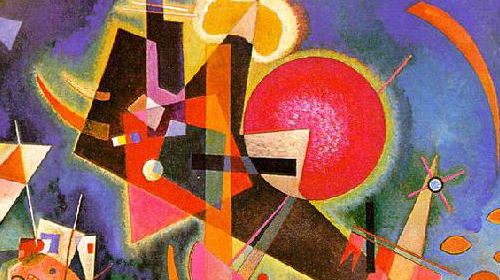

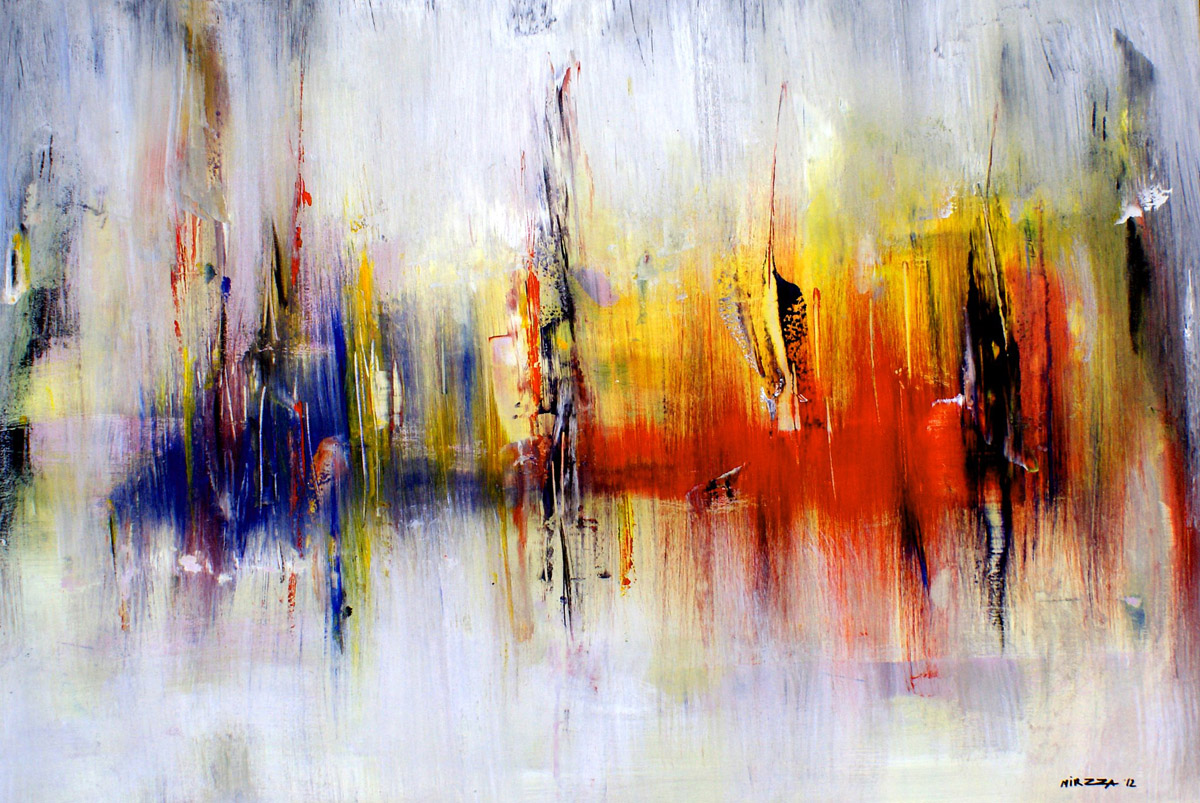

Best
Orçun Gümüş