A mini e-commerce application built with legacy Rails 4.2 that allows users and admin to create an account, purchase items via Stripe API, and --as the admin-- add unique products to the PG database, along with enabling or disabling site-wide sales with defined start and times.
The purpose of this project was to demonstrate my ability to jump into a legacy code base, adapt to older versions of the stack (Rails 4.2, Bootstrap 3, etc.) and continue to integrate new functionality and features in a minimally disruptive manner to the production level code.
- MPA and MVC patterned design using Rails
- Data is persisted by DB server using PostgreSQL
- Uses SASS for styling and Bootstrap 3
- Run
bundle installto install dependencies - Create
config/database.ymlby copyingconfig/database.example.yml - Create
config/secrets.ymlby copyingconfig/secrets.example.yml - Run
bin/rake db:resetto create, load and seed db - Create .env file based on .env.example
- Sign up for a Stripe account
- Put Stripe (test) keys into appropriate .env vars
- Run `bin/rails s' to start the server
Use Credit Card # 4111 1111 1111 1111 for testing success scenarios.
More information in their docs: https://stripe.com/docs/testing#cards
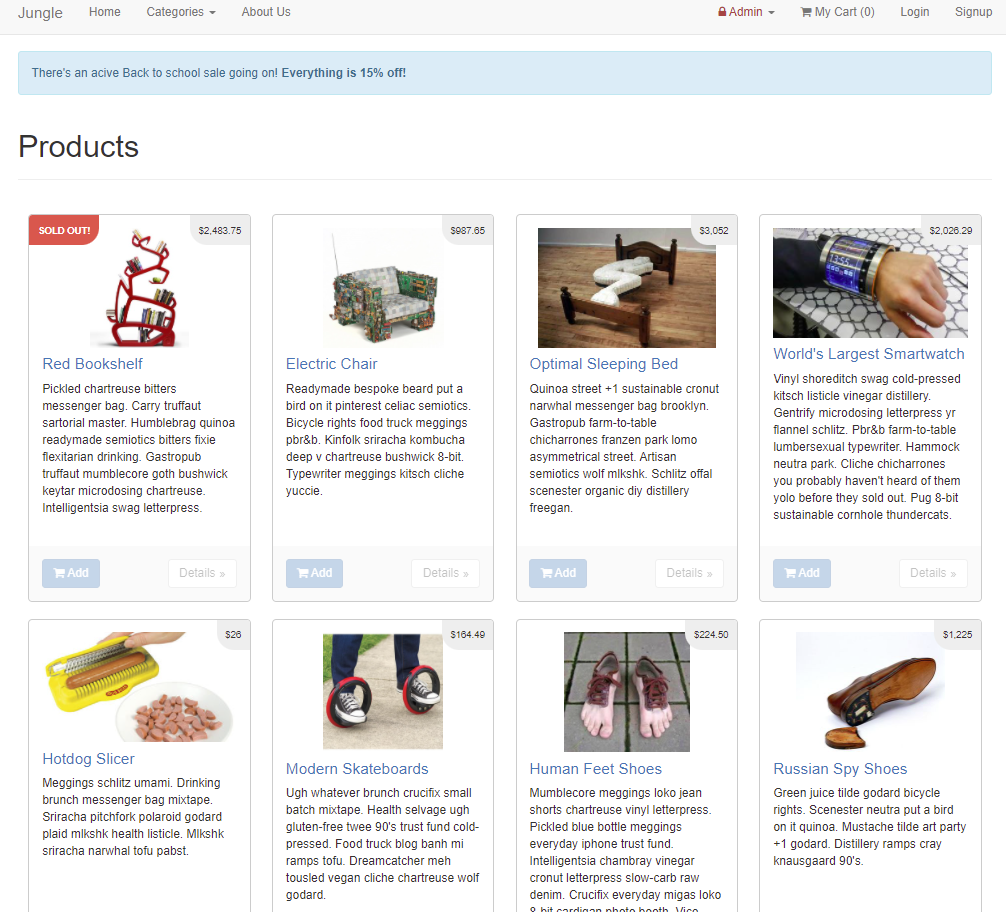
Displays an index of all of the products, as well as those that are sold out.
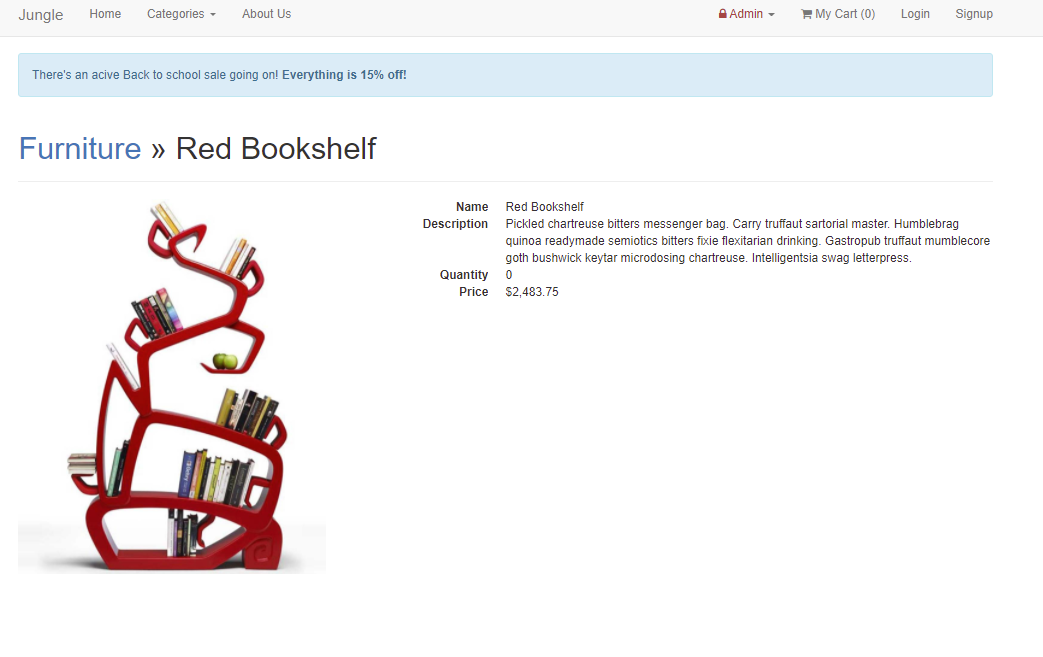
Provides details for a specific product accessed from the landing page.
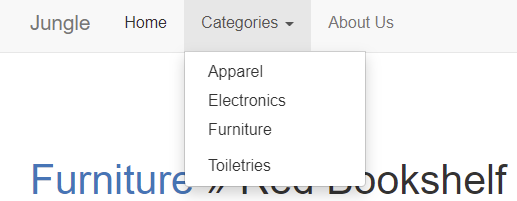
Categories are listed in a menu available to all users, while an Admin dropdown is hidden behind an authentication, granding access to further functionalities.
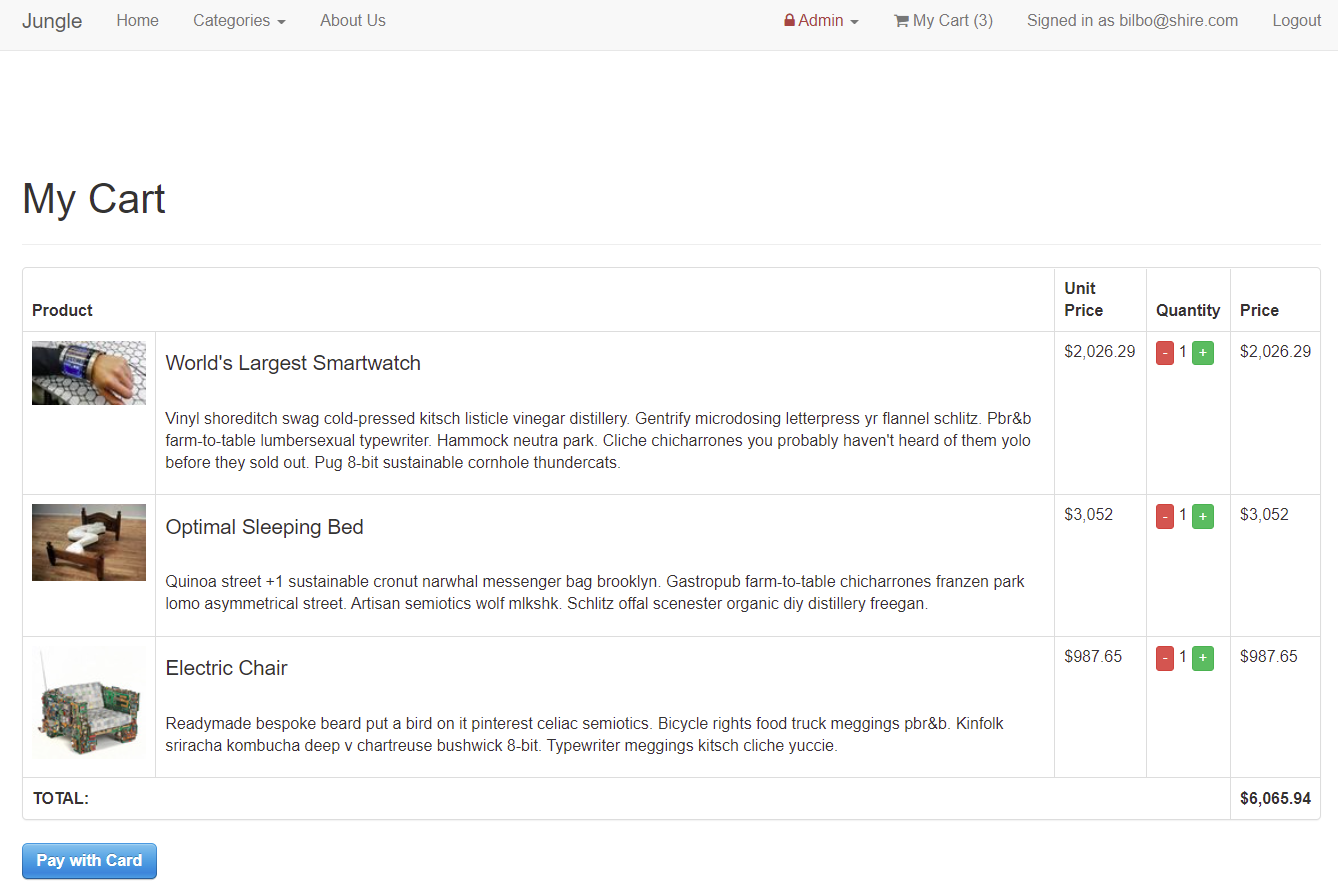
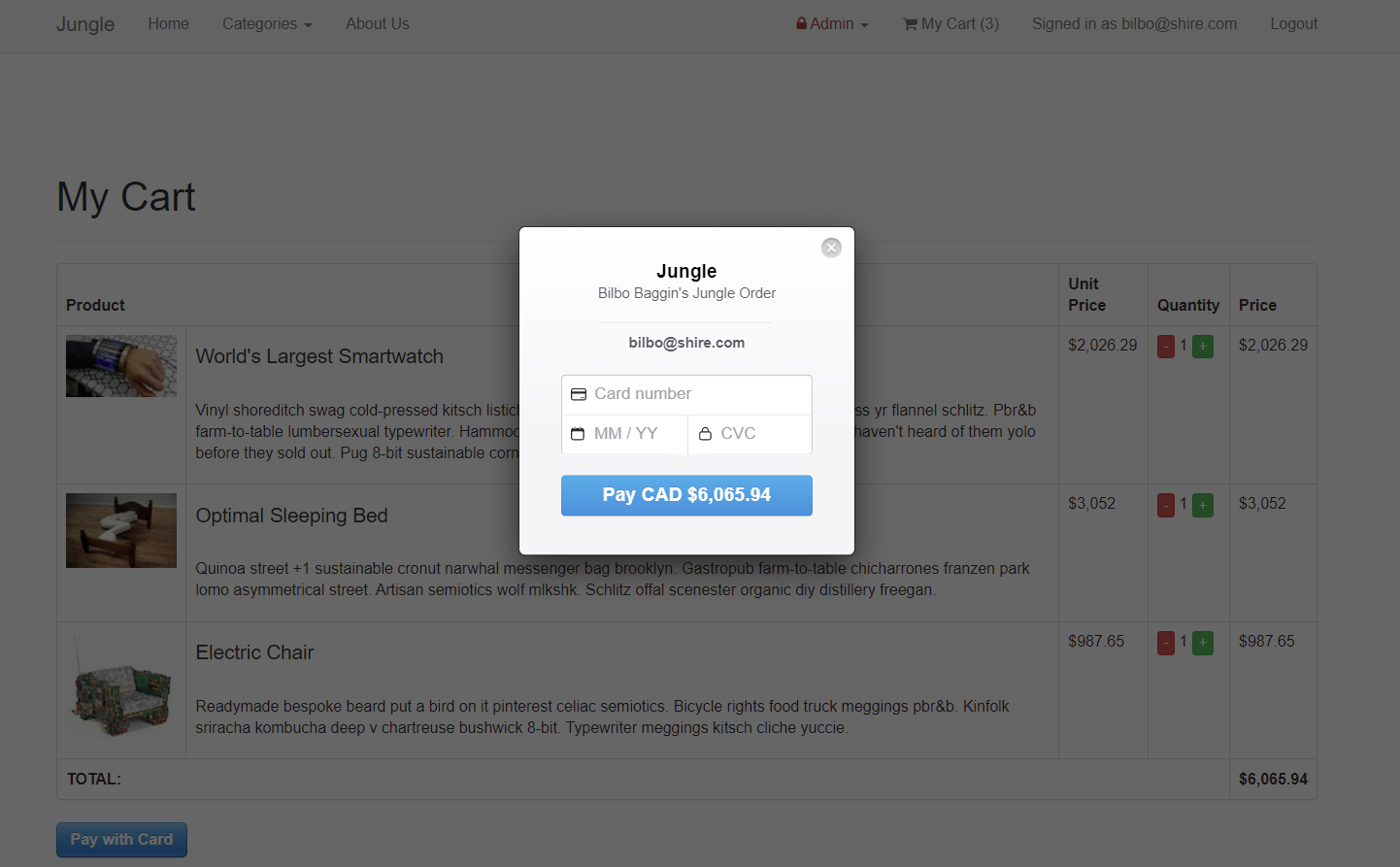
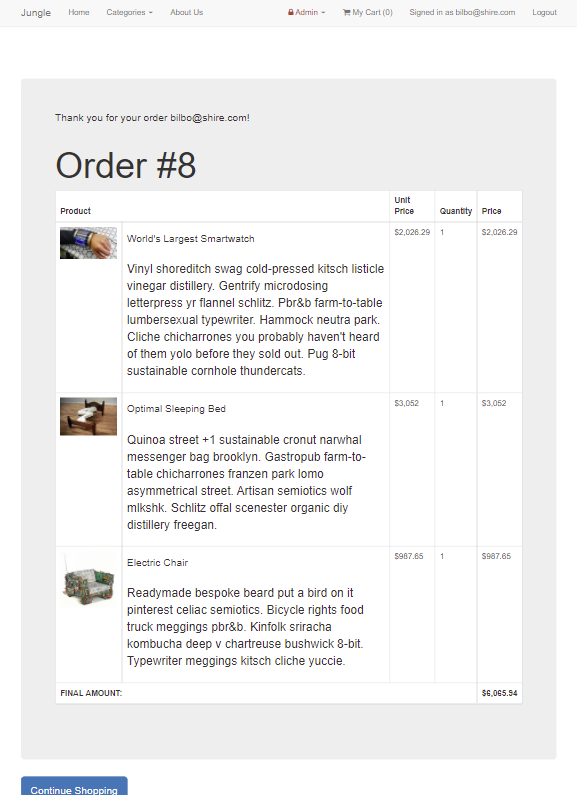
User can access their shopping cart to checkout, and are then directed to purchase items. After the transaction is complete, the user can see a summery of their order and the email the invoice is sent to.
The admin dashboard allows authorised users to
-
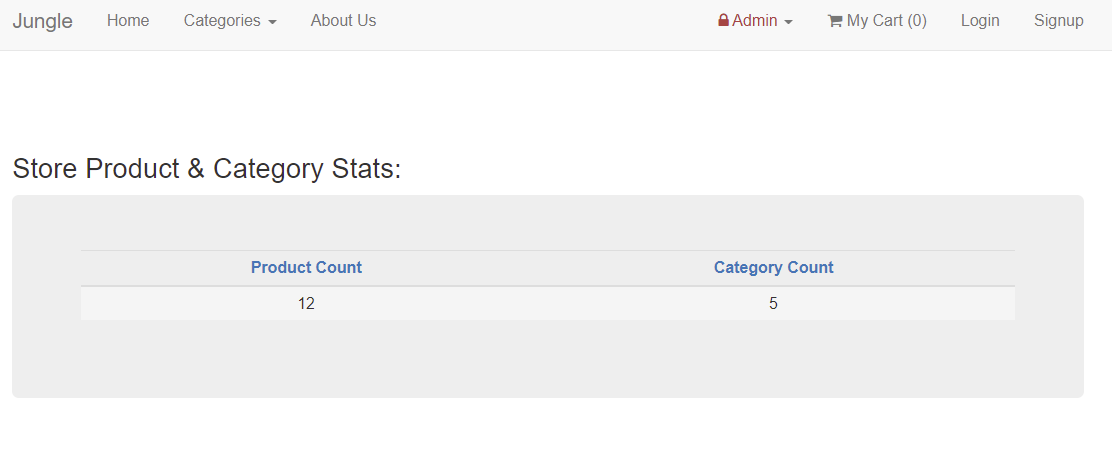
See a dashboard of all their inventory and categories
-
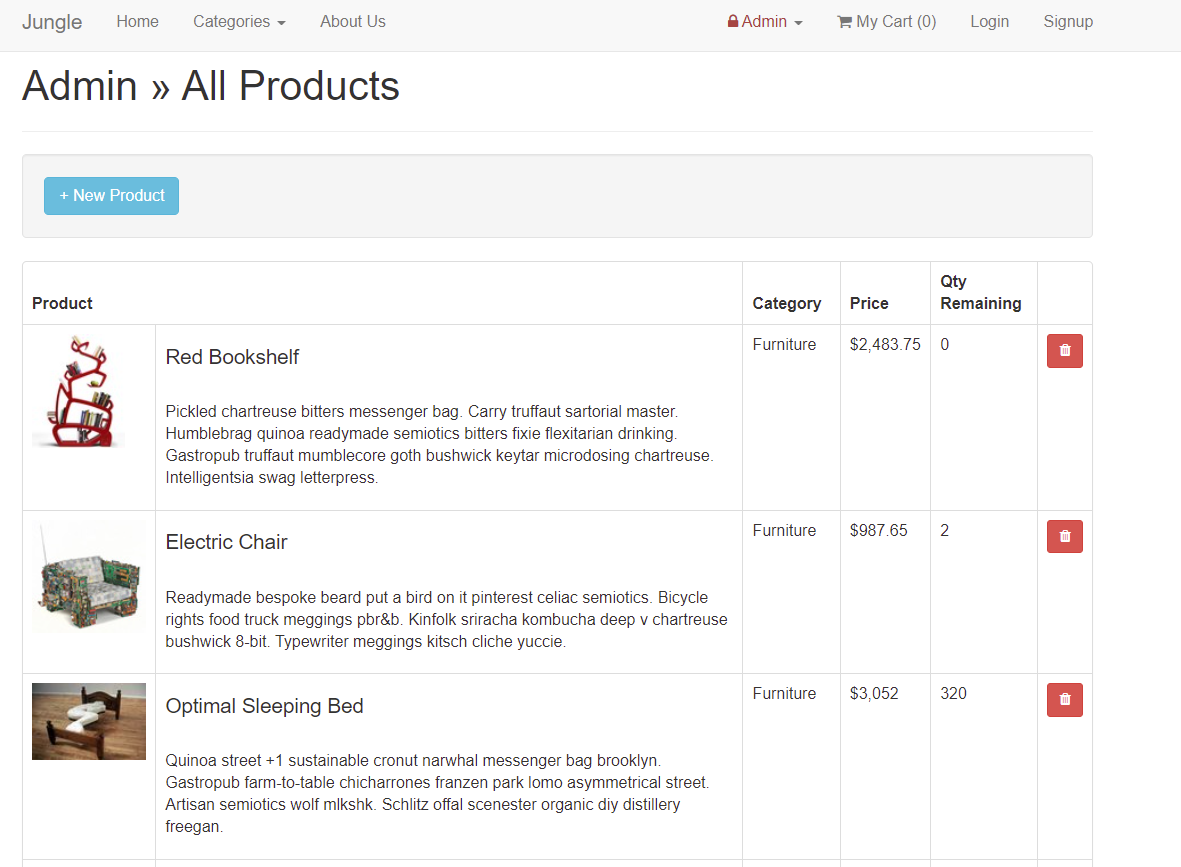
See a list of all products
-
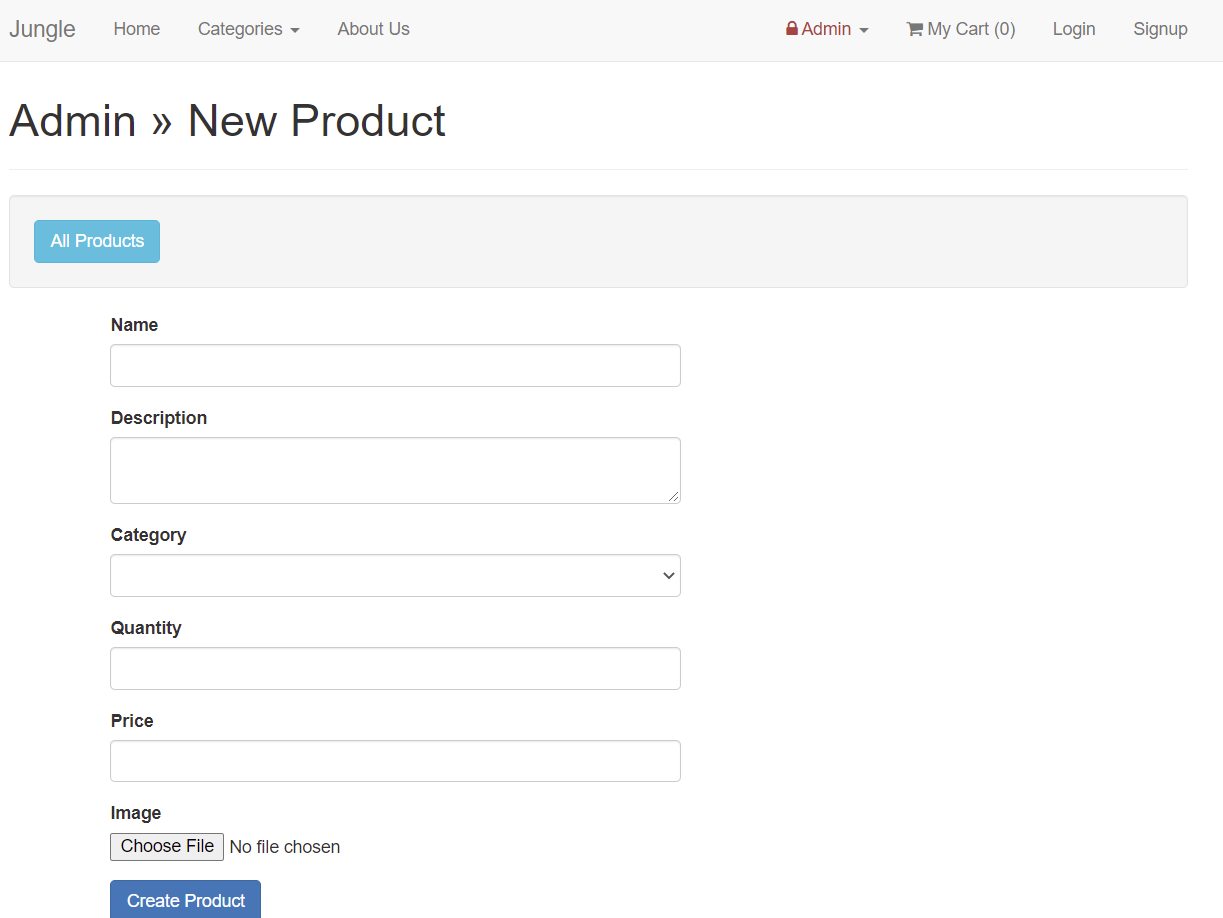
Add new products
-
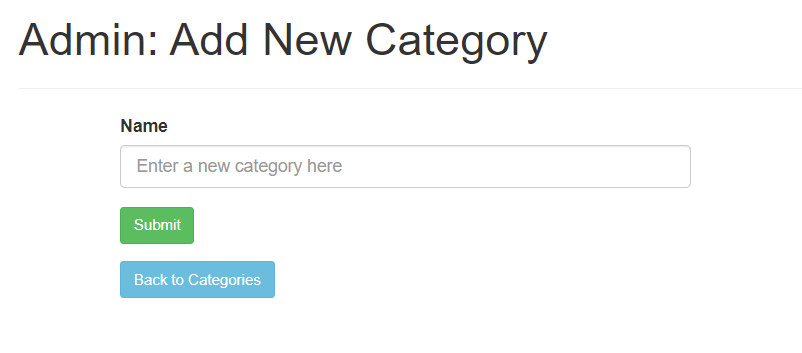
Add new categories
-
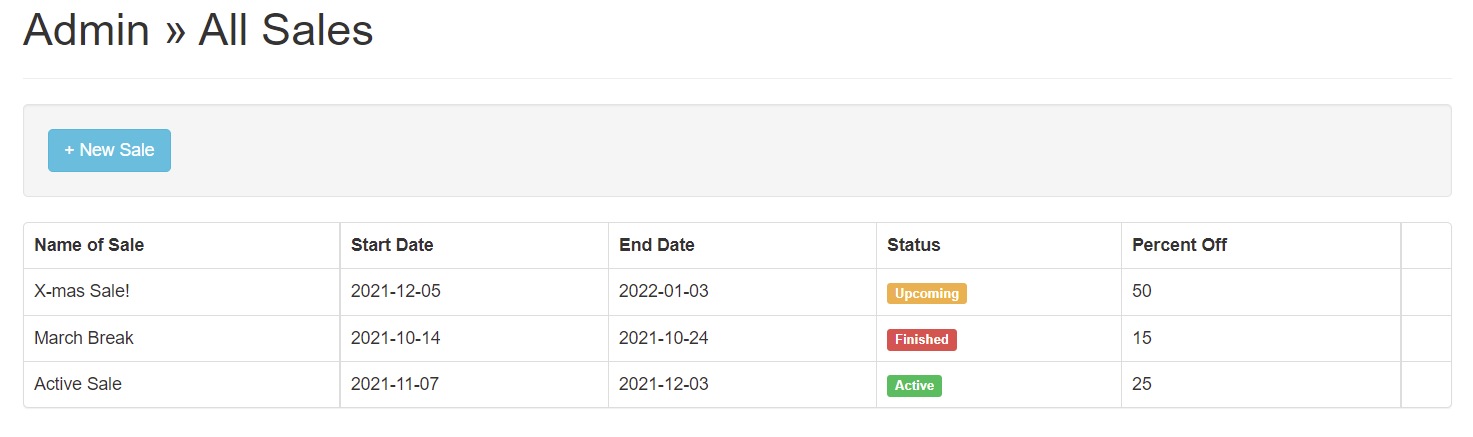
Create and manage sales
- Rails 4.2 Rails Guide
- PostgreSQL 9.x
- Stripe
- PG
- Sass-rails 5.0
- Uglifier 1.3.0
- jQuery
- Turbolinks
- Bcrypt 3.1.7
- Puma
- Boostrap Sass 3.3.6
- Font Awesome
- Money-Rails
- Carrierware
- Rmagick
- Stripe
- Faker
- Capybara
- Poltergeist
- Database_cleaner