This is a modified version of Prelude for me. You can check the original awesome Emacs settings here. I use Emacs for a long time, but just for the simple usage, and base on my own configurations collected from internet, actually speaking it is a little buggy. When I checked Prelude and other emacs package repos, I just want to say It rocks. So I decided to use this repo to manage my Emacs settings.
Table of Contents
Base on Prelude settings, I add some features below:
- linum+, show line number
- YASnippet, yet another snippet
- auto-complete, as its name...
- tabbar, add tab bar at the top of window
- cursor-change, smart cursor
- instant jump, trivial script created by myself to do directly new line and indent
- add go auto-complete with gocode, but need extra settings
- ...
You can check details in ~/.emacs.d/personal/customize.el
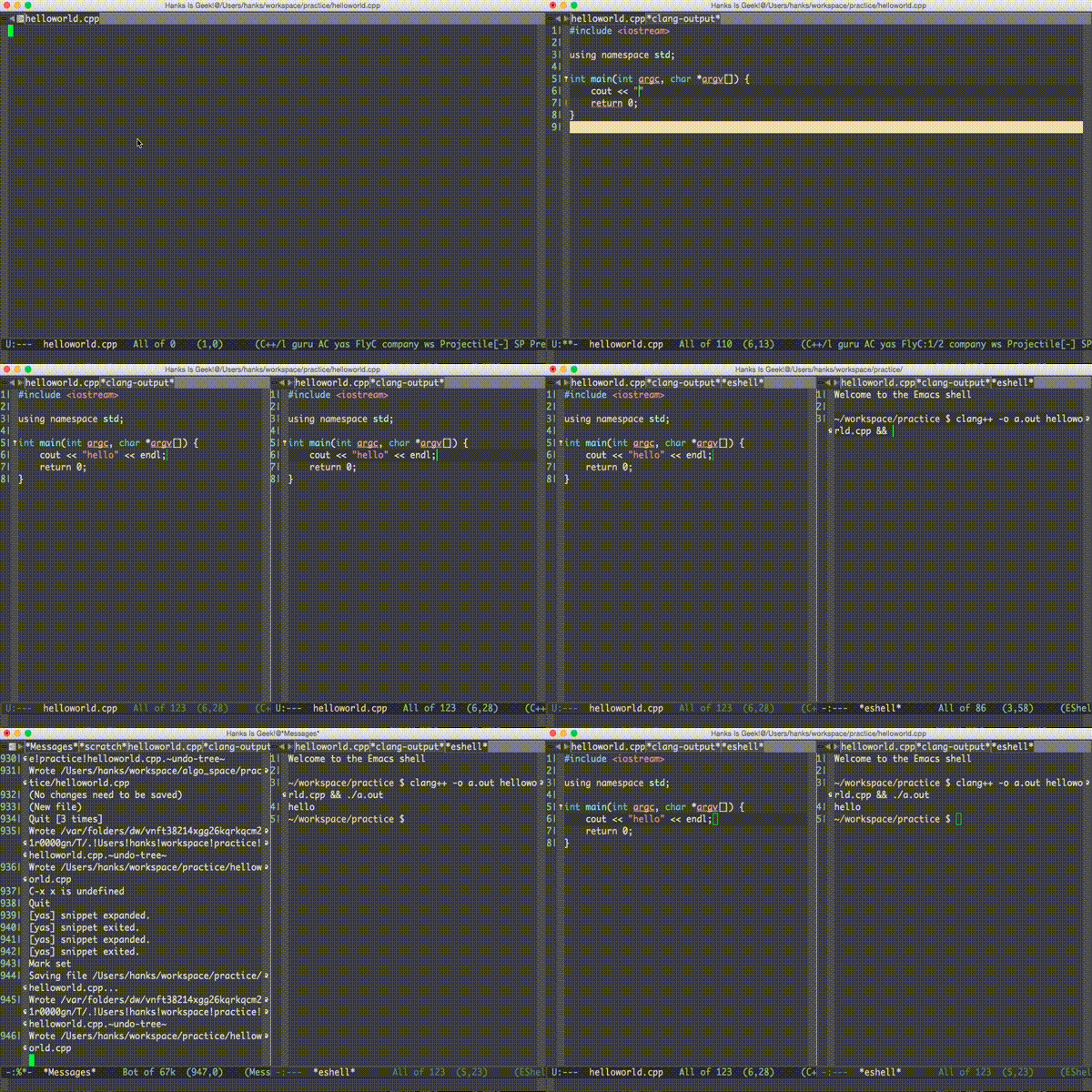
Obviously to use the Emacs Prelude you have to install Emacs 24 first. Have a look at the WikEmacs articles on installing Emacs.
After you install the original Emacs 24, and Do Not Open It and execute the steps below.
cd ~
export PRELUDE_URL="https://github.com/hanks/prelude.git" && curl -L https://github.com/bbatsov/prelude/raw/master/utils/installer.sh | shAt this time, just open Emacs and wait, and it will do the configuration automatically. Then Happy Coding!
- Set GOPATH(If you set before, skip)
export GOPATH=$HOME/goprojects
export PATH=$PATH:$GOPATH/bin
- Download gocode
cd $HOME/goprojects
go get -u github.com/nsf/gocode (-u flag for "update")
More details, you can check https://github.com/nsf/gocode
- How to fix
File error: http://melpa.org/packages/xxx, Not found?
UseM-x package-refresh-contentsto update packages.