Skip the Queue, Not the Food!
A smart college canteen ordering system that eliminates waiting in lines. Students order from their phones and receive WhatsApp notifications when their food is ready.
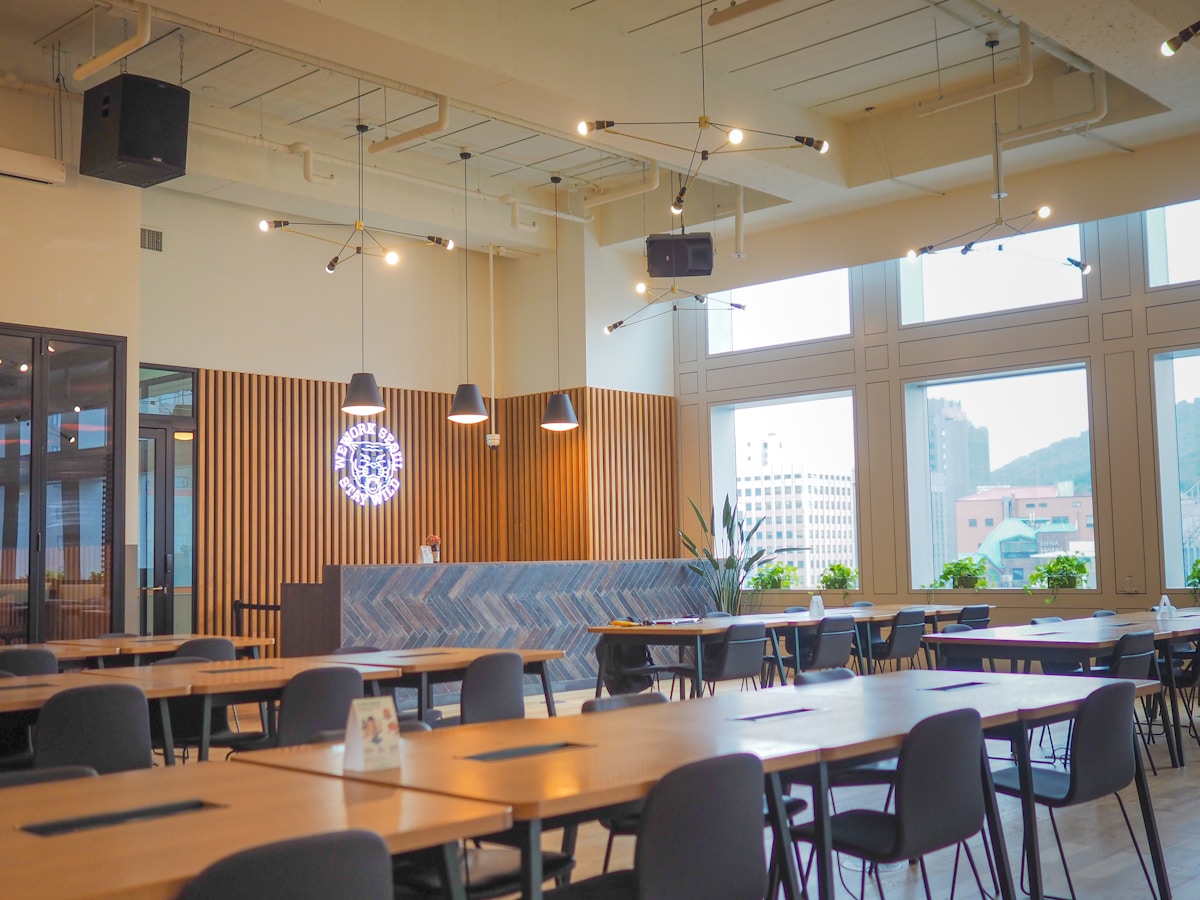
College canteen queues waste valuable time between classes. Students spend 15-20 minutes just waiting to order and collect food, leading to:
- Missed class time
- Crowded, chaotic canteens
- Frustrated students and vendors
- Inefficient order management
QueueLess digitizes the entire canteen ordering experience:
- Students browse stalls, add items to cart, and place orders from anywhere on campus
- Vendors receive orders on their dashboard and manage preparation status
- WhatsApp notifications alert students when their food is ready
- Token system ensures quick, organized pickup
- Live seat availability shows real-time canteen occupancy using computer vision
Result: No more standing in lines. Order from class, library, or anywhere. Just walk up and collect when notified!
- 🏪 Browse all canteen stalls with ratings & wait times
- 📋 View detailed menus with prices and availability
- 🛒 Add items to cart with quantity management
- 📱 Enter WhatsApp number for notifications
- 🎫 Receive unique token number for pickup
- 📊 Real-time order status tracking
- 🪑 Live seat availability - see how crowded the canteen is before going!
- 📦 View all incoming orders in real-time
- 🔄 Update order status (Pending → Preparing → Ready)
- 📱 One-click WhatsApp notification to customers
- 📈 Order statistics and pending count badges
- ✅ Mark orders as completed after pickup
- 🔔 Automatic notifications when order is ready
- 📝 Rich messages with token number and stall name
- ✅ Real WhatsApp messages via TextMeBot API
- 📷 Uses phone camera as wireless IP camera
- 🤖 YOLOv8 AI model detects people in real-time
- 📊 Shows occupied/available seats with color-coded status
- 🟢 Green (<50%) | 🟡 Yellow (<80%) | 🔴 Red (>80%)
- ⚡ Updates every 3 seconds on the frontend
| Technology | Purpose |
|---|---|
| React 18 | UI library for building interactive interfaces |
| Vite | Fast build tool and development server |
| React Router v6 | Client-side routing and navigation |
| Tailwind CSS | Utility-first CSS framework for styling |
| Lucide React | Beautiful, consistent icon library |
| React Hot Toast | Elegant toast notifications |
| Axios | HTTP client for API requests |
| Technology | Purpose |
|---|---|
| Node.js | JavaScript runtime for server |
| Express.js | Minimal web framework for API |
| CORS | Cross-origin resource sharing |
| Axios | HTTP client for WhatsApp API |
| dotenv | Environment variable management |
| Technology | Purpose |
|---|---|
| Python 3 | Runtime for detection service |
| YOLOv8 | AI model for person detection |
| OpenCV | Video capture and image processing |
| Flask | API server for seat count endpoint |
| IP Webcam (Android) | Turns phone into wireless camera |
| Service | Purpose |
|---|---|
| TextMeBot API | WhatsApp message delivery |
queueless/
├── frontend/
│   ├── src/
│   │   ├── components/
│   │   │   ├── Navbar.jsx
│   │   │   ├── StallCard.jsx
│   │   │   ├── MenuItem.jsx
│   │   │   ├── OrderCard.jsx
│   │   │   ├── StatusBadge.jsx
│   │   │   └── SeatAvailability.jsx   # NEW!
│   │   ├── pages/
│   │   │   ├── LandingPage.jsx
│   │   │   ├── Home.jsx
│   │   │   ├── StallMenu.jsx
│   │   │   ├── Checkout.jsx
│   │   │   ├── OrderStatus.jsx
│   │   │   ├── VendorHome.jsx
│   │   │   └── VendorDashboard.jsx
│   │   ├── context/
│   │   │   ├── CartContext.jsx
│   │   │   └── OrderContext.jsx
│   │   ├── data/
│   │   │   └── stalls.js
│   │   ├── utils/
│   │   │   └── whatsapp.js
│   │   ├── App.jsx
│   │   └── main.jsx
│   └── package.json
│
├── backend/
│   ├── server.js
│   ├── .env
│   └── package.json
│
└── camera-service/            # NEW!
    ├── detector.py            # YOLOv8 detection + Flask API
    ├── requirements.txt
    └── .env                   # Camera URL & capacity config
- Node.js 18+ installed
- Python 3.10+ installed
- npm or yarn
- WhatsApp account (for TextMeBot setup)
- Android phone (for camera service)
git clone https://github.com/yourusername/queueless.git
cd queuelesscd frontend
npm install
npm run devcd backend
npm installCreate .env file:
PORT=5000
TEXTMEBOT_API_KEY=your_api_key_here
Start server:
npm run dev- Go to textmebot.com
- Get your API key
- Connect your WhatsApp by scanning QR code
- Add API key to backend
.env
- Install IP Webcam app from Play Store
- Open app → Start Server
- Note the IP address shown (e.g.,
http://192.168.1.5:8080)
cd camera-service
pip install -r requirements.txt
Create .env file:
CAMERA_URL=http://YOUR_PHONE_IP:8080/video
CANTEEN_CAPACITY=200
Start detector:
python detector.pyNote: Your laptop and phone must be on the same network (use phone hotspot for best results)
┌─────────────────┐     WiFi/Hotspot      ┌─────────────────┐
│   Phone Camera  │ ──────────────────►   │  Python Script  │
│   (IP Webcam)   │    Video Stream       │   (detector.py) │
└─────────────────┘                       └────────┬────────┘
                                                   │
                                          YOLOv8 Detection
                                                   │
                                          ┌────────▼────────┐
                                          │   Flask API     │
                                          │  localhost:5001 │
                                          └────────┬────────┘
                                                   │
                                          GET /api/seat-count
                                                   │
                                          ┌────────▼────────┐
                                          │ React Frontend  │
                                          │ (polls every 3s)│
                                          └─────────────────┘
{
  "count": 45,
  "capacity": 200,
  "available": 155,
  "occupancy_percent": 22.5
}Landing Page → Select "I'm Hungry"
↓
Browse Stalls → Check seat availability 🪑
↓
View Menu → Add items to cart
↓
Checkout → Enter name & WhatsApp number
↓
Order Confirmed → Receive token number
↓
Wait anywhere → Get WhatsApp when ready
↓
Collect food → Show token at counter
Landing Page → Select "I'm a Vendor"
      ↓
Select Your Stall → View dashboard
      ↓
See Incoming Orders → Click "Start Preparing"
      ↓
Food Ready → Click "Mark Ready & Notify"
      ↓
WhatsApp sent to customer automatically
      ↓
Customer collects → Mark as "Completed"
Choose your role - Customer or Vendor
View all canteen stalls with ratings, wait times, and live seat availability
Add items, manage quantities, view cart total
Track your order with token number
Manage all orders, update status, send notifications
- User authentication (student ID login)
- Payment integration (UPI, cards)
- Order history for customers
- Analytics dashboard for vendors
- Push notifications (PWA)
- Menu management for vendors
- Peak hour predictions
- Multi-canteen support
- Multiple camera support for larger canteens
- Historical occupancy trends
Contributions are welcome! Please feel free to submit a Pull Request.
- Fork the repository
- Create your feature branch (
git checkout -b feature/AmazingFeature) - Commit your changes (
git commit -m 'Add some AmazingFeature') - Push to the branch (
git push origin feature/AmazingFeature) - Open a Pull Request
Harpreet Kaur
- TextMeBot for WhatsApp API
- Ultralytics for YOLOv8
- Unsplash for food images
- Lucide for beautiful icons
- All the hungry college students who inspired this project!
Made with ❤️ and lots of ☕
Skip the Queue, Not the Food!