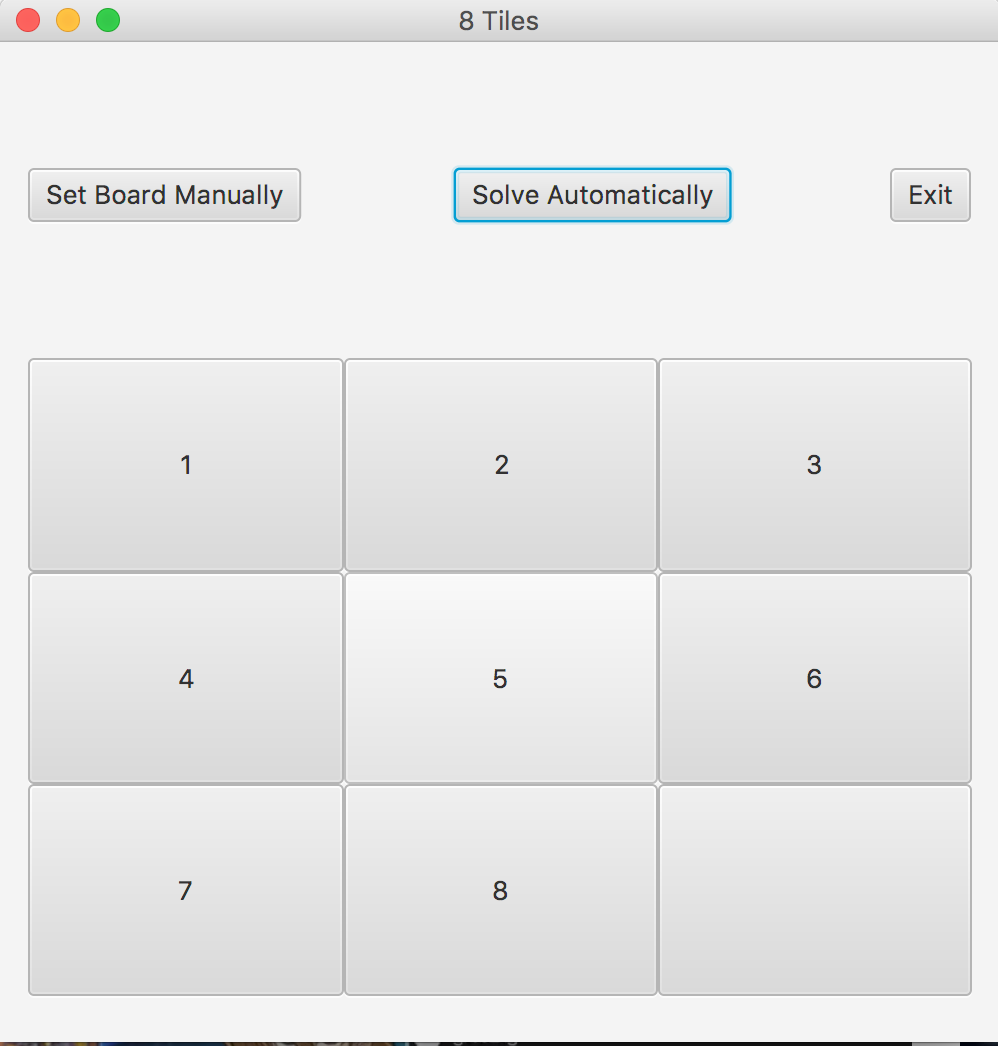
Summary:
This program lets the user play the 8 tiles game. The user can play the classic game by themselves or they can ask the program to see if there is a solution for the current board state. If there is a solution, the program will terminate after the solution is reached, if there is no solution, the program will terminate at the best possible board state. the player can set the starting board state and play from that state as well. The user can move tiles by clicking on a tile that is adjacent to the blank tile. The tile that was clicked on will then move to where the blank tile was.
The auto complete algorithm gives the program control of the board and the algorithm figures out how to either solve the puzzle or it generates the best possible board state. This algorithm uses a heuristic to determine the best possible moves and executes those moves accordingly. The program then automatically goes through the moves that the algorithm took to get to the ending board state.
Here is a sample of the program running:
Step 1: Lets have the program set up a random board for us, initially. The initial board it gave us looks like this:
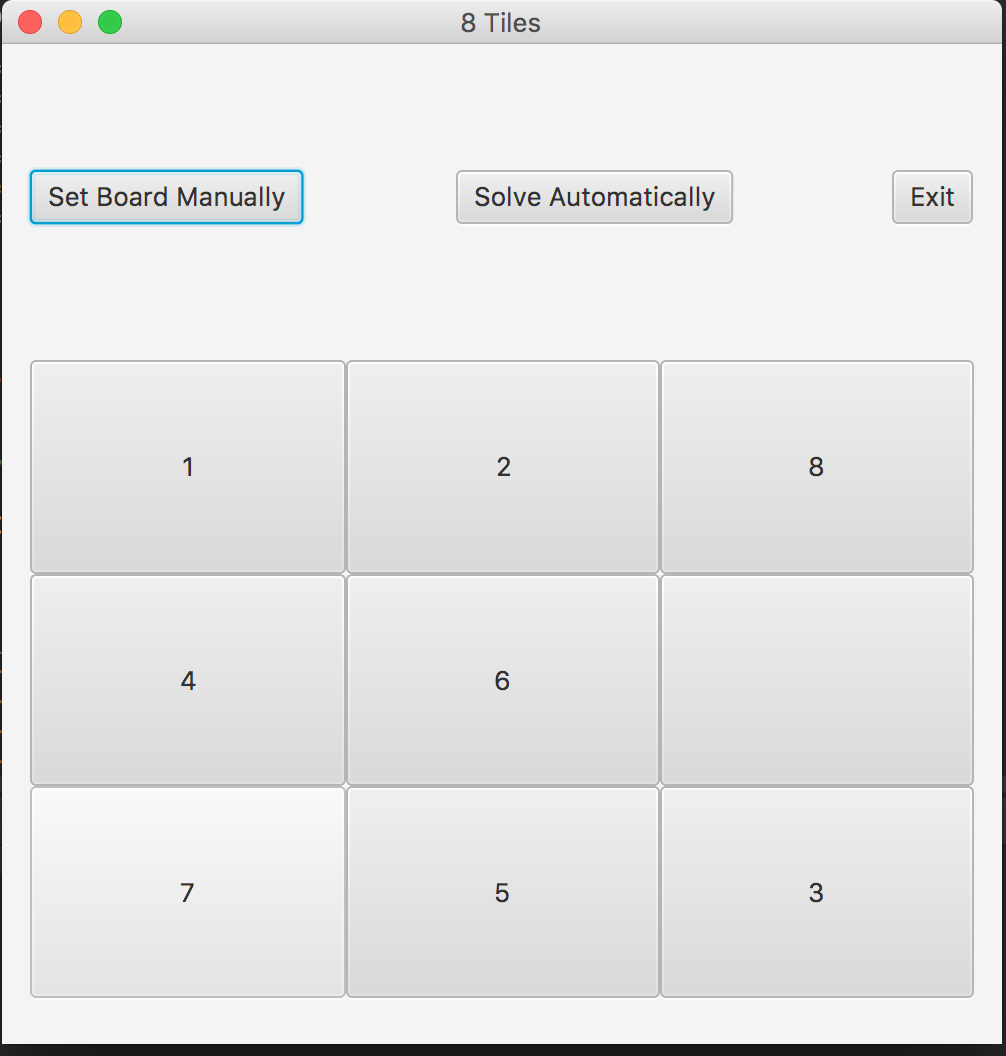
Step 2: Lets move a few tiles and see what happens. We will move the tiles in the following order: 3, 5, 6, 3. The screen shots will show the 4 moves in order. Each screen shot will show the board state before the move. The 5th screen shot will show the board state after the 4 moves.
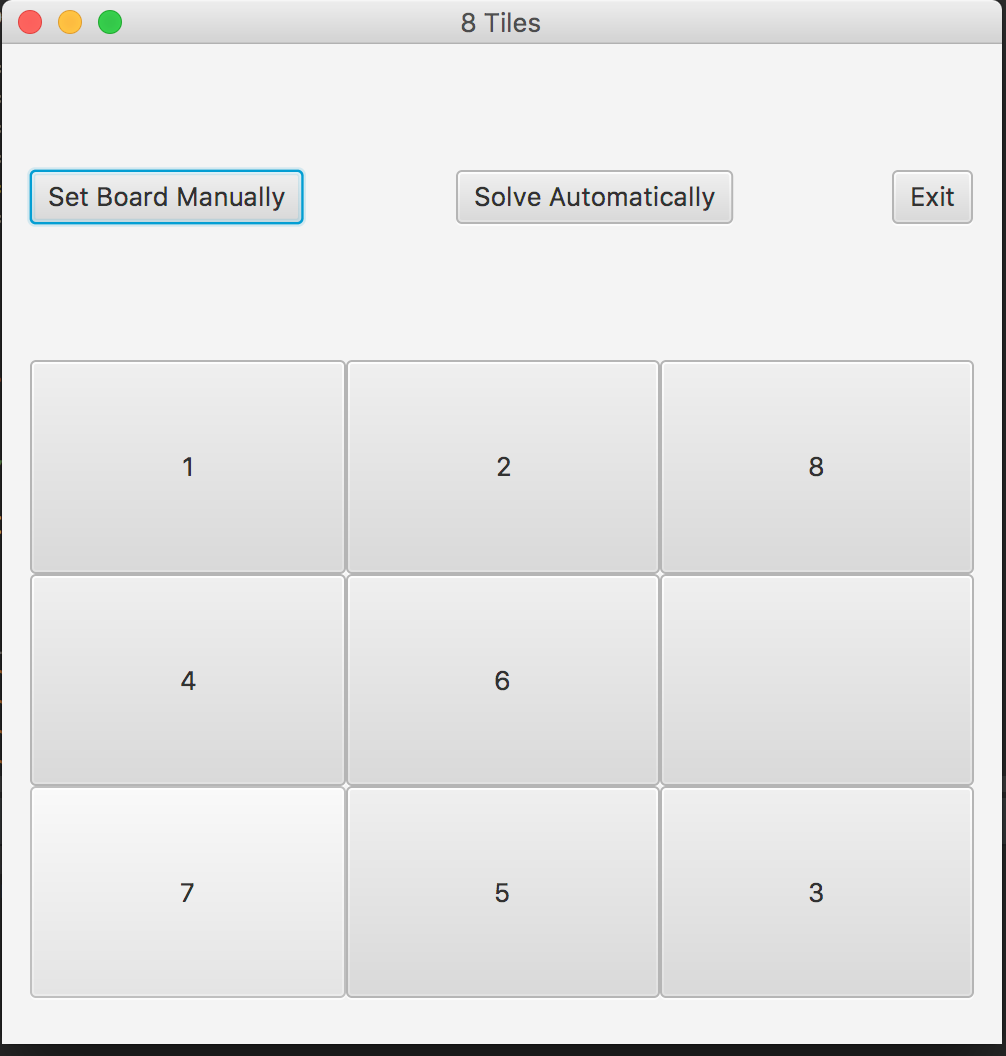
Step 3: First we move tile 3.
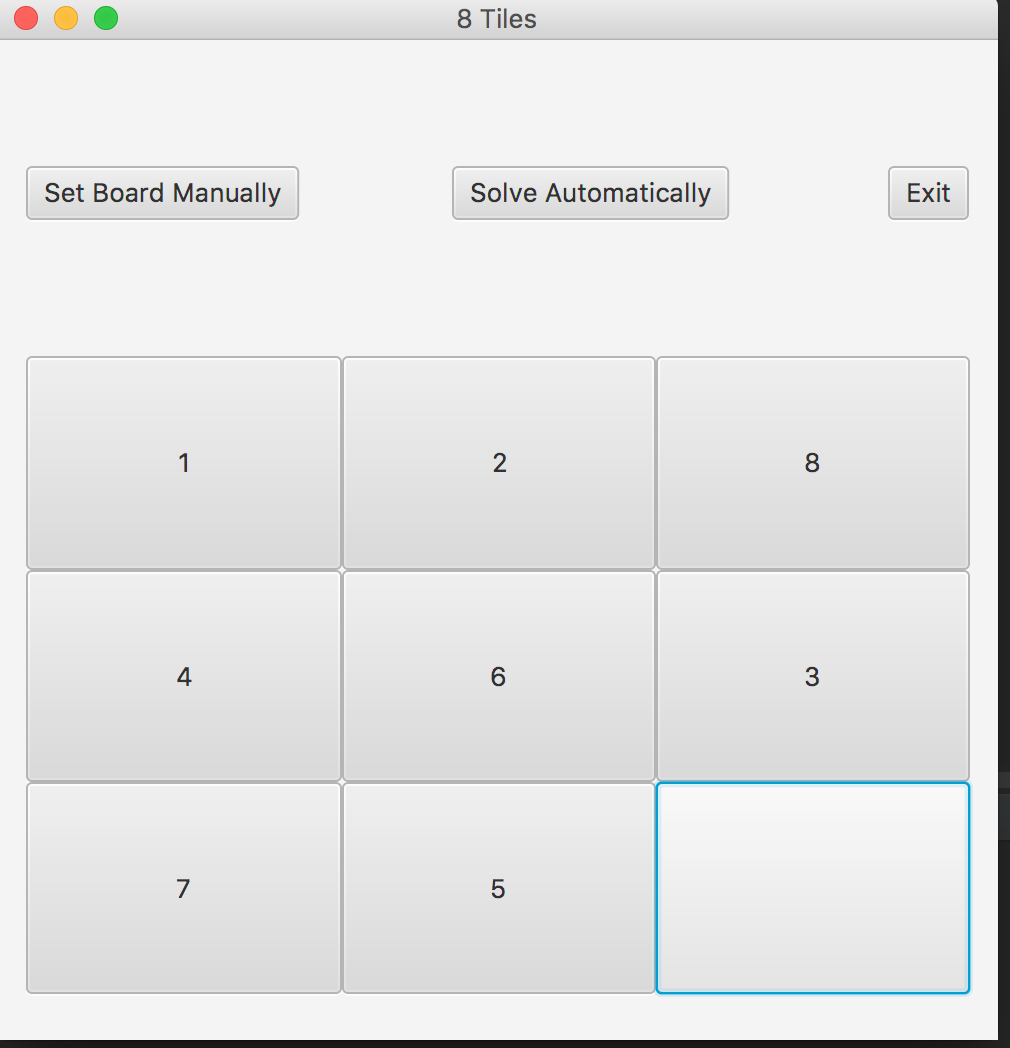
Step 4: Then we move tile 5.
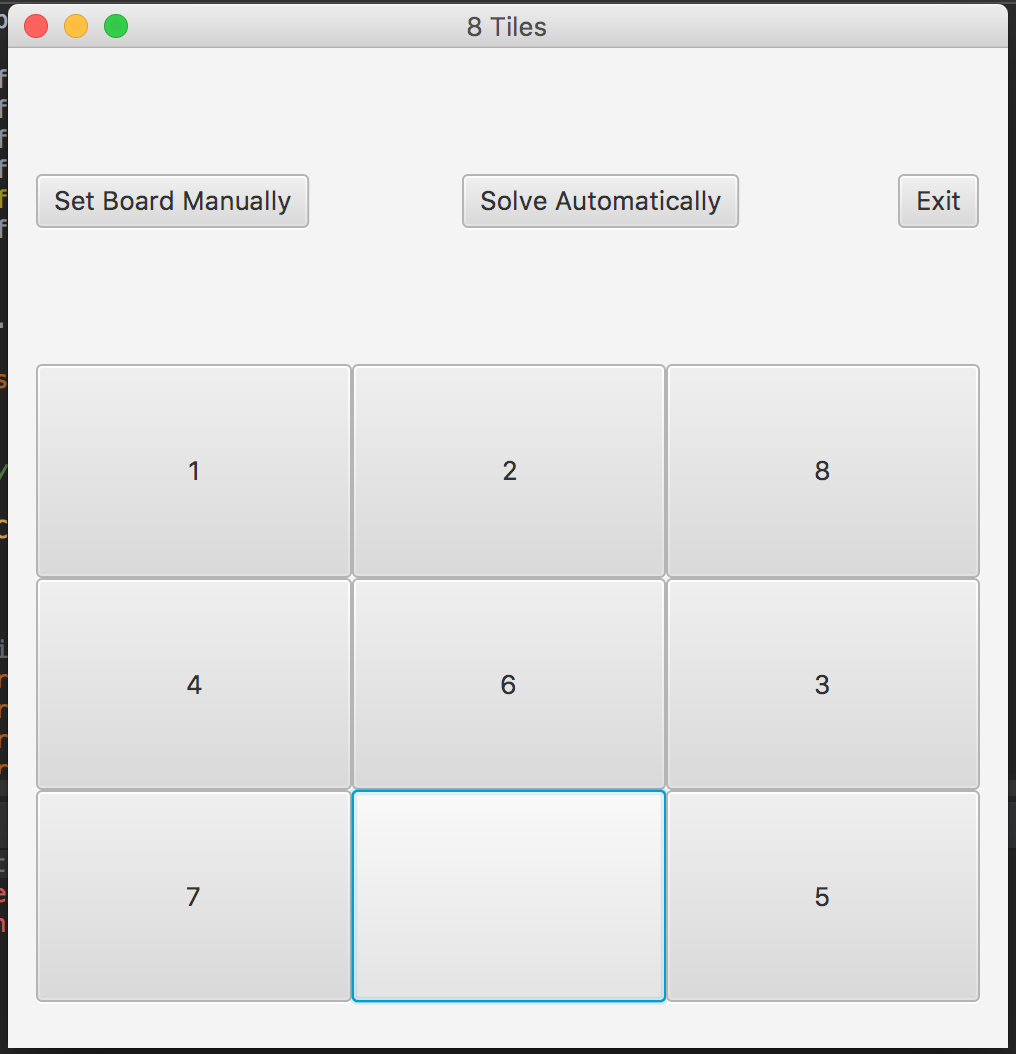
Step 5: Next we move tile 6.
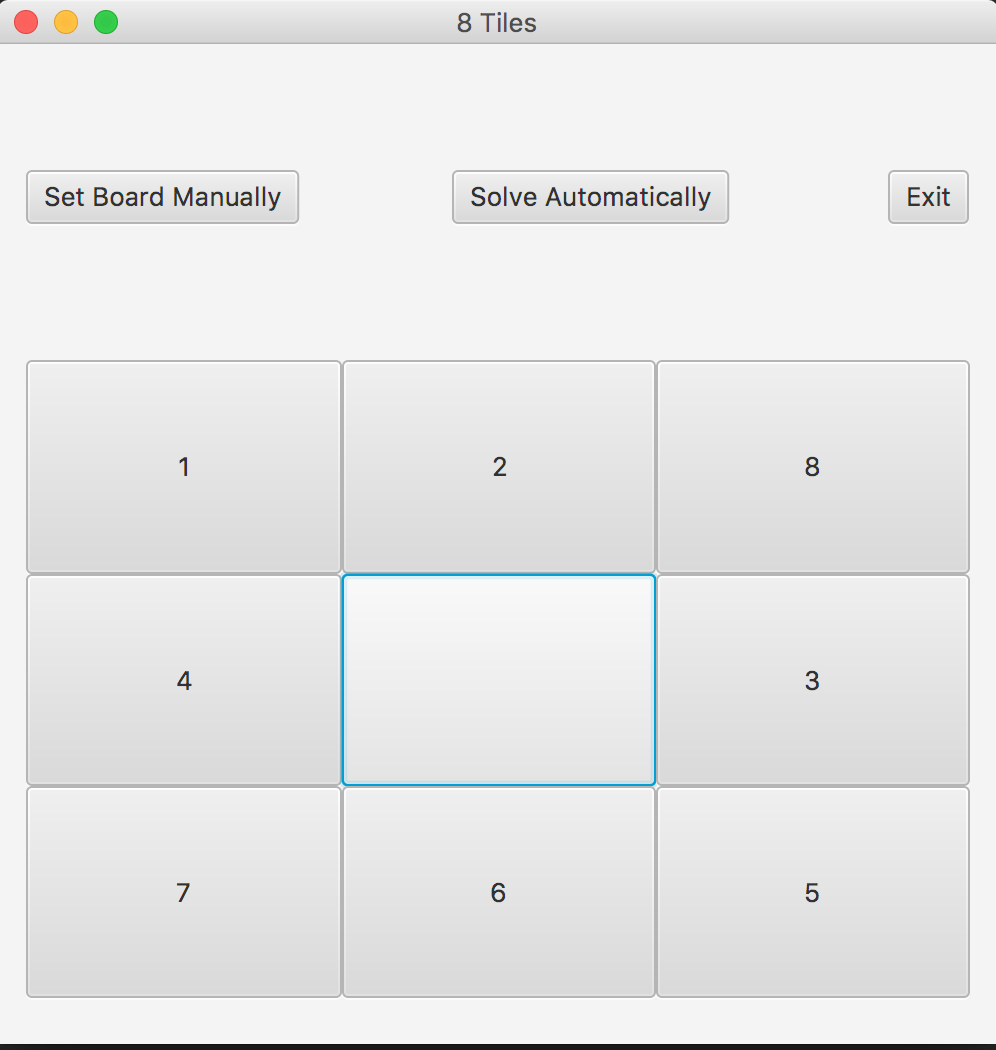
Step 6: Finally we move tile 3 again.
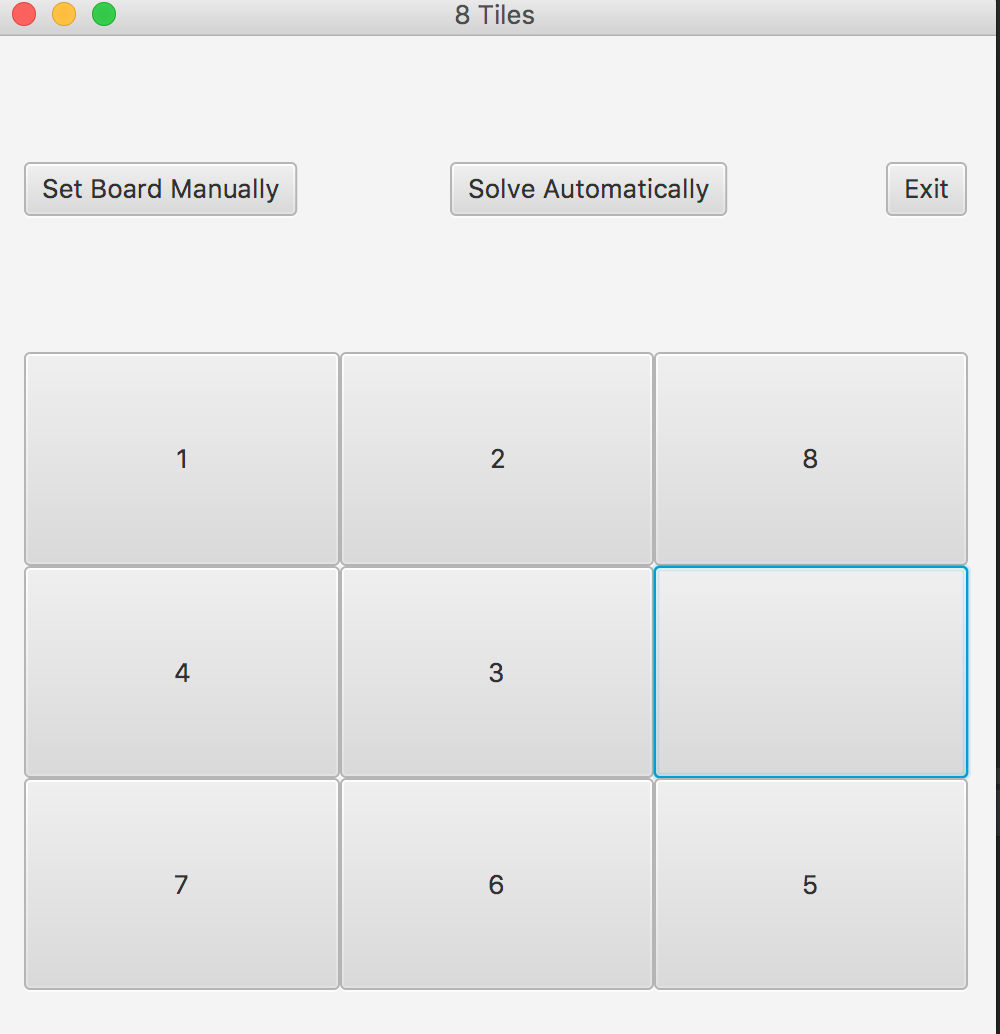
Now let us manually configure a board and have the auto complete algorithm try to finish the game for us.
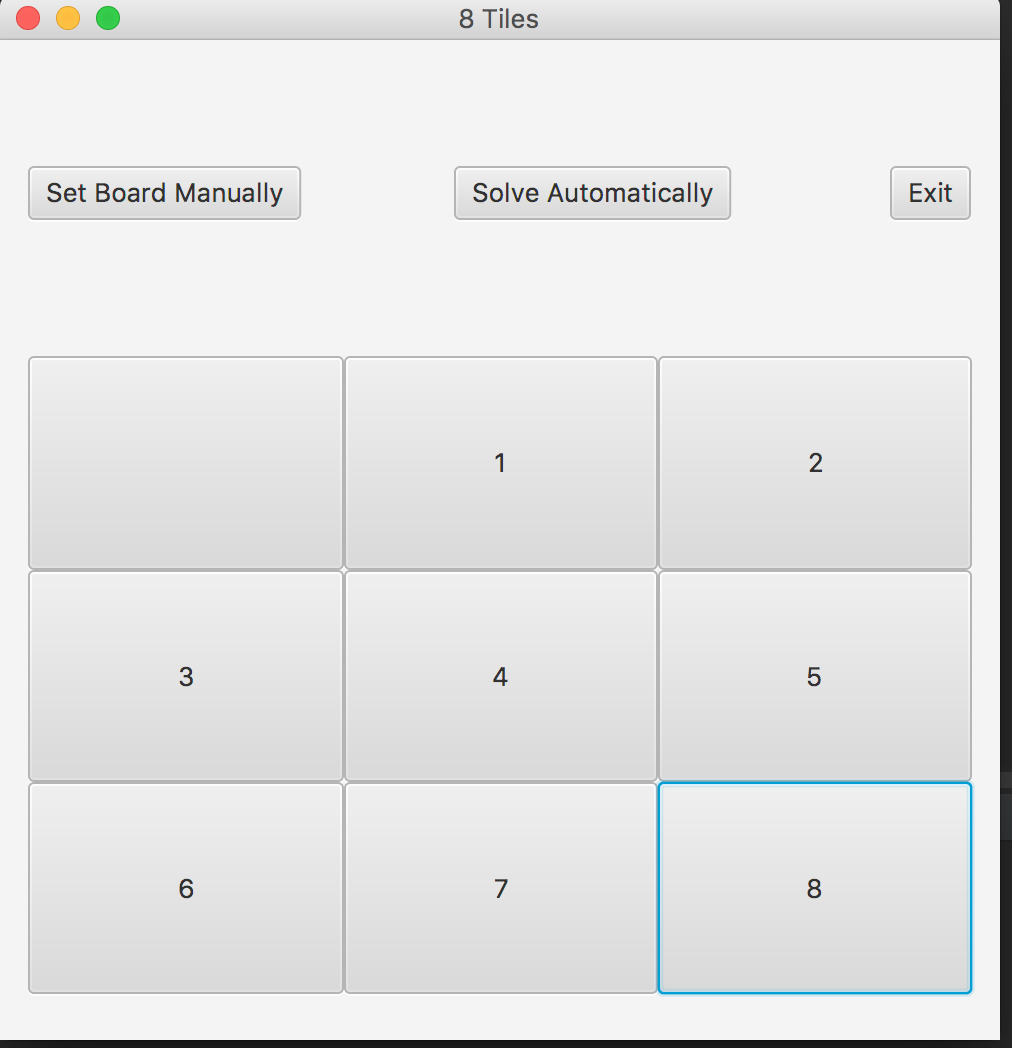
This is the ending board state after using the automatic solver algorithm. It looks like the initial board we gave has a solution so the ending board is the numbers in order. Some boards do not have a solution and in these cases, the algorithm will display the best possible board state.