The project uses the Bare Bones texture pack by default. If you want to use a different texture pack, delete the folder at: https://github.com/helpfulprojects/VoxelEngine/tree/main/MinecraftClone/assets/textures/texture_pack/assets. Then, download your desired texture pack and copy its assets folder into that location. There is no master volume in game so TNT explosions may be too load, lower system volume just in case.
Project tested on windows 10 with Visual Studio Community 2022(Desktop development wiht C++ installed)
1. Downloading the repository:
Start by cloning the repository with git clone --recursive https://github.com/helpfulprojects/VoxelEngine.git.
If the repository was cloned non-recursively previously, use git submodule update --init to clone the necessary submodules.
2. Premake:
- Run GenerateProjects.bat file found in project root. It should generate the project solution VoxelEngine.sln in the root folder.
- Open the newly generated VoxelEngine.sln and build the solution by going to Build -> Build Solution or pressing F7
- If build is successful you can run the project in Debug mode for opengl error logs in the console and enabled profiling. Chhose Dist for best performance.
If the project runs successfully you should see the TNT in front of you.
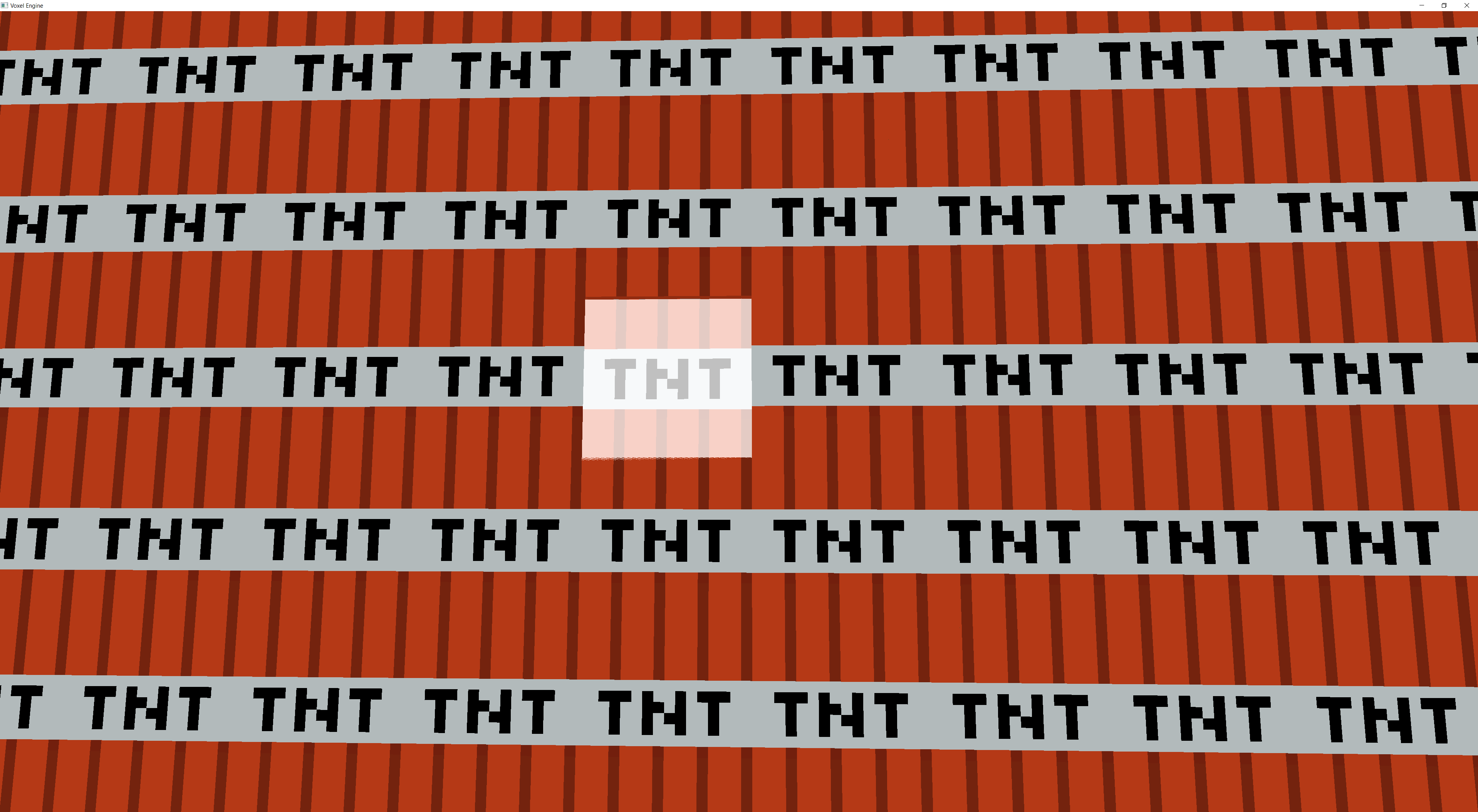
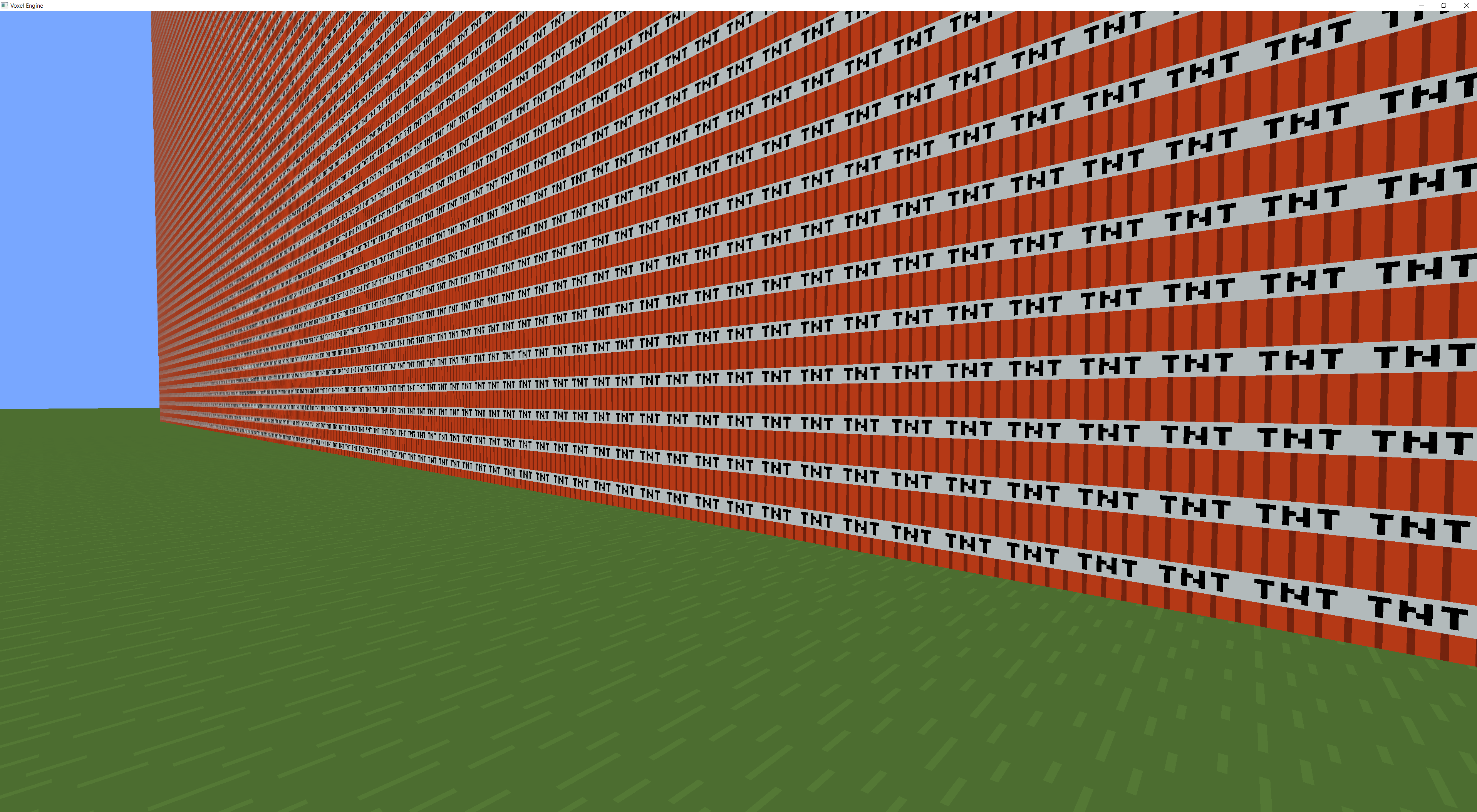 You can move close to it with WASD and looking around by moving the mouse. To activate a TNT block hover over it and press the left mouse button.
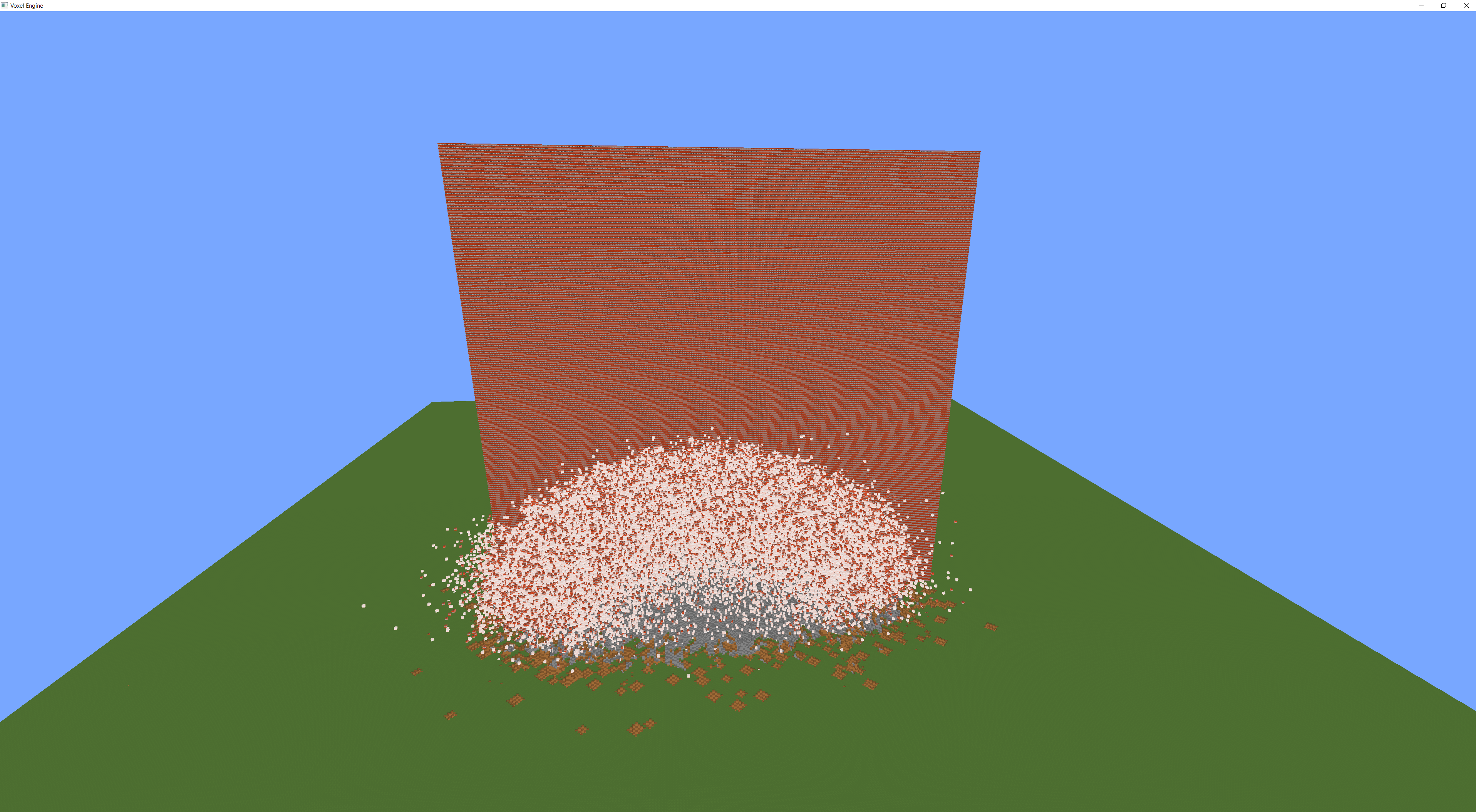
 You can change the movement speed by pressing 1,2, or 3 where 1 is the slowest, 2 the default speed and 3 the fastest. Choosing the propper speed move back so you can see the explosions unfold at hopfully enough frames per second.
To configure the game to your liking go to GameConfig.h file found in MinecraftClone sub project and the Layers folder. If the game builds but doesn't run be sure to lower WORLD_WIDTH from 35 to let's say 25 or lower. And HOW_MANY_TNT_TO_SPAWN from 10 million to let's say 100k or lower.
