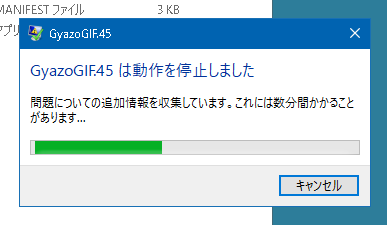
Do this “xxx has stopped working” dialog or silently deadly software irritate you? Just dump your memory and send it to fxxkin developer!
The memory dump is very useful for developers to detect the problem and fix it.
This tool enables Local Memory Dump of Windows Error Reporter from Microsoft.
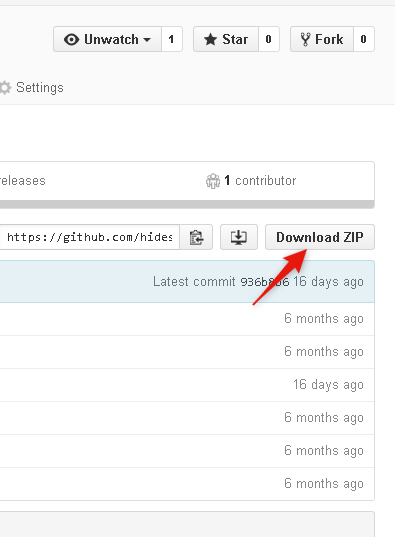
You can download from this button of the page.
Right click the downloaded zip file and extract them.
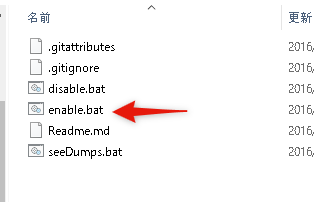
Double click enable.bat.
To enable Local Memory Dump function, you need to exec enable.bat as Administrator.
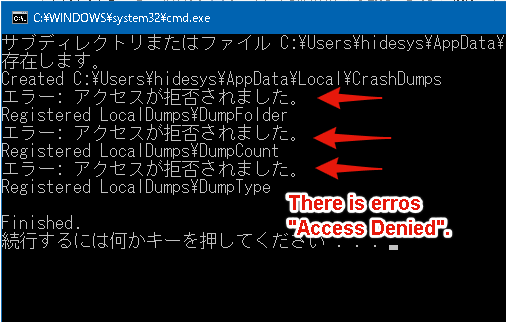
Right click it and execute as Administrator.
You can use your Windows normally, and crush your deadly software.
Windows will automatically dump the memory of the crushed software.
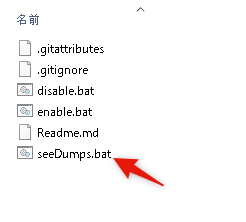
Execute seeDumps.bat, and you can get the list of memory dumps.
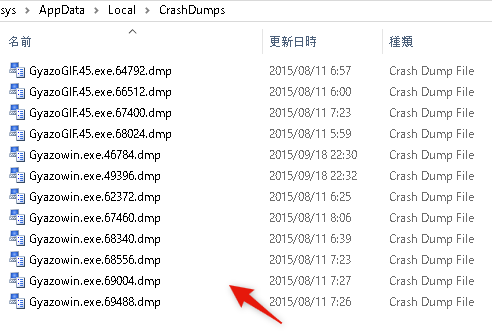
Please send the memory dumps to the developers. These dumps encourage them to find their bugs. Thanks!
- Execting
enable.batenables your Windows to get memory dumps when some softwares crush. - Execting
disable.batdisables your Windows to get memory dumps. - Execring
showDumps.batlead you to the directory where memory dumps are saved. You can get the files.
For more information, see this. https://msdn.microsoft.com/en-us/library/windows/desktop/bb787181%28v=vs.85%29.aspx
@hidesys