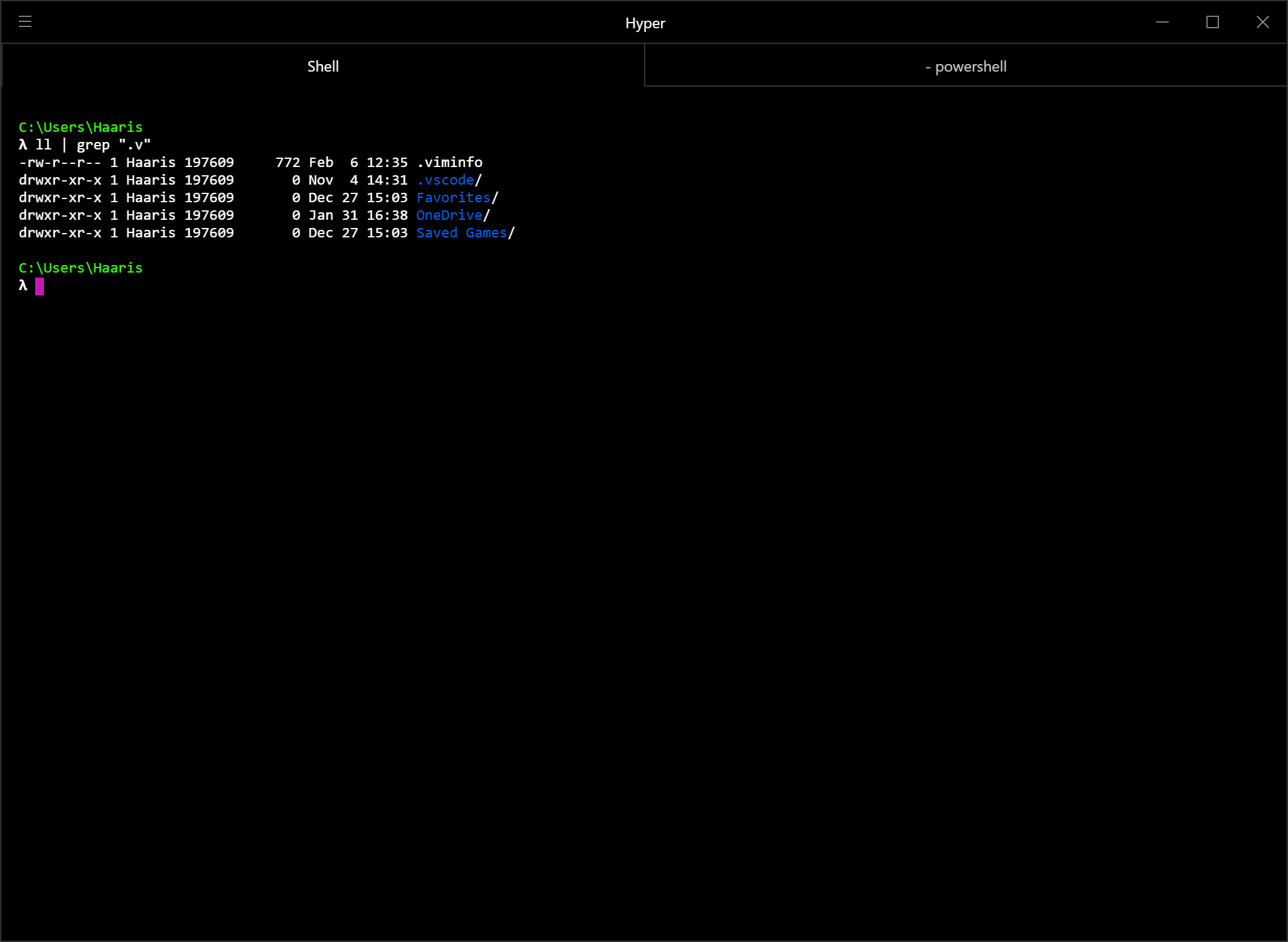
A simple guide to install and configure software that will help regain cmd its purpose by giving it Linux terminal like abilities.
- Cmder (Clink + GitForWindows Variant)
- Hyper (Optional)
- Install Cmder in a top-level folder like
C:\Cmder. - Replace
C:\Cmder\vendor\init.batwith the custominit.batfile provided in this repo. This removes items which cause infinite loops when trying to add Cmder to cmd start-up. - Open Regedit and navigate to
Computer\HKEY_LOCAL_MACHINE\SOFTWARE\Microsoft\Command Processor - Add String Value with key:
AutoRunand value:"%CMDER_ROOT%\vendor\init.bat"with quotes. Make sure this is ofREG_SZtype. - Try opening cmd and if all goes well you should see a λ symbol in your console window!
- Optional: Install Hyper or use Cmder's terminal.