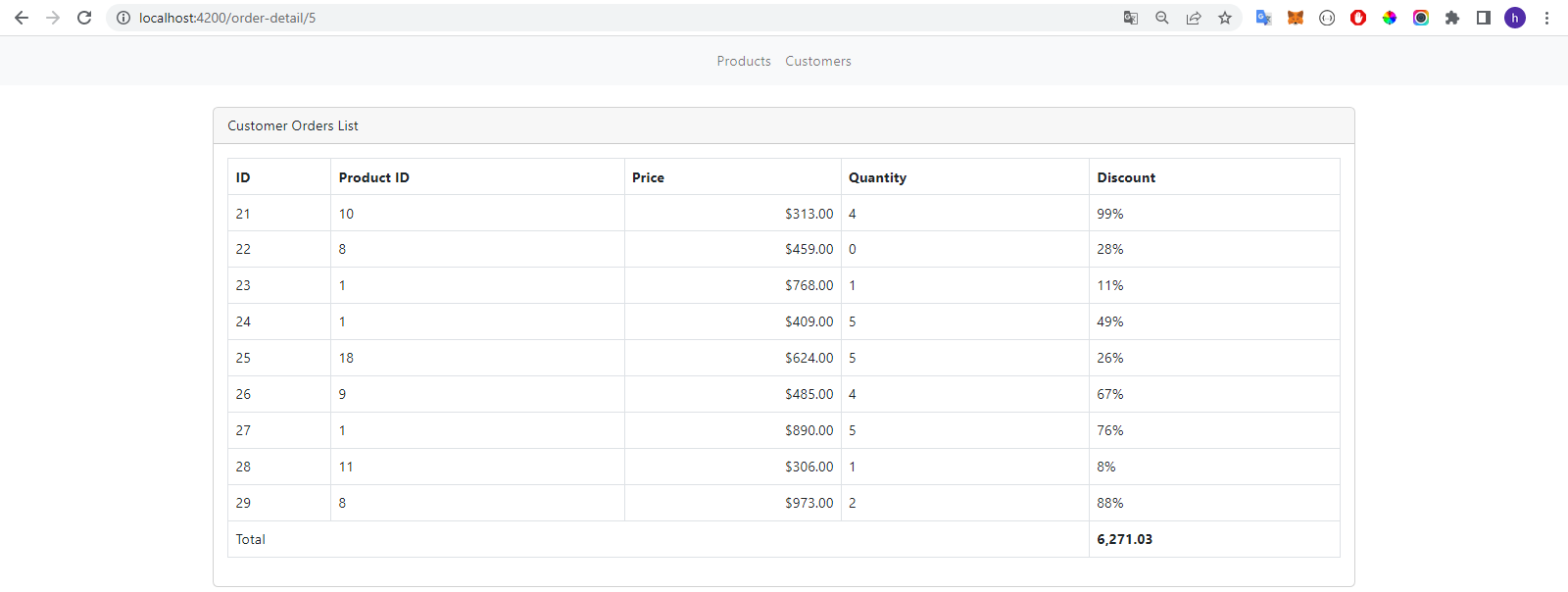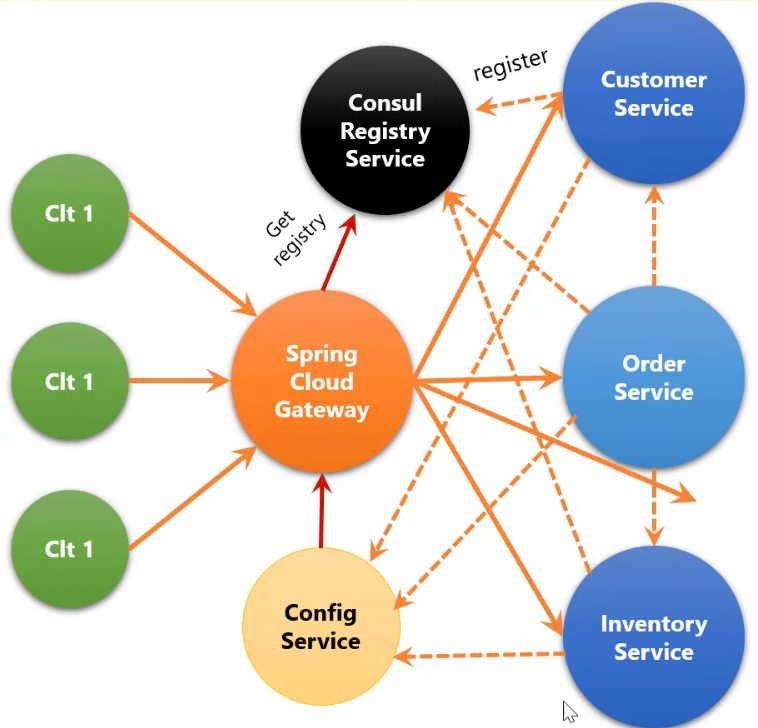
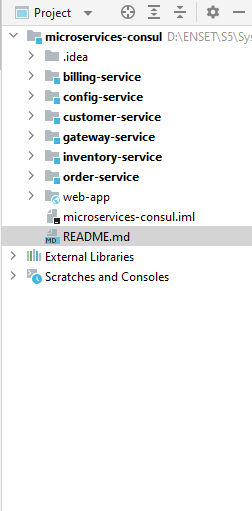
Consul is a powerful service networking tool that enables services to discover and connect with each other.
- To start the Consul server, you can use the following command:
consul agent -server -bootstrap-expect=1 -data-dir=DATA_FOLDER_HERE -ui -bind=YOUR_IP_HERE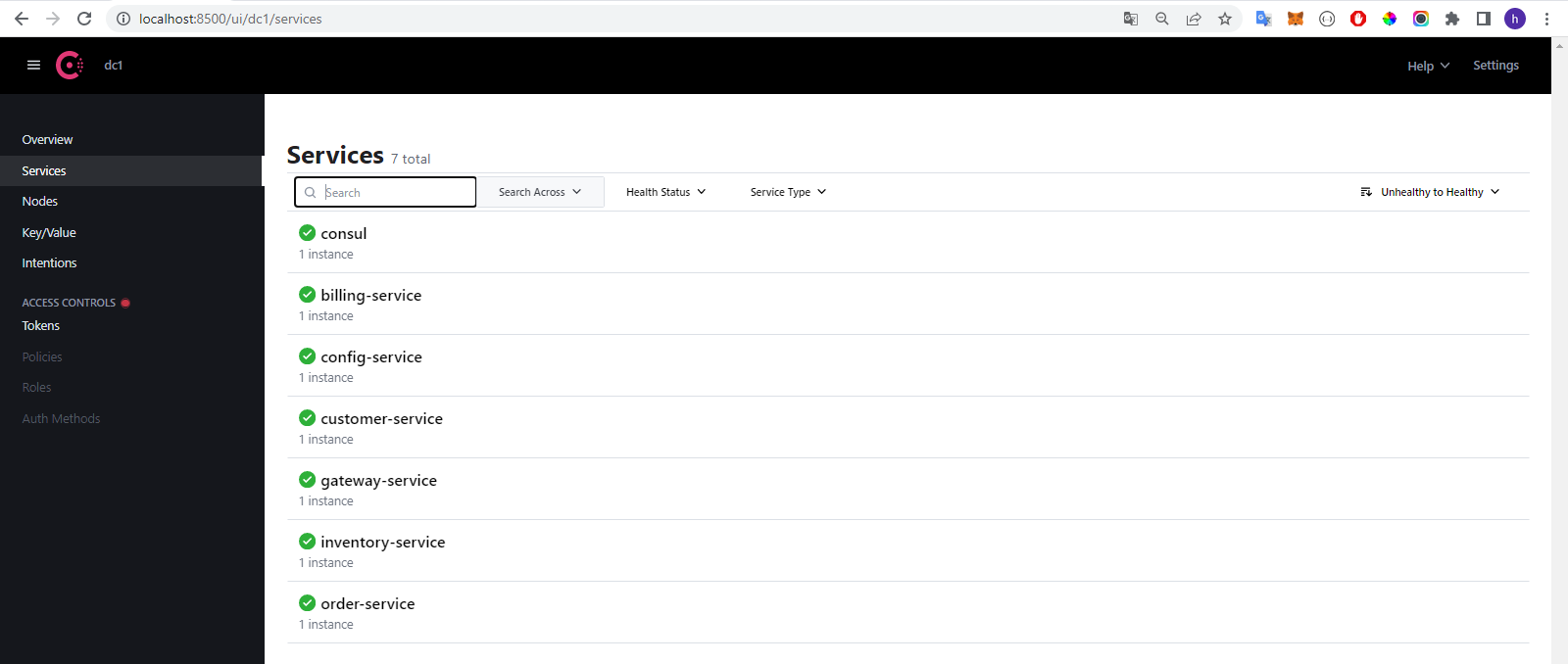
Start up point
@SpringBootApplication
public class GatewaysServiceApplication {

    public static void main(String[] args) {
        SpringApplication.run(GatewaysServiceApplication.class,args);
    }

    @Bean
    DiscoveryClientRouteDefinitionLocator locator(ReactiveDiscoveryClient rdc, DiscoveryLocatorProperties dlp){
        return new DiscoveryClientRouteDefinitionLocator(rdc,dlp);
    }

}contains config-service and CORS configuration
server:
  port: 9999
spring:
  application:
    name: gateway-service
  config:
    import: optional:configserver:http://localhost:5544
  cloud:
    gateway:
      globalcors:
        cors-configurations:
          '[/**]':
            allowedOrigins: "http://localhost:4200"
            allowedHeaders: "*"
            allowedMethods:
              - GET
              - POST
              - DELETE
              - PUT
order-servie

customer-servie
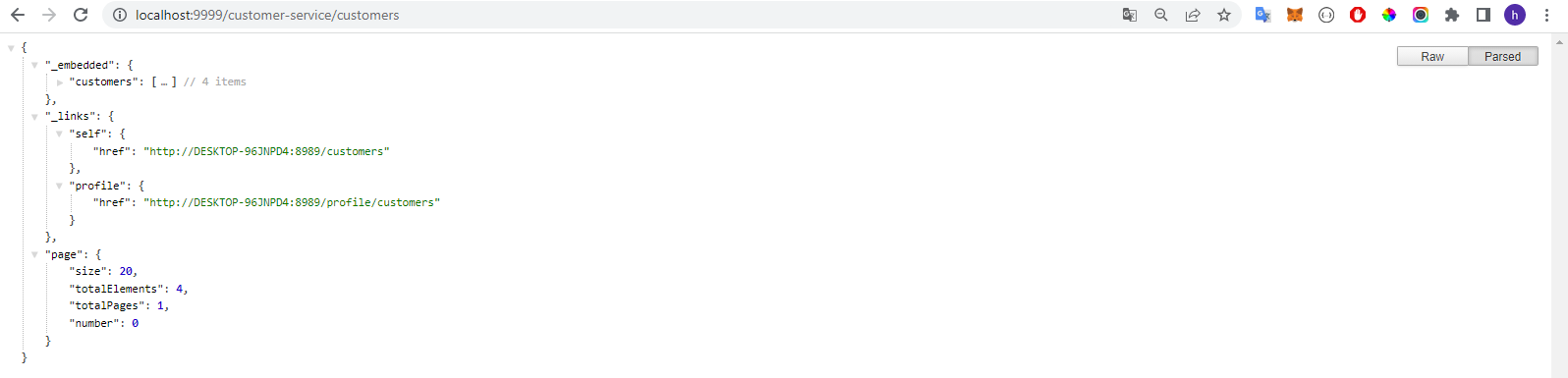
inventory-serivce
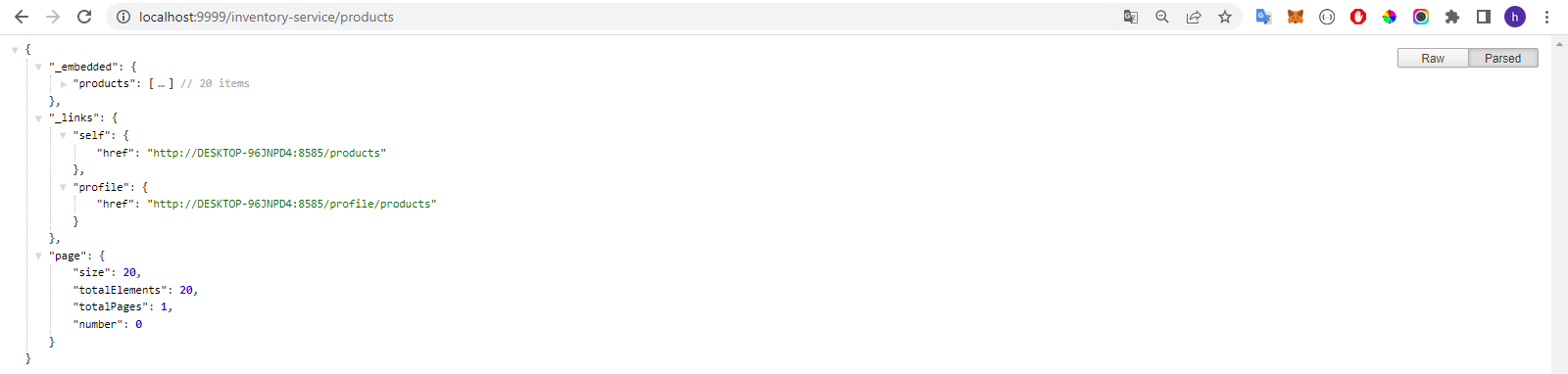
billing-serivce

This service provides us ability to stores configuration data in a version control system Git, and allows other services to retrieve this data from it at runtime.
server:
  port: 5544
spring:
  application:
    name: config-service
  cloud:
    config:
      server:
        git:
          uri: REPO_PATH
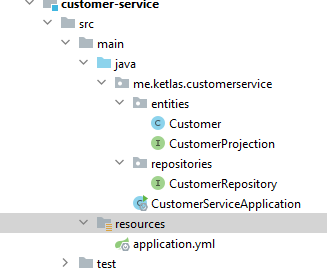
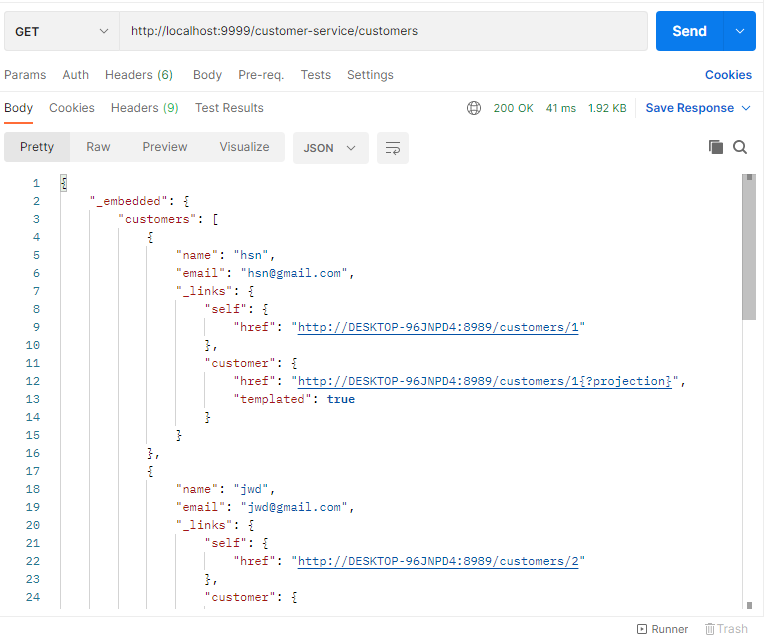
default-label: mastertest customer-service simple configuration

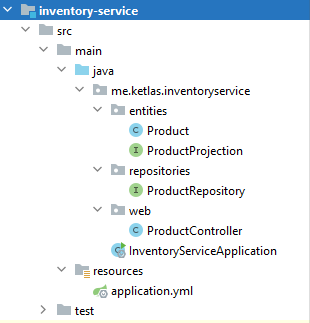
server:
  port: 8787
spring:
  application:
    name: order-service
  h2:
    console:
      enabled: true
  datasource:
    url: jdbc:h2:mem:orders-db
  #
  config:
    import: optional:configserver:http://localhost:5544
logging:
  level:
    me.ketlas.orderservice.services.CustomerRestClientService: debug
    me.ketlas.orderservice.services.ProductRestClientService: debug