-
git clone到本地之后 cd reactChatApp
-
npm install 安装依赖(确保已安装node环境)
-
安装mongoDB,并启动数据库
-
cd server, node serve.js 启动服务器
-
npm run start 启动程序
-
登录
-
注册(前端验证)
-
用户查询(搜索关键字高亮)
-
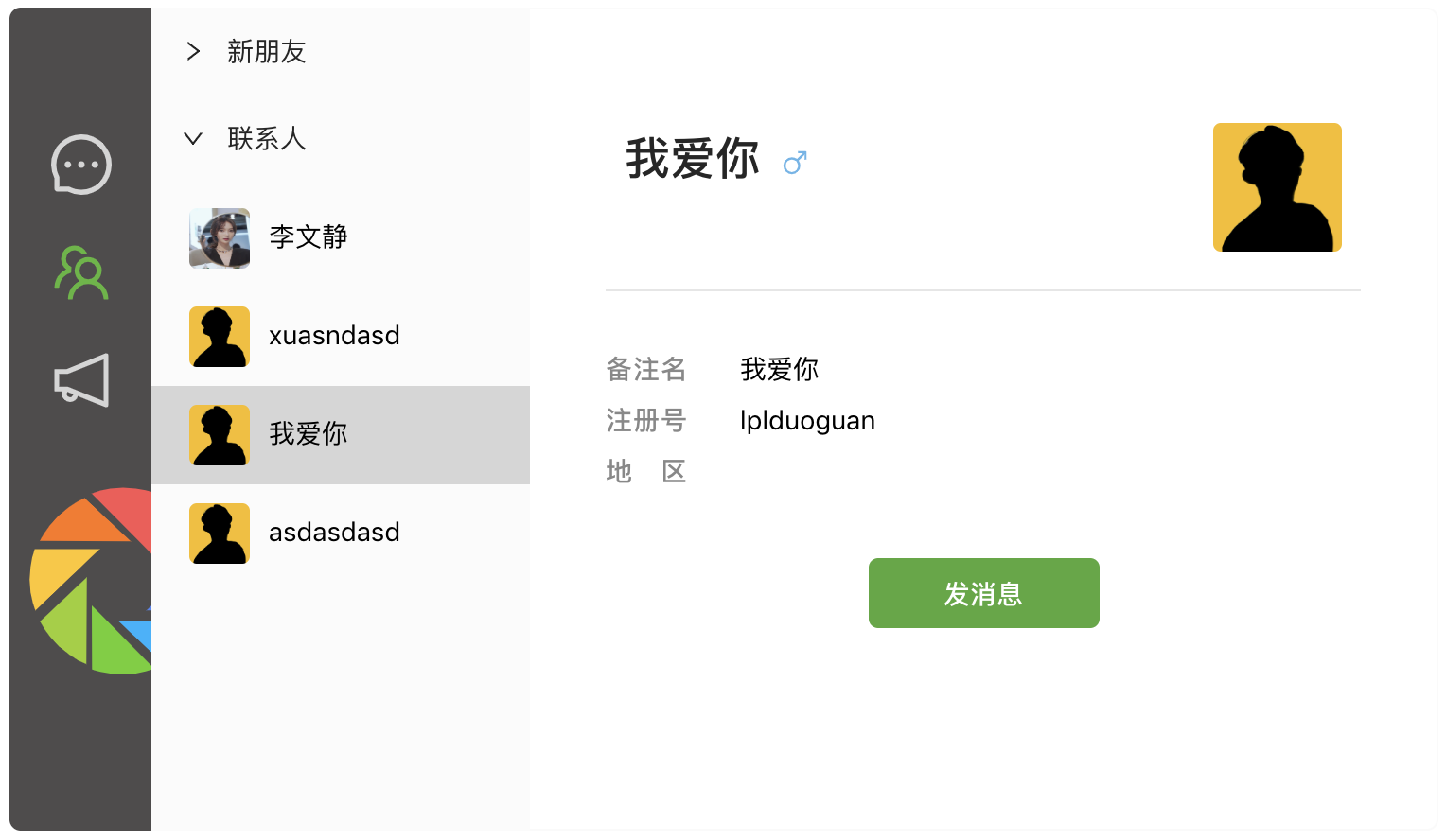
添加好友
-
即时通讯
-
发送消息是双方头像下方展示最新一条消息
-
接收到非来自消息队列的消息后,及时生成消息窗口并置顶
-
请求通知(对方在线时,将收到左边弹出的通知)
-
同意或拒绝对方的添加好友请求
-
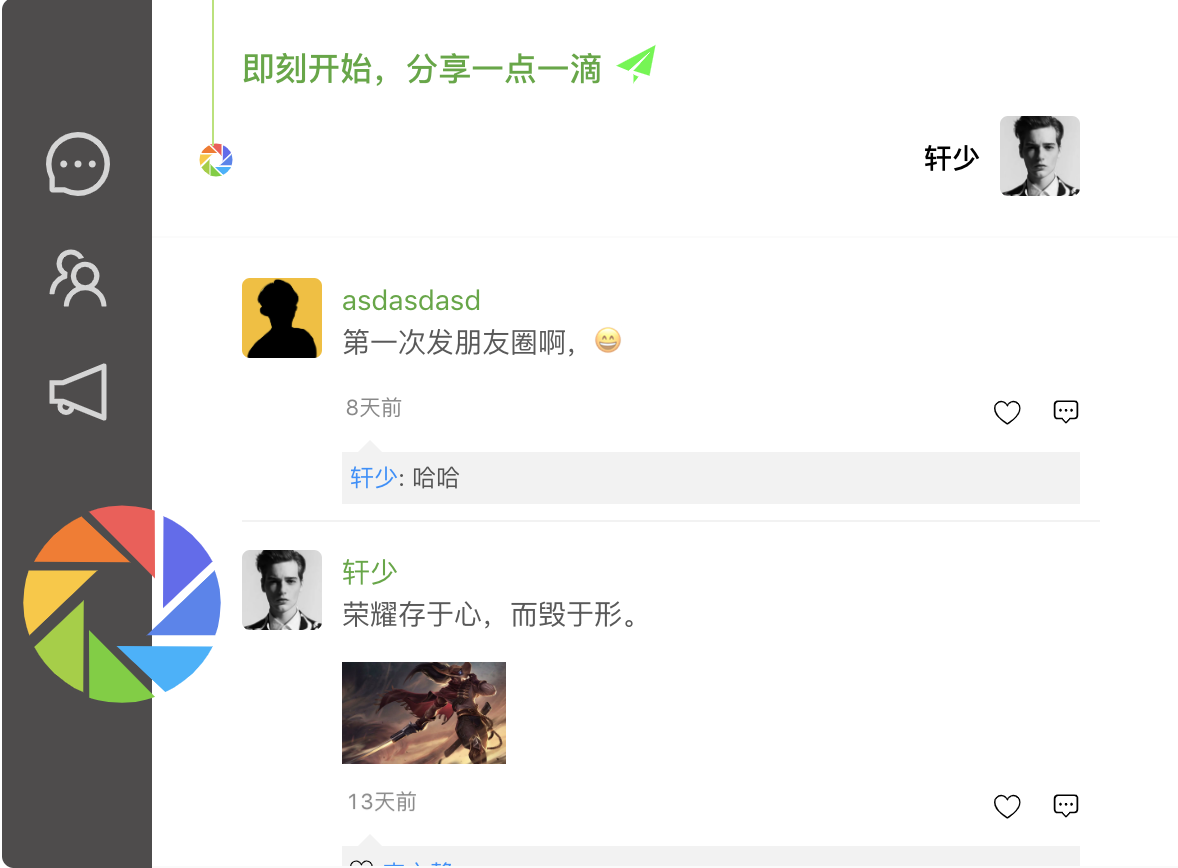
发朋友圈,支持文字、图片、文字➕图片
-
朋友圈点赞(A点赞B,与A无好友关系的无法看到点赞)
-
朋友圈评论
-
消息时间以及朋友圈时间的格式化(参考的微信)
-
删除好友
-
删除消息队列中的一项
-
第一次添加好友成功系统提示消息(类似qq)
-
群聊
-
朋友圈评论的回复
-
消息撤回



In the project directory, you can run:
Runs the app in the development mode.
Open http://localhost:3000 to view it in the browser.
The page will reload if you make edits.
You will also see any lint errors in the console.
Launches the test runner in the interactive watch mode.
See the section about running tests for more information.
Builds the app for production to the build folder.
It correctly bundles React in production mode and optimizes the build for the best performance.
The build is minified and the filenames include the hashes.
Your app is ready to be deployed!
See the section about deployment for more information.