Multiplayer Action Game
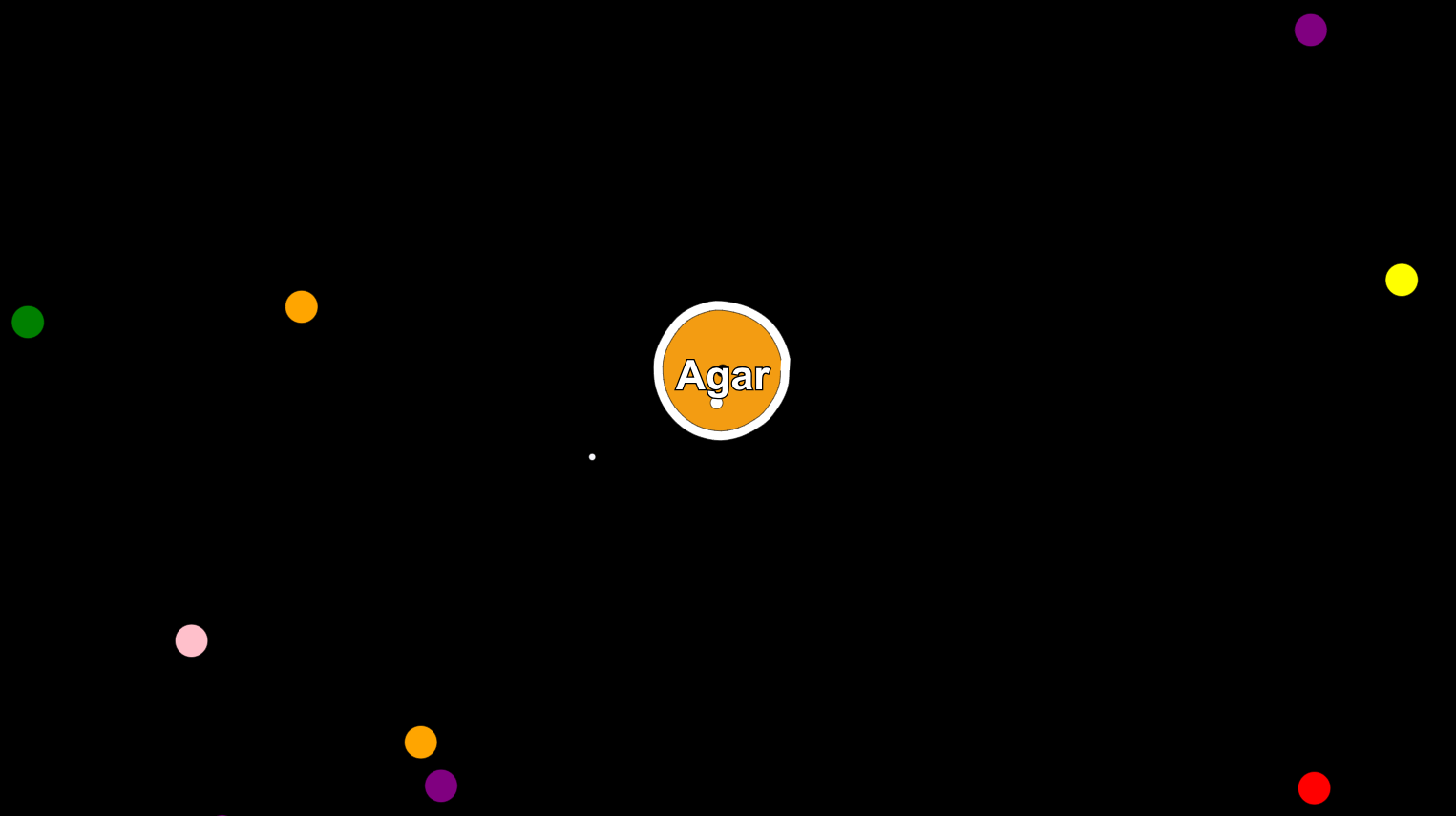
In order to implement such a game, we needed to make a multiplayer platform with great synchronization and nice GUI to make the game appealing to everyone who plays it. Another technical challenge was overcoming the single threaded nature of browser games.
We have researched a lot about the model to use in order to make the game run smoothly on every device without any issues and we have settled on Client-Server model with Client-Side-Prediction, the reason why we’ve picked this model is because it gives for every player the illusion that they are running the game locally on their machine there is no waiting for the server to make every move and wait for its acknowledgement. However, this architecture produces a lot of problems that we had to overcome.
In Client-Server model with Client-Side-Prediction, the client updates the user according to the input without waiting for the server to confirm the input in order to hide the network latency. But we need to store the input that was taken in order to make sure that when the server replies with the confirmation that we are synchronized, so we store all of the previous inputs that were taken in the last 300 milliseconds in a buffer and when the server replies with a confirmation of a certain input we remove it from the buffer because we don’t need a confirmation on it anymore. The reason why we store up to 300 milliseconds only is if there is a large network delay between the client and the server, the confirmation from the server might take a lot of time and if it took more than 300 milliseconds the player position at the client would be further ahead of the server, so in order to prevent that if the server confirms something that is older than 300 milliseconds we simply jump back to the server position, this might seem like a bad thing and make you feel that the game jumps around a lot because of the network delay. But the probability of jumping back to the server position is low and if the network can’t send faster than 300 milliseconds then the game would be unplayable anyway because of the very long network delay.
At every 40 millisecond interval, the server sends to all the players in the room the updated game status which includes all of the players' new data. When the client receives the game status it updates the other players' positions and graphically interpolates the old player's position to the new positions in order to make the other players render smoothly without very big jumps. However, this does introduce two issues:
- The interpolation takes time to move the player smoothly from the previous position to the newly received server position.
- The other player is applying Client-Side-Prediction too which means he has moved after sending his last action to the server.
We’ve addressed these two issues as follows:
- On my end, when I receive new player position, I calculate the estimated latency (the latency from the other player to send his action to the server - the server calculates this latency, as well as the server latency to send me the other player updated position(server ping/2)), then I extrapolate the other player position with this latency time (assuming that the player is moving at the same angle I’ve lastly received from the server -if you think about it, it’s the most sensitive case, which is when the other player is coming after me without changing the angle and trying to attack me, extrapolating him would let me feel the real synchronised danger).
- We’ve also increased the other players’ interpolation factor to move them faster towards the extrapolated position, this way you almost see the other player position as he sees it, however, increasing the interpolation factor means some stuttering unless you have a good GPU with high fps number, it will feel normal.
- We’ve also made the player eats another player only if the player covers more than 50% of the other player area, this makes the game look fair at every client and there are no issues.
The client could theoretically send to the server an arbitrary amount of inputs and every input in our game is equivalent to 15 milliseconds in real time and the client sends to the server every 15 milliseconds as well but because of performance difference the input size could be more than one so the server receives an array of inputs to apply them. So in order to prevent the client from cheating or sending more inputs than it should we use timestamps where the client sends along with the inputs the time that the client is sending to the server and the server checks with the old time received the possible number of inputs that could be taken in this window of time and also makes sure that the client is not sending a fake time in the future by comparing it with the current server time and if the input is valid the server applies it and sends the confirmation to the client. But if the server didn’t validate the input it doesn’t apply the input because it considers it an attempt to cheat and tells the client to force its position back to the server position. This technique also solves many instability issues that could happen due to client tabout, numerous network latency or browser lagging.
In this game, we have two more game items which are gems that the player eats in order to get a little bit bigger, and traps that when a player hits them it decreases its size and score and when a player hits a trap the trap disappears. So in order to handle these items we send with the game status all of the gems that was eaten and the traps that disappeared and also the newly generated gems and traps.
We’ve chosen to stay away from multi-threading during this game development. However, single-thread strategy introduces another problems:
To minimize the number of inputs from the client to the server (i.e. the angle), we had to make the angle mean more, to us it meant that whenever we capture user angle we move him with his velocity, on both sides the client as well as the server, thus, this delta had to be sharp to prevent any drifting between server and client positions (remember we never compare positions in our game only angles ids). However, if we used the JavaScript intervals, which run theoretically every period of time, we would have stumbled upon many problems, as those intervals were getting blocked by the drawing function that takes more than expected time and also depends on every device, so the function that sends the angle will wait until the game drawing ends.
Solution: We used a single loop to draw, capture user angle and update physics. This way when the function that updates physics gets called, it checks some timer variables to see when was the last time this function was called, then this time difference is divided by 15 ms (the physics update period), and this count is the number of steps that the player moves, and also the number of angles to be pushed in the angles queue that will be sent to the server next time we send angles.
Now as mentioned above, the physics may run at any time as well as the drawing, thus when we draw the game was stuttering, because to our human eyes, we see the player move a huge step each time, making it looks very laggy.
Solution: We interpolated the physics during the drawing frame, which means if the last time we moved the player was 7.5 ms(e.g.), we temporarily move the player (7.5 / 15 * velocity = 0.5 * velocity) and then draw the player, which makes the jumps that the player takes aren’t so wide to the human eye.
- http://buildnewgames.com/real-time-multiplayer/
- https://gafferongames.com/post/what_every_programmer_needs_to_know_about_game_networking/
- http://gameprogrammingpatterns.com/game-loop.html
- http://www.gabrielgambetta.com/client-side-prediction-server-reconciliation.html
- https://developer.valvesoftware.com/wiki/Latency_Compensating_Methods_in_Client/Server_Ingame_Protocol_Design_and_Optimization