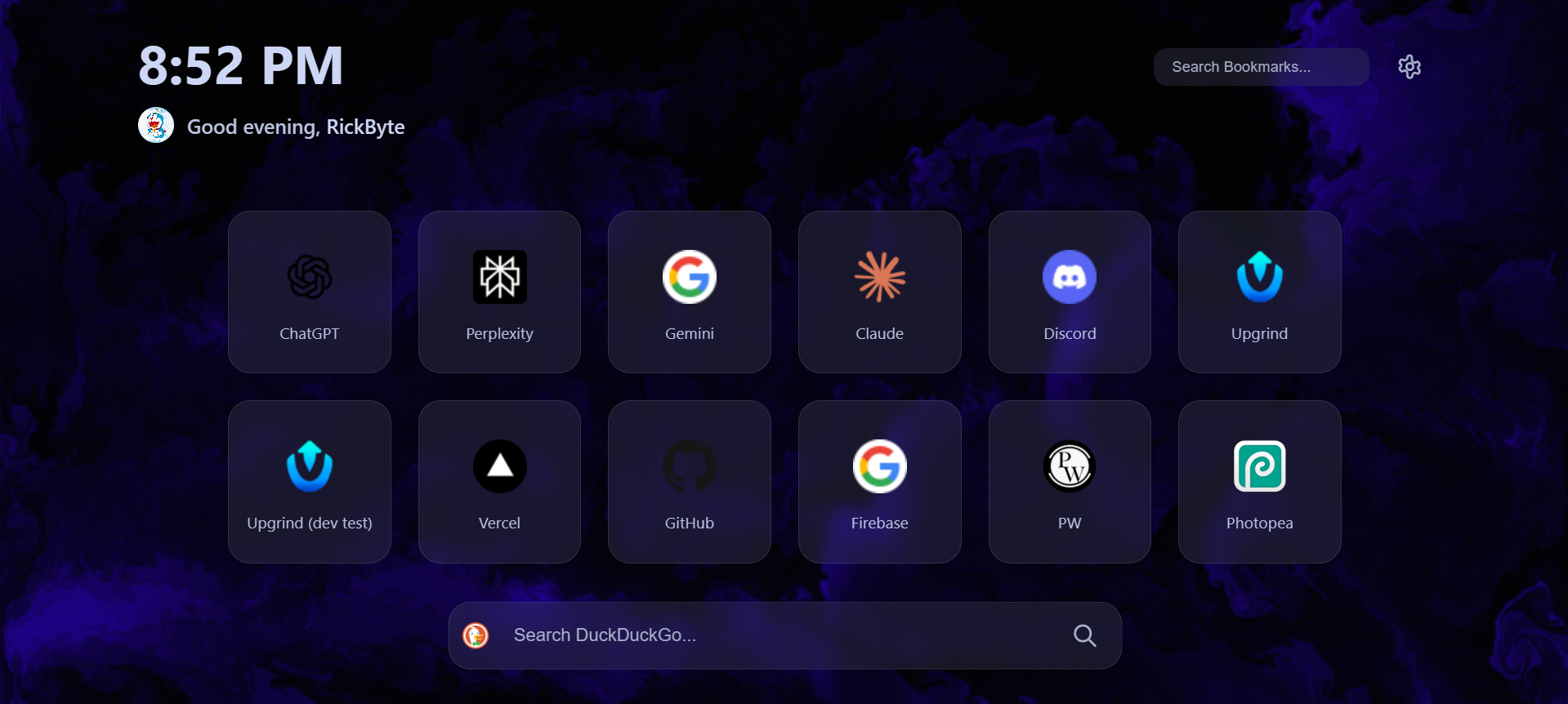
Bytab is a Chromium extension that replaces your default new tab page with a catpuccin themed customizable simplistic dashboard. It provides quick access to your bookmarks, displays a greeting and clock(both 12H and 24H formats), allows you to set a custom background image and a custom profile picture. Bytab aims to simplify your new tab page experience by providing a visually appealing yet unbloated experience. The main reason in developing it was to remove bloat that many browsers' new tab page packages in.
- Clock and Greeting: Displays the current time and a personalized greeting based on the time of day.
- Custom Username: Allows users to set and display their username for a personalized touch (I liked it).
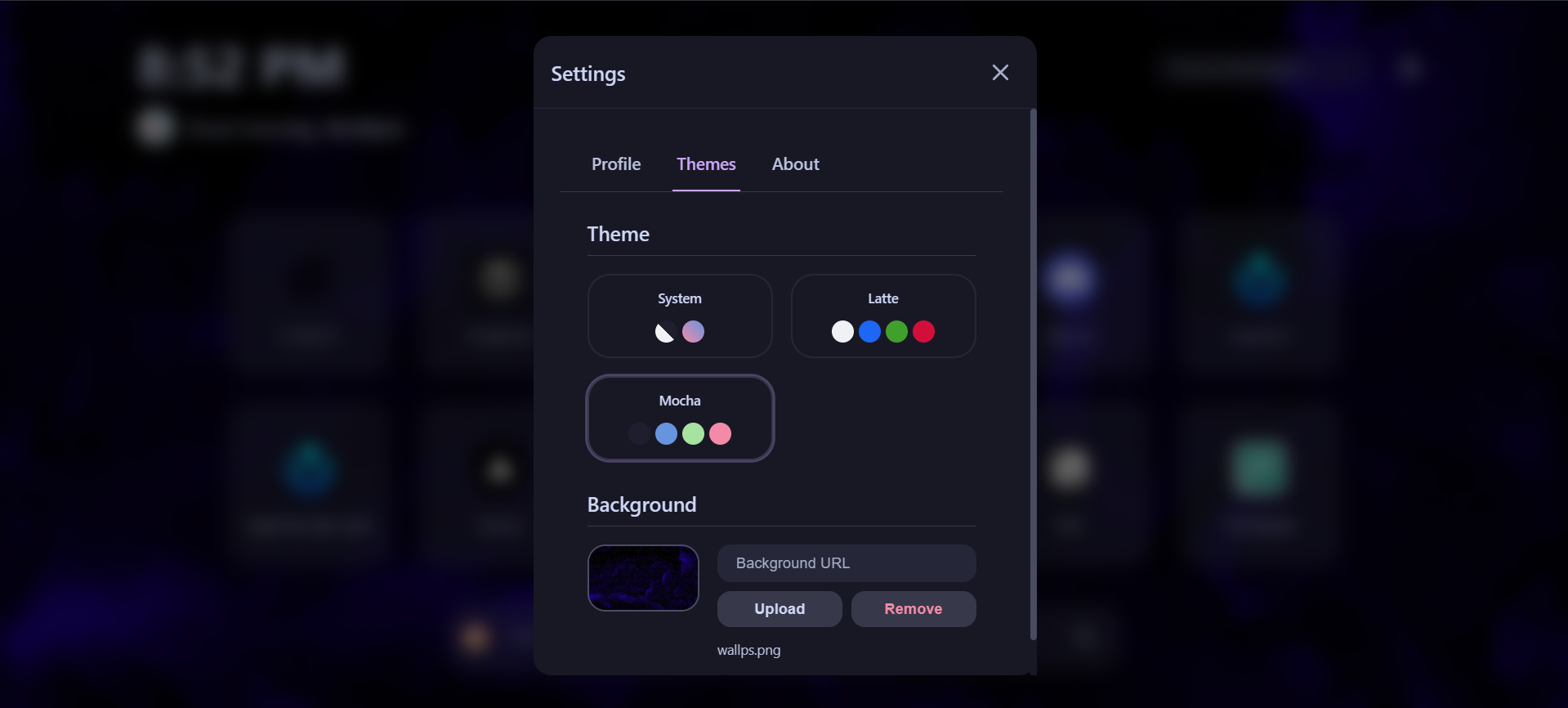
- Custom Background Image: Set a custom background image to your new tab page. Images are stored in IndexedDB for persistence.
- Bookmarks:
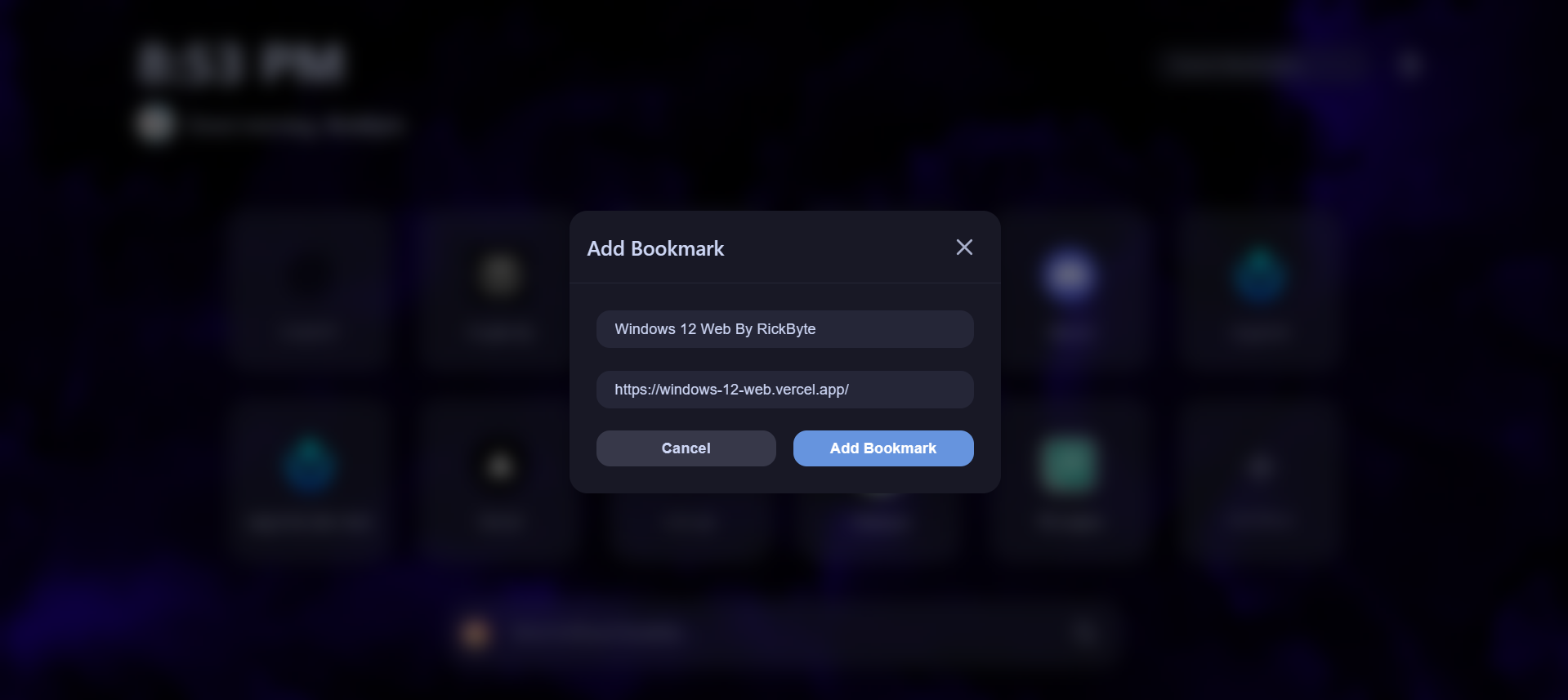
- Load, display, add, edit, and remove bookmarks.
- Drag-and-drop reordering of bookmarks.
- Search functionality to quickly find bookmarks.
- Settings: Configure settings such as theme, background image, etc. via the settings menu.
- Context Menu: Right-click on bookmarks to access edit and remove options.
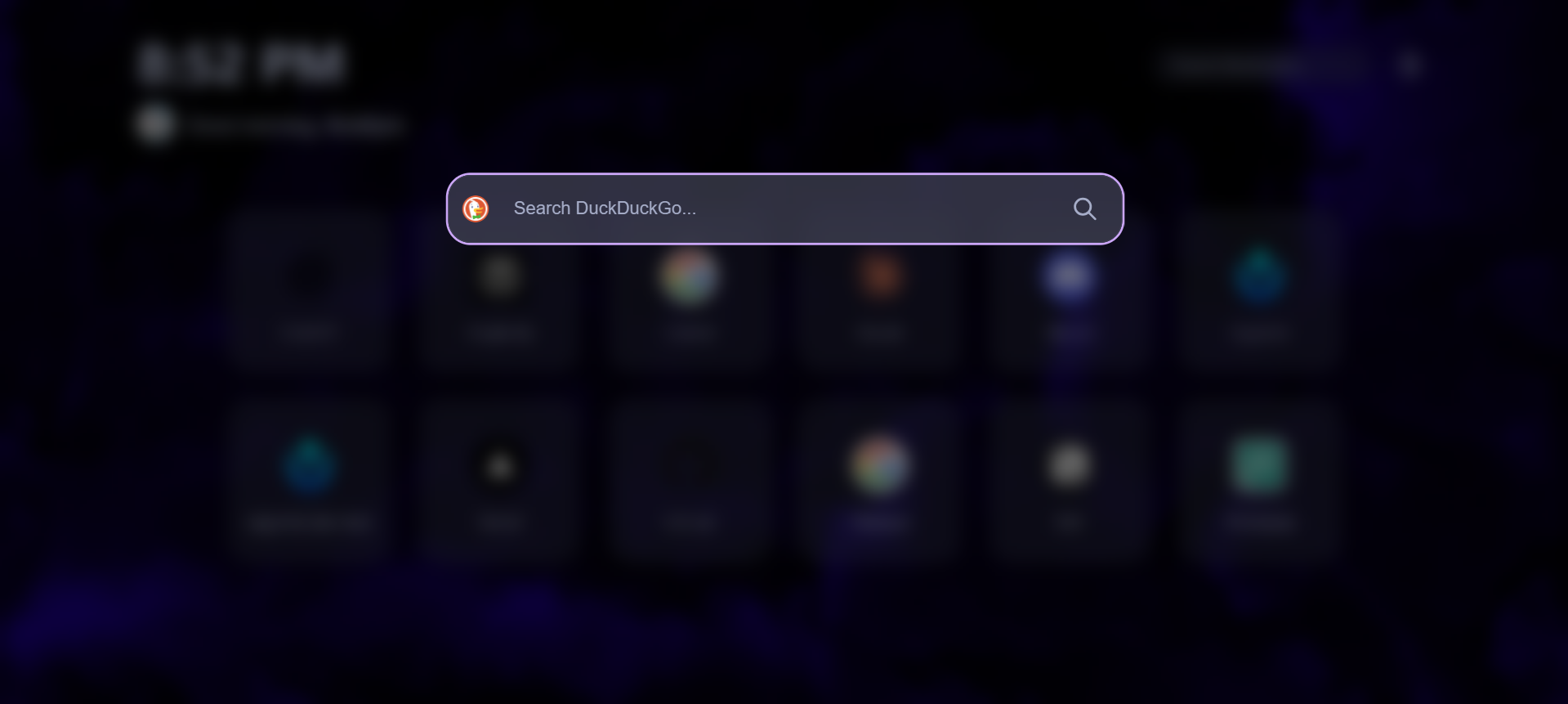
- Search Engine Management: Choose from a variety of search engines and use shortcuts for quick searching. (/g for google, /ddg for duckduckgo, etc.)
- Frontend:
- HTML
- CSS
- JavaScript
- Data Storage:
- Local Storage (for settings and bookmarks)
- IndexedDB (for background image and profile picture)
- Any chromium based browser (Chrome, Edge, Brave, Opera, etc.)
-
Download the repository as a ZIP file or clone it using Git:
git clone https://github.com/immobilesmile70/Bytab
-
Open Chrome and navigate to
chrome://extensions/. -
Enable "Developer mode" in the top right corner.
-
Click "Load unpacked" and select the directory where you extracted or cloned the repository.
Once installed, Bytab will automatically replace your new tab page. Open a new tab to view bytab's page! (Note: any previously opened browser-native new tabs won't update automatically)
Contributions are welcome!
This project is licensed under the MIT License - see the LICENSE file for details.
If you have any questions or suggestions, feel free to contact me at my E-mail or my reddit.
Thanks for checking out Bytab! I hope you find it useful.