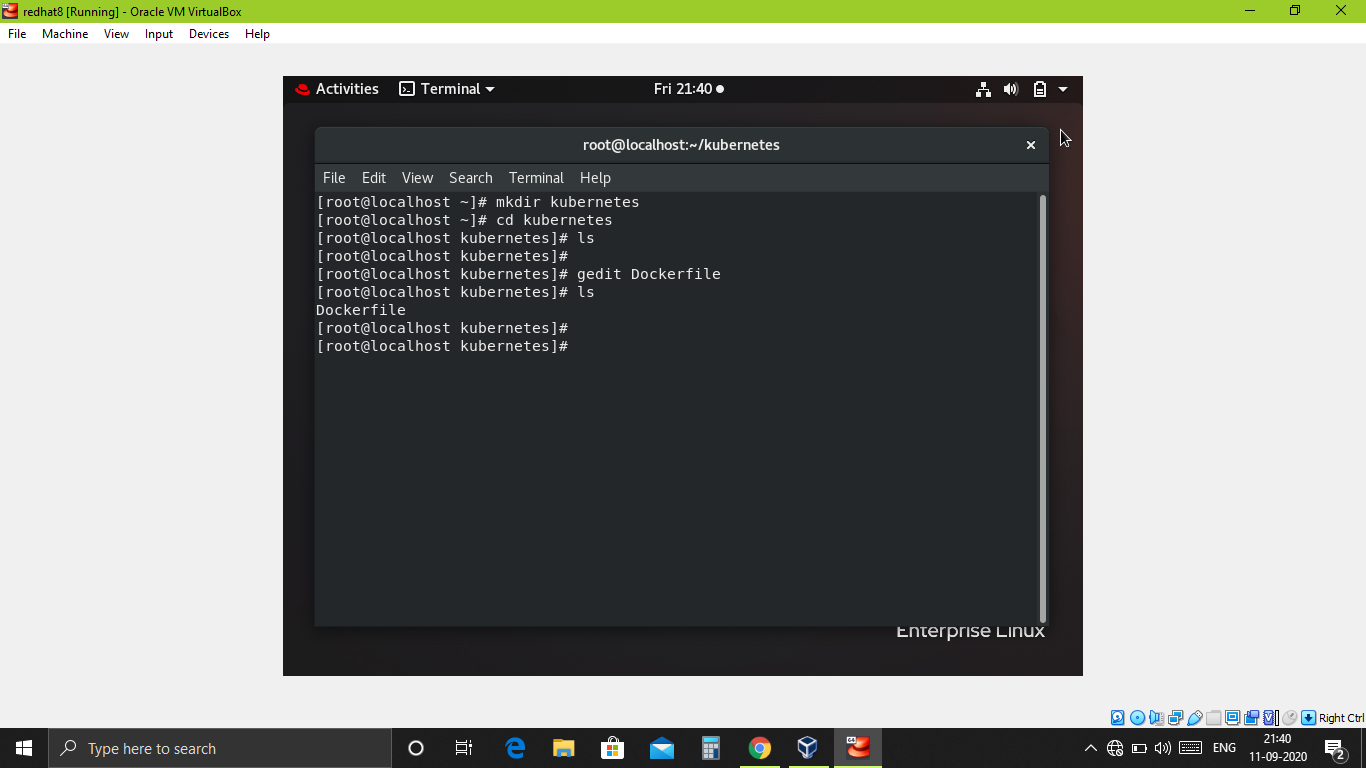
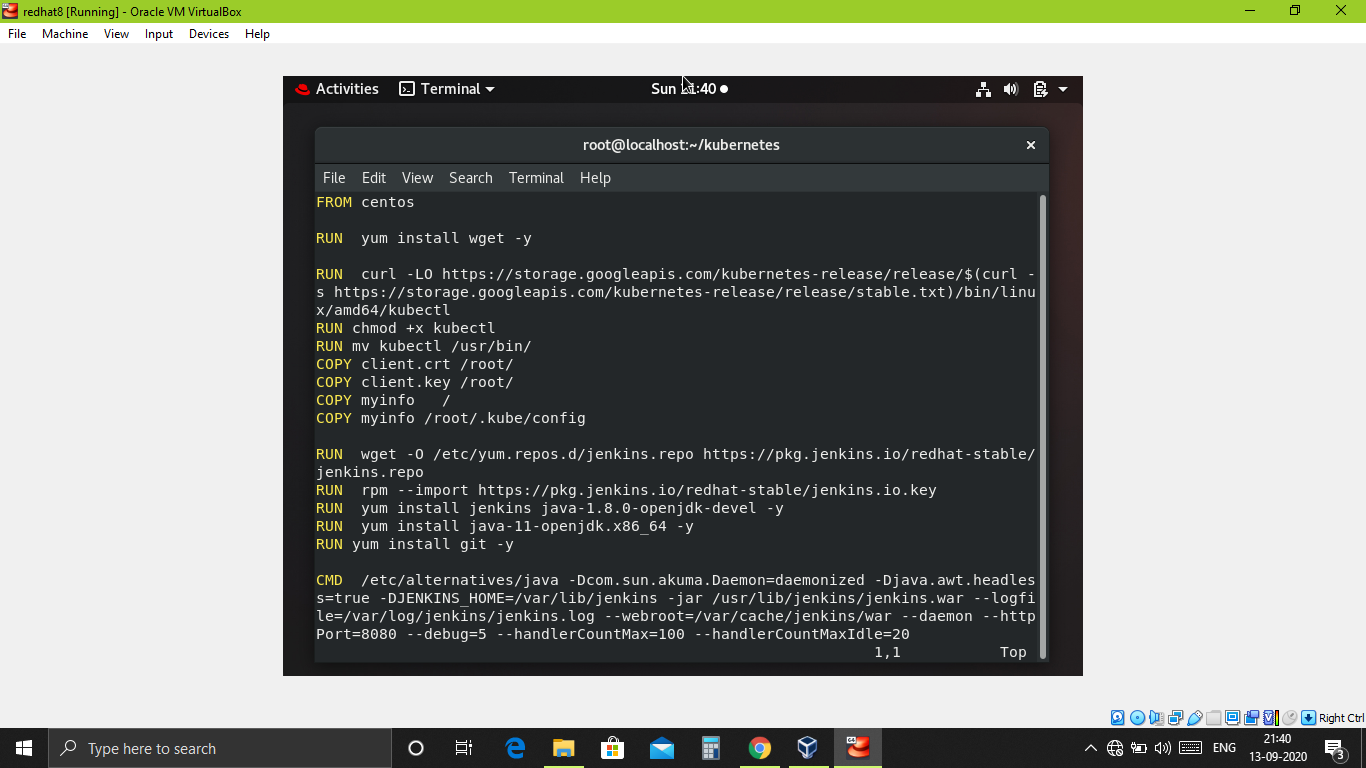
1. Create container image that’s has Jenkins installed using Dockerfile Or You can use the Jenkins Server on RHEL 8/7..
2. When we launch this image, it should automatically starts Jenkins service in the container..
3. Create a job chain of job1, job2, job3 and job4 using build pipeline plugin in Jenkins..
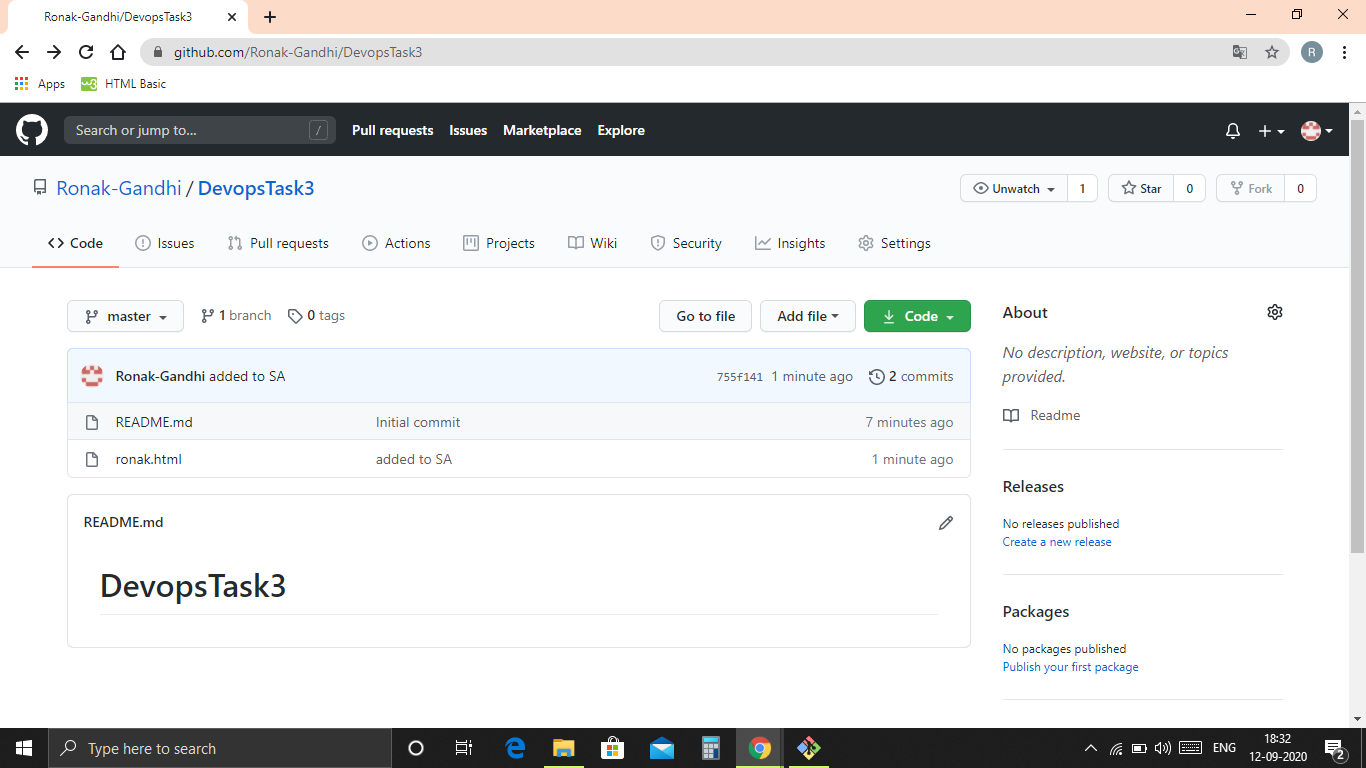
4. Job-1 : Pull the GitHub repo automatically when some developers push repo to Github..
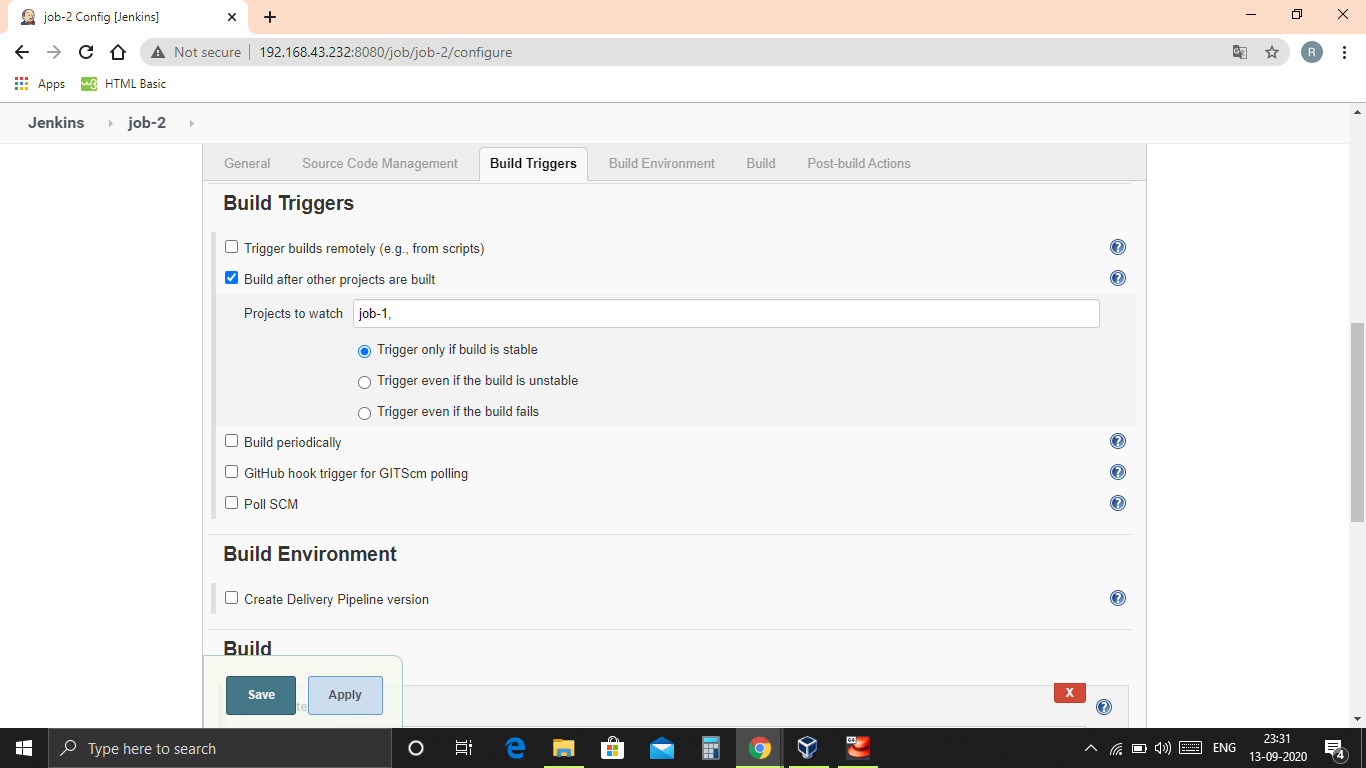
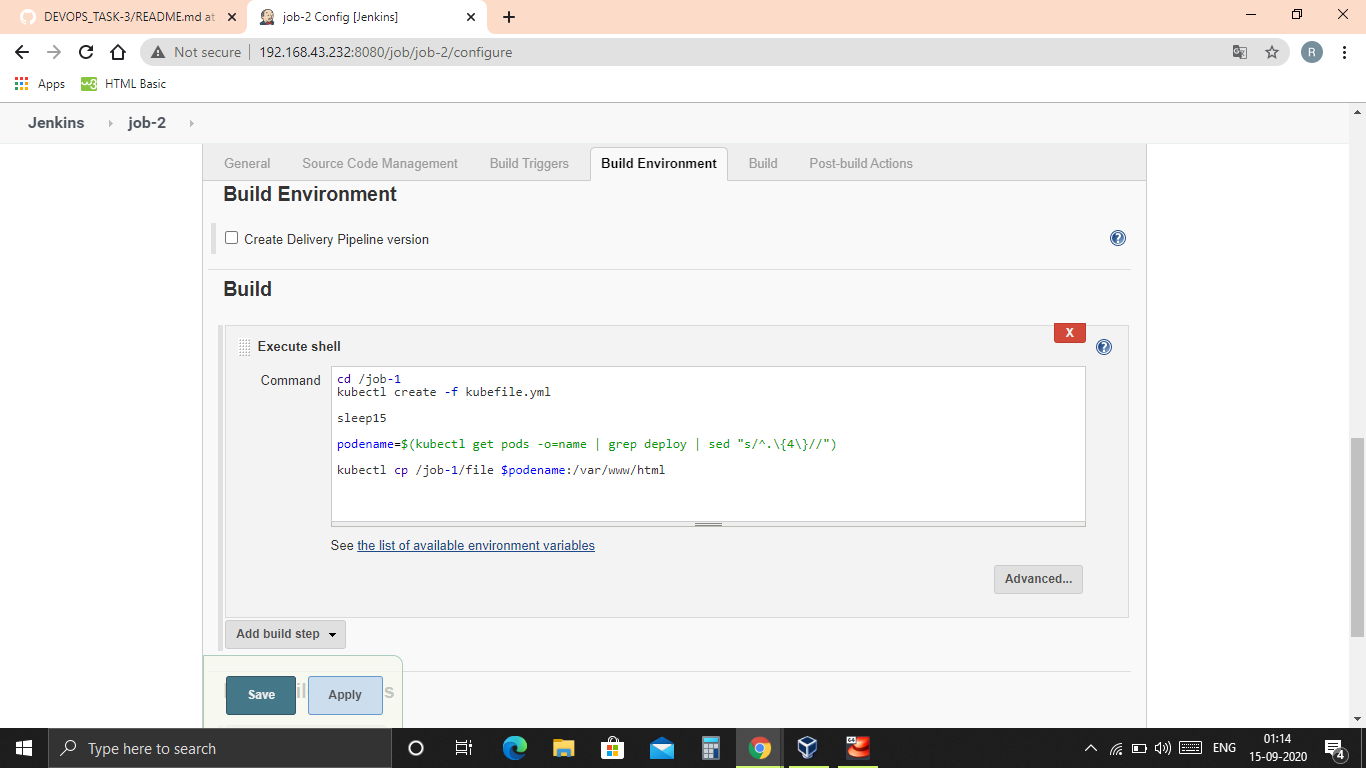
5. Job-2 :
-
By looking at the code or program file, Jenkins should automatically start the respective language interpreter installed image container to deploy code on top of Kubernetes ( eg. If code is of PHP, then Jenkins should start the container that has PHP already installed )!!
-
Expose your pod so that testing team could perform the testing on the pod!!
-
Make the data to remain persistent ( If server collects some data like logs, other user information )!!
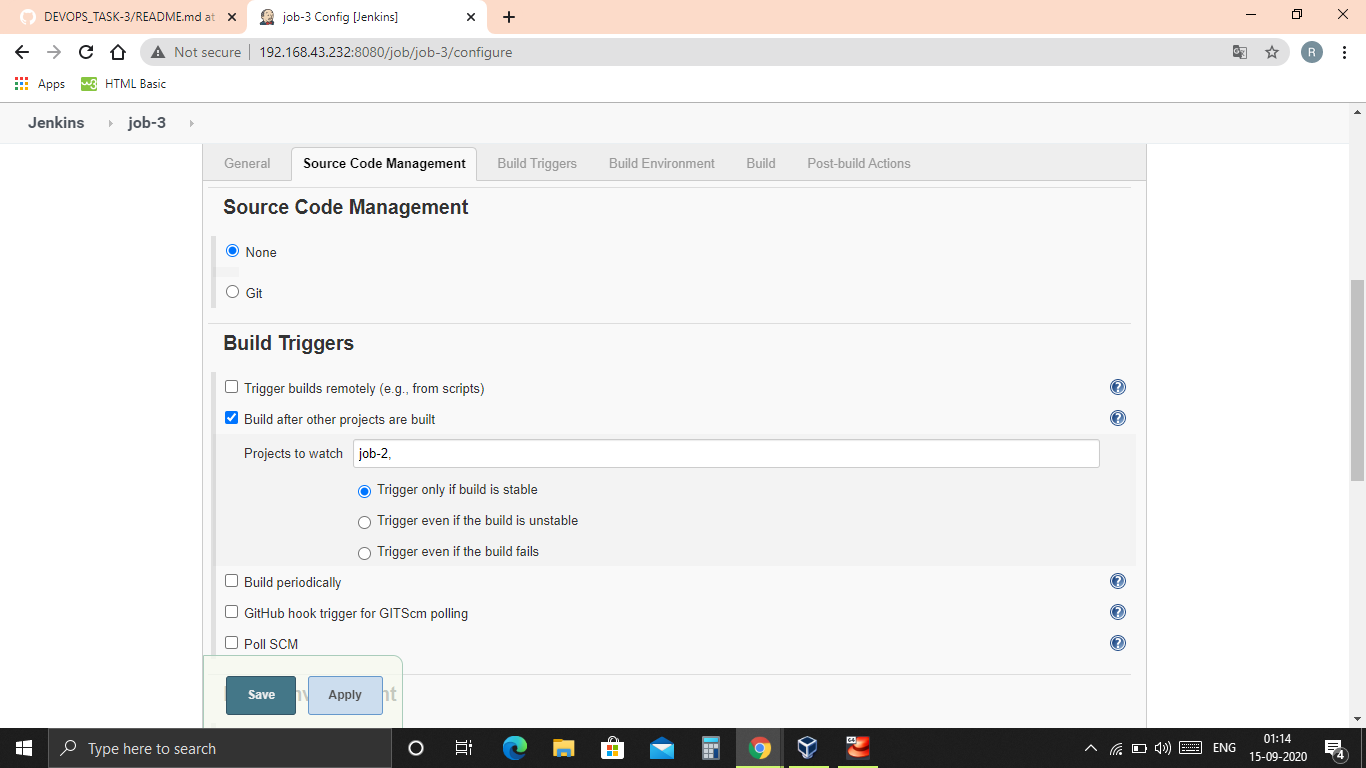
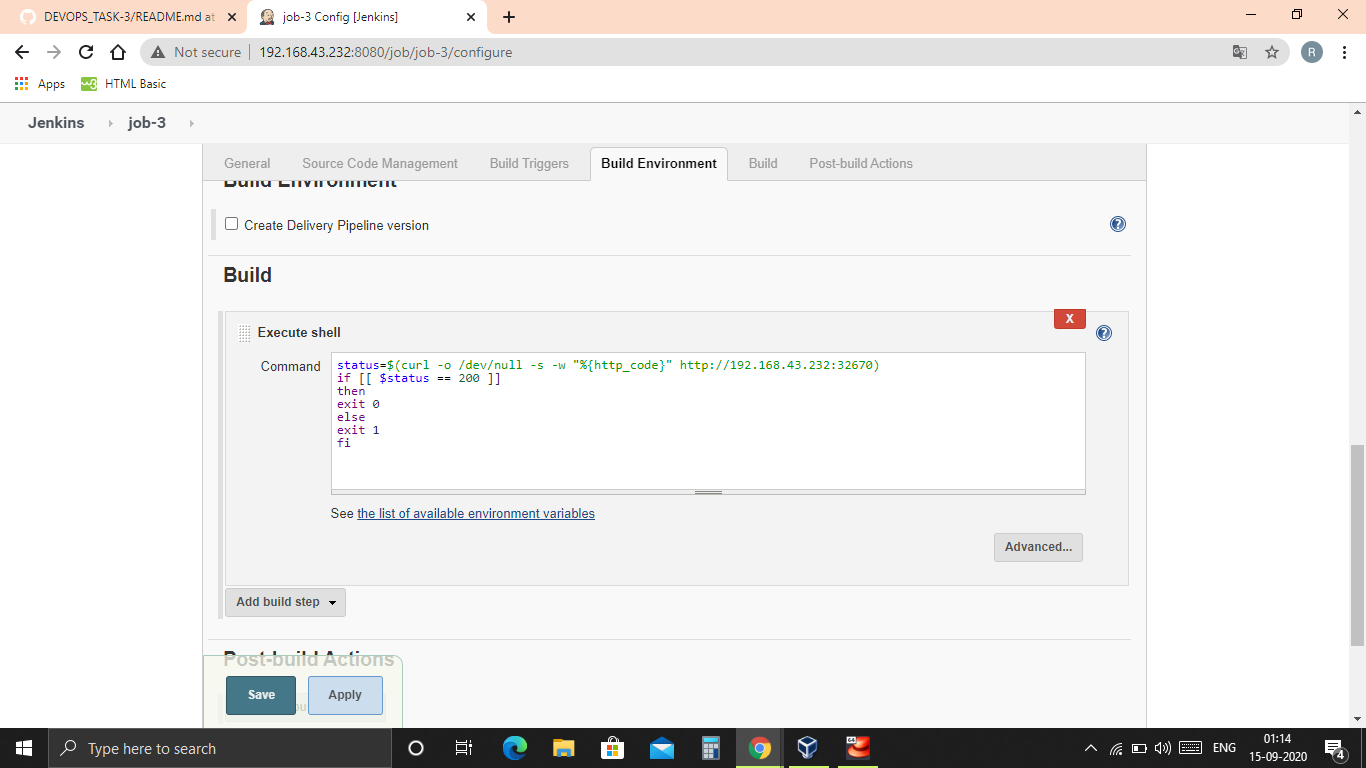
6. Job-3 : Test your app if it is working or not..
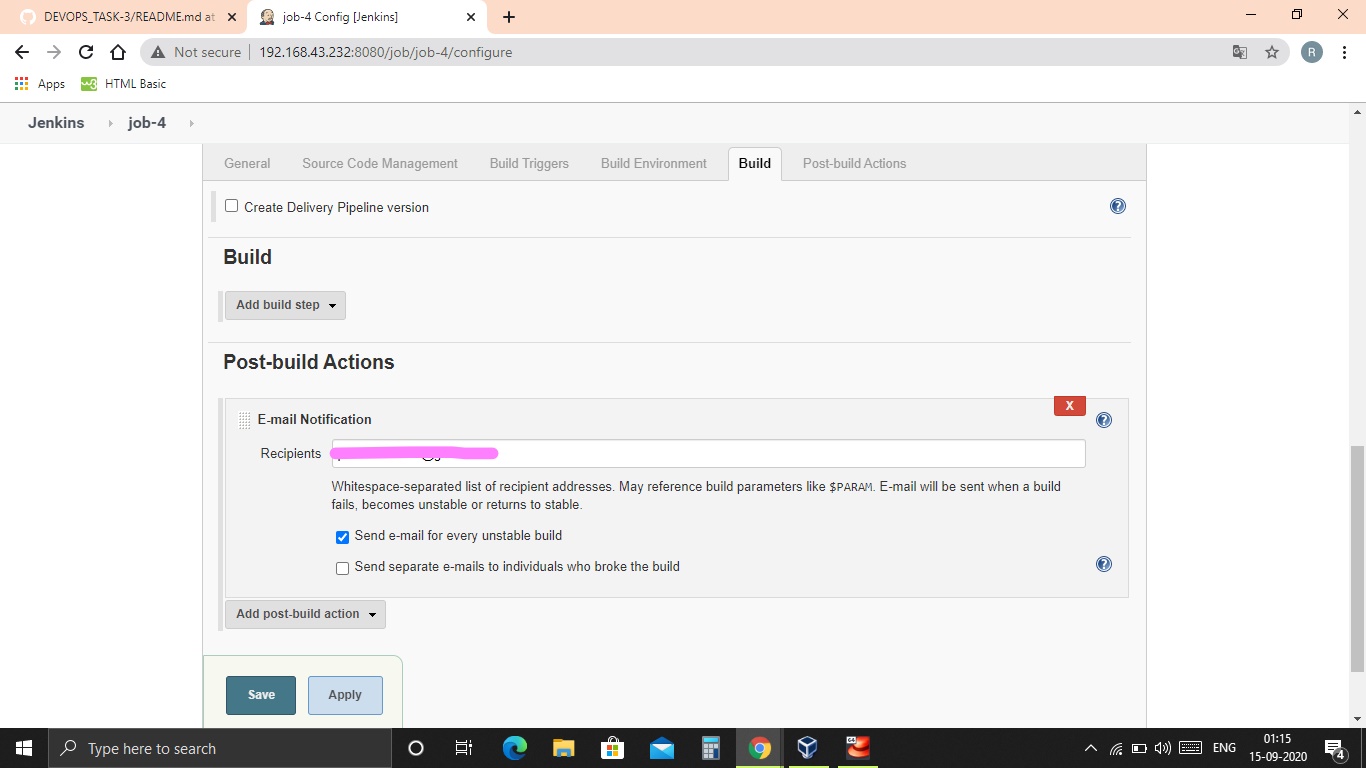
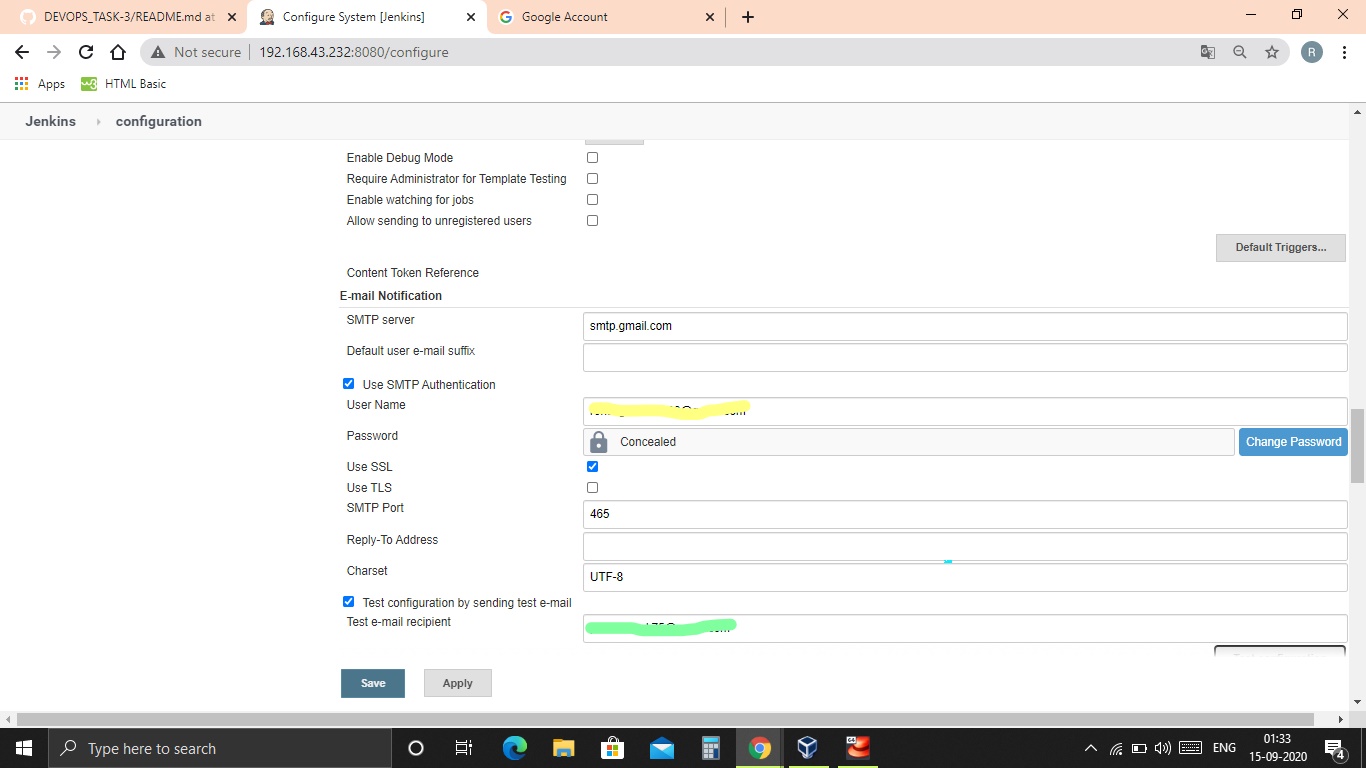
7. Job-4 : if app is not working , then send email to developer with error messages and redeploy the application after code is being edited by the developer..
* RHel-8 * Docker * Gitbash * Github * Jenkins * Kubernetes
- Created container image that’s has Jenkins installed using Dockerfile or used the Jenkins Server on RHEL 8
JOB-1. :- Pull the GitHub repo automatically when some developers push repo to Github
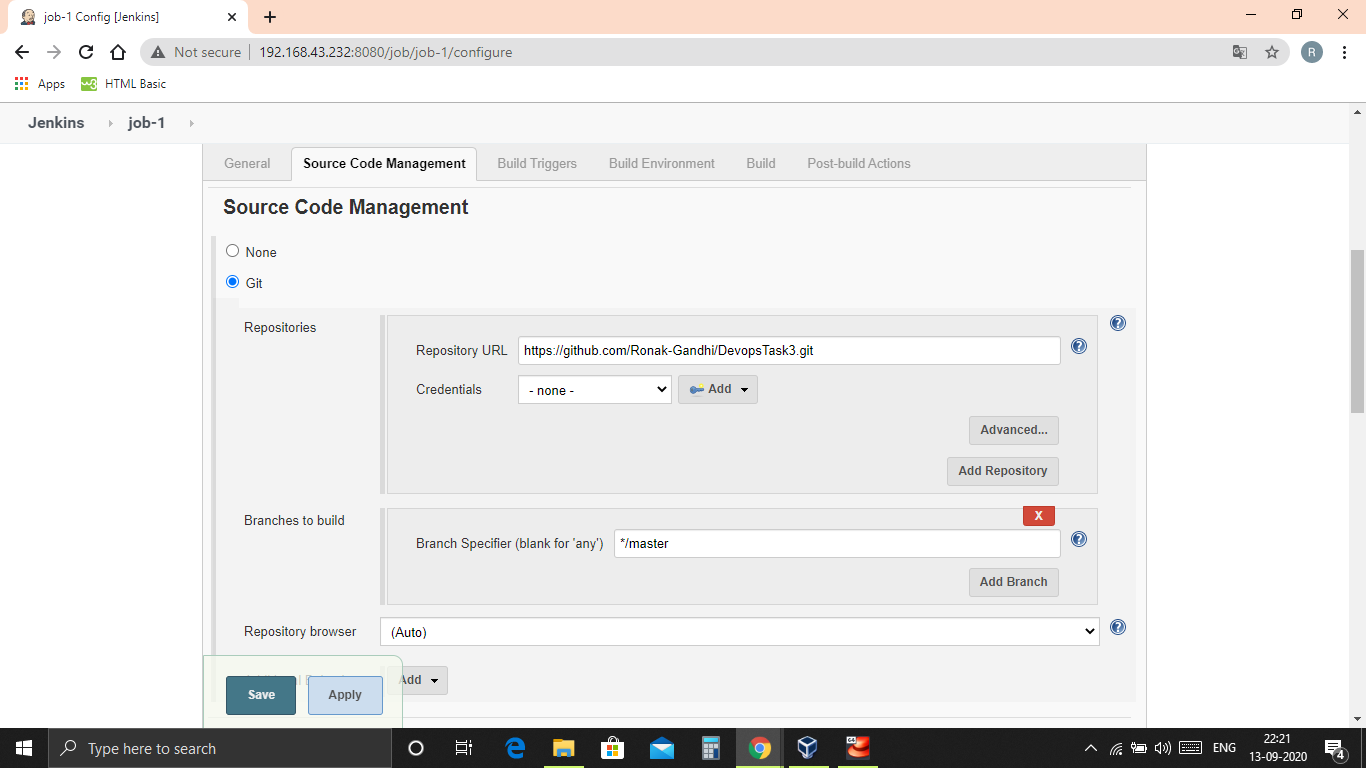
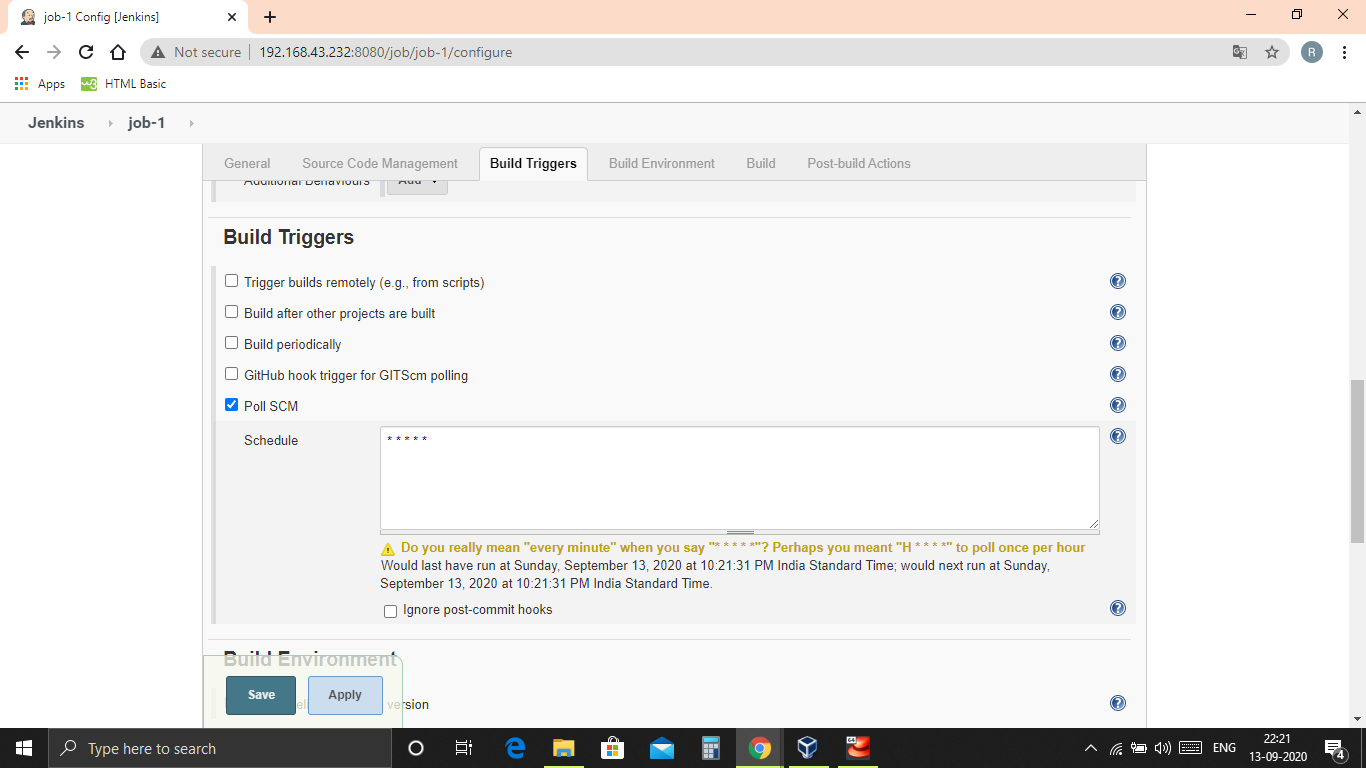
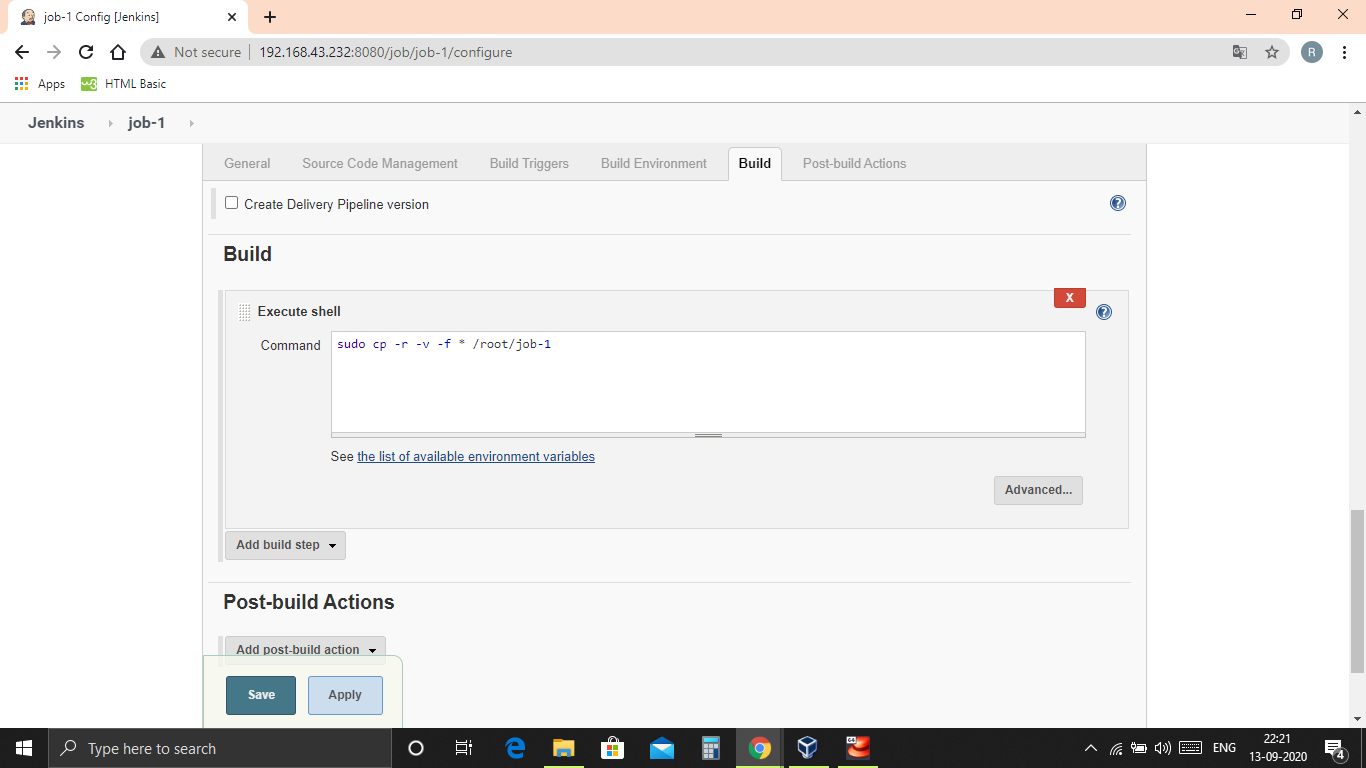
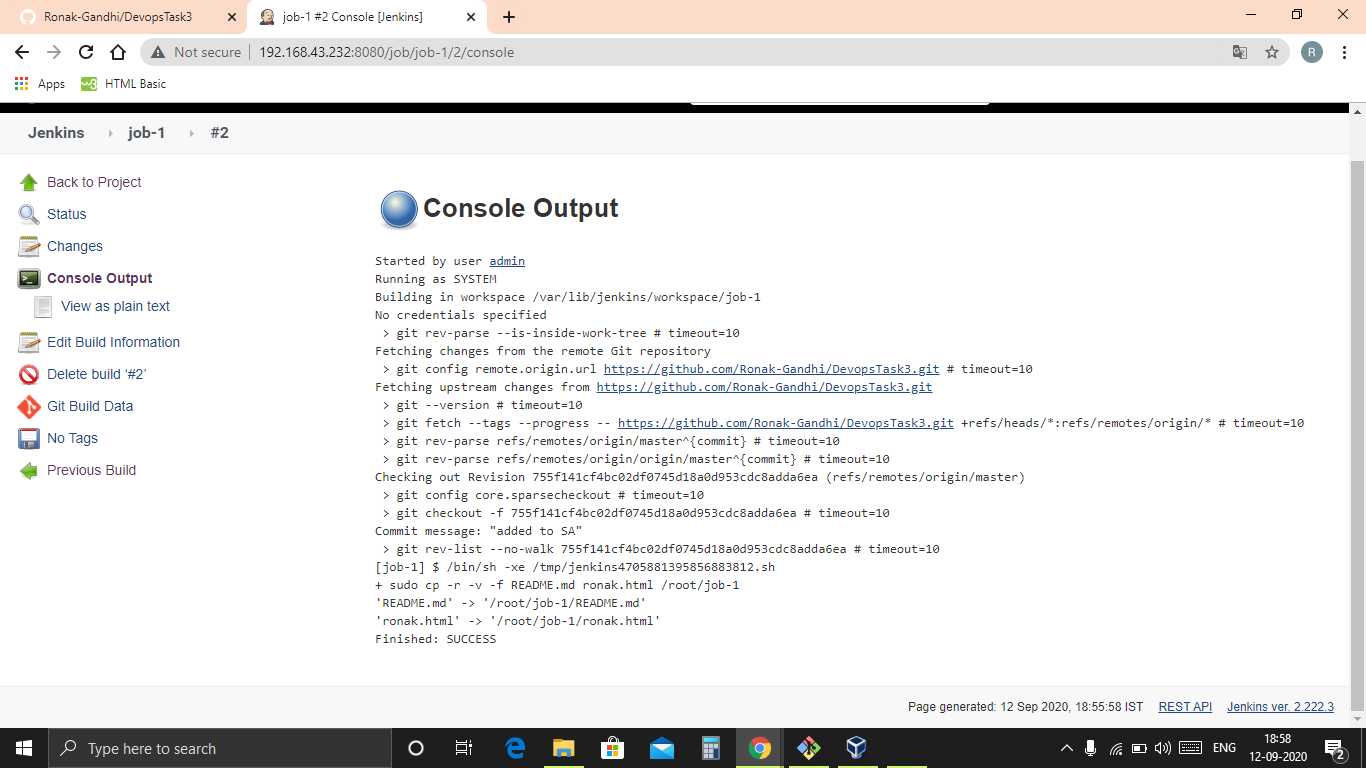
JOB-2. :-
JOB-3. :-
JOB-4. :-