
Minishell is a project of the common core in school 42. This project was made in collaboration with Heitor.
It's objective is to create a simple Unix shell! A Unix shell is a command-line interface that allows users to interact with the operating system by executing commands. It serves as a bridge between the user and the kernel of the operating system. Minishell aims to replicate some of the basic functionalities of a Unix shell, providing a simplified version of the command-line interface.
These are the features needed to implement in the minishell process:
-
Command Line Interface: Implement a prompt that accepts user input and displays the shell's output.
-
Built-in Commands: Implement essential built-in commands such as
cd,echo,pwd,export,unset, andenv. These commands should be executed directly within the shell. -
External Commands: execute shell commands directly in the program.
-
Handle
<,>,>>,<<. -
Pipes: Implement the ability to chain commands together using pipes (
|). -
Environment Variables: Implement functionalities to manage environment variables, including setting, unsetting, and displaying them.
-
Signal Handling: Handle signals like
Ctrl-C(SIGINT) andCtrl-D(EOF) andCtrl-\to provide a proper termination of processes and enable an interactive experience. -
Error Handling: Implement error handling to display appropriate error messages for invalid commands or other errors that may occur during execution.
To implement this project well we needed to create a few key elements: a lexer, a parser, an expander, a treatement for redirection and for commands/pipes.
The lexer plays a crucial role in parsing the received string by separating it into tokens for future use. In our implementation, we utilize a doubly linked list as our lexer, effectively dividing the string into tokens.
It's important to note that before the separation process, we clean the string by handling quotes. Our approach involves identifying the first quote encountered and searching for its closing counterpart from the end of the string to the beginning. This ensures proper handling of quoted sections within the input.
| Token | Lexer |
|---|---|
| STRING | ls |
| PIPE | |
| STRING | grep |
| STRING | mini |
With the lexer in place, we can now proceed to build the parser, which is a crucial component for executing commands in a shell.
Our parser constructs an Abstract Syntax Tree (AST) to represent the structure of the commands. Here's the general process we follow:
-
Parsing Pipes and Redirections: Initially, we focus on parsing pipes (|) and redirections (<, >, >>). These elements define how command output flows or is redirected to files. By identifying and capturing these constructs, we establish the connections between commands in the AST.
-
Node Interpretation: Once we have parsed the pipes and redirections, we proceed to interpret the content of each node in the AST. This step involves understanding the specific details of the command within each node. Notably, in the case of redirections, we recognize that the files are always specified on the right side of the redirection indicators.
Example of a parsing tree for the command: cat file | wc -l > out
          PIPE
        /     \
 cat; file     REDIRECT
               /     \
             out    wc; -l
Before processing the commands, it is important to handle the expansion of the "$" character. In bash, the "$" symbol is used to expand environment variables. In our implementation, we manage environment variables using a linked list, which is derived from the bash environment variables.
To accomplish this, our expander searches for variables and updates their values accordingly. If a variable's value does not exist, the expander returns NULL. By performing this expansion step, we ensure that when the execution of commands and redirections takes place, all relevant components have been replaced with their corresponding environment variable values.
In this stage, we begin the actual execution of the command string. For each command or segment of the pipe, we start by examining the redirections to determine the appropriate input and output for the command.
Next, we distinguish between builtin commands, which are handled internally, and external commands that require the use of the execve system call for execution.
Throughout the execution process, we meticulously check for errors at various stages. This includes verifying the correctness of the command structure, detecting any issues with input/output redirection, and ensuring the proper handling of errors in both builtin and external commands.
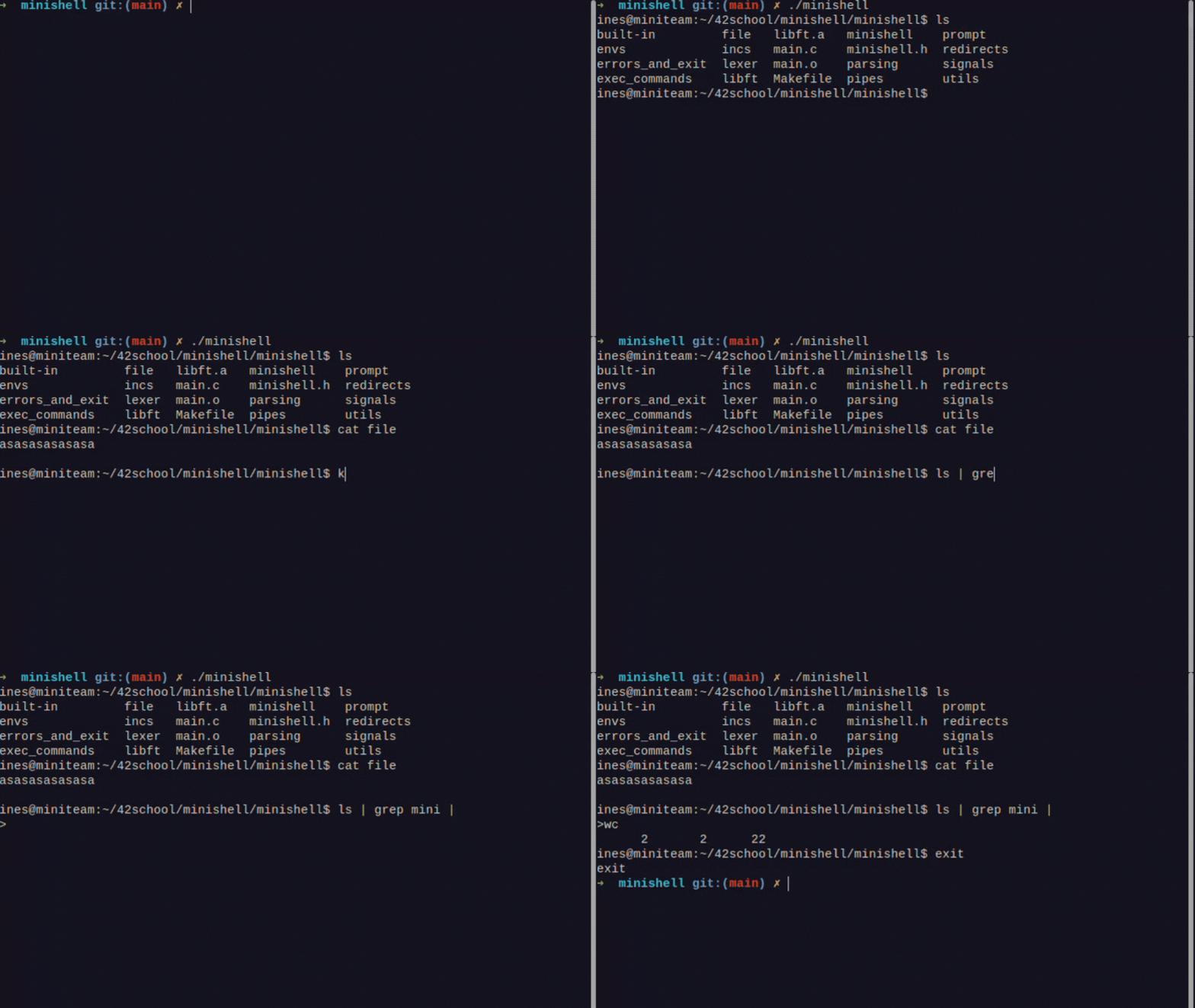
To run our minishell you just need to run make! Then ./minishell. And there we go!
make all - creates executable minishell
make clean - cleans the objects
make fclean - clean executable and any library, also runs clean
make re - runs clean and fclean and then runs all to create the executable
Feel free to slack me: idias-al.